What it is
An app for managing per-customer price lists and wholesale orders from retailers.
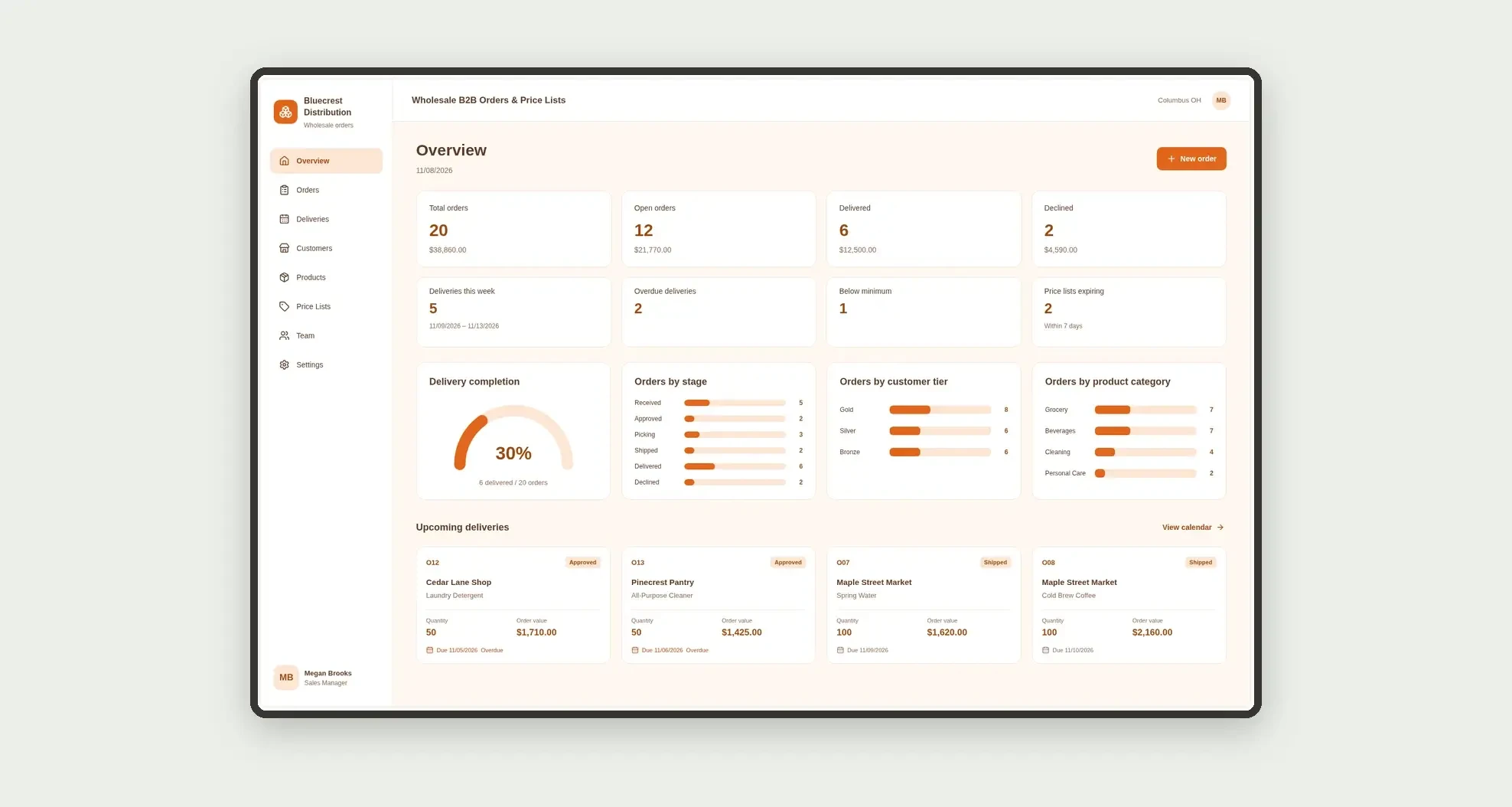
Track pricing tiers, minimum order quantities, approval, picking, and deliveries through a board, calendar, cards, and linked profiles.
Who it's for
- Distributors and wholesalers
- Sales teams serving retailers and grocery stores
- Manufacturers selling to resellers at negotiated prices
- Staff approving orders and tracking shipments
What you can do
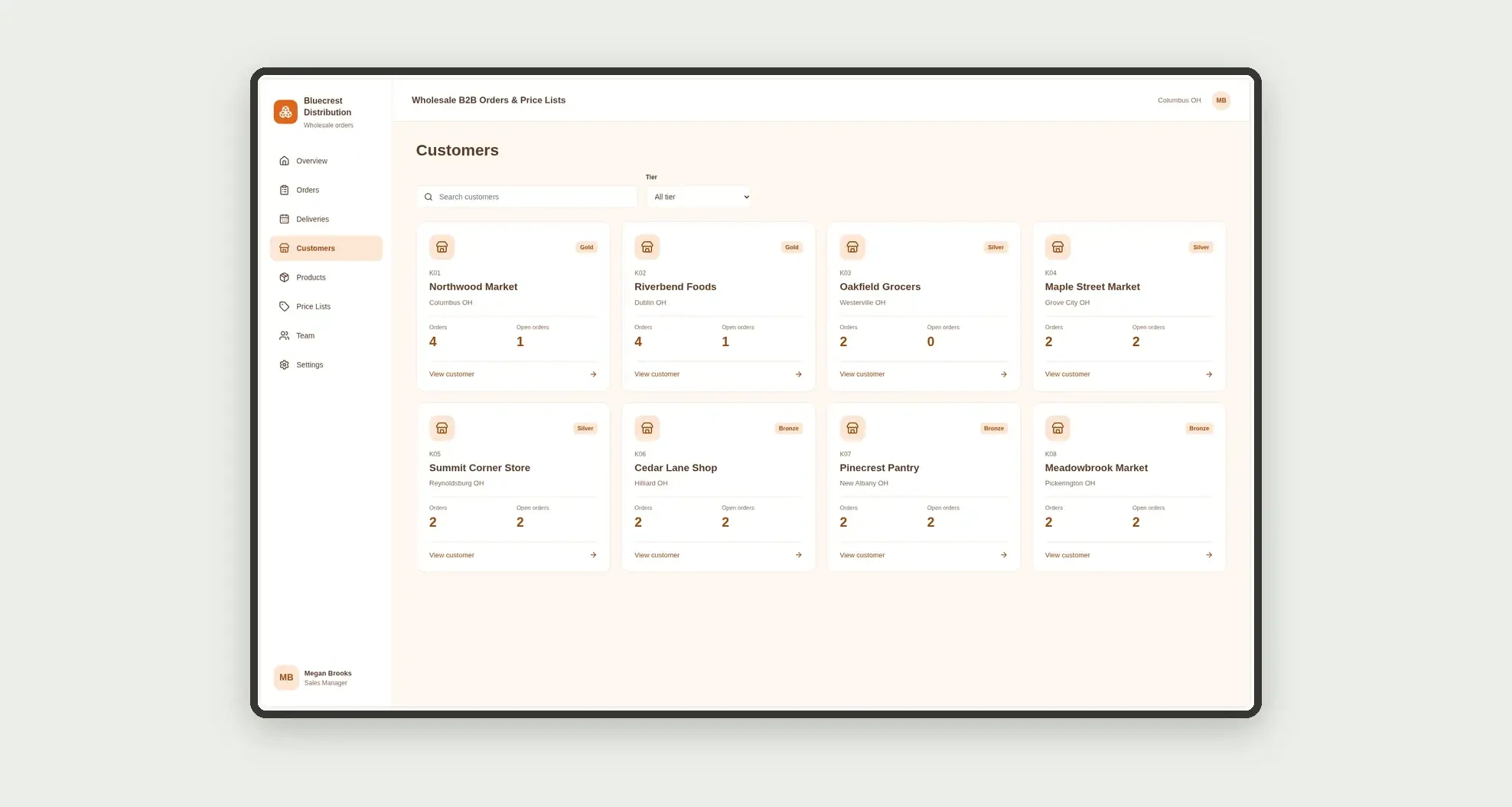
- Register customers in Gold, Silver, or Bronze tiers
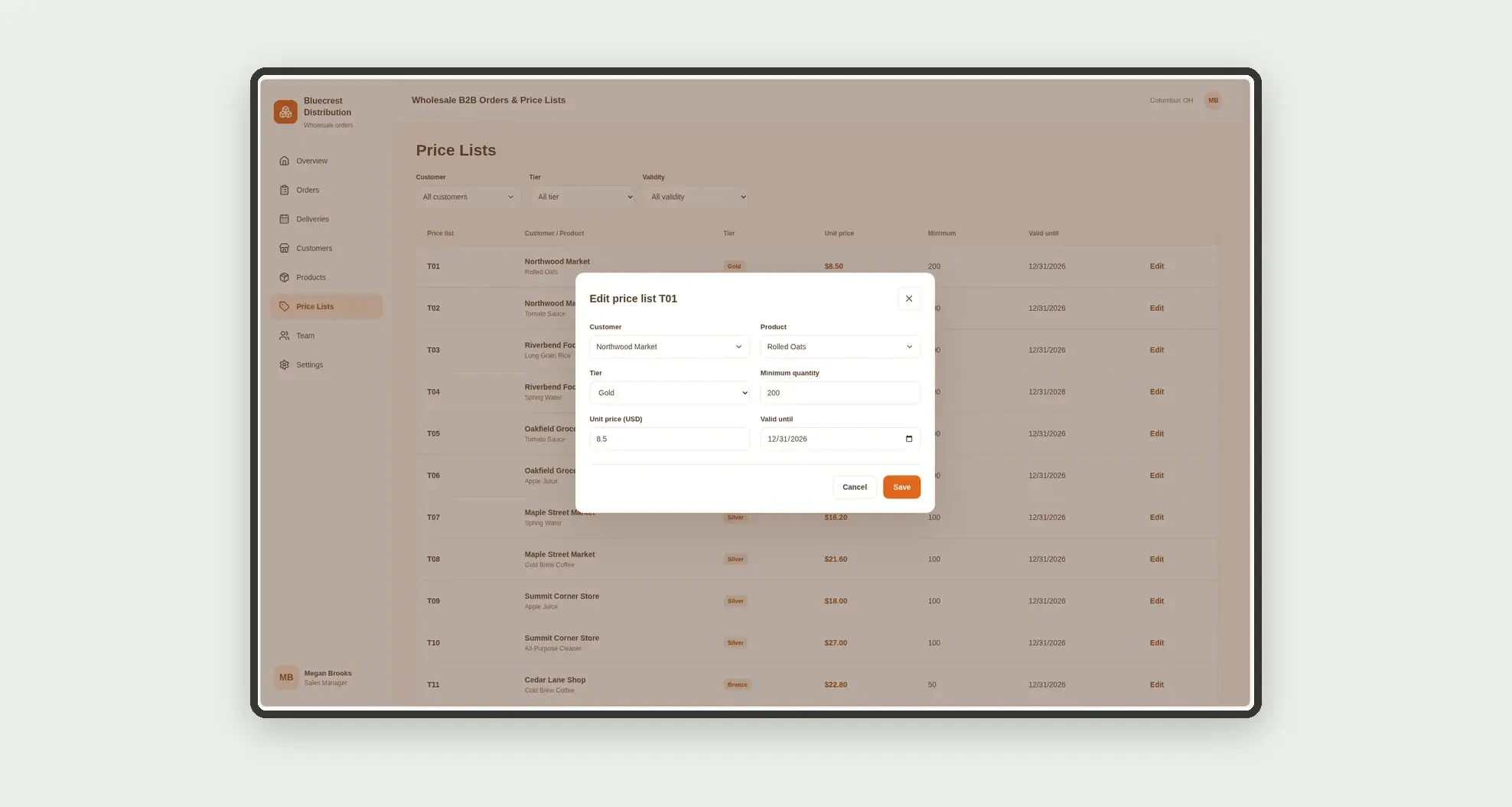
- Maintain price lists by customer and product, with minimum quantity and validity
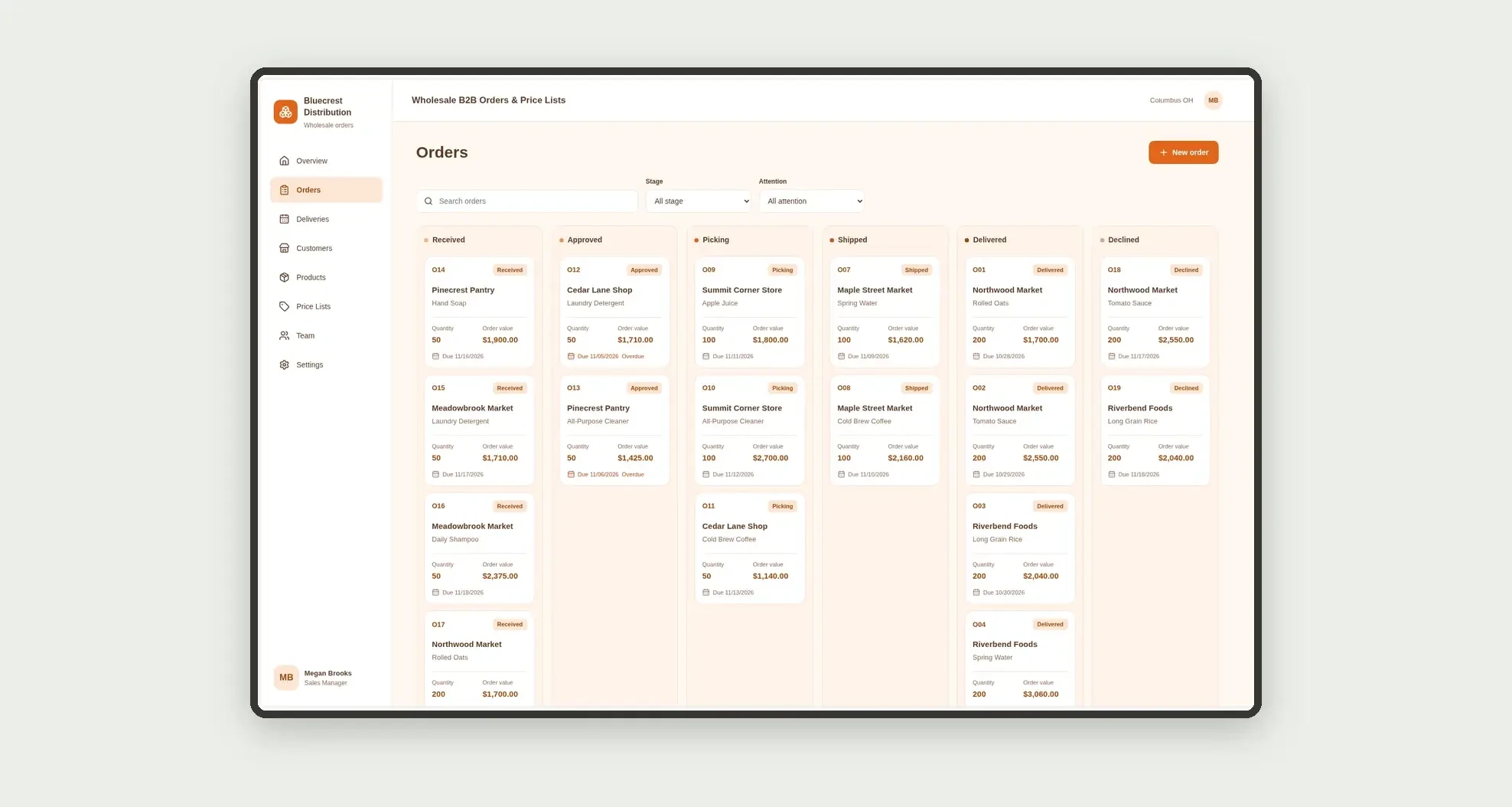
- Organize orders on a stage-based kanban board, from receipt to delivery
- Approve orders only when quantity meets the negotiated minimum
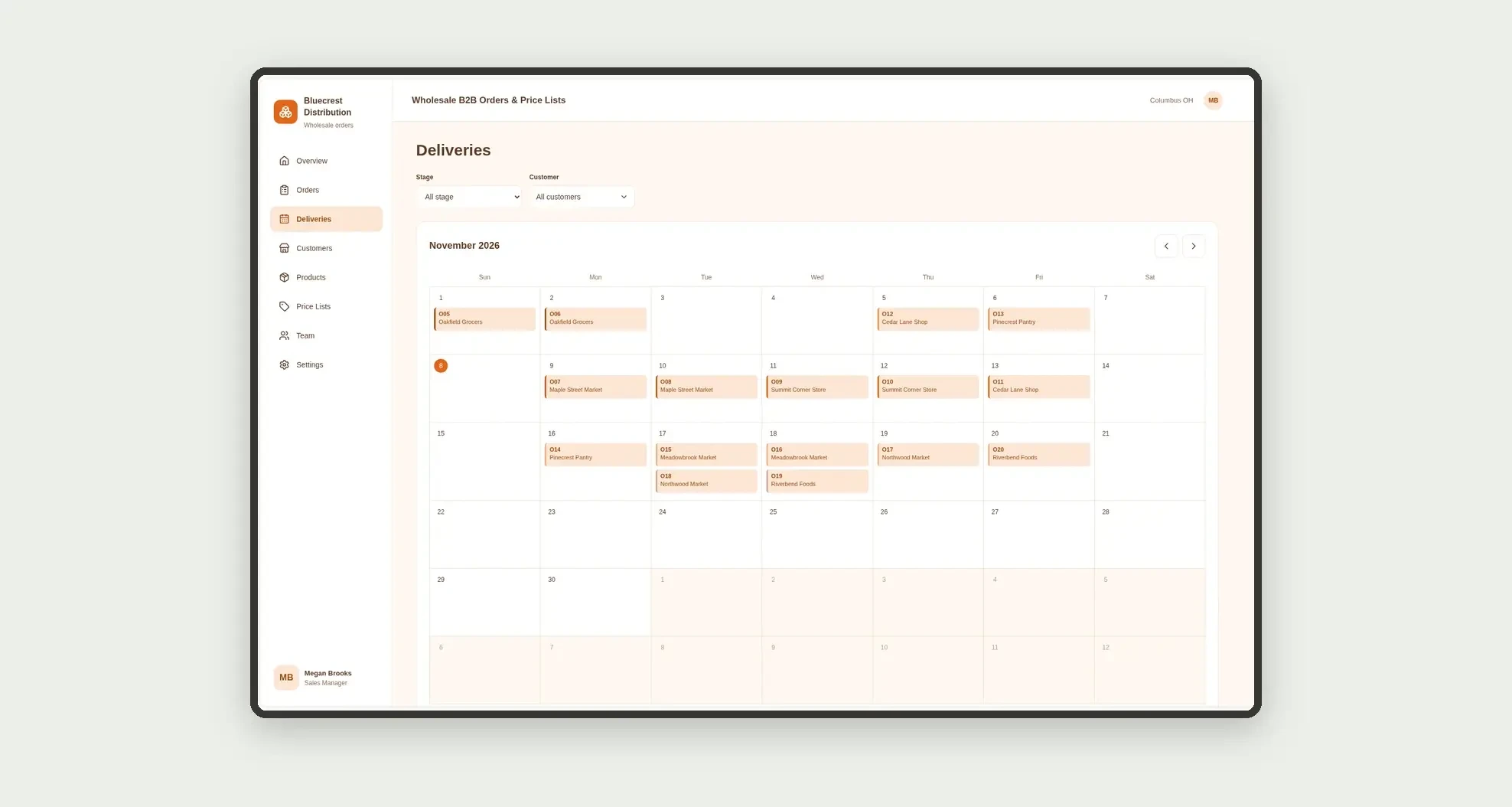
- View expected deliveries on a calendar
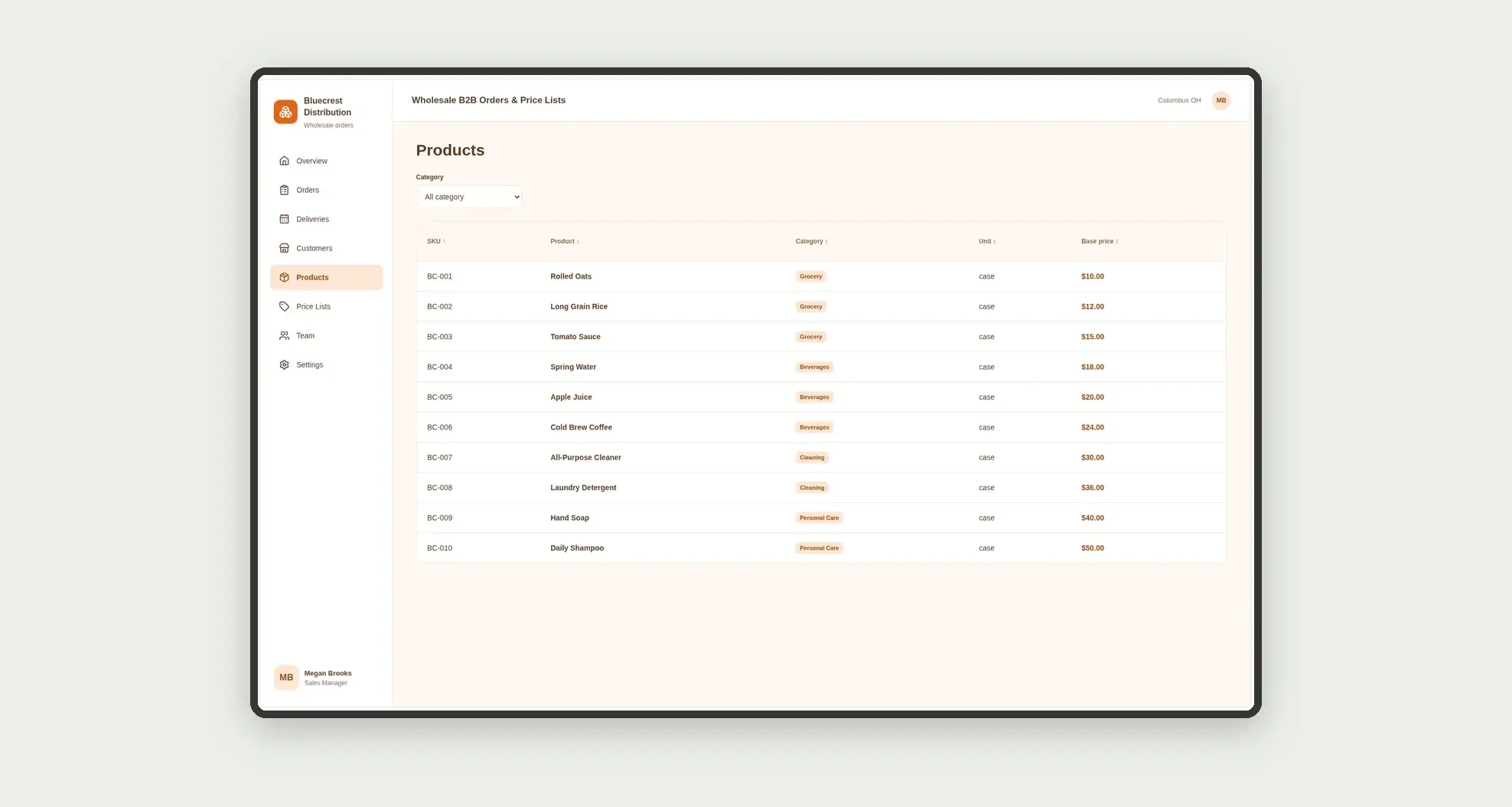
- Sort products and prices in filterable tables
- Follow each sales rep's portfolio on team cards
- Open order profiles with negotiated price, base price, and dates
App features
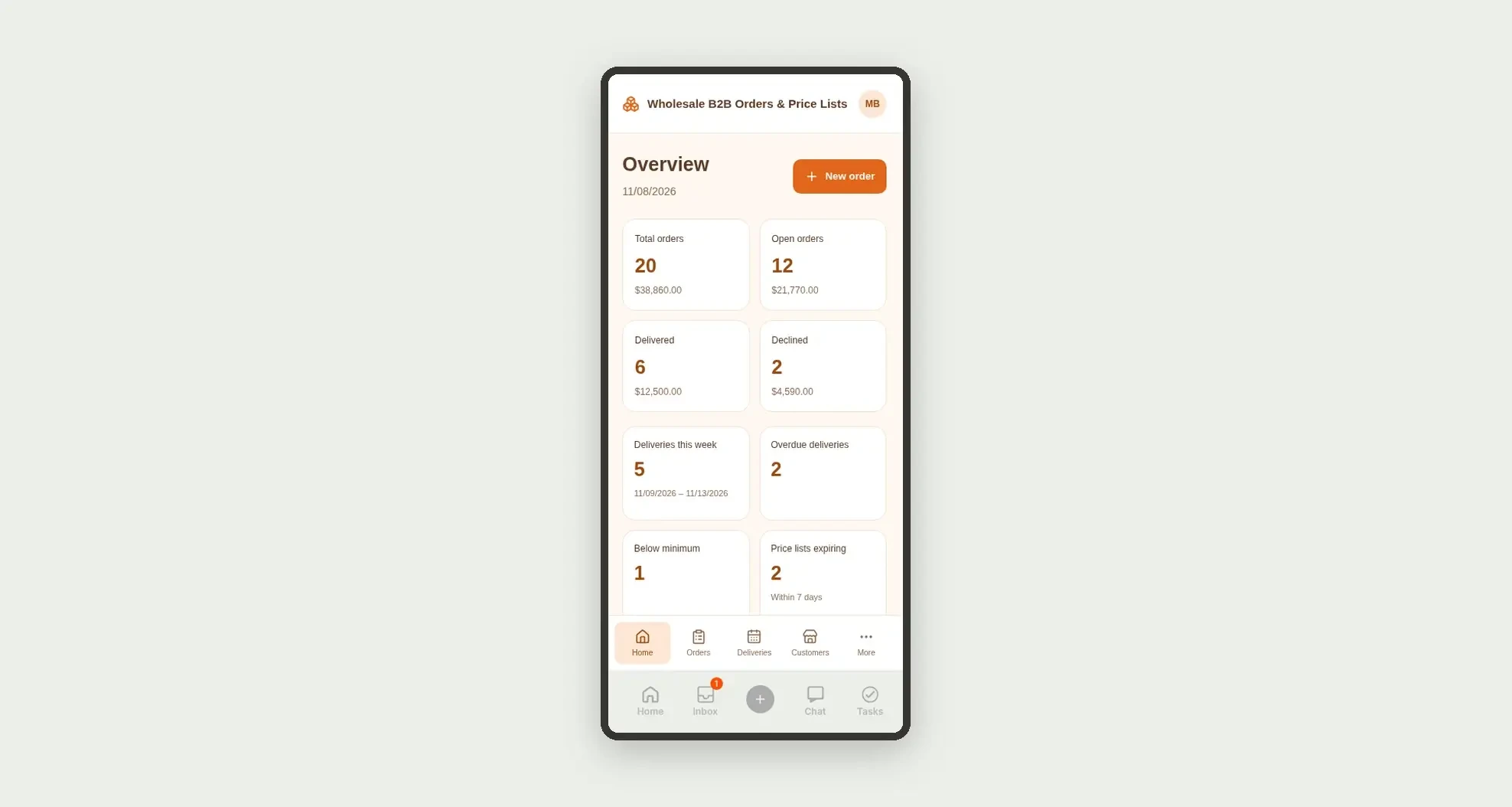
Wholesale B2B Orders & Price Lists
The Wholesale B2B Orders & Price Lists screen covers this part of the operation.
How it works
Set up team members, customers, and products.
Define each customer's price list with tier, unit price, and minimum quantity.
Record the retailer's order, approve it when it meets the minimum, and track picking, shipping, and delivery.
How to set up this template
- 1Click Use App
Create your Jestor account and install Wholesale B2B Orders & Price Lists. It works on desktop and mobile.
- 2Set up team members
Set up team members, customers, and products.
- 3Define each customer's price list with tier
Define each customer's price list with tier, unit price, and minimum quantity.
- 4Record the retailer's order
Record the retailer's order, approve it when it meets the minimum, and track picking, shipping, and delivery.
Integrations and customization
The design supports desktop and mobile use. Tiers, categories, stages, and owners can be adapted to operations. No invoicing, billing, collections, payments, or external integrations are included.
- Adjust fields, categories, statuses and rules without code.
- Add screens, reports and automations as the operation needs them.
And that's just the start: you can edit any part of this template and go much further just by asking Jestor's AI. Describe what you need, like a new field, automation, report or integration, and the AI builds or adjusts it for you, no code required.
Frequently asked questions
Can each customer have different prices?
Yes. Each price list row links a customer to a product with its own price, tier, and minimum quantity.
Does the app block orders below the minimum?
Approval requires the quantity to meet the customer's price list minimum.
Does the app issue invoices or collect payment?
No. It focuses on negotiated pricing, orders, and delivery.
How are team cards calculated?
Orders are grouped by owner, separating open, delivered, and declined orders.
Are the records real?
No. Businesses, people, products, and demonstration prices are fictional.