
Low-code
Create and version Python functions. Every version is kept, so you can read the history and change what is active.
Claude, ChatGPT, and any other MCP client can build tables, permissions, and automations, then read and update your records. The assistant acts as you.
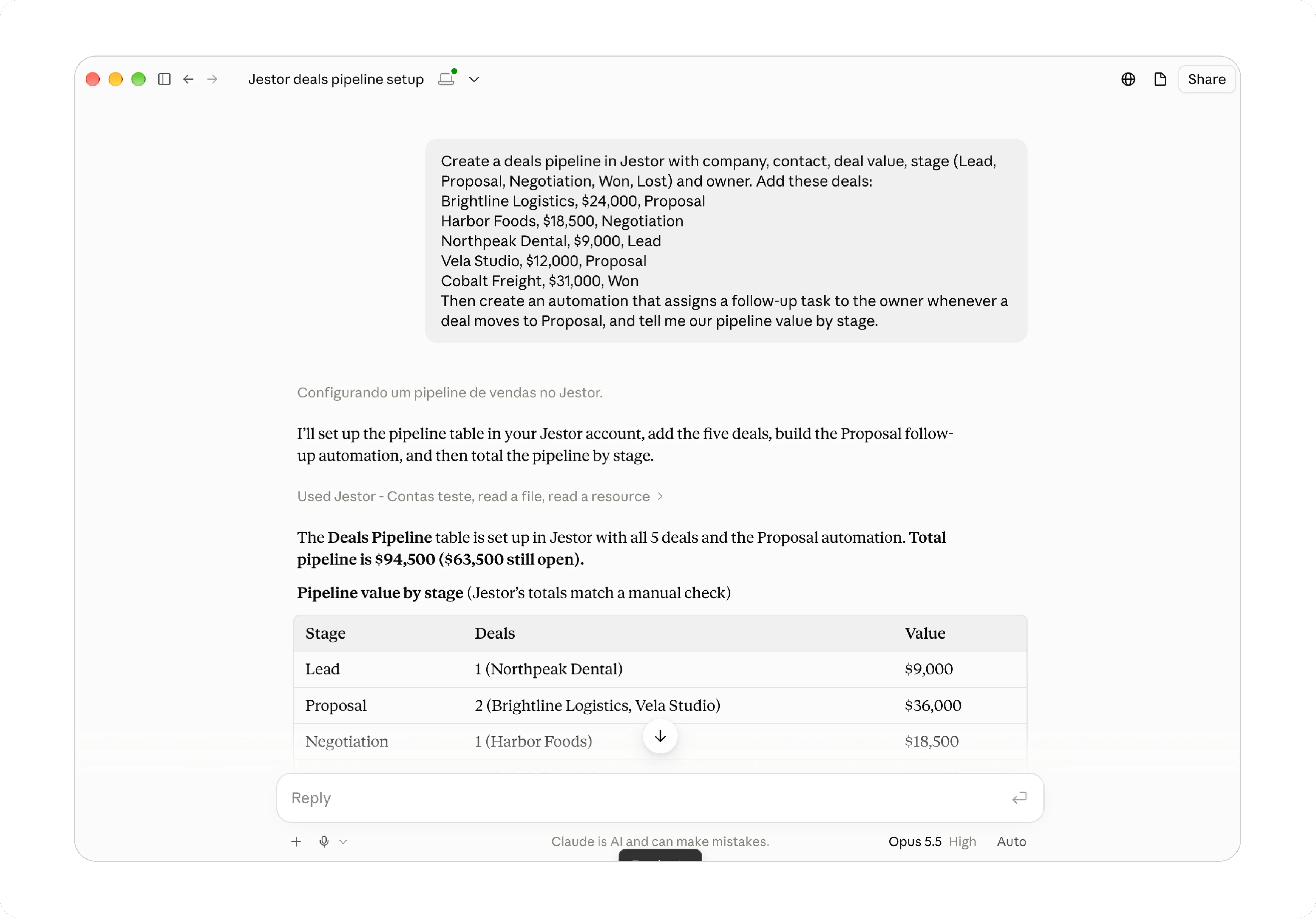
Pick the assistant you already use. Sign in with your Jestor account. No token to copy.
Open the official Jestor connector. Click Connect and sign in. It stays on every device in your Claude account.
Connect ChatGPT to your Jestor account and work from the chat you already use.
Cursor, Codex, and any MCP client. Follow the docs, then sign in with your Jestor account.
Create and version Python functions. Every version is kept, so you can read the history and change what is active.
Create, edit, and delete roles, then audit who can do what across apps and tables.
Add people one by one or up to 50 at once. Change seat, role, and email, or deactivate a user without losing their data.
Create, assign, list, and update tasks for yourself or anyone on the account, and link a task to a record.
Create, edit, enable, and disable no-code automations. One trigger, then actions in order, including on other tables.
Create tables, add fields in batches, and connect them. A full table can be set up in one step.
Ask for counts, sums, averages, and minimum or maximum, grouped by any field. SLA metrics are available on Scale and Expert.
Search, create, update, and archive records in any table you can access. The assistant can page through a whole table.
The assistant only sees and changes what your Jestor user is allowed to see and change.
Authentication is OAuth. You sign in to Jestor. There is no token to copy or paste.
Tables, automations, roles, and records stay in Jestor. The assistant works on the live system, in plain language.
Records are archived, not erased. Users are deactivated, not deleted. Restore records from the trash in Jestor.
Seat limits and plan features apply the same way as in Jestor. MCP is on Pro and higher. SLA metrics need Scale or Expert.
Most AI clients ask before they change data. Keep that on, especially for updates and archives in bulk.