What it is
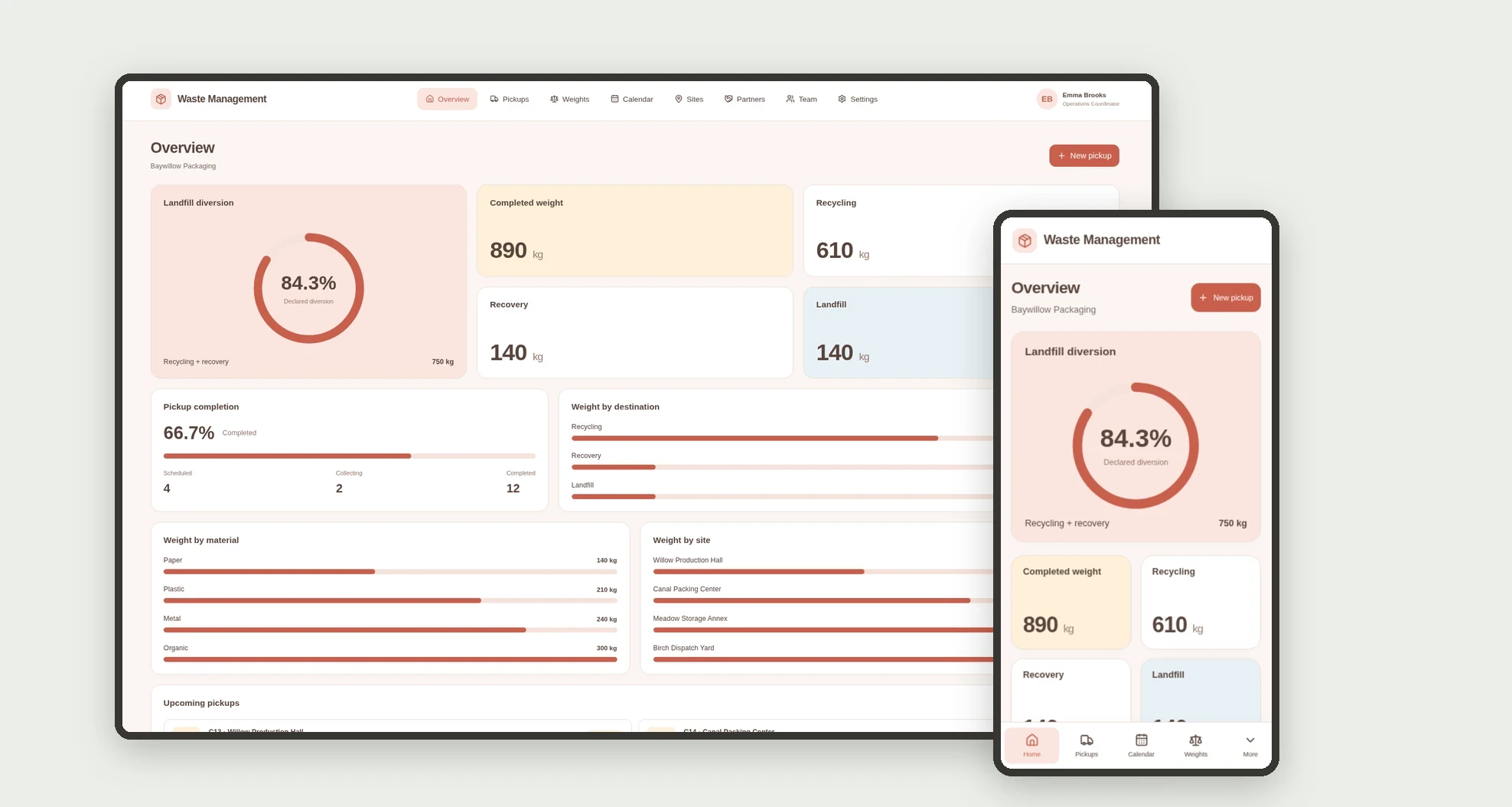
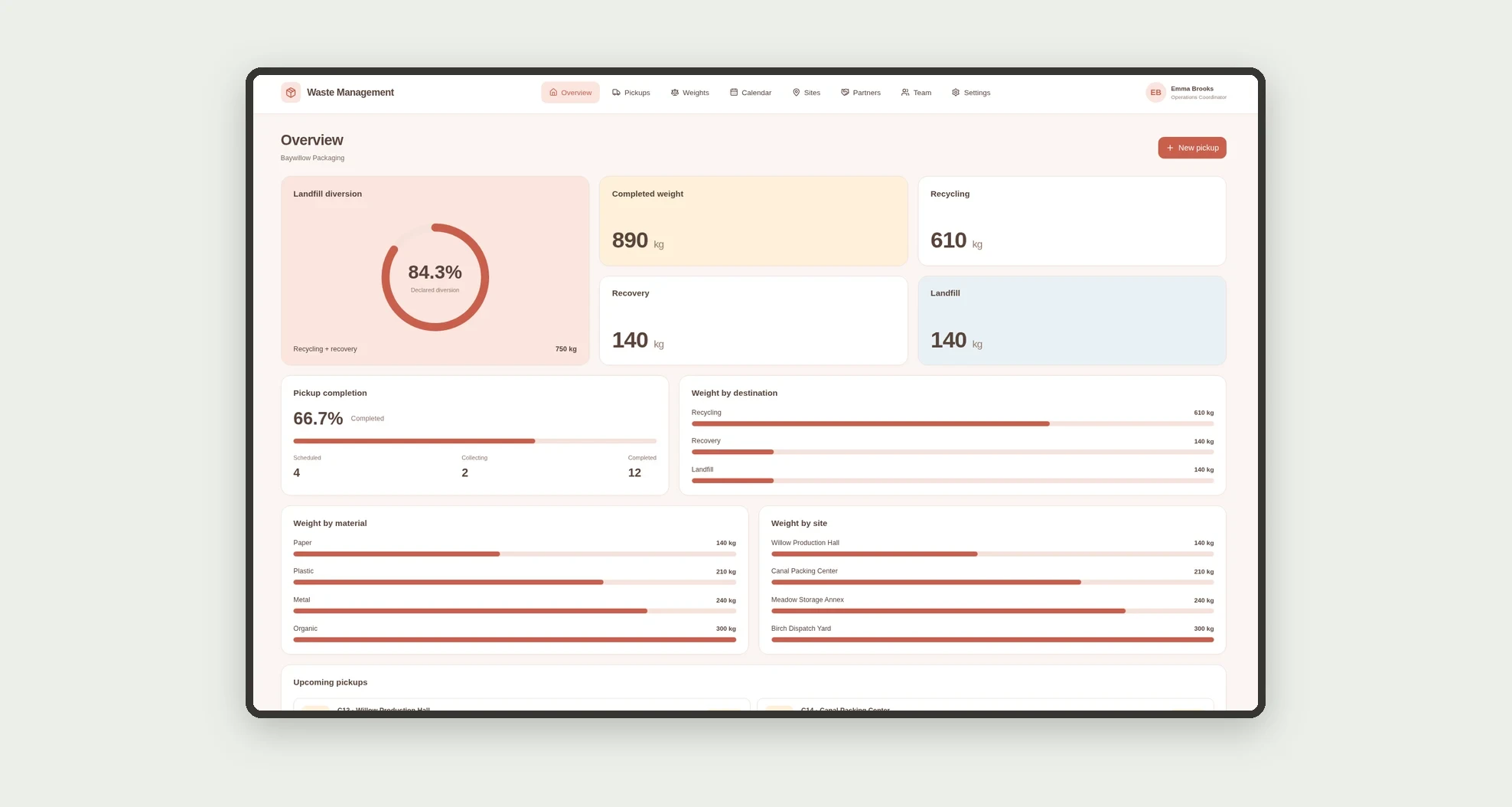
An app for organizing internal non-hazardous waste pickups, recording weights, and tracking declared destinations. Review volumes by site, partner, and material through a dashboard, board, calendar, and linked profiles.
Who it's for
- Small manufacturers and packaging operations.
- Operations managers and site administrators.
- Teams recording pickups and weights.
- Staff coordinating destination partners.
What you can do
- Register sites, partners, and team members.
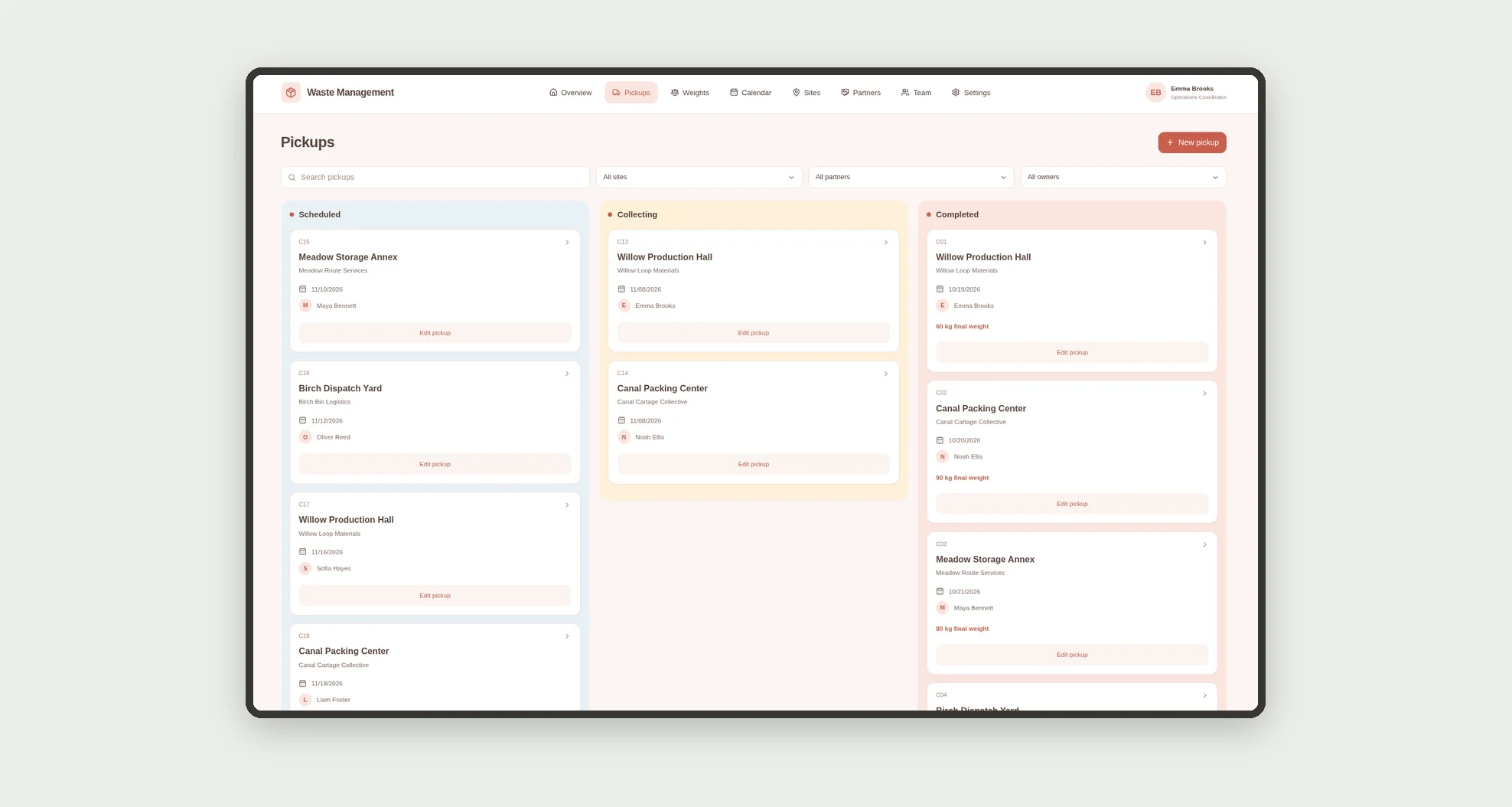
- Organize pickups on a stage-based kanban board.
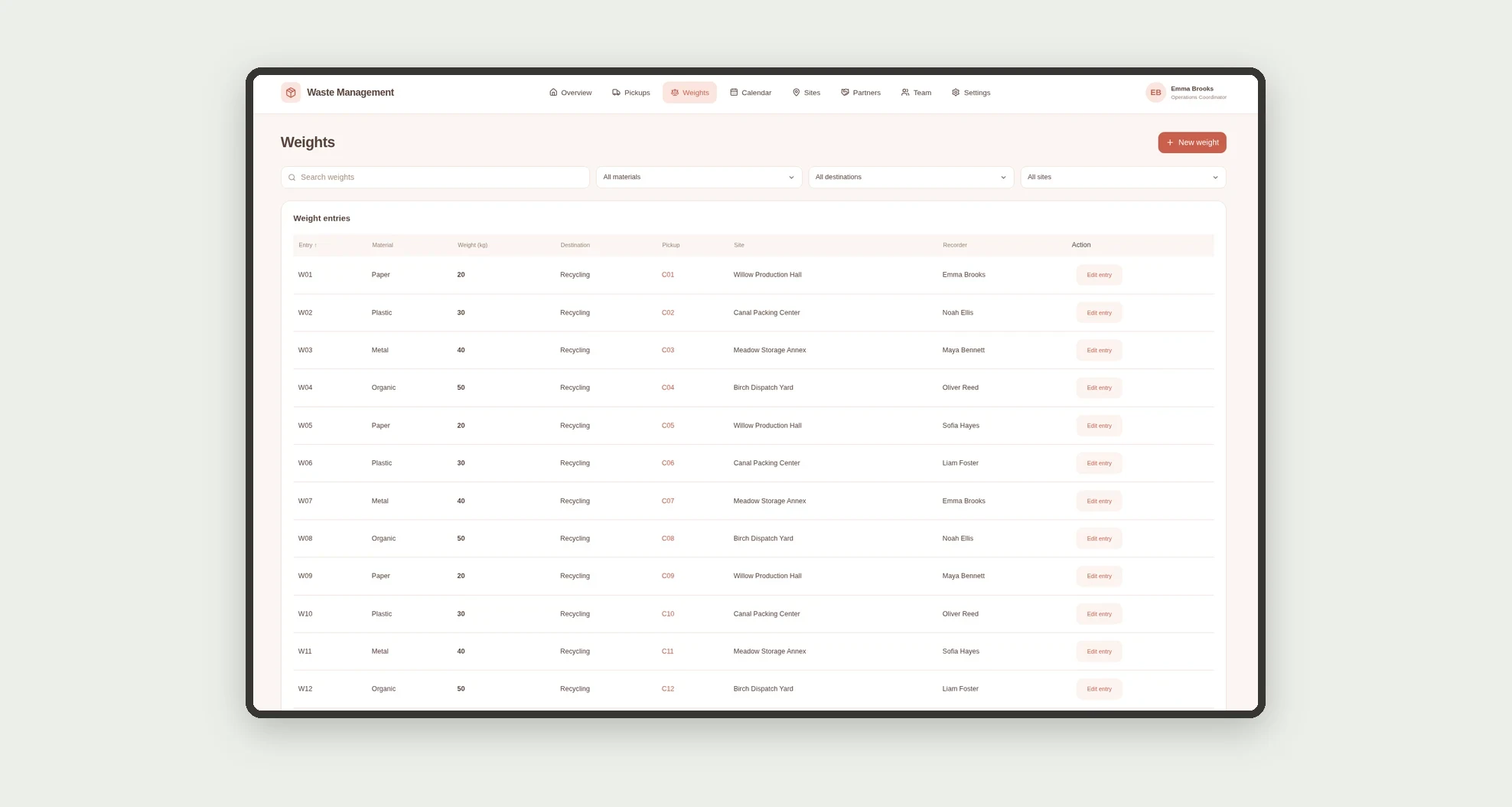
- Record kilograms, material, and destination for each pickup.
- Sort and filter weights in a data table.
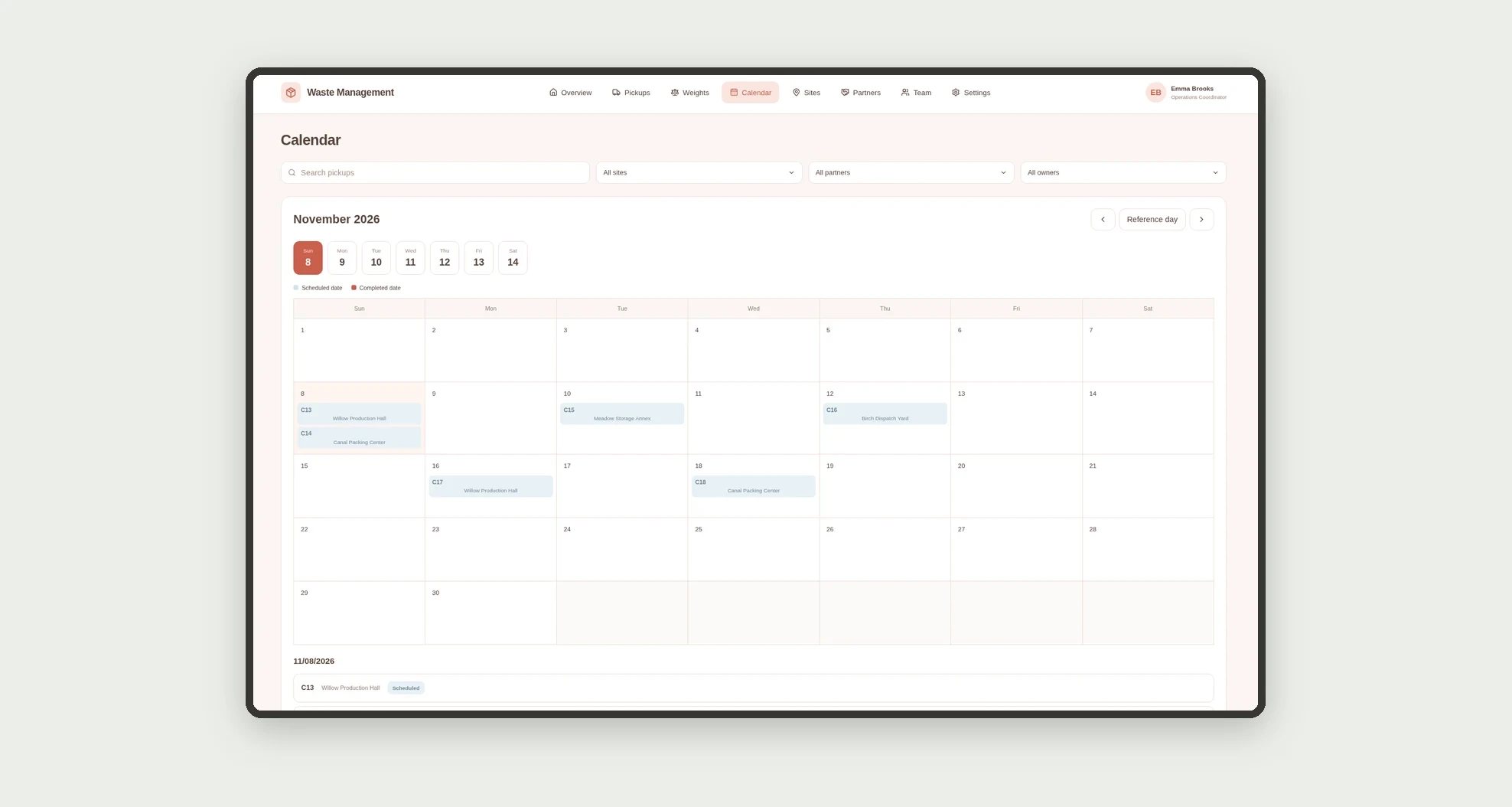
- View schedules and completions on a calendar.
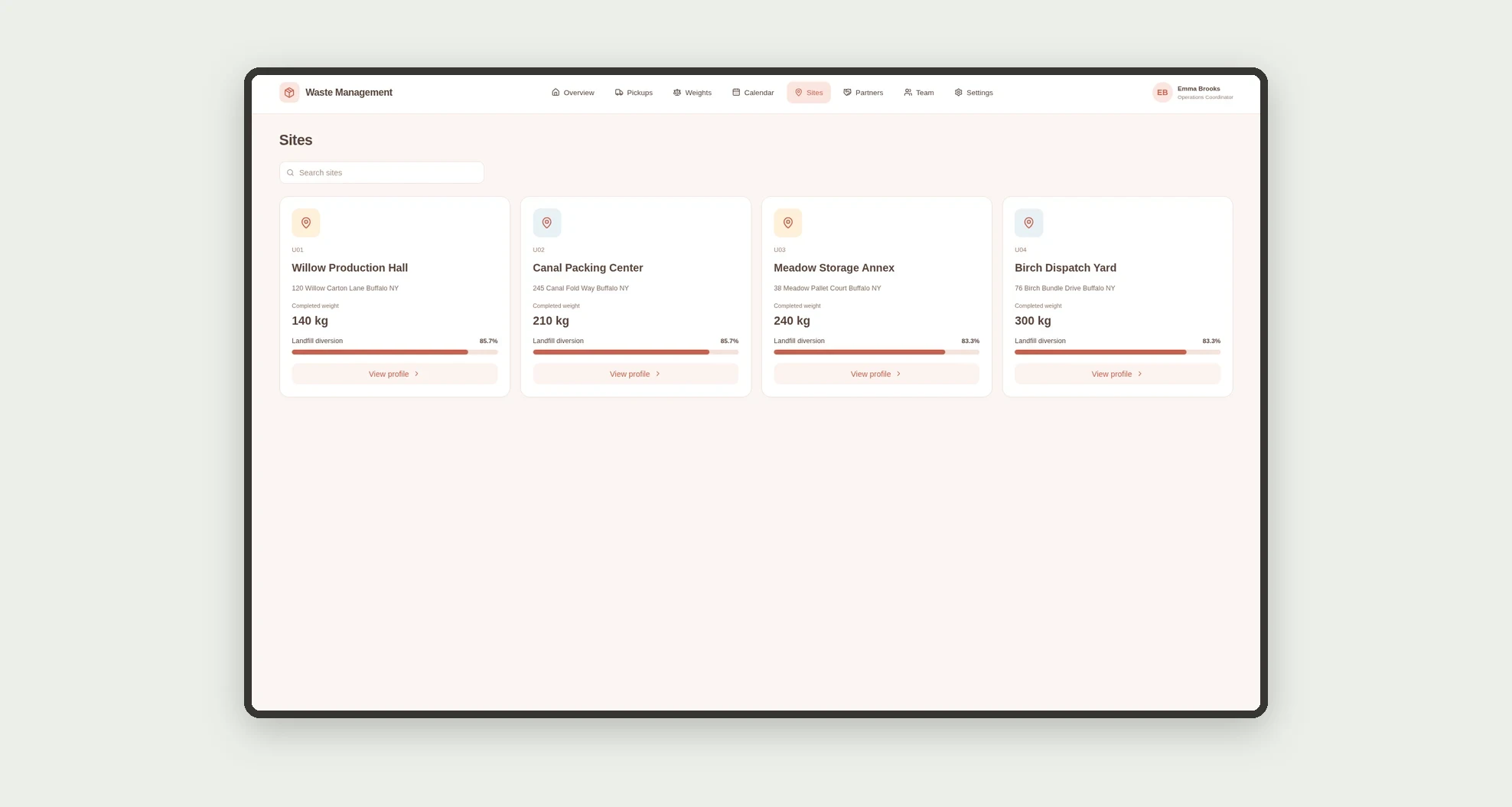
- Browse site and partner cards with meaningful metrics.
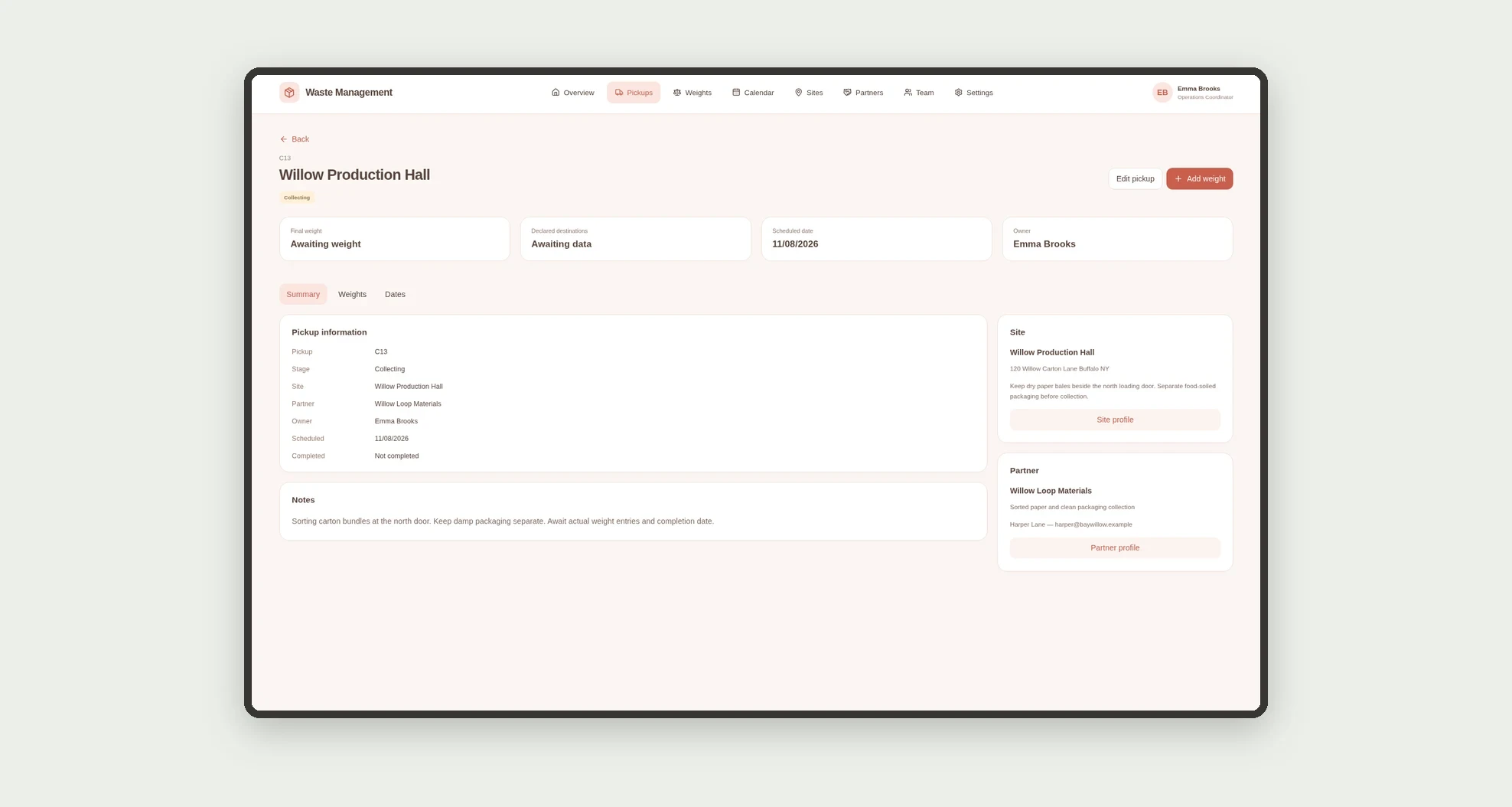
- Open profiles with related weights and dates.
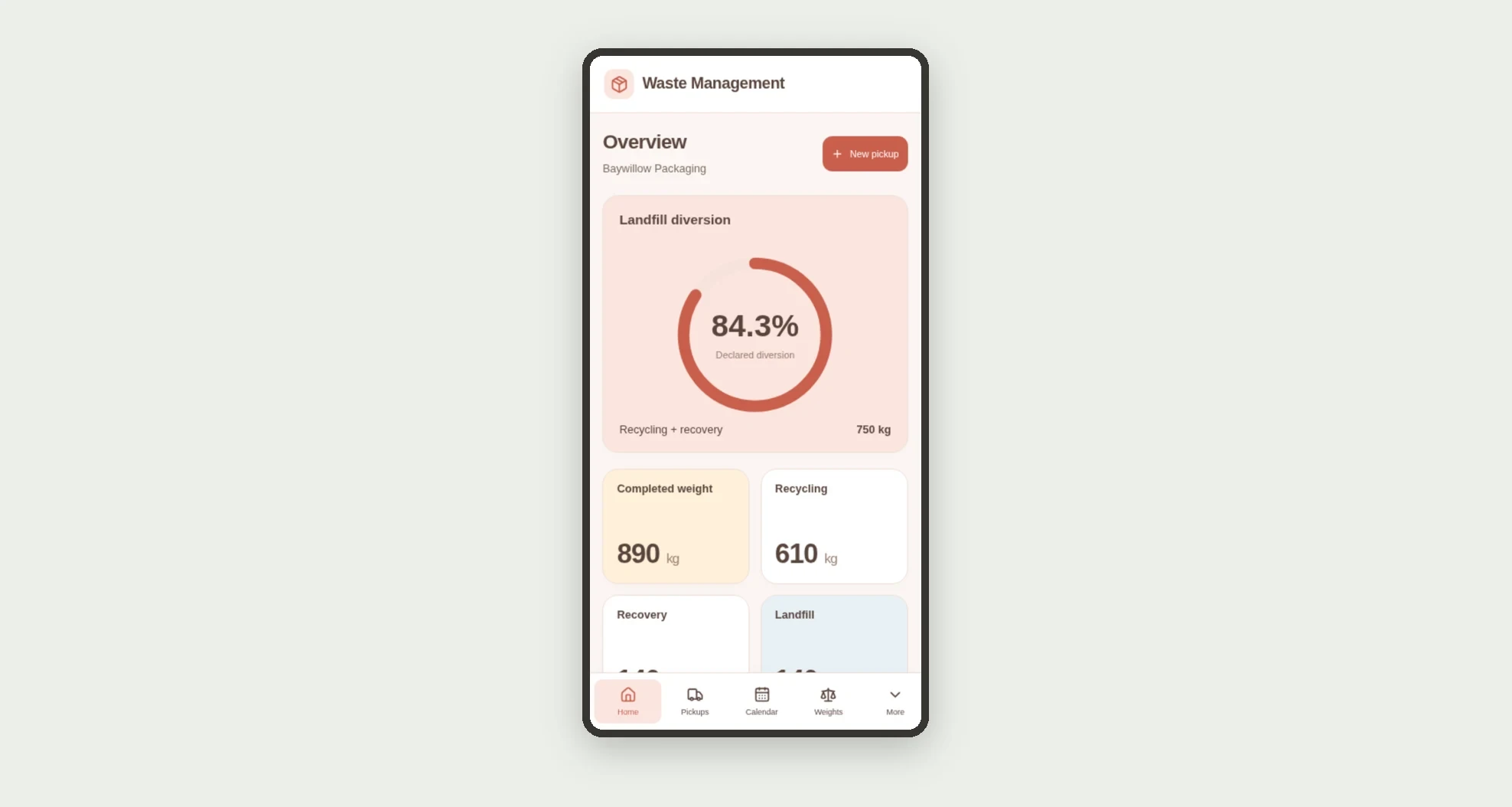
- Monitor recycling, recovery, and landfill separately.
App features
Waste Management
The Waste Management screen covers this part of the operation.
How it works
Set up sites, partners, and owners. Schedule a pickup and track its progress.
Record weights and declared destinations, complete the pickup, and review dashboard totals.
Metrics include completed pickups only.
How to set up this template
- 1Click Use App
Create your Jestor account and install Waste Management. It works on desktop and mobile.
- 2Set up sites
Set up sites, partners, and owners.
- 3Schedule a pickup and track its progress.
Schedule a pickup and track its progress.
- 4Record weights and declared destinations
Record weights and declared destinations, complete the pickup, and review dashboard totals.
Integrations and customization
The design supports desktop and mobile use. Sites, partners, materials, and owners can be adapted to operations. No scale integration, transport purchasing, environmental document issuance, certification, or disposal execution is included.
- Adjust fields, categories, statuses and rules without code.
- Add screens, reports and automations as the operation needs them.
And that's just the start: you can edit any part of this template and go much further just by asking Jestor's AI. Describe what you need, like a new field, automation, report or integration, and the AI builds or adjusts it for you, no code required.
Frequently asked questions
How is weight recorded?
The team enters kilograms linked to a pickup, with material and destination.
Which pickups count in totals?
Completed pickups only, excluding volumes not yet recorded.
How is landfill diversion calculated?
Recycling plus recovery is divided by total weight from completed pickups.
Does the metric prove environmental destination?
No. It summarizes internally declared records without external audit or certification.
Are the records real?
No. Businesses, people, sites, partners, and sample weights are fictional.