What it is
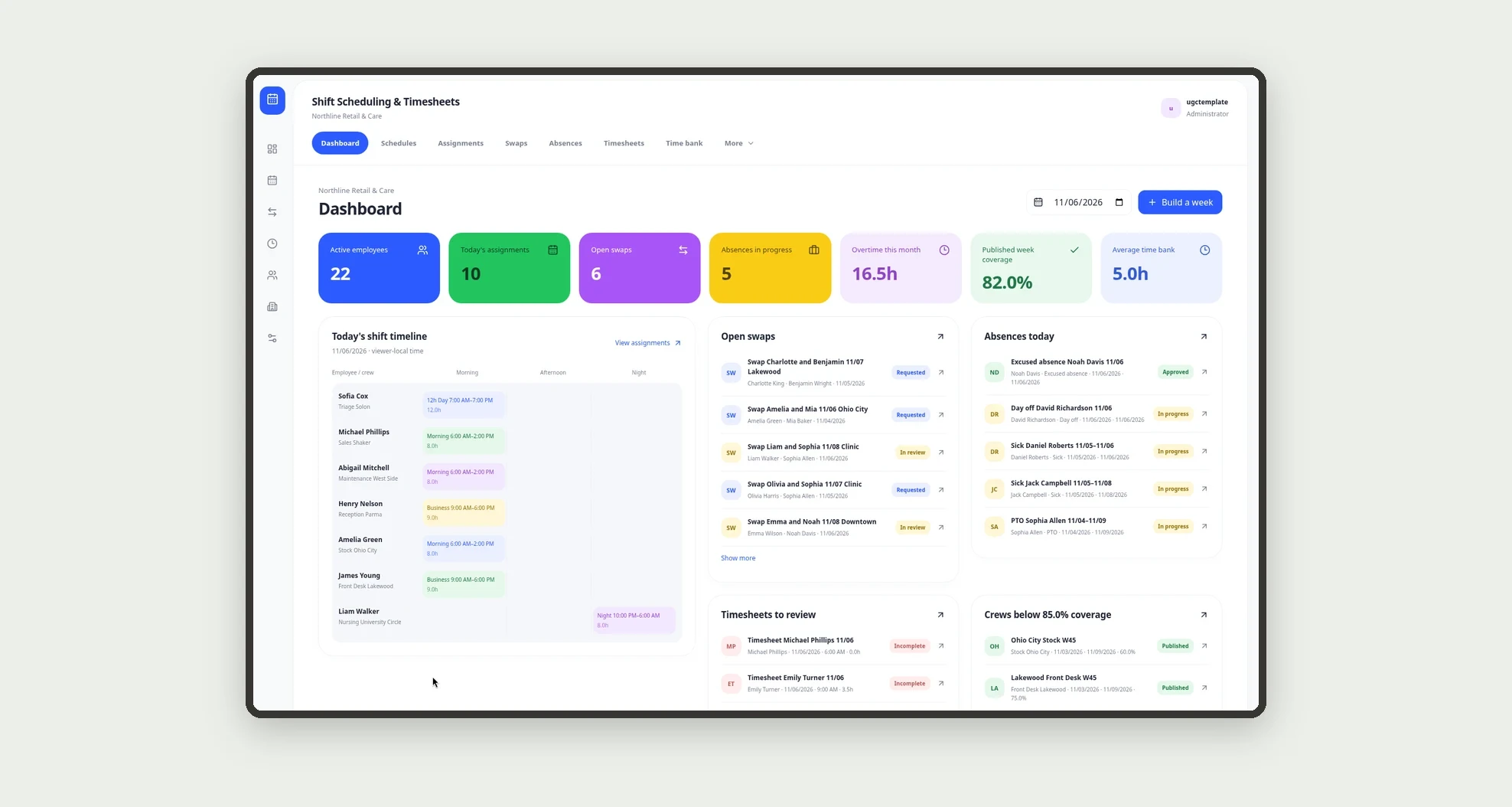
Shift scheduling and timesheets for retail, healthcare and services: build schedules by team and shift, approve swaps, track absences, clock in and out, and manage a time bank, with a dashboard for coverage, open swaps and balances.
Who it's for
- Retail, clinic and services networks with multiple sites
- Schedule coordinators
- Store, clinic or hub supervisors
- HR analysts who reconcile time banks
- Employees who check the schedule and clock in
- Teams that need coverage and swaps in one place
What you can do
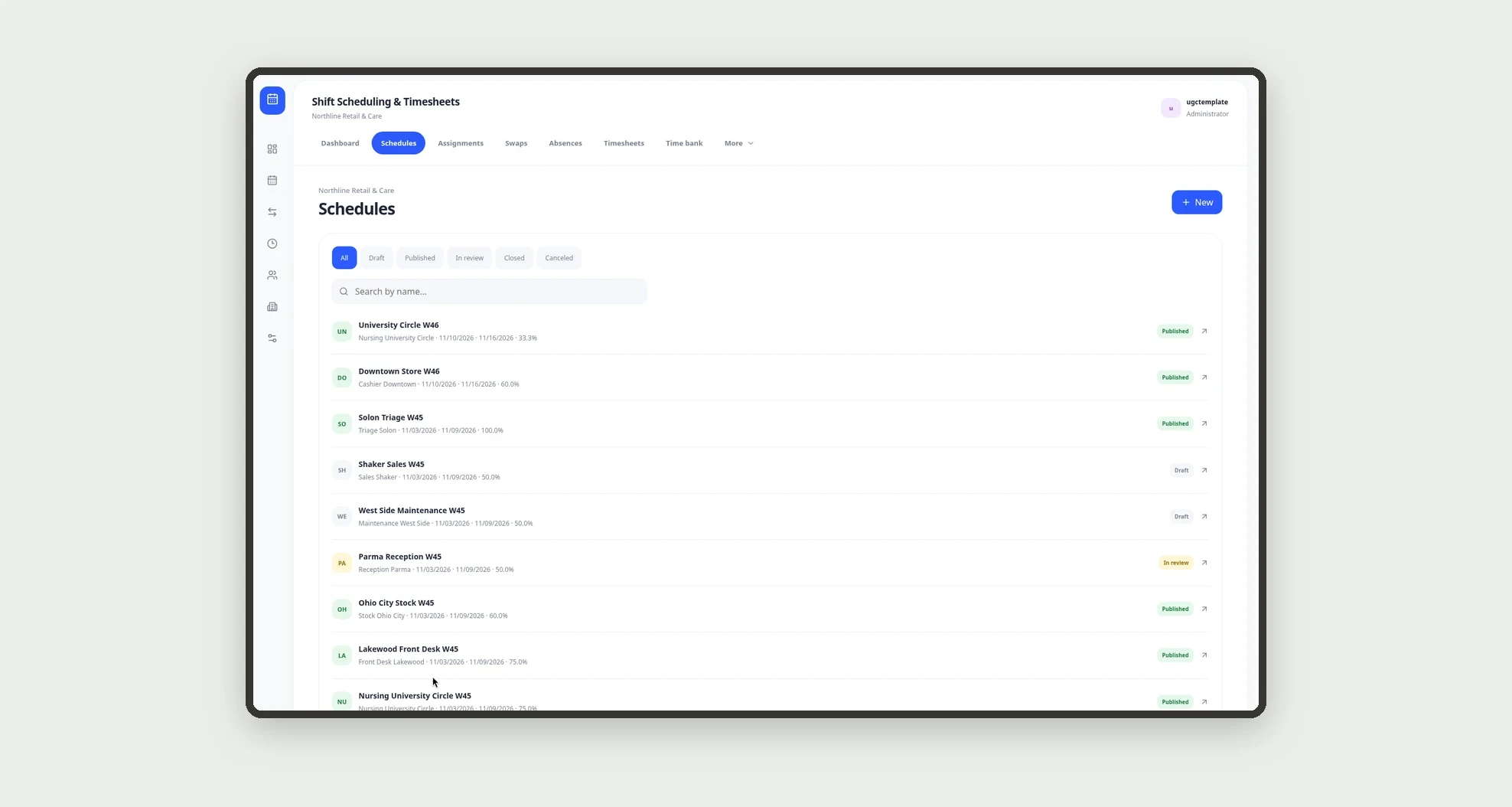
- Build weekly schedules by crew and site
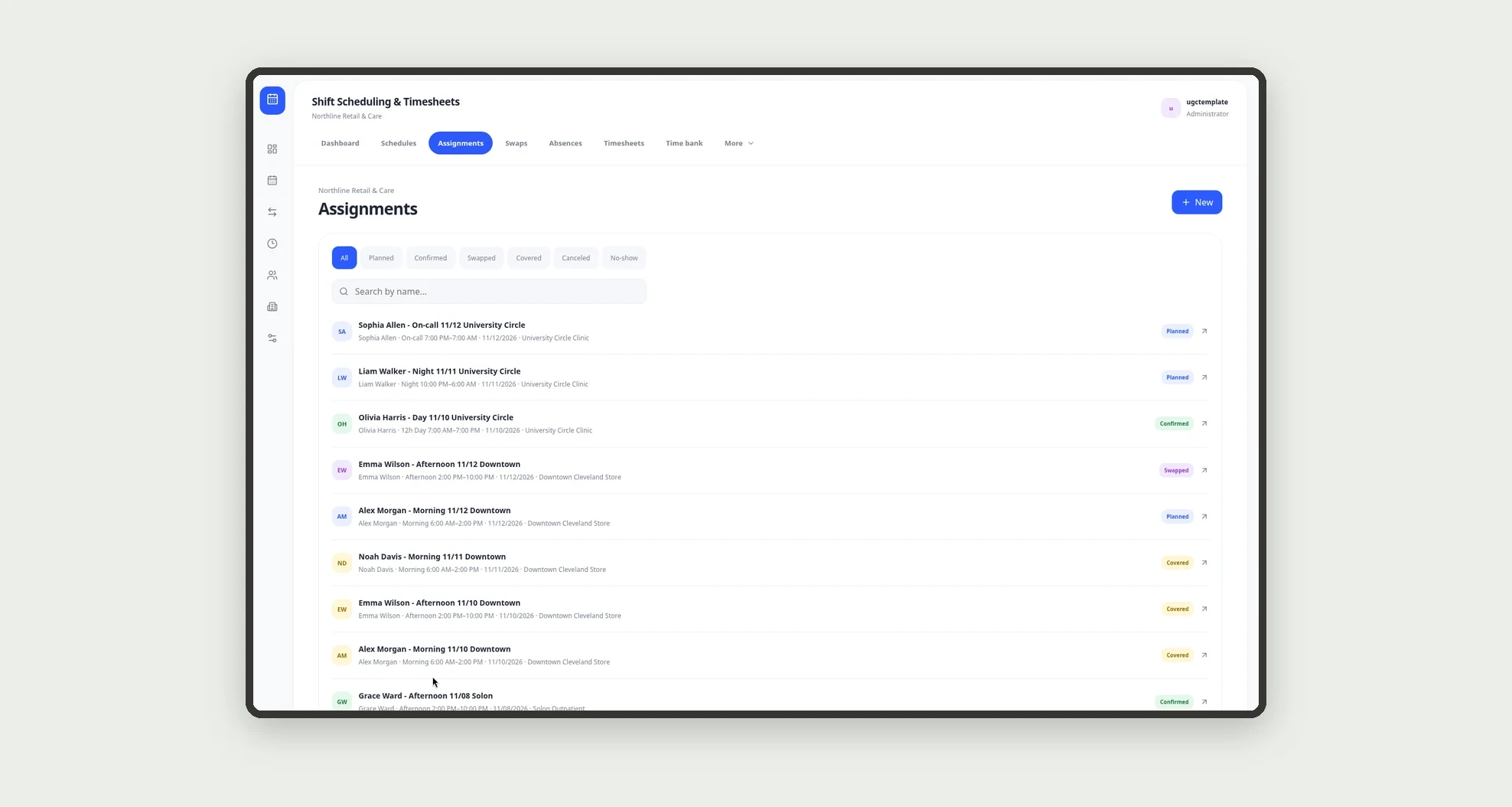
- Assign morning, afternoon, night or on-call shifts
- Publish the week and track coverage
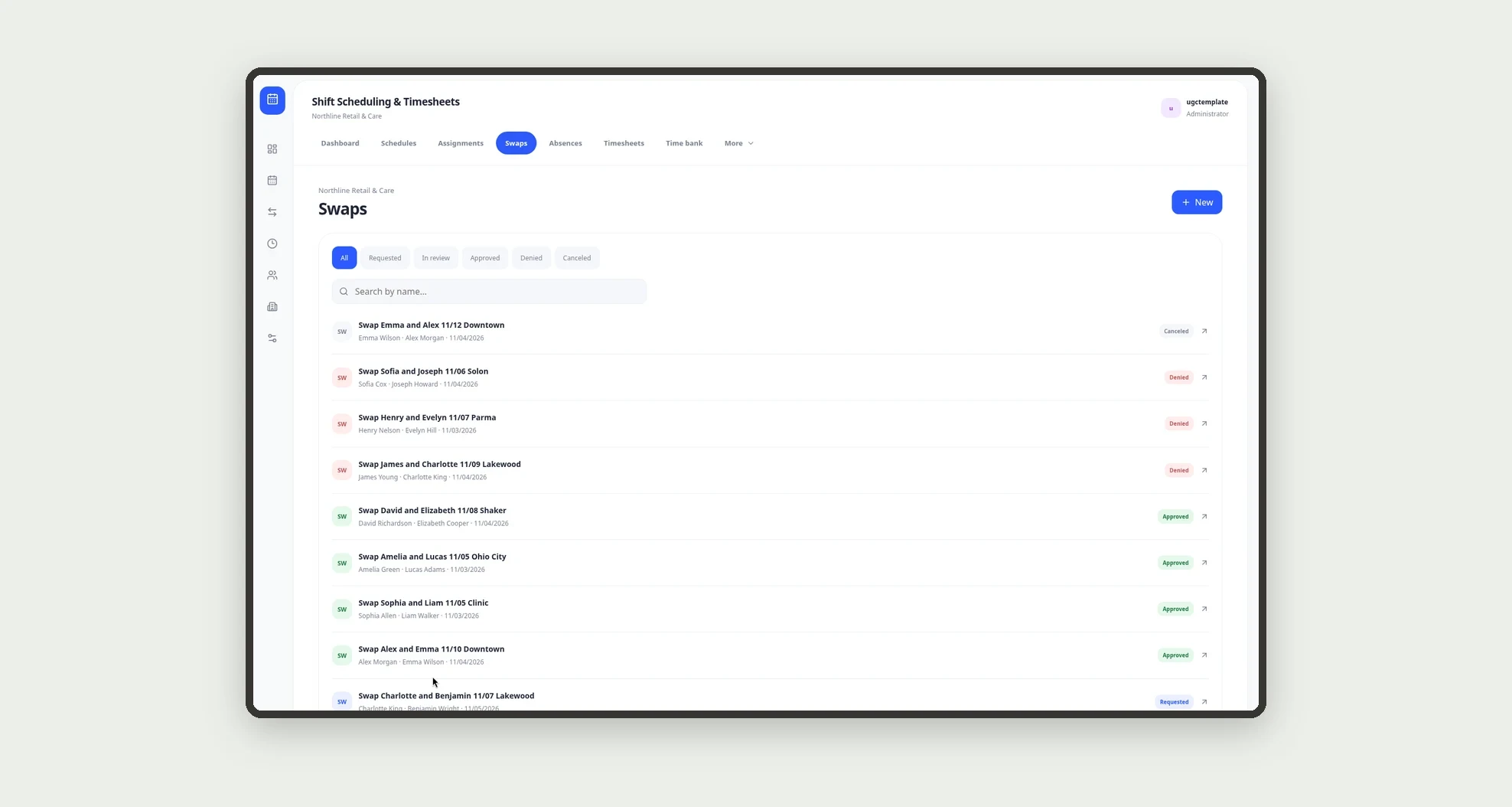
- Request and approve shift swaps
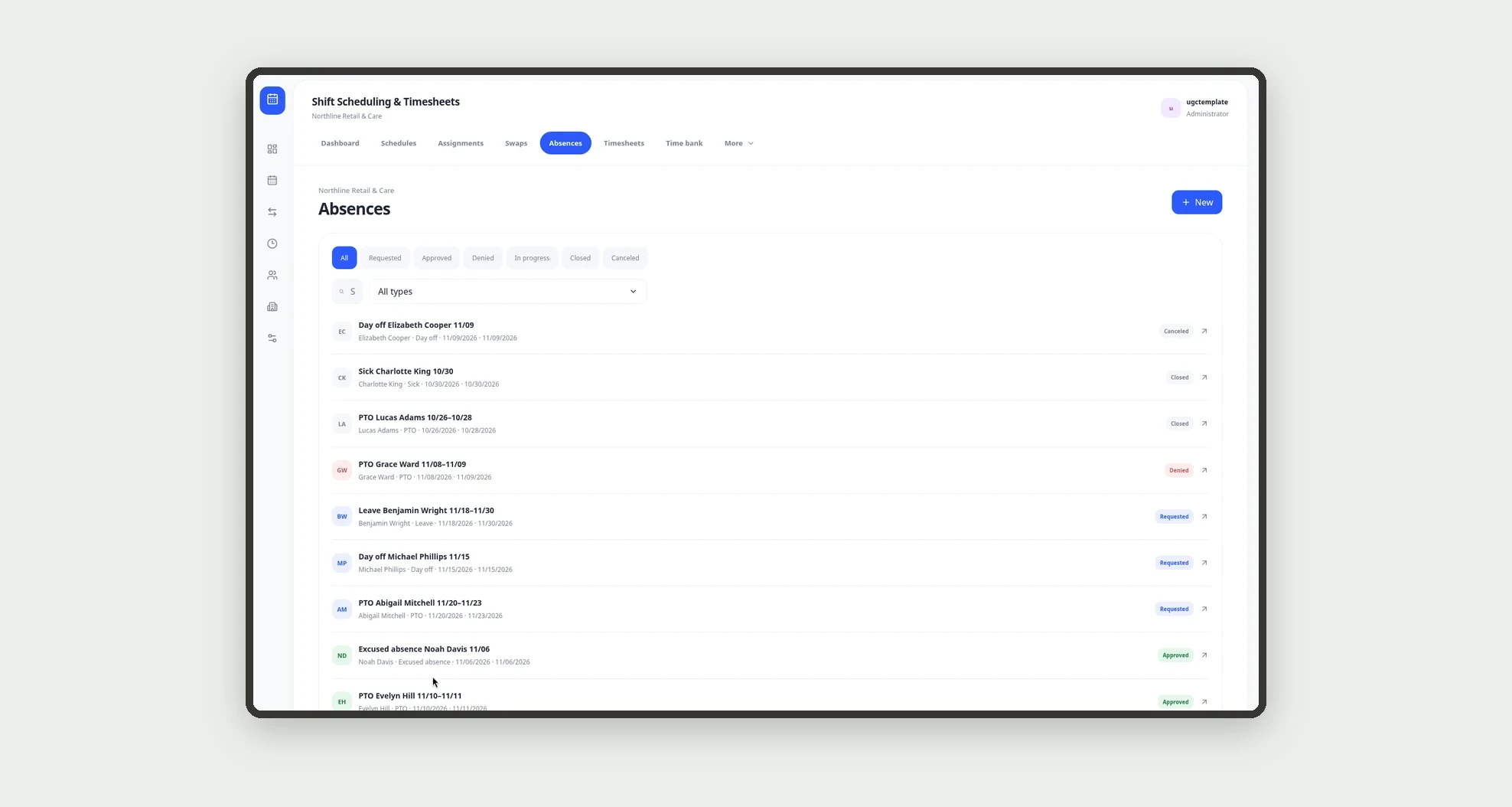
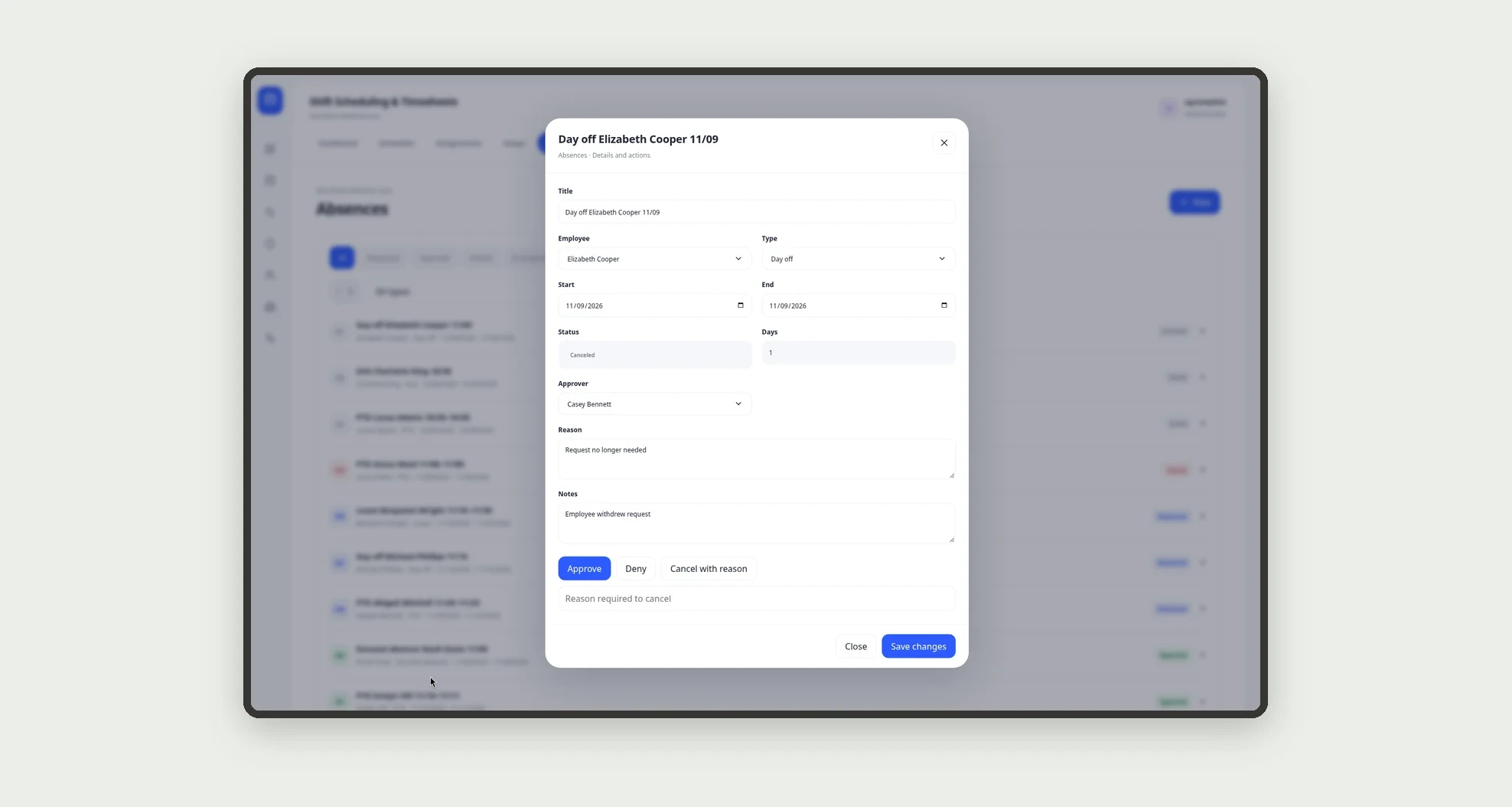
- Log absences (PTO, sick, day off)
- Clock in with break and clock out
- Compute hours worked and post time-bank credit or debit
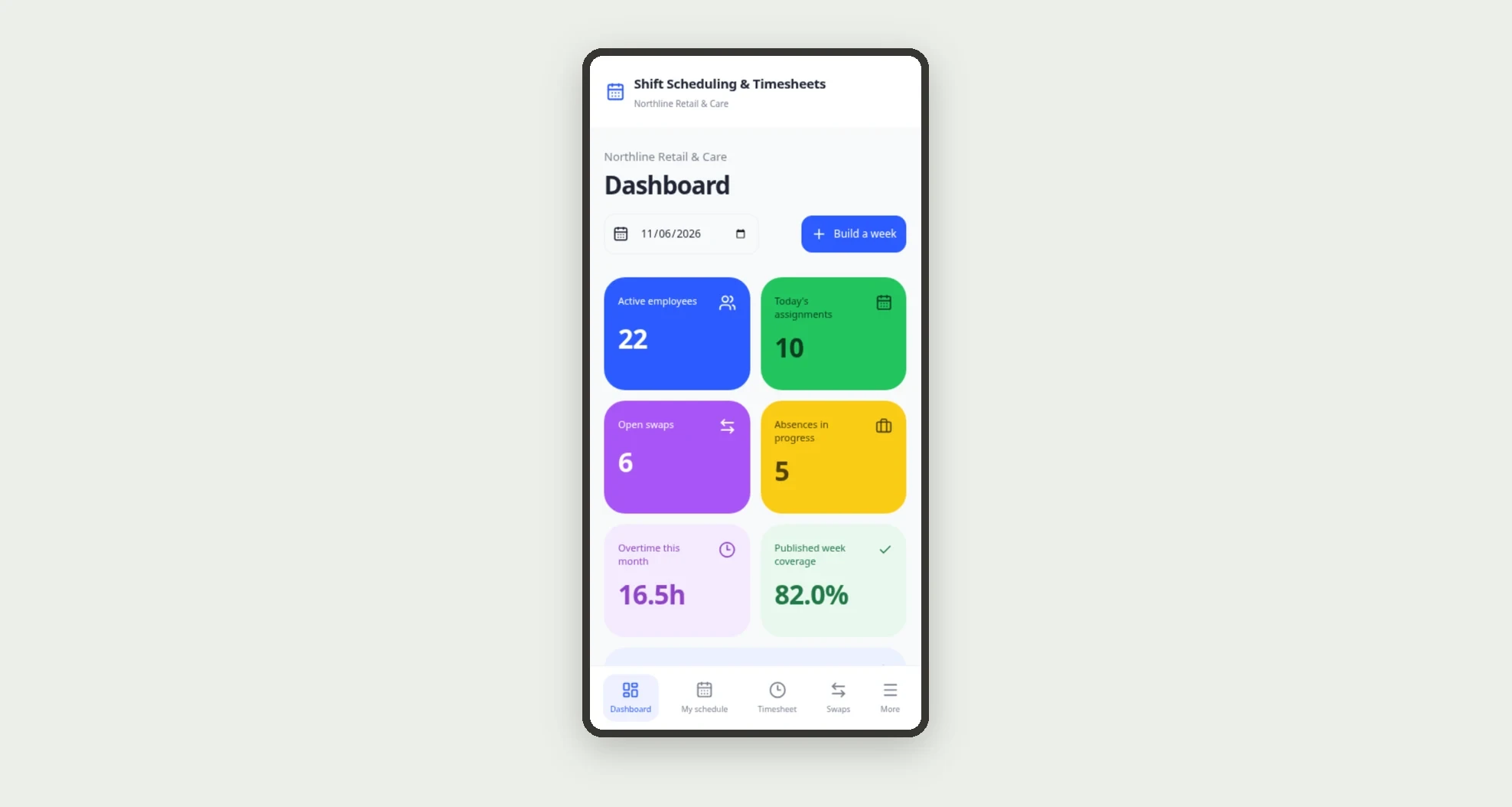
- See coverage, open swaps, absences and balances on the dashboard
- Use it on a phone
App features
Shift Scheduling & Timesheets
The Shift Scheduling & Timesheets screen covers this part of the operation.
How it works
The coordinator builds the crew schedule, creates assignments and publishes the week. The employee sees the schedule, requests a swap or logs an absence, and clocks the timesheet that day.
Hours over the planned shift create a time-bank credit; shortfalls or no-shows create a debit.
The dashboard shows coverage, the swap queue and balances.
How to set up this template
- 1Click Use App
Create your Jestor account and install Shift Scheduling & Timesheets. It works on desktop and mobile.
- 2The coordinator builds the crew schedule
The coordinator builds the crew schedule, creates assignments and publishes the week.
- 3The employee sees the schedule
The employee sees the schedule, requests a swap or logs an absence, and clocks the timesheet that day.
- 4Hours over the planned shift create a time-bank credit;
Hours over the planned shift create a time-bank credit; shortfalls or no-shows create a debit.
Integrations and customization
Works on desktop and mobile. Weekly hours, late tolerance and time-bank cap adapt without code. No external physical time clock, payroll or benefits integration is bundled; schedules, swaps, absences, timesheets and the time bank run inside the app.
- Adjust fields, categories, statuses and rules without code.
- Add screens, reports and automations as the operation needs them.
And that's just the start: you can edit any part of this template and go much further just by asking Jestor's AI. Describe what you need, like a new field, automation, report or integration, and the AI builds or adjusts it for you, no code required.
Frequently asked questions
Can I see weekly coverage?
Yes. Each schedule stores coverage as a percentage and the dashboard shows the average of published schedules.
How do swaps work?
In Swaps, with Requested, In review, Approved or Denied status, linked to the source assignment and the substitute.
Is the time bank automatic?
The app saves credits and debits from overtime, absences and HR adjustments, with the balance after each entry.
Does it include sample data?
Yes. The template ships with settings, team, sites, crews, templates, employees, schedules, assignments, swaps, absences, timesheets, time bank and history already loaded.