What it is
A sales app for tracking targets by territory and rep, comparing actual, estimated, and target revenue, and estimating commissions. Log visits and orders and decide discounts in an approvals center with risk, reason, and signals.
Who it's for
- Distributors and manufacturers selling through field reps.
- Sales managers and directors.
- Field reps and account managers.
- Finance teams tracking discounts and commissions.
What you can do
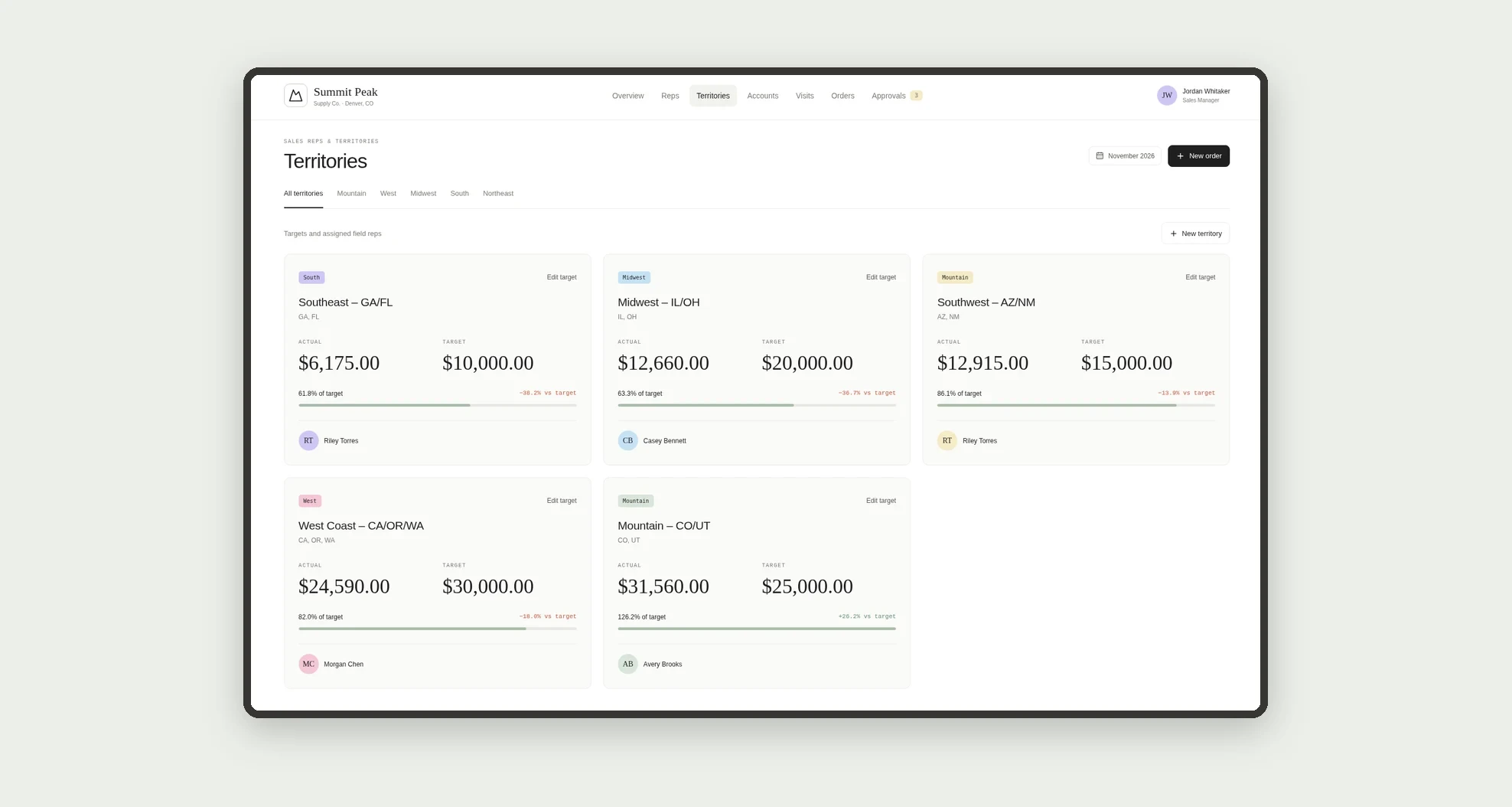
- Set monthly targets by territory and by rep.
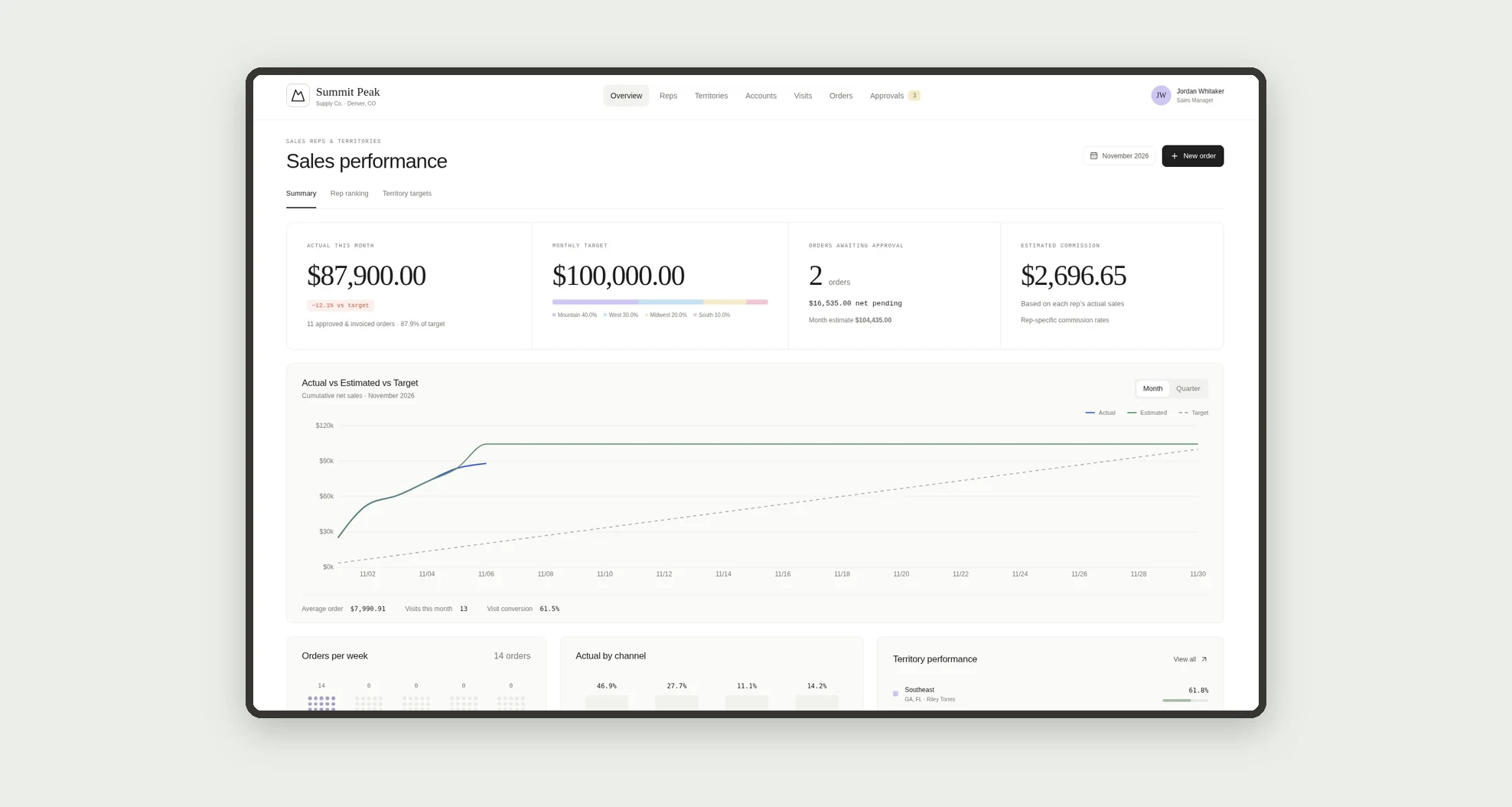
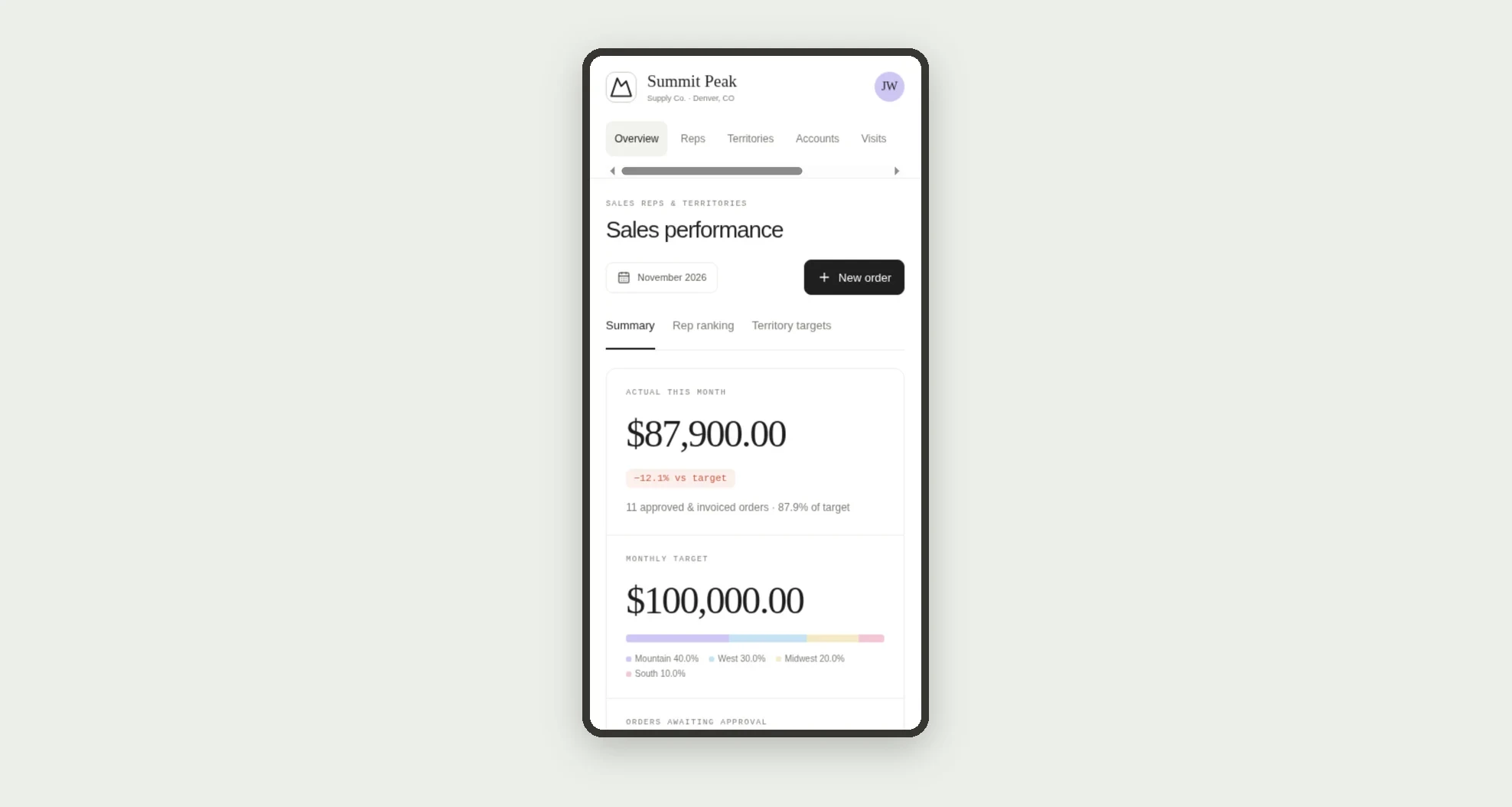
- Compare actual, estimated, and target revenue through the month.
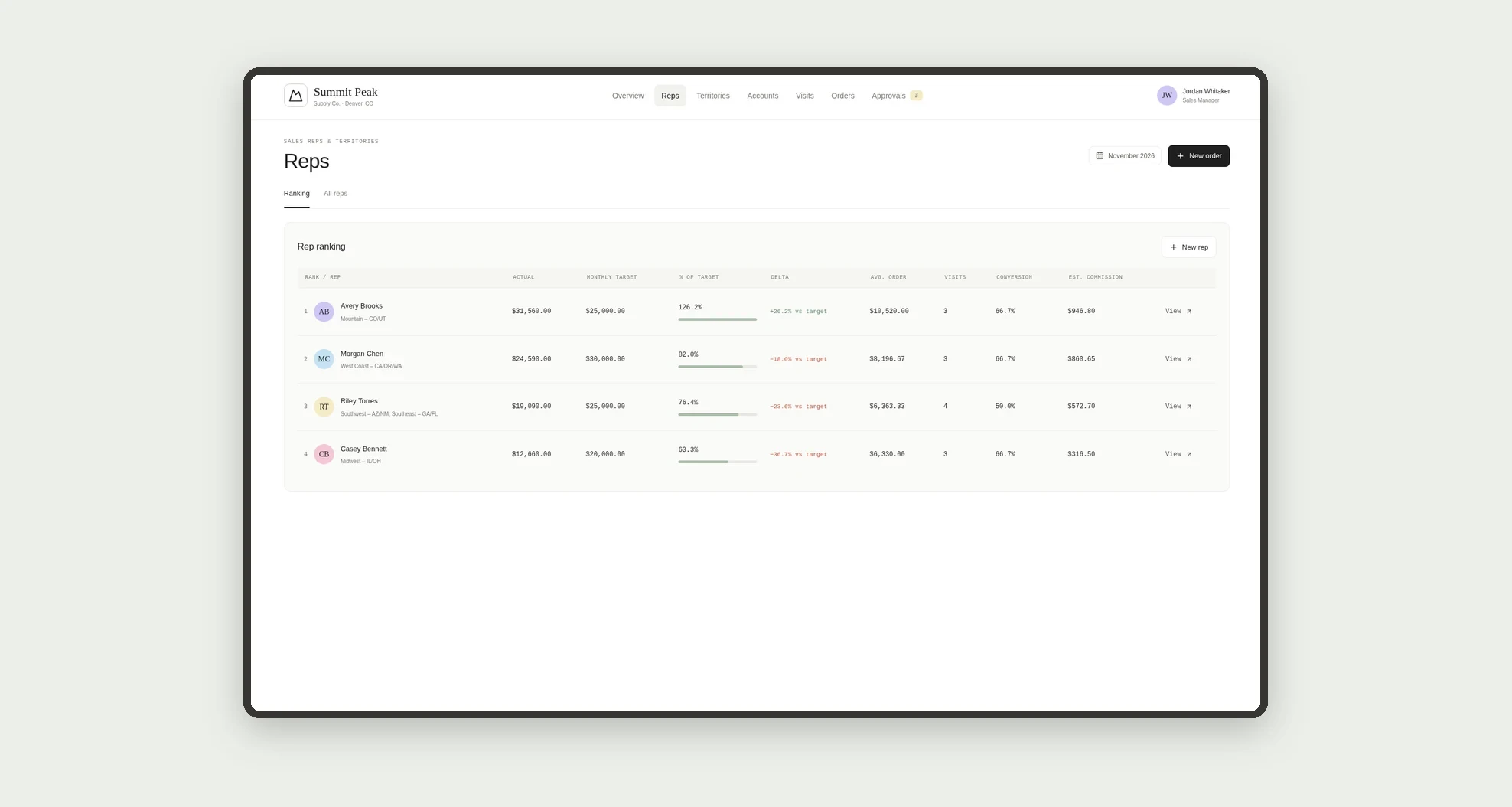
- Review a rep ranking with estimated commission.
- Track sales by region and by channel.
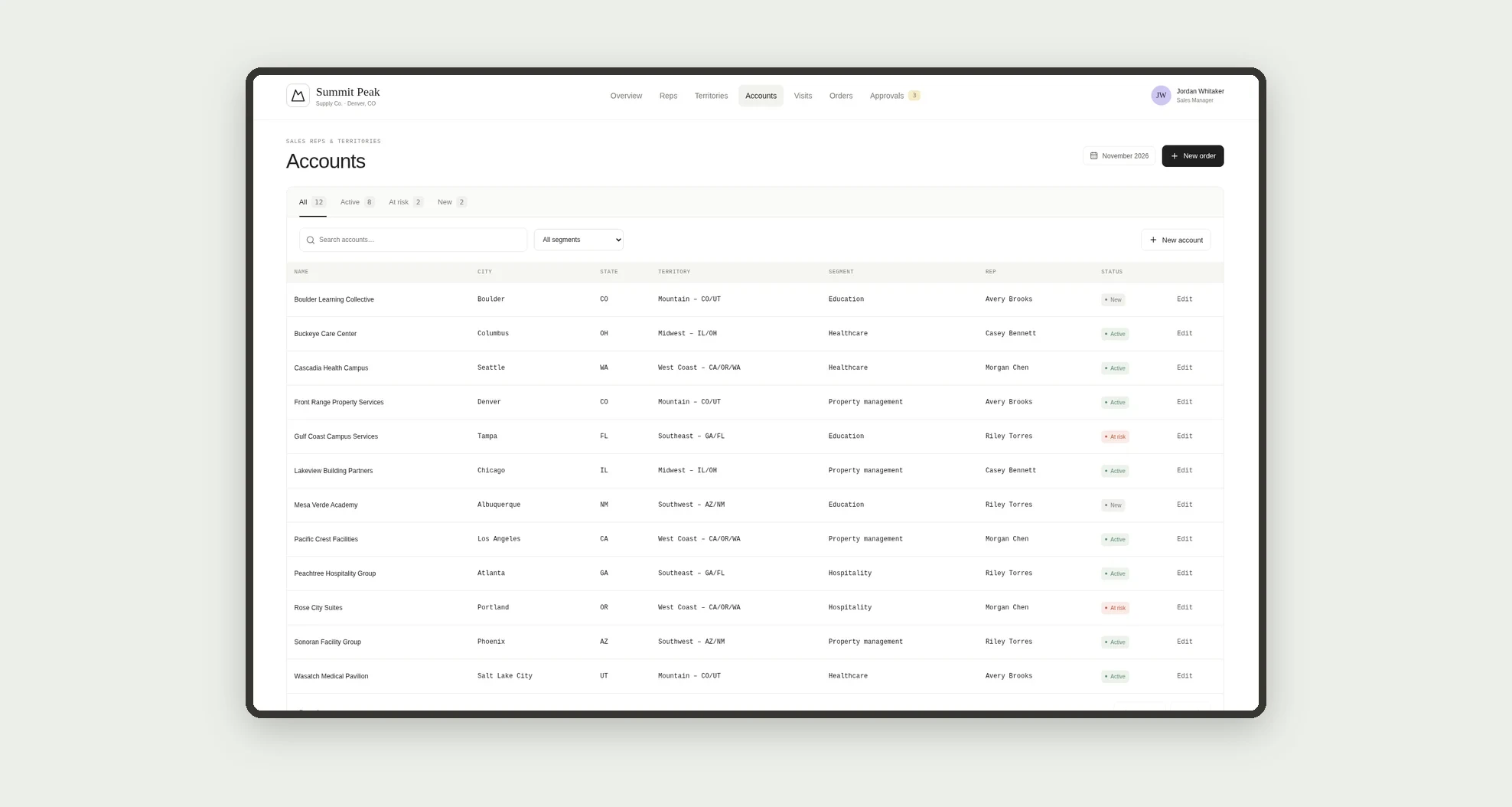
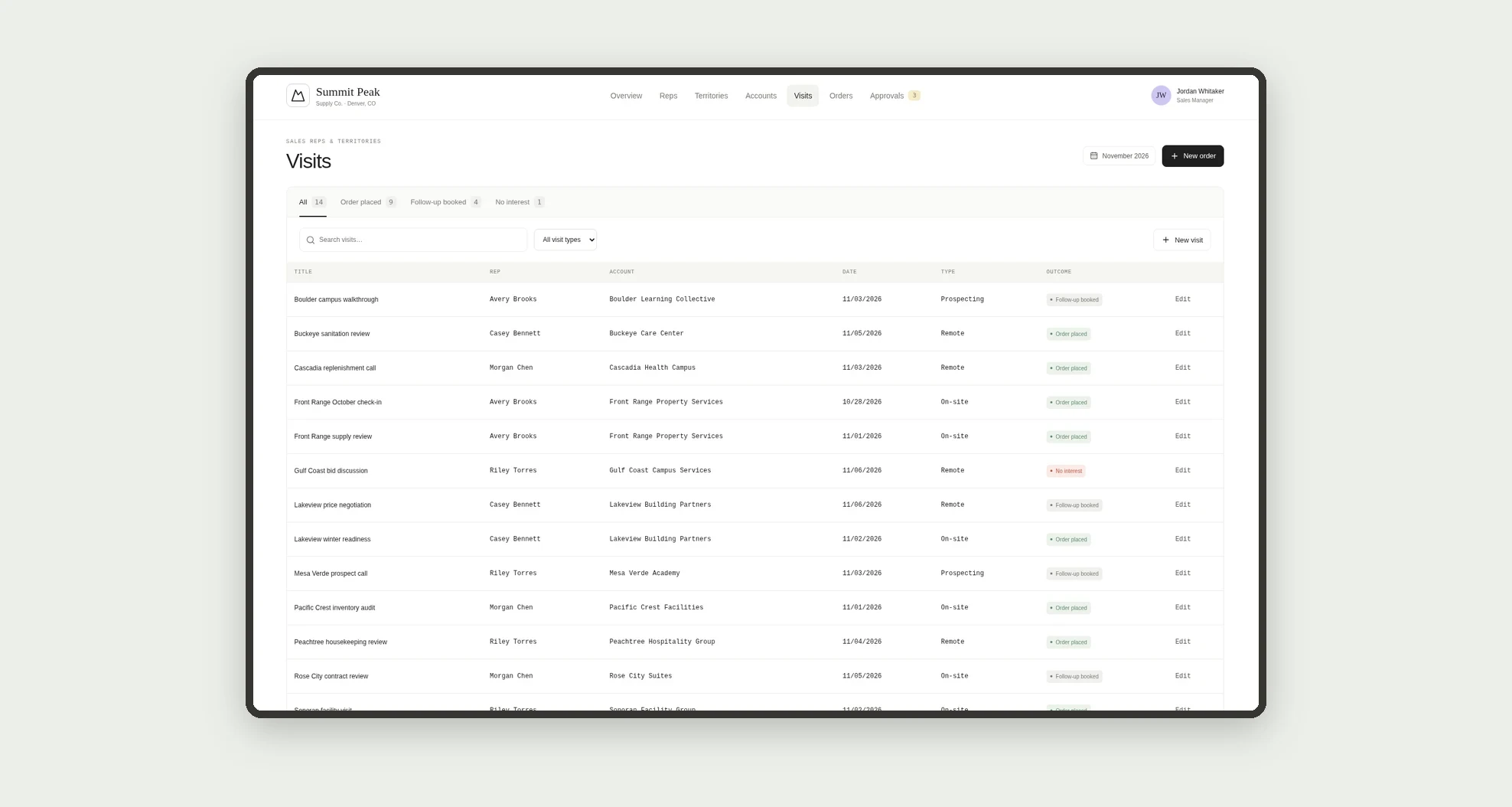
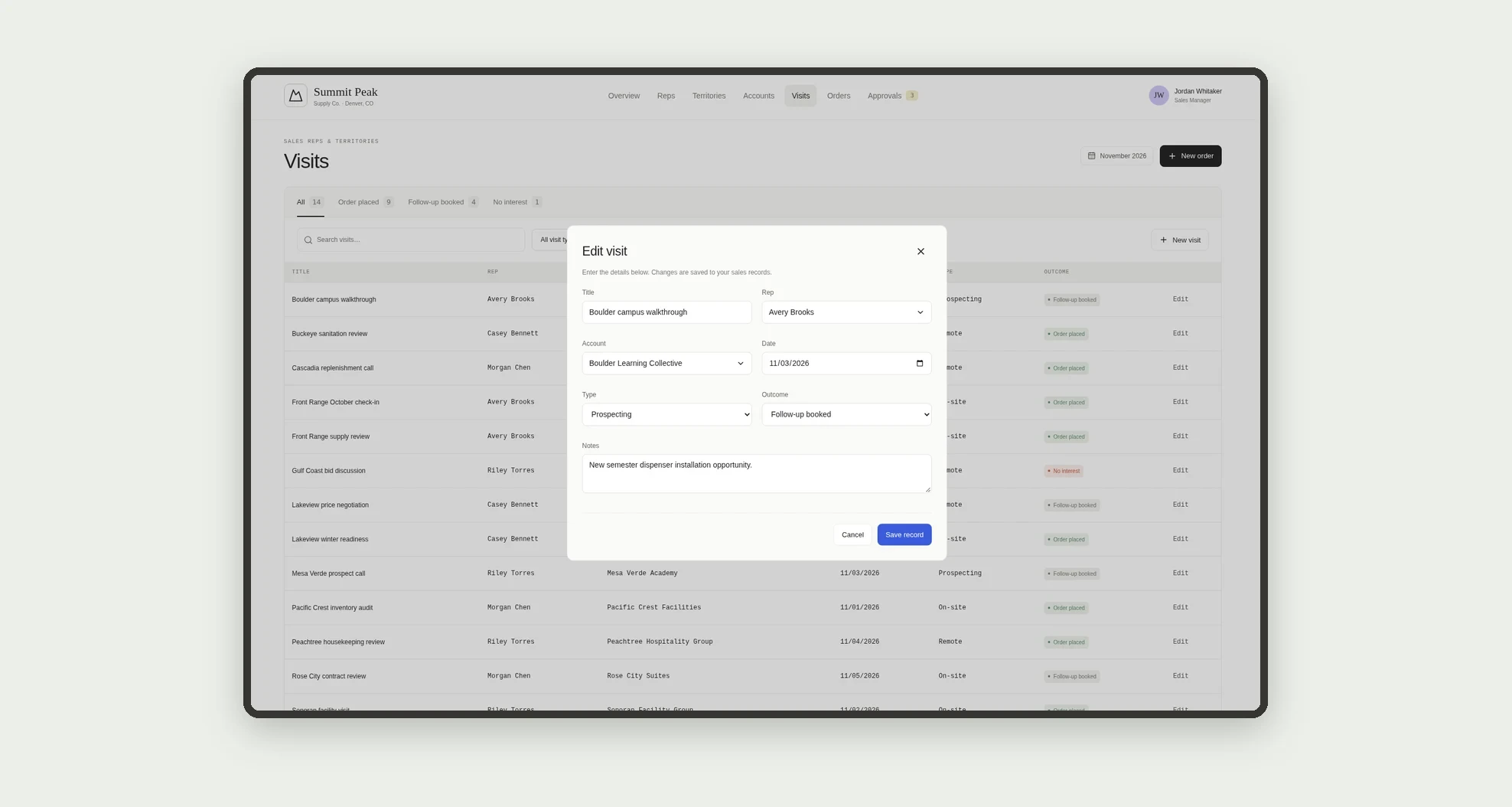
- Log account visits and their outcomes.
- Create orders with gross amount, discount, and net amount.
- Approve, deny, or approve with a limit the requested discounts.
- Review the reason, risk, and signals of each request.
App features
Sales Reps & Territories
The Sales Reps & Territories screen covers this part of the operation.
How it works
Set up territories with targets, reps, and accounts. Reps log visits and orders.
When a discount exceeds the limit, the order creates an approval, and the manager decides based on the reason and signals.
The dashboard shows actual against target.
How to set up this template
- 1Click Use App
Create your Jestor account and install Sales Reps & Territories. It works on desktop and mobile.
- 2Set up territories with targets
Set up territories with targets, reps, and accounts.
- 3Reps log visits and orders.
Reps log visits and orders.
- 4When a discount exceeds the limit
When a discount exceeds the limit, the order creates an approval, and the manager decides based on the reason and signals.
Integrations and customization
The design supports desktop and mobile use. Territories, channels, targets, commissions, and discount limits can be adapted to the operation. No required ERP or invoicing integration is included in this template.
- Adjust fields, categories, statuses and rules without code.
- Add screens, reports and automations as the operation needs them.
And that's just the start: you can edit any part of this template and go much further just by asking Jestor's AI. Describe what you need, like a new field, automation, report or integration, and the AI builds or adjusts it for you, no code required.
Frequently asked questions
How is actual revenue calculated?
As the sum of net amounts for approved and invoiced orders in the month.
When does a discount need approval?
When it exceeds the limit set in Settings.
What is approve with limit?
The manager approves a smaller discount than requested, and the order is adjusted.
Does the app pay commissions?
No. It shows an estimate for internal tracking.
Are the examples real?
No. Sample companies, people, and operations are fictitious.