What it is
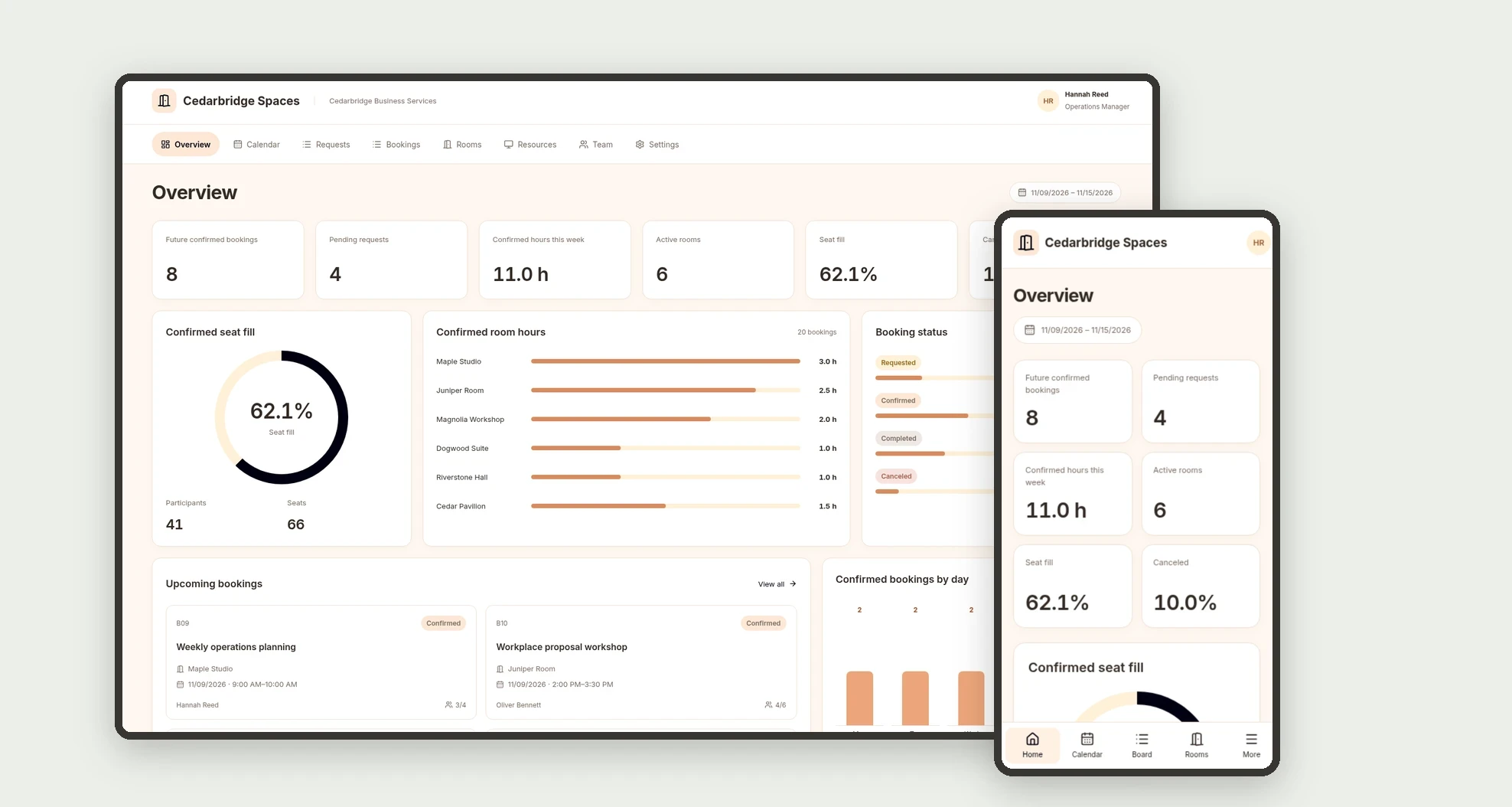
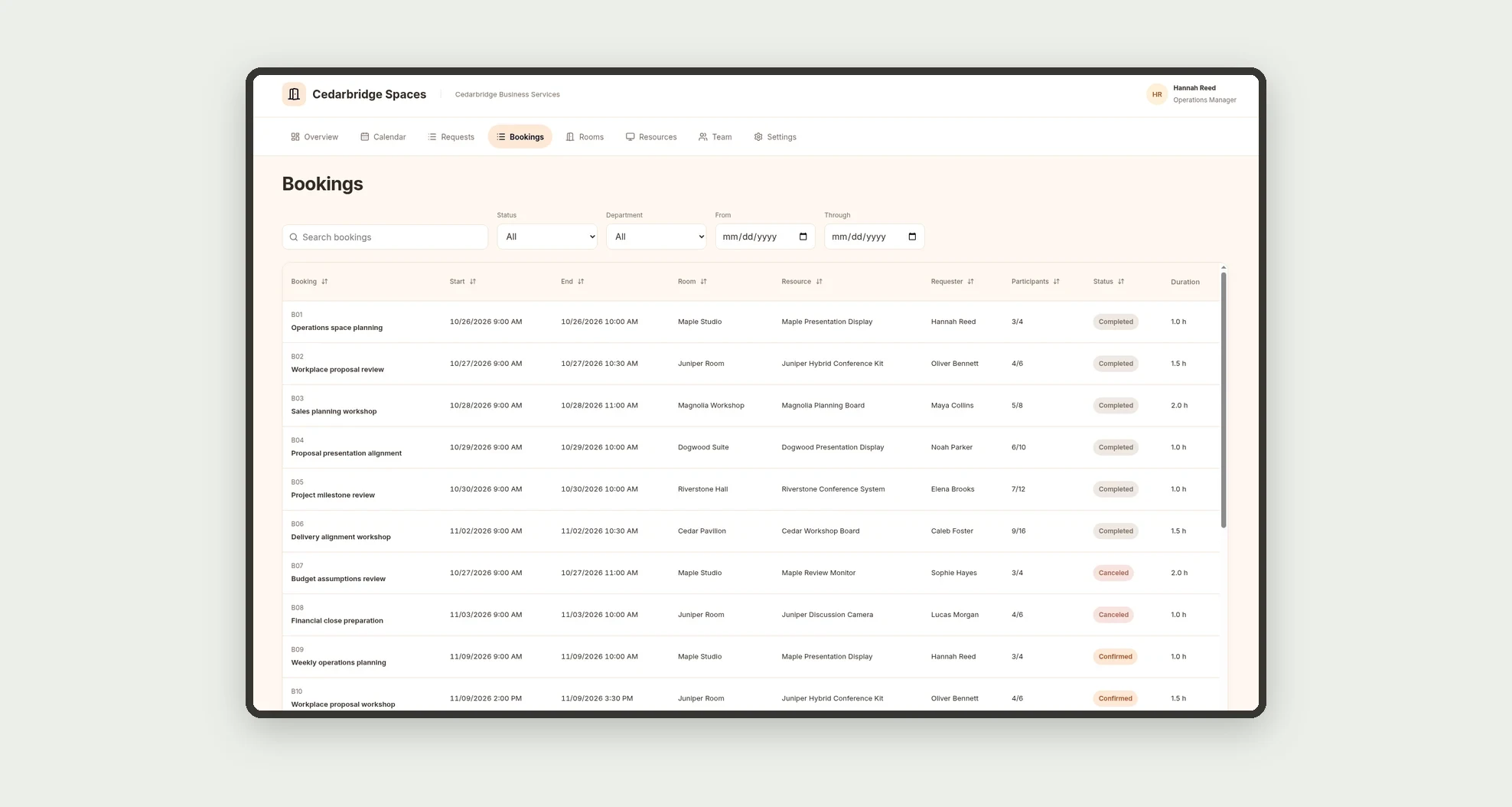
An app for organizing internal meeting room bookings and equipment assigned to each space. Track requests on a board, time slots on a calendar, and bookings in a data table, with capacity, participants, and usage metrics.
Who it's for
- Small and mid-sized businesses with shared meeting rooms.
- Office operations and administration teams.
- Managers coordinating meetings across departments.
- Teams managing presentation and video conferencing equipment.
What you can do
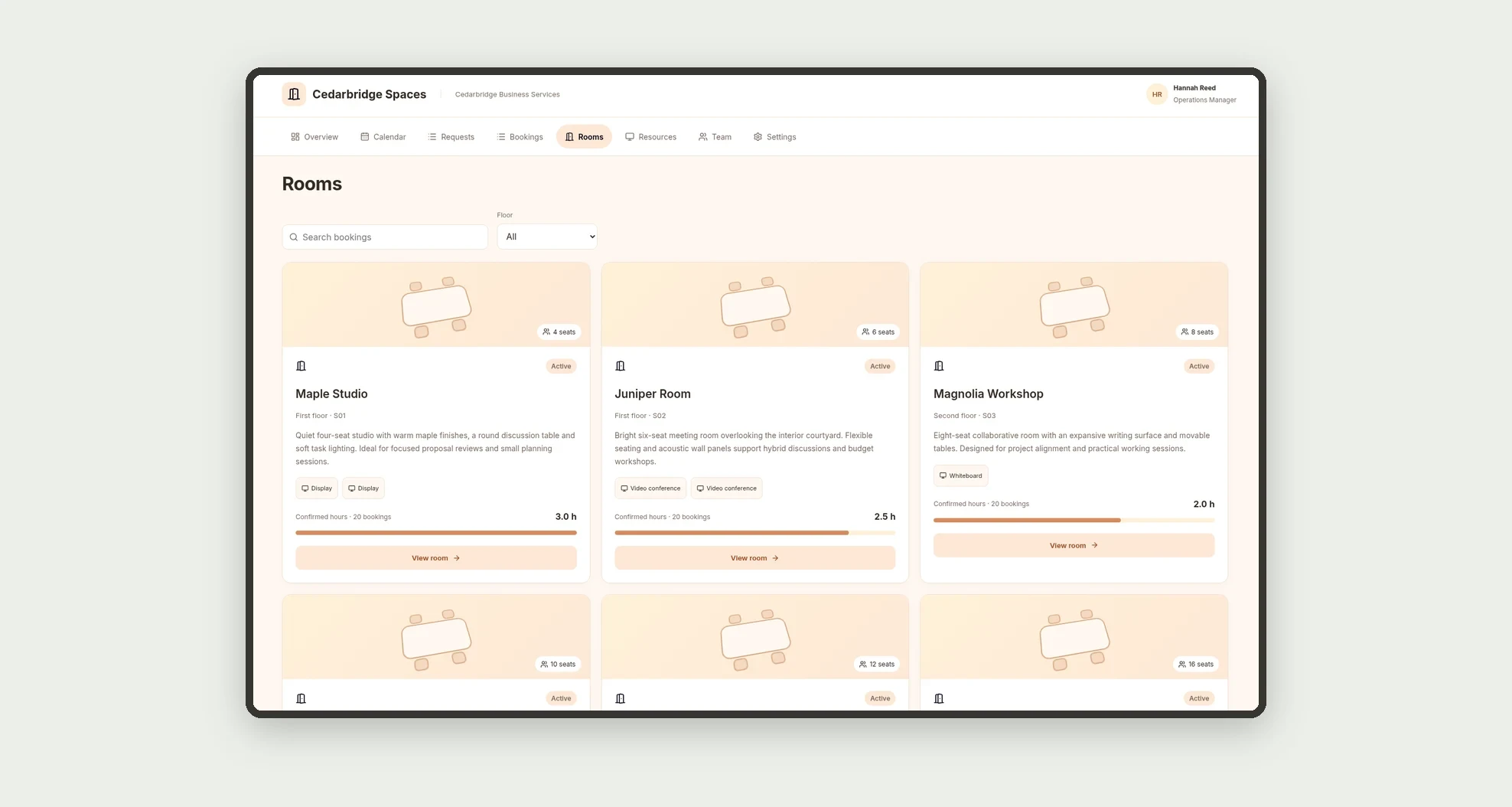
- Register rooms with capacity, floor, and description.
- Link resources and equipment to rooms.
- Request bookings with a room, resource, requester, and participants.
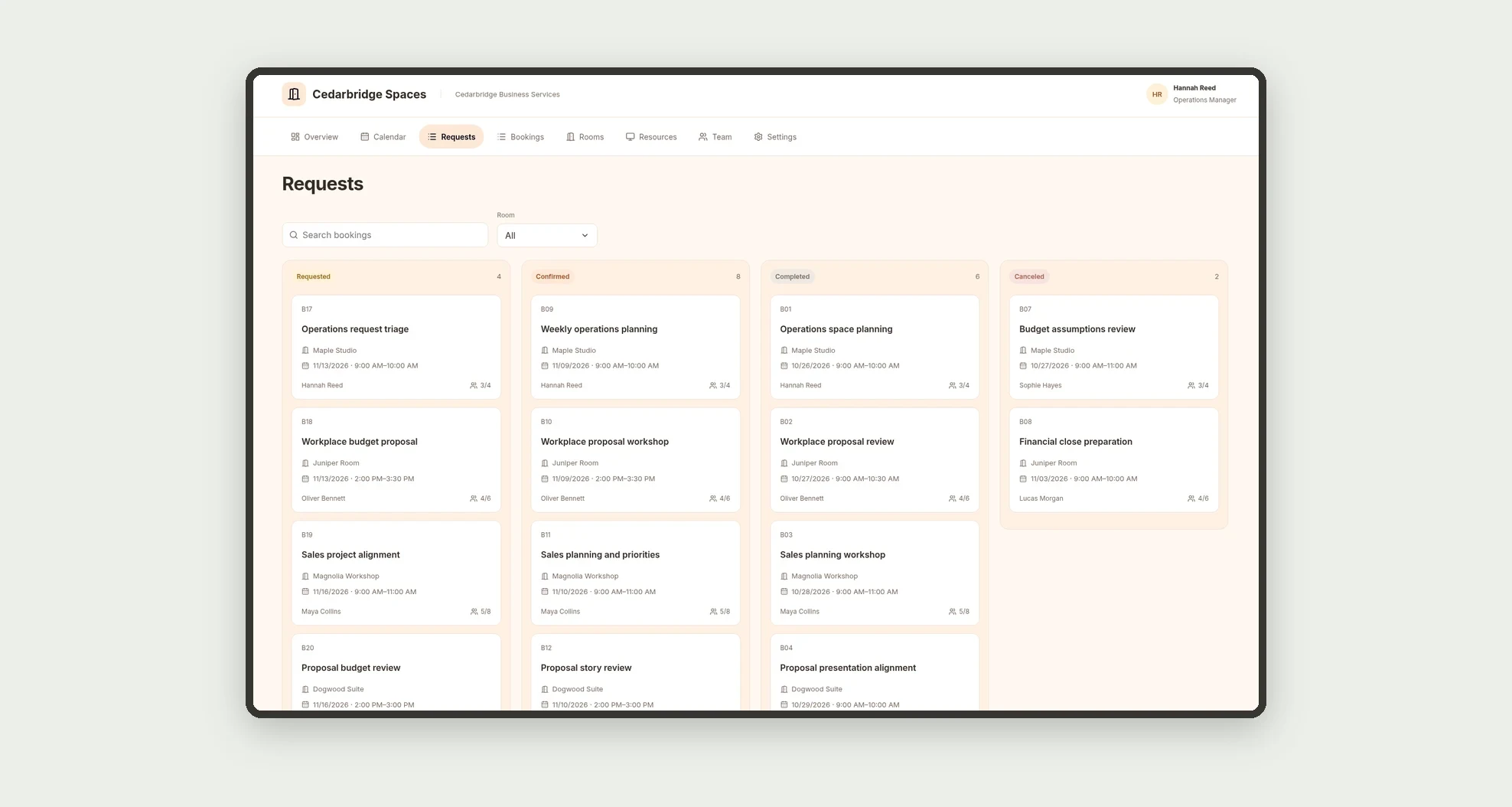
- Track requests on a status-based kanban board.
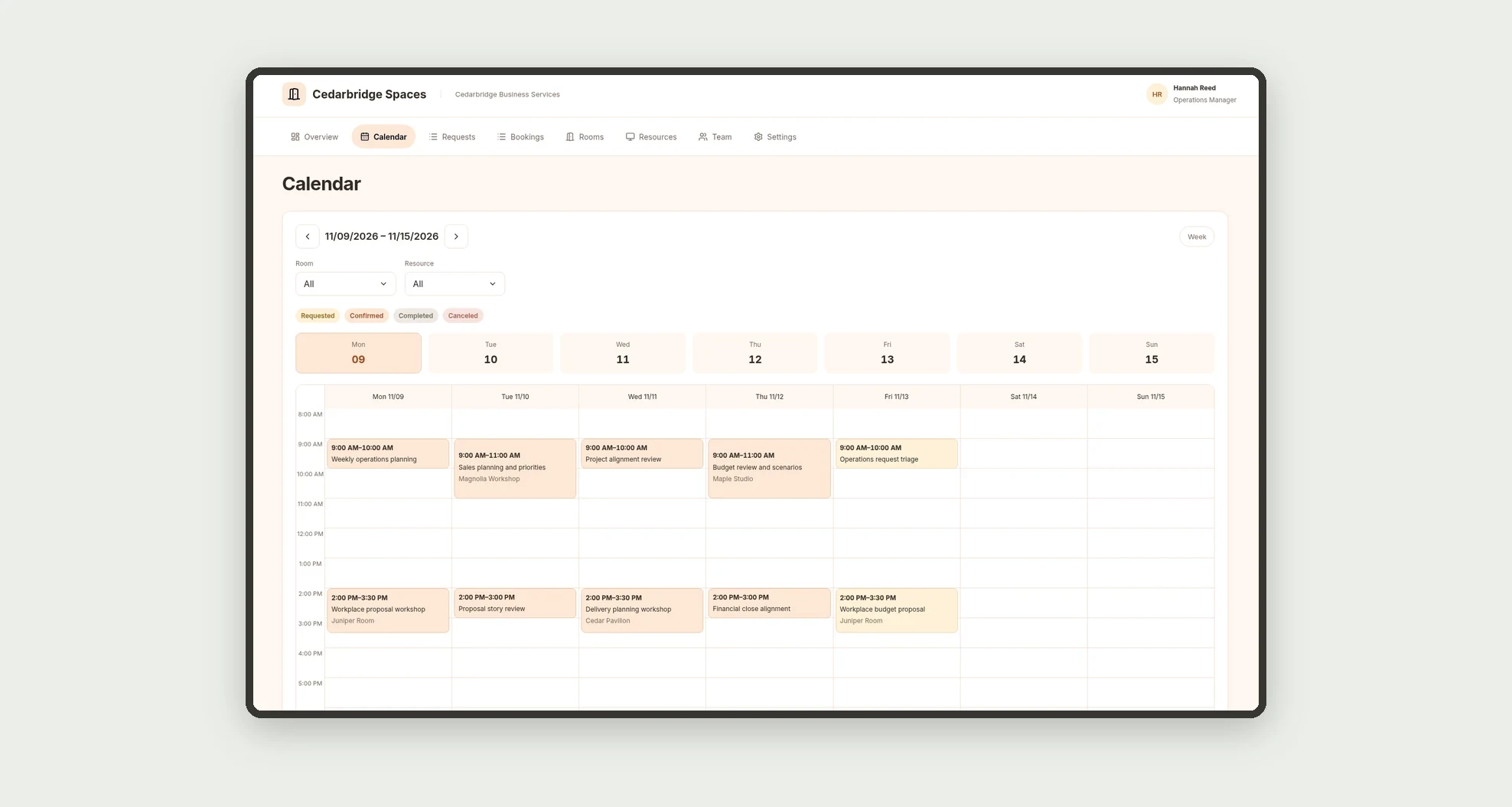
- Browse weekly and monthly calendars and a room time grid.
- Sort and filter bookings in a data table.
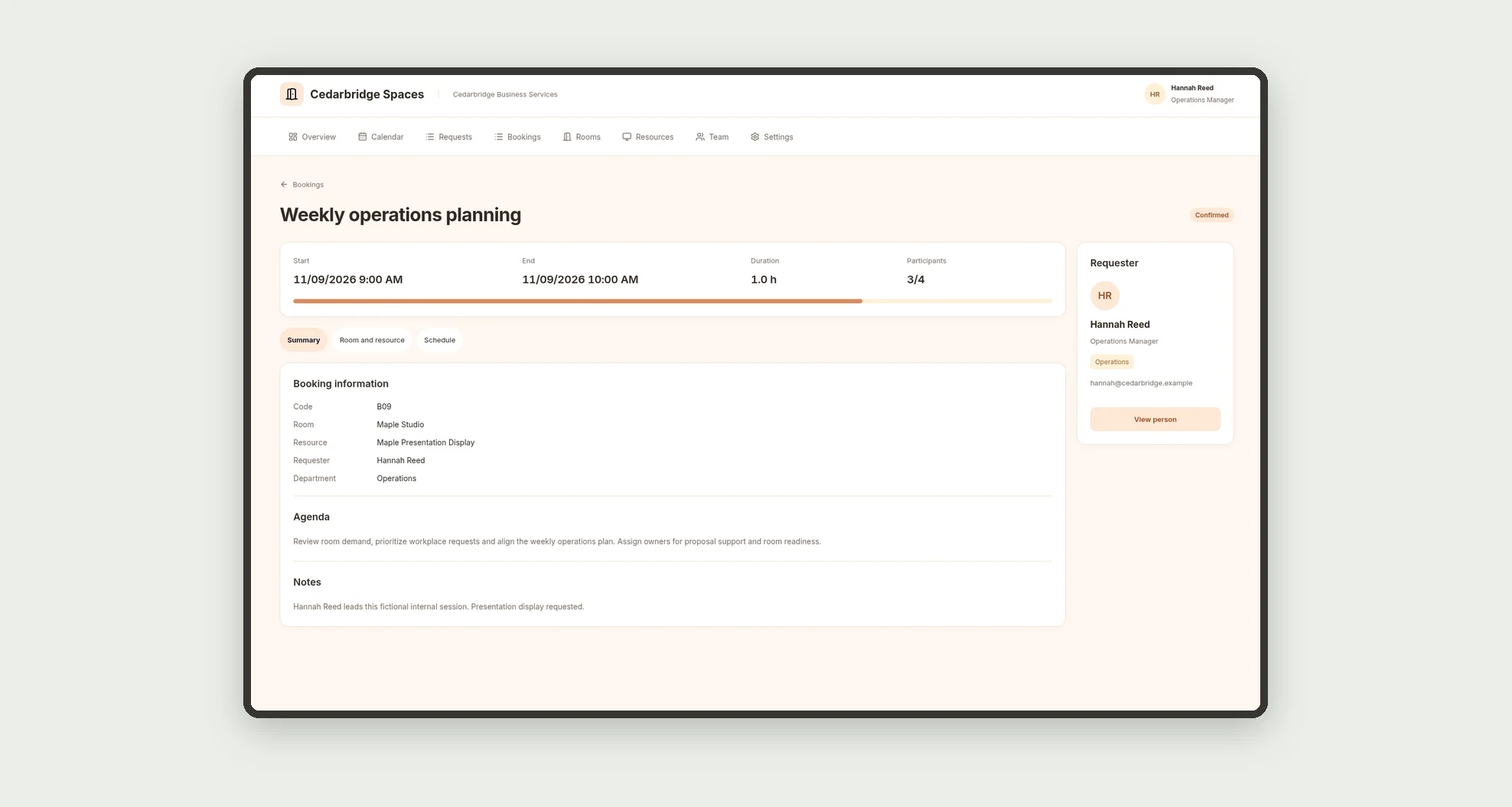
- Open profiles with agendas, schedules, and related records.
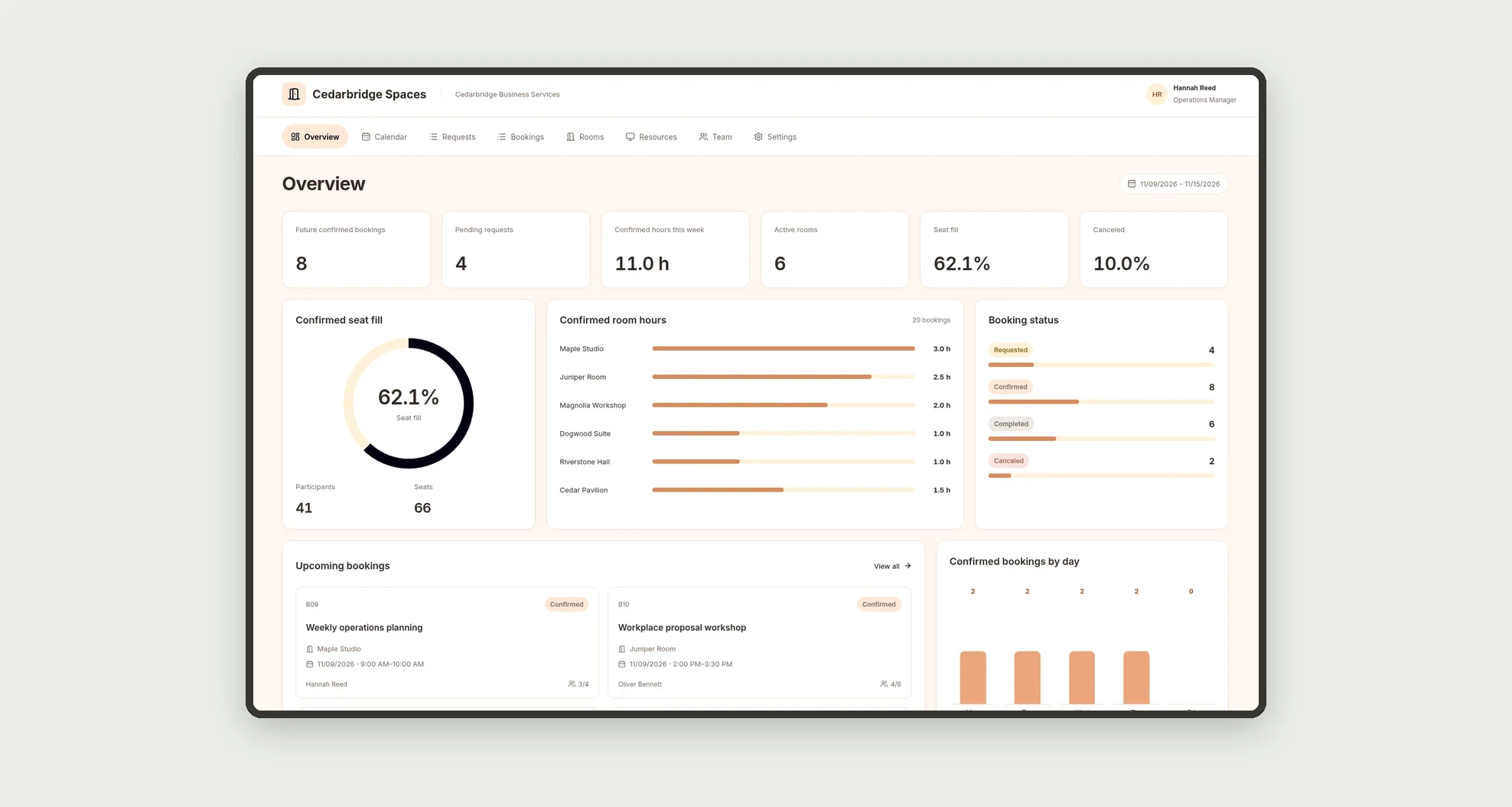
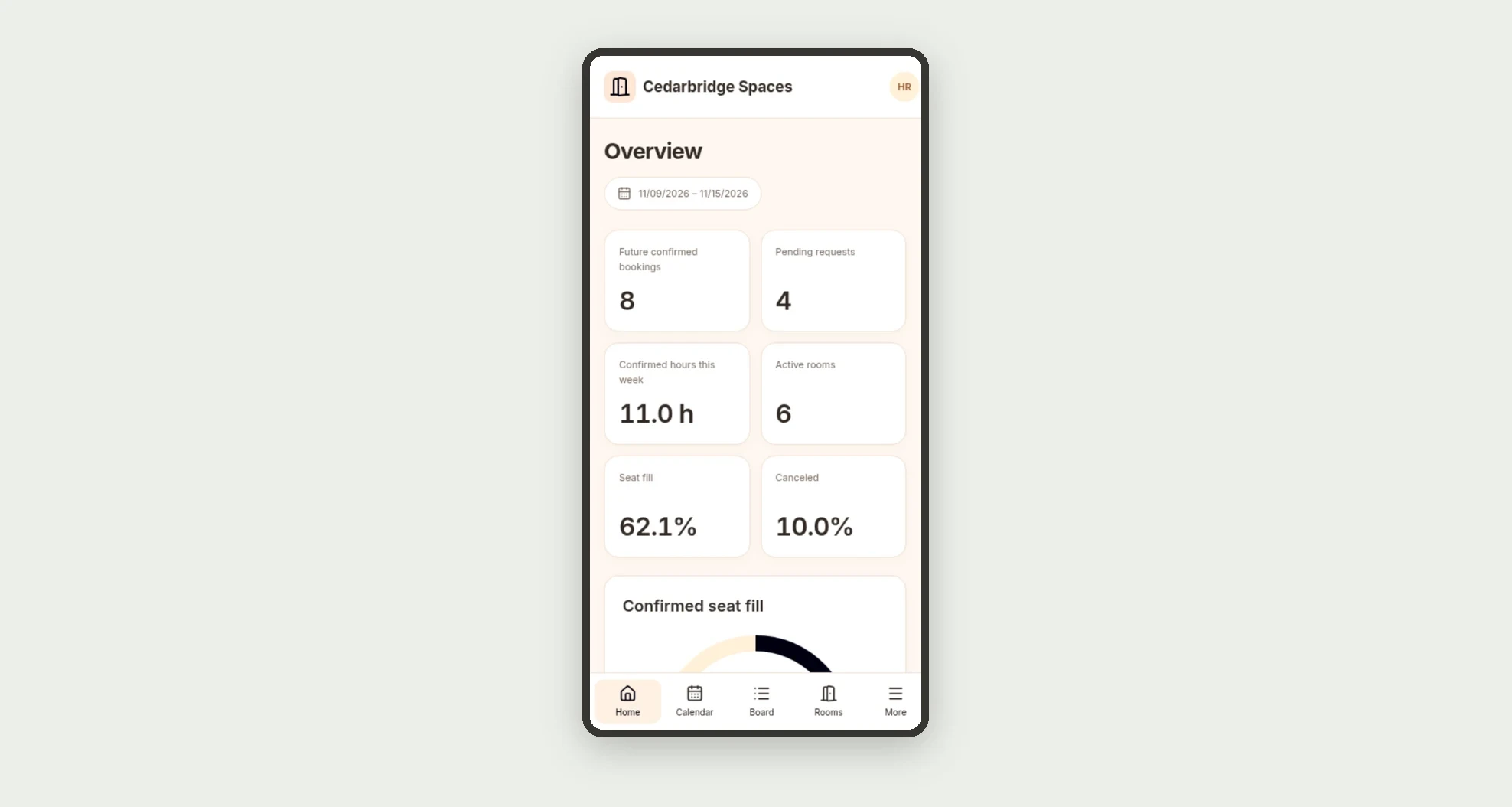
- Monitor confirmed hours, pending requests, and seat fill.
App features
Room & Resource Booking
The Room & Resource Booking screen covers this part of the operation.
How it works
Set up the team, rooms, and resources. Record a request with times and participant count.
Check capacity and room or resource conflicts before confirming or rescheduling.
Track bookings on the calendar, record completion, and cancel by changing status when needed.
How to set up this template
- 1Click Use App
Create your Jestor account and install Room & Resource Booking. It works on desktop and mobile.
- 2Set up the team
Set up the team, rooms, and resources.
- 3Record a request with times and participant count.
Record a request with times and participant count.
- 4Check capacity and room or resource conflicts before confirming
Check capacity and room or resource conflicts before confirming or rescheduling.
Integrations and customization
The design supports desktop and mobile use. Rooms, capacities, equipment, and departments can be adapted to the business. No external calendar, invitation, notification, or physical access integration is included.
- Adjust fields, categories, statuses and rules without code.
- Add screens, reports and automations as the operation needs them.
And that's just the start: you can edit any part of this template and go much further just by asking Jestor's AI. Describe what you need, like a new field, automation, report or integration, and the AI builds or adjusts it for you, no code required.
Frequently asked questions
Can a booking include multiple resources?
This structure links each booking to one resource belonging to its selected room.
How are conflicts identified?
The design compares the requested interval against other confirmed bookings for the same room or resource before confirming or rescheduling.
What does seat fill mean?
It divides participants by the sum of room capacities across the confirmed bookings considered, not occupancy over time.
Do calendar and detail times match?
The design uses one timezone for persistence and display across every view.
Are the sample records real?
No. People, businesses, meetings, rooms, and equipment are fictional.