What it is
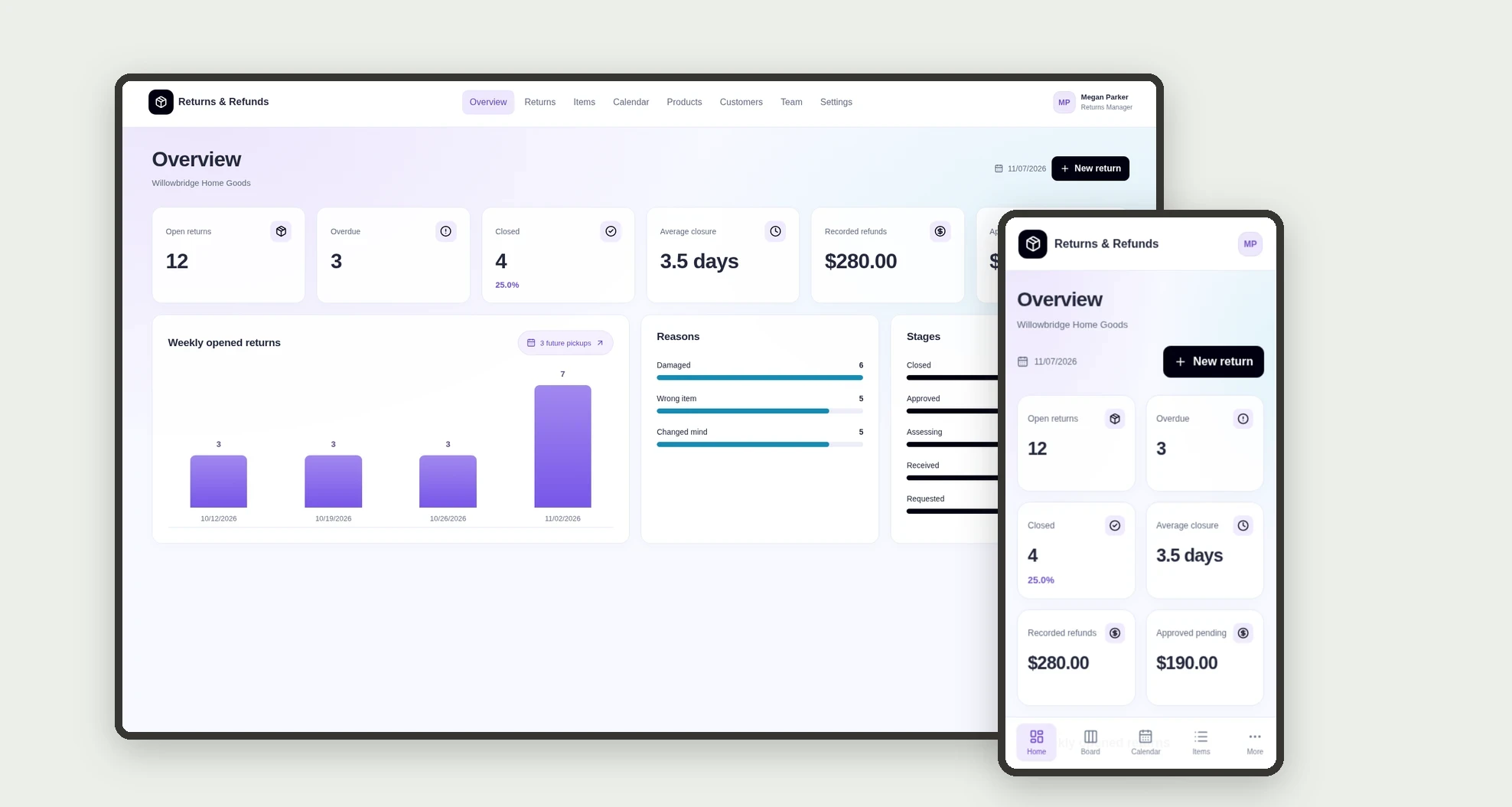
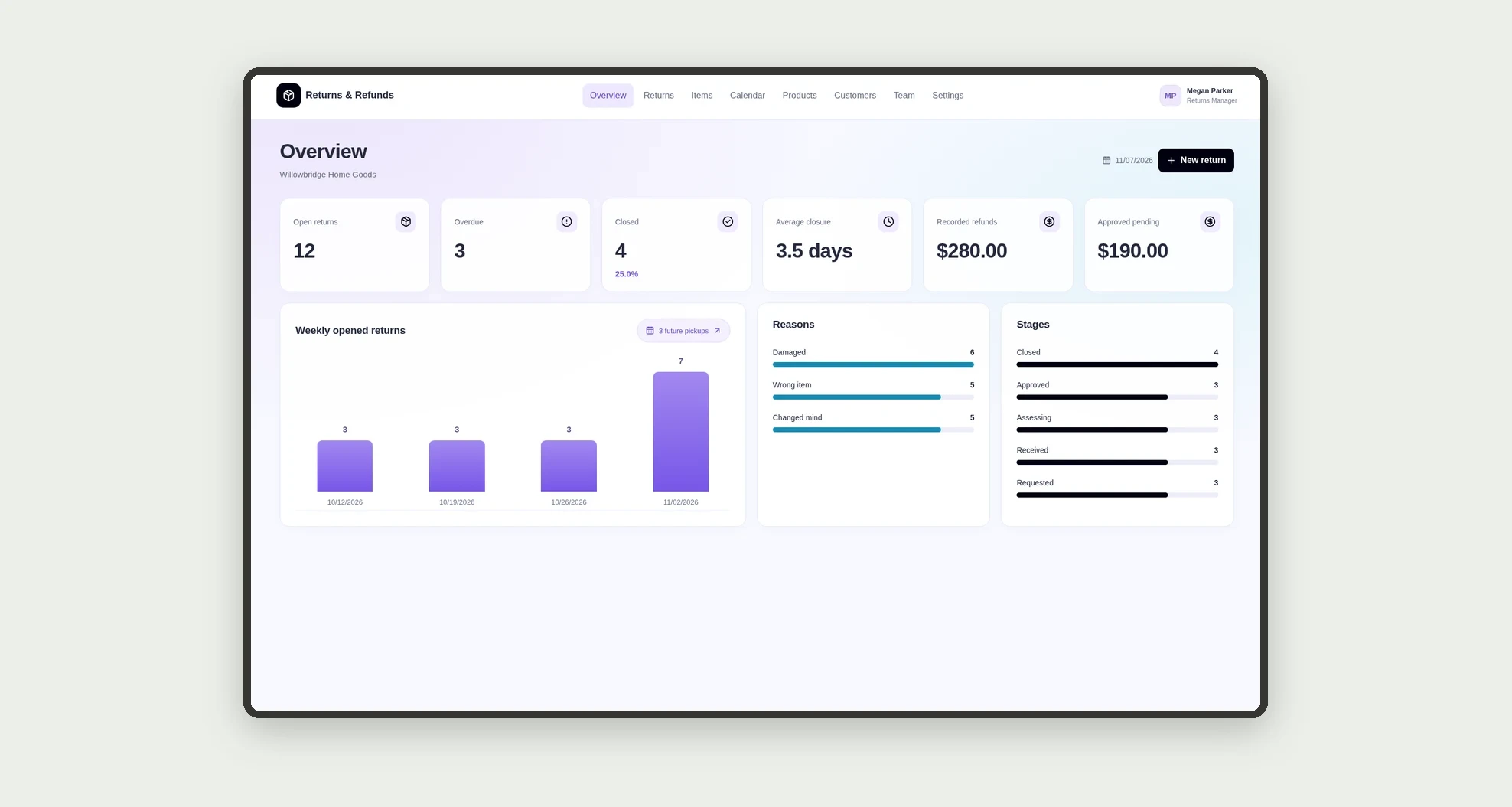
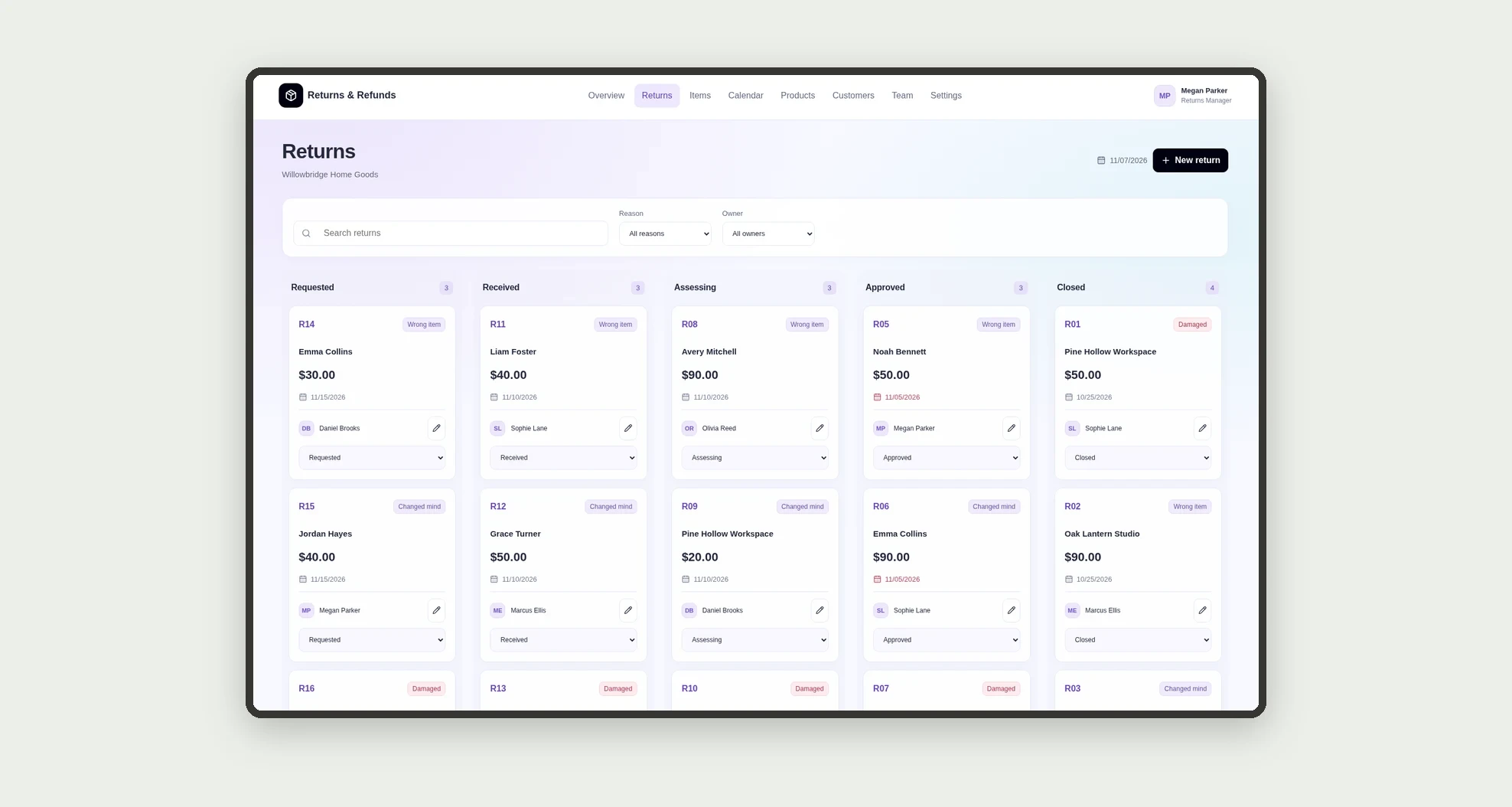
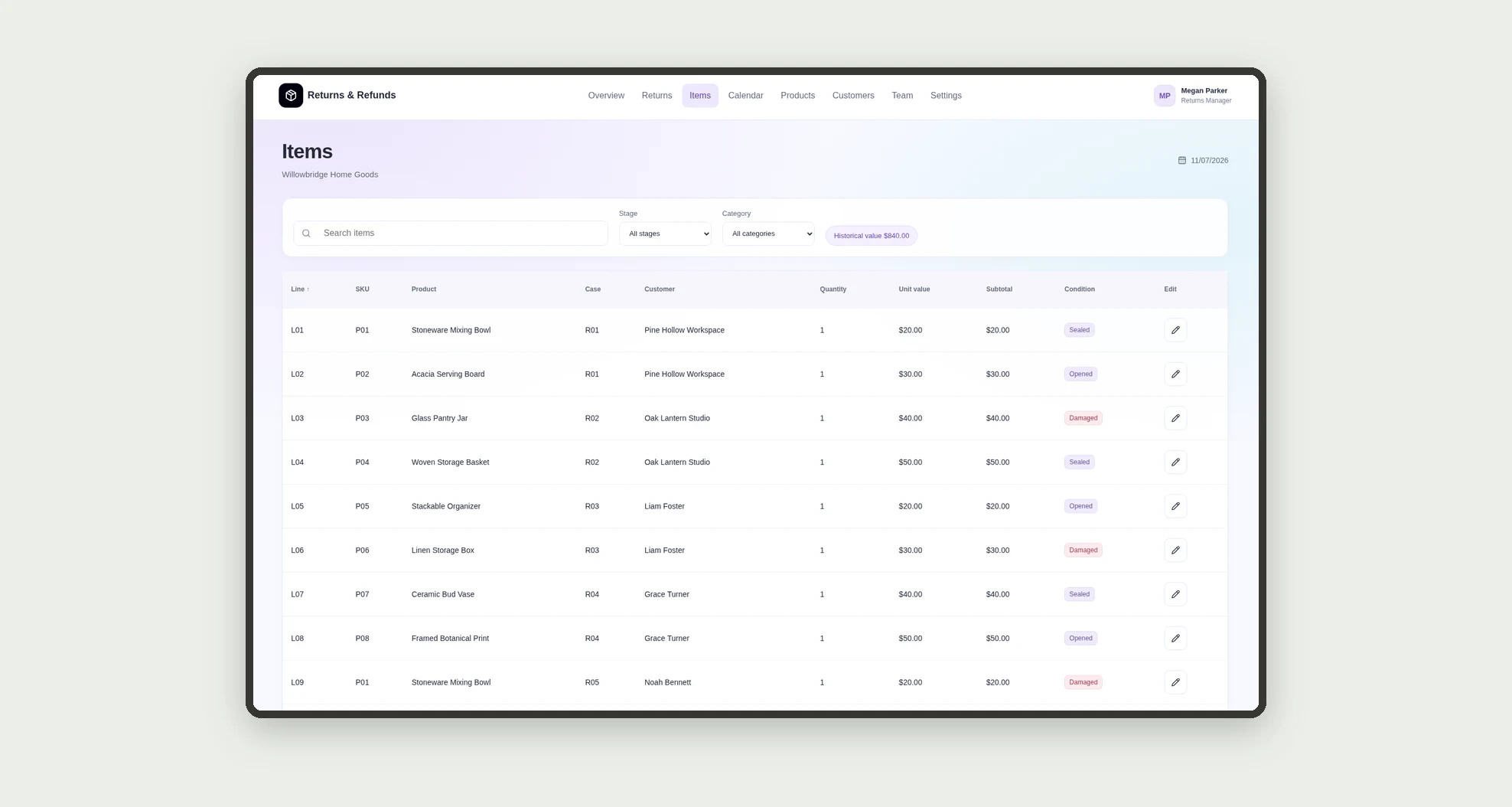
An app for tracking product returns from the initial request through the decision and internal refund record. Organize cases on a kanban board, items in a data table, and pickups on a calendar, with deadline and value metrics.
Who it's for
- Small retailers and home goods stores.
- After-sales and customer service teams.
- E-commerce operations managers.
- Teams receiving and assessing returned products.
What you can do
- Register returns linked to customers and owners.
- Track stages on a kanban board with counts and values.
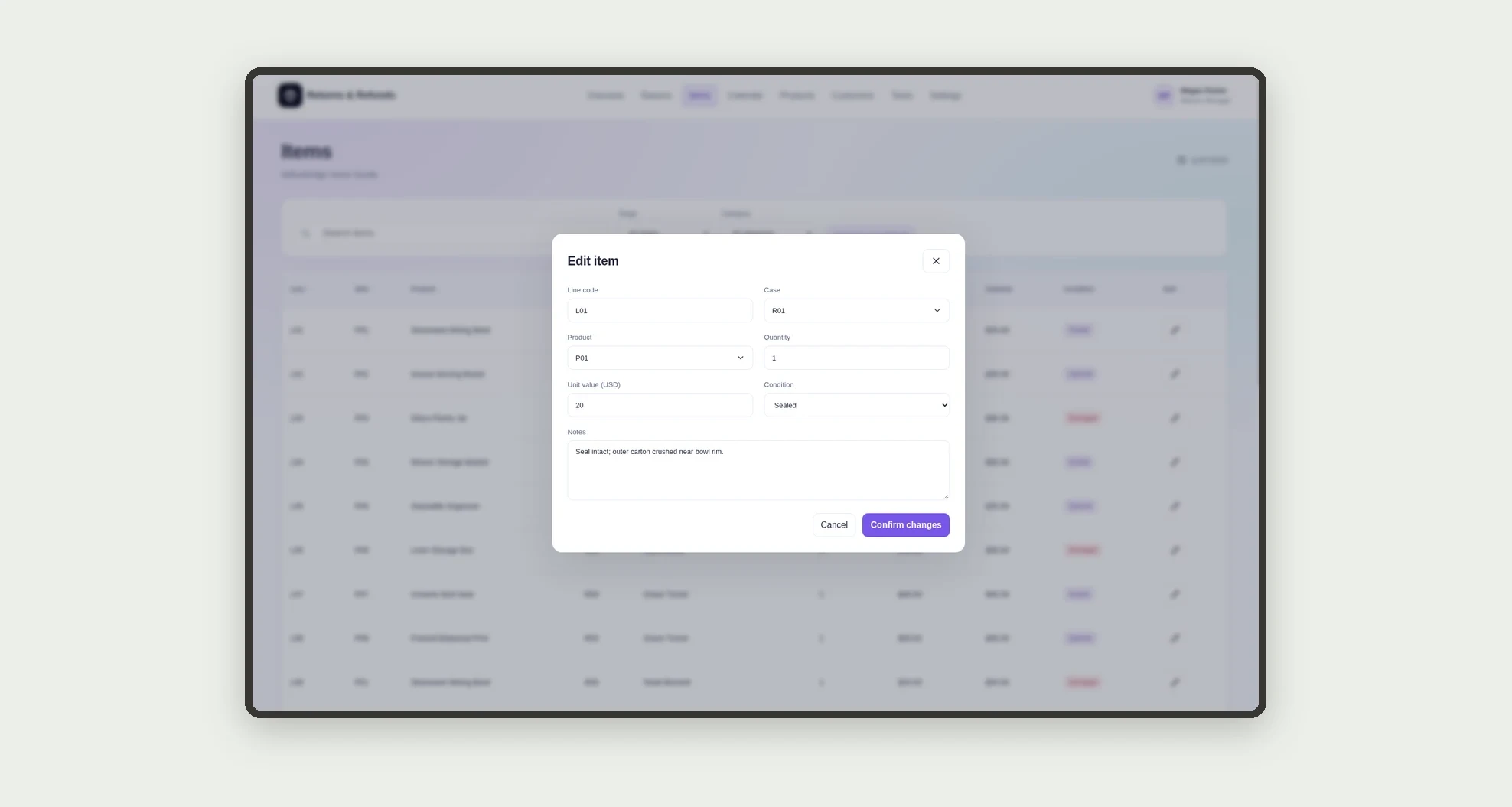
- Record returned products, quantities, condition, and historical unit values.
- Sort and filter return items in a data table.
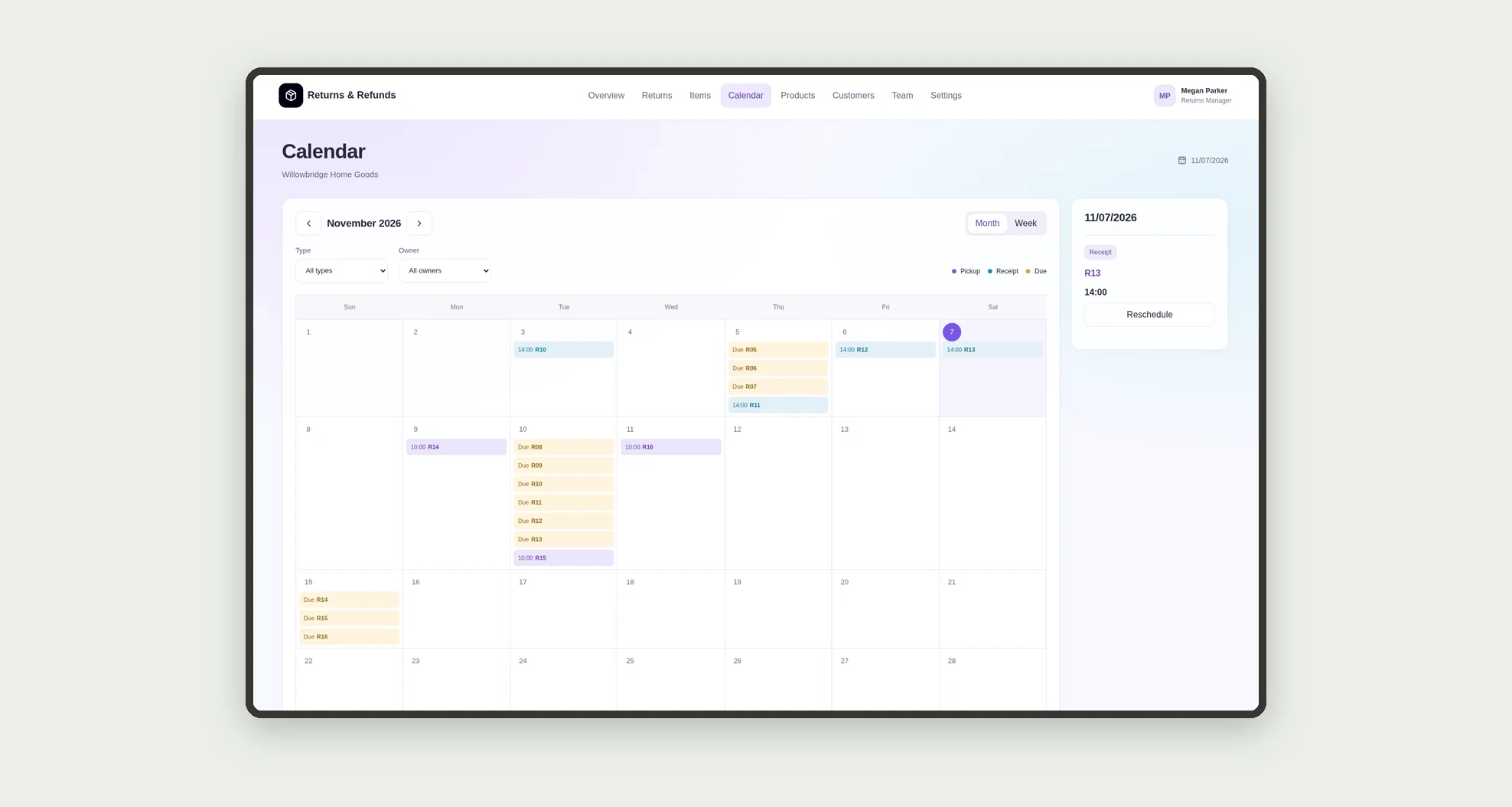
- See pickups, receipts, and deadlines on a calendar.
- Open profiles with evidence, decisions, related items, and dated history.
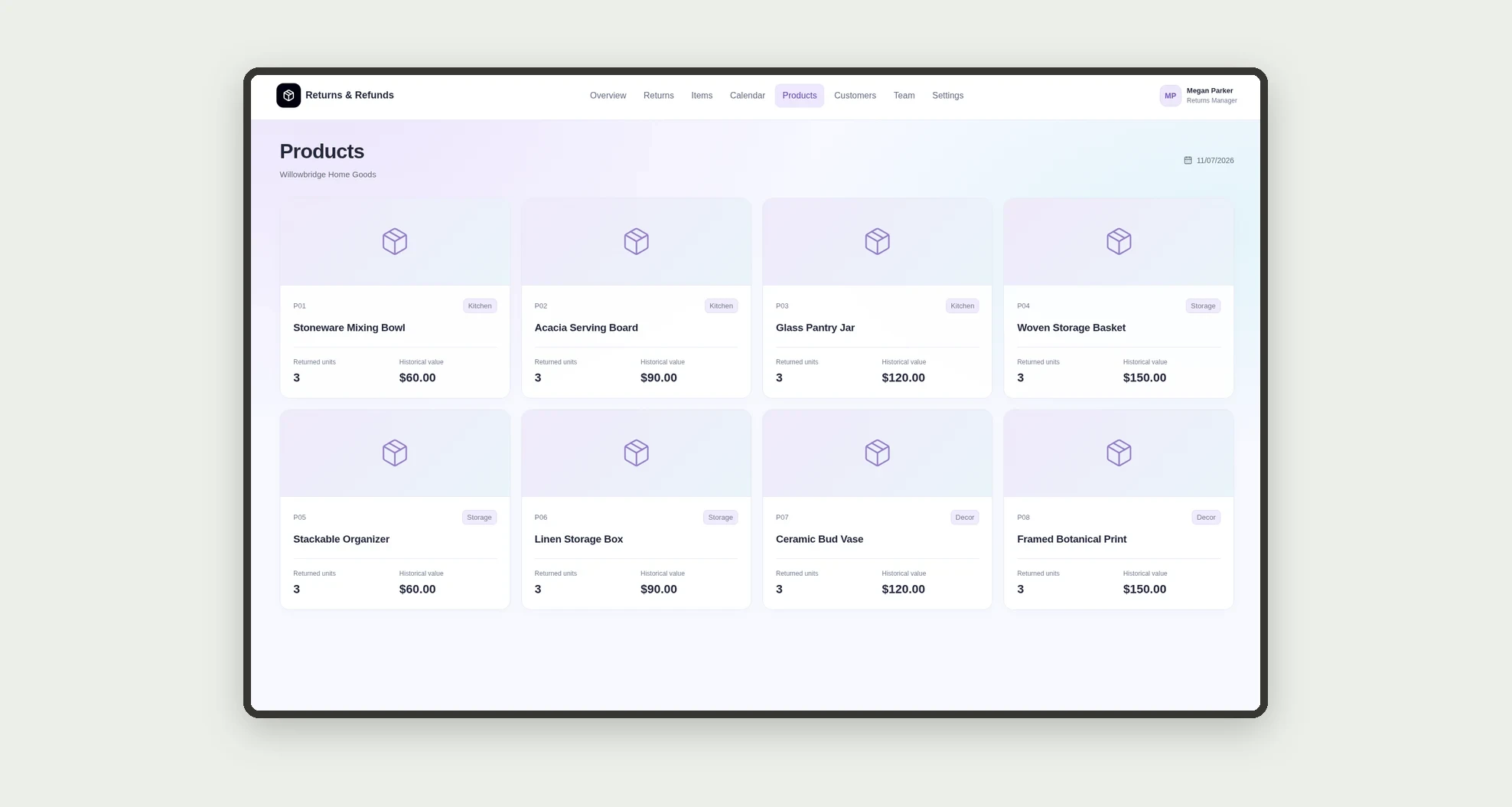
- Browse product, customer, and team card grids.
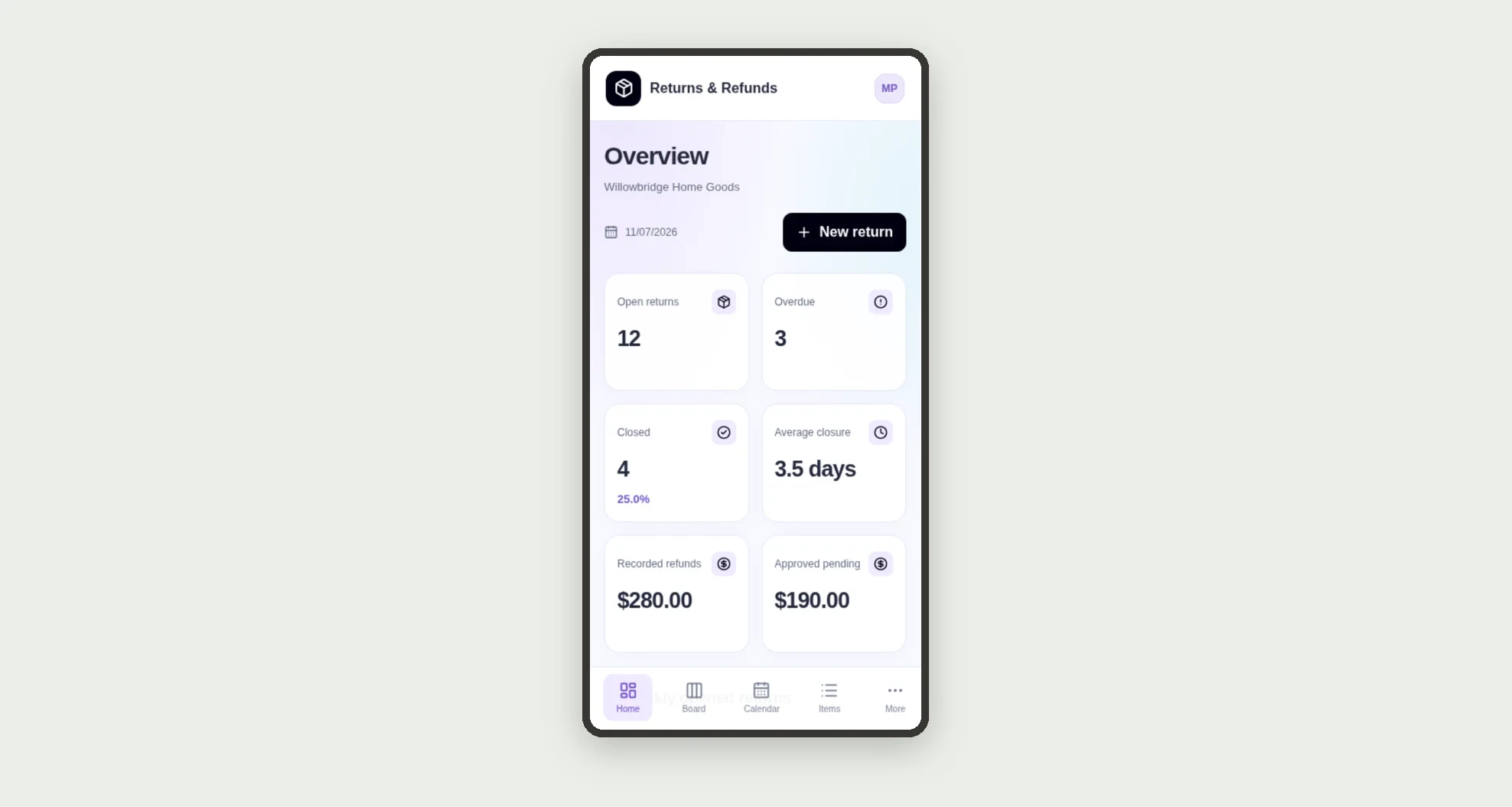
- Monitor overdue cases, closure time, and recorded refund values.
App features
Returns & Refunds
The Returns & Refunds screen covers this part of the operation.
How it works
Record the request with its customer, owner, and items. Schedule pickup, record receipt, and track assessment.
After the decision, internally record the refund reference and close the case.
The dashboard calculates metrics from those records.
How to set up this template
- 1Click Use App
Create your Jestor account and install Returns & Refunds. It works on desktop and mobile.
- 2Record the request with its customer
Record the request with its customer, owner, and items.
- 3Schedule pickup
Schedule pickup, record receipt, and track assessment.
- 4After the decision
After the decision, internally record the refund reference and close the case.
Integrations and customization
The design supports desktop and mobile use. Categories, reasons, team members, and deadlines can be adapted to operations. No store, carrier, or bank integration is included. The app does not execute refunds, payments, or external messages.
- Adjust fields, categories, statuses and rules without code.
- Add screens, reports and automations as the operation needs them.
And that's just the start: you can edit any part of this template and go much further just by asking Jestor's AI. Describe what you need, like a new field, automation, report or integration, and the AI builds or adjusts it for you, no code required.
Frequently asked questions
Does the app pay refunds?
No. It internally records the decision and the reference entered by the team.
How is a case value calculated?
By adding quantity times historical unit value across its linked items.
When is a case overdue?
When it is not closed and its due date is earlier than the reference date in Settings.
Does the calendar match record times?
The design uses one timezone across records, calendar, table, and detail pages.
Are the sample records real?
No. Companies, people, orders, products, and references are fictional.