What it is
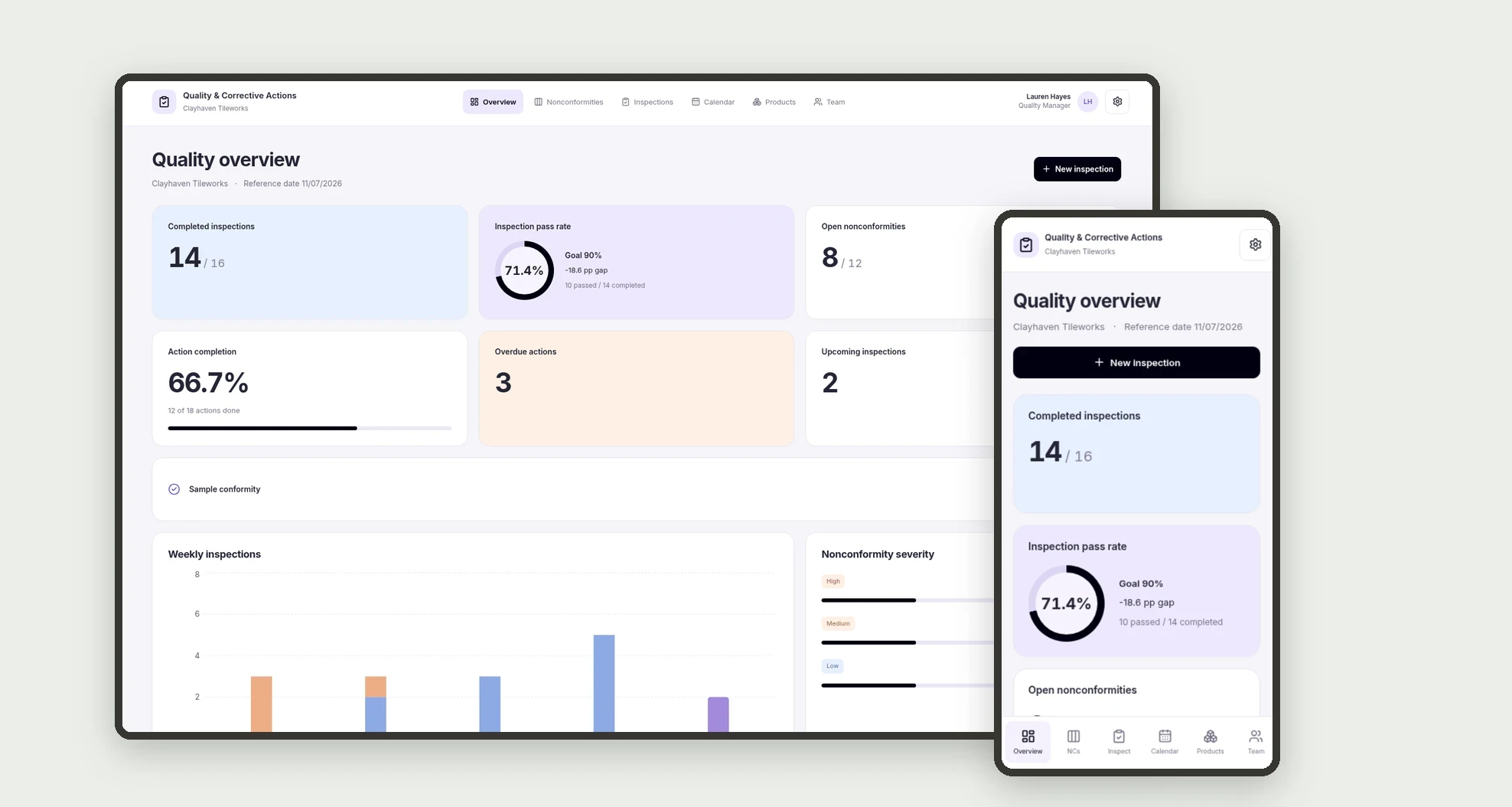
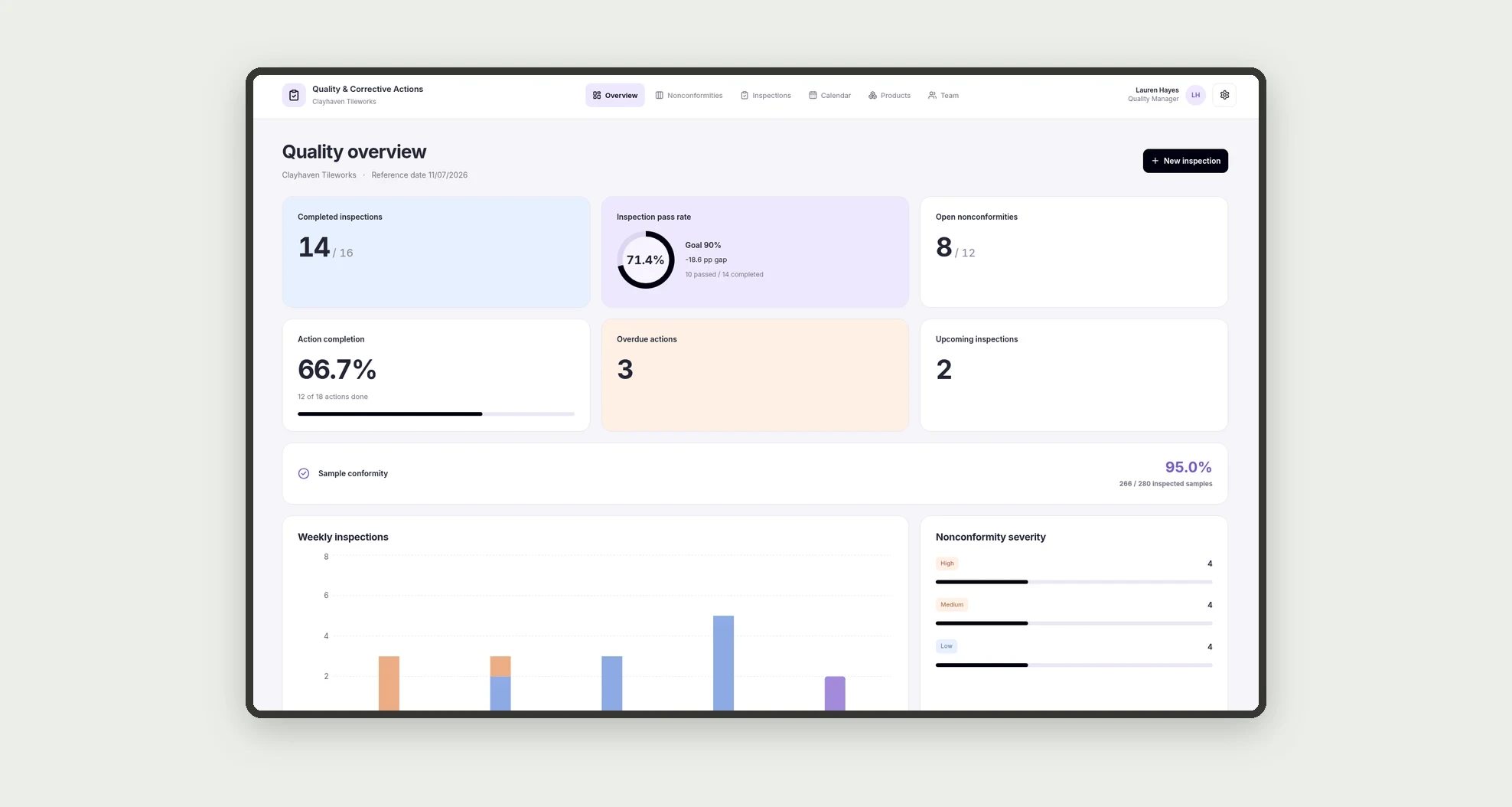
An app for organizing quality inspections, nonconformities, and corrective action plans. Track inspection pass rates, sample conformity, owners, and due dates through a dashboard, board, and calendar.
Who it's for
- Small manufacturers and production businesses.
- Quality and production managers.
- Teams tracking defects by product and batch.
- Managers verifying actions and effectiveness before closing issues.
What you can do
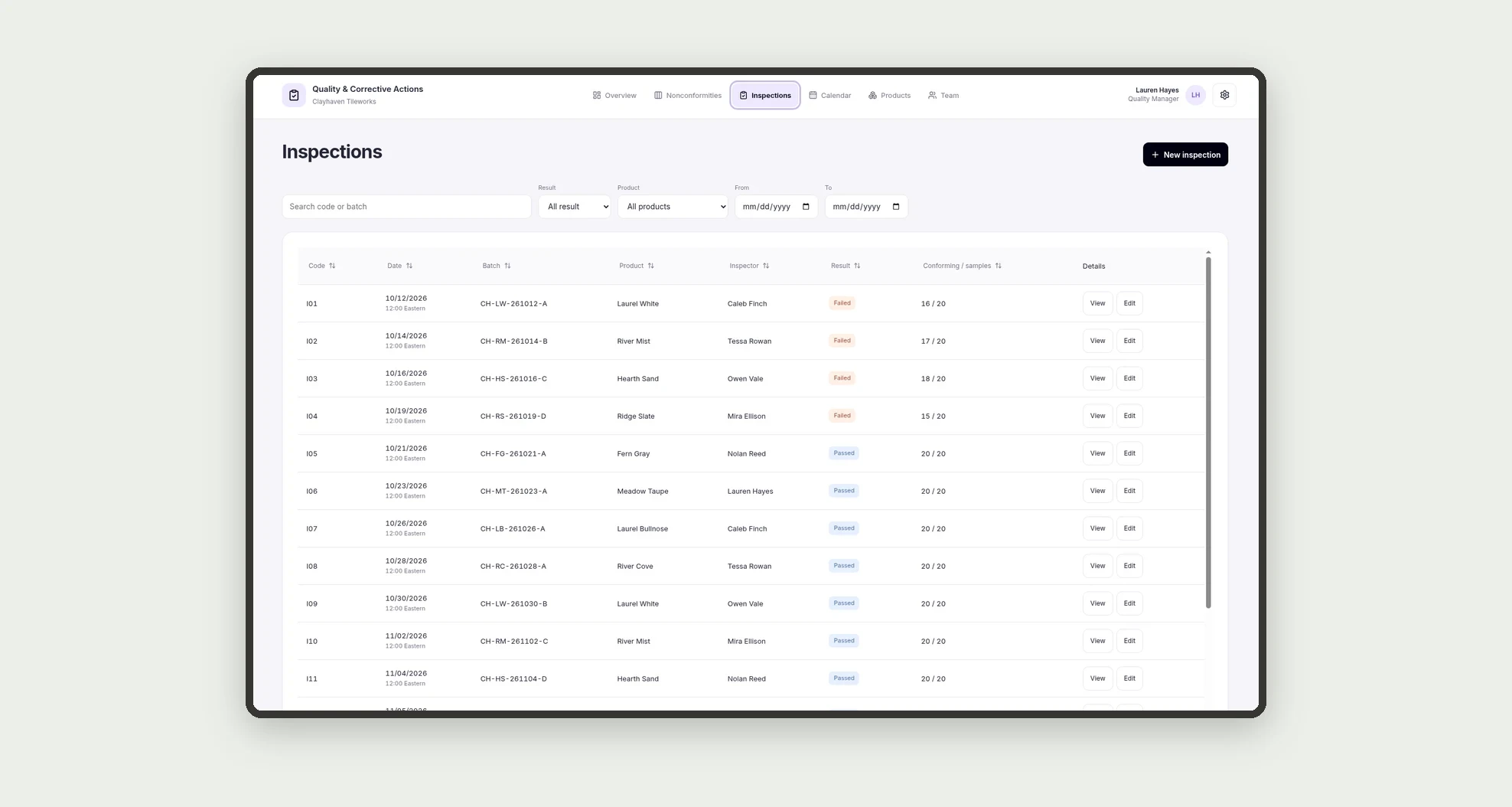
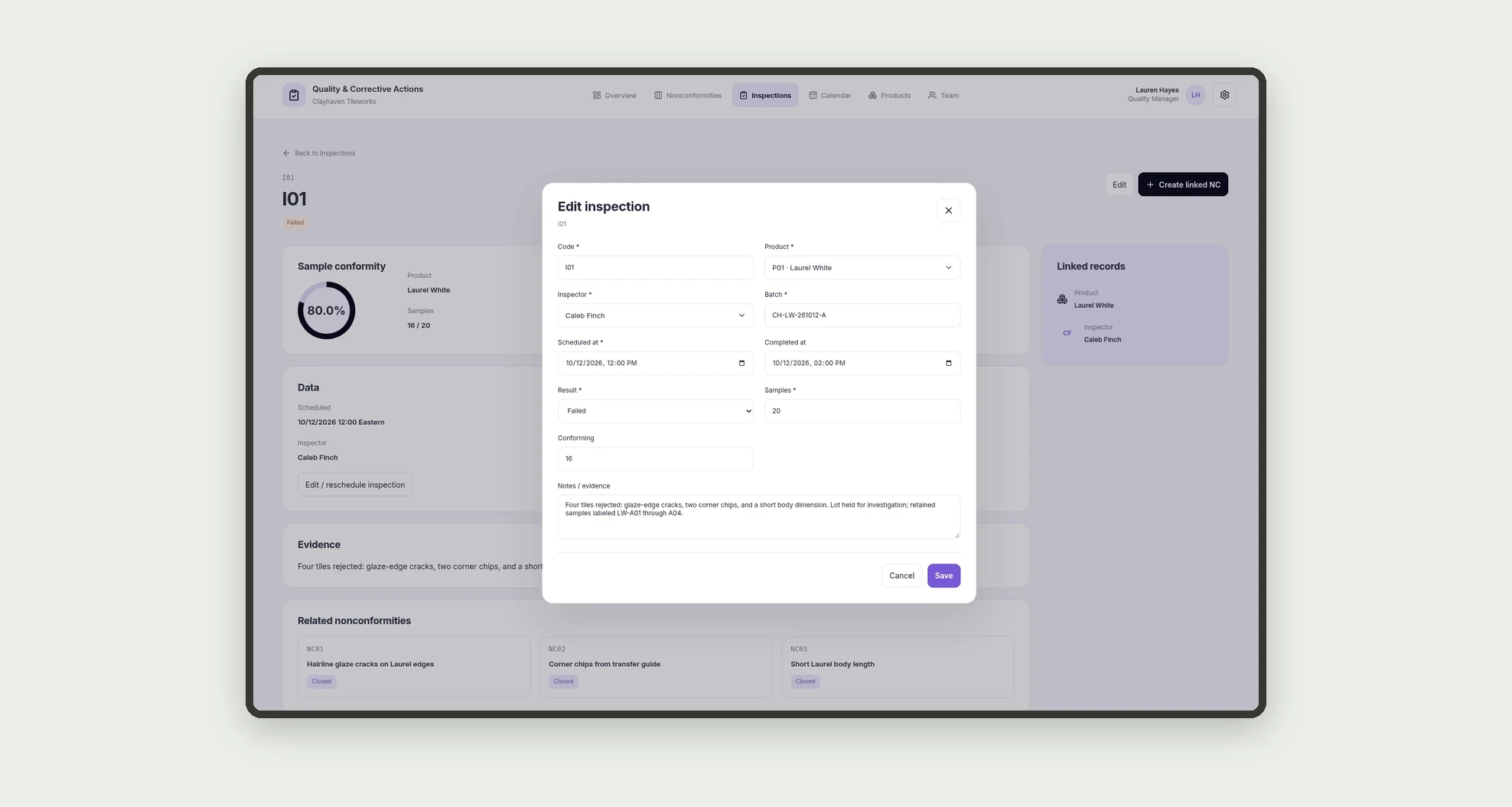
- Record inspections with product, batch, inspector, and conforming samples.
- Sort and filter inspections in a data table.
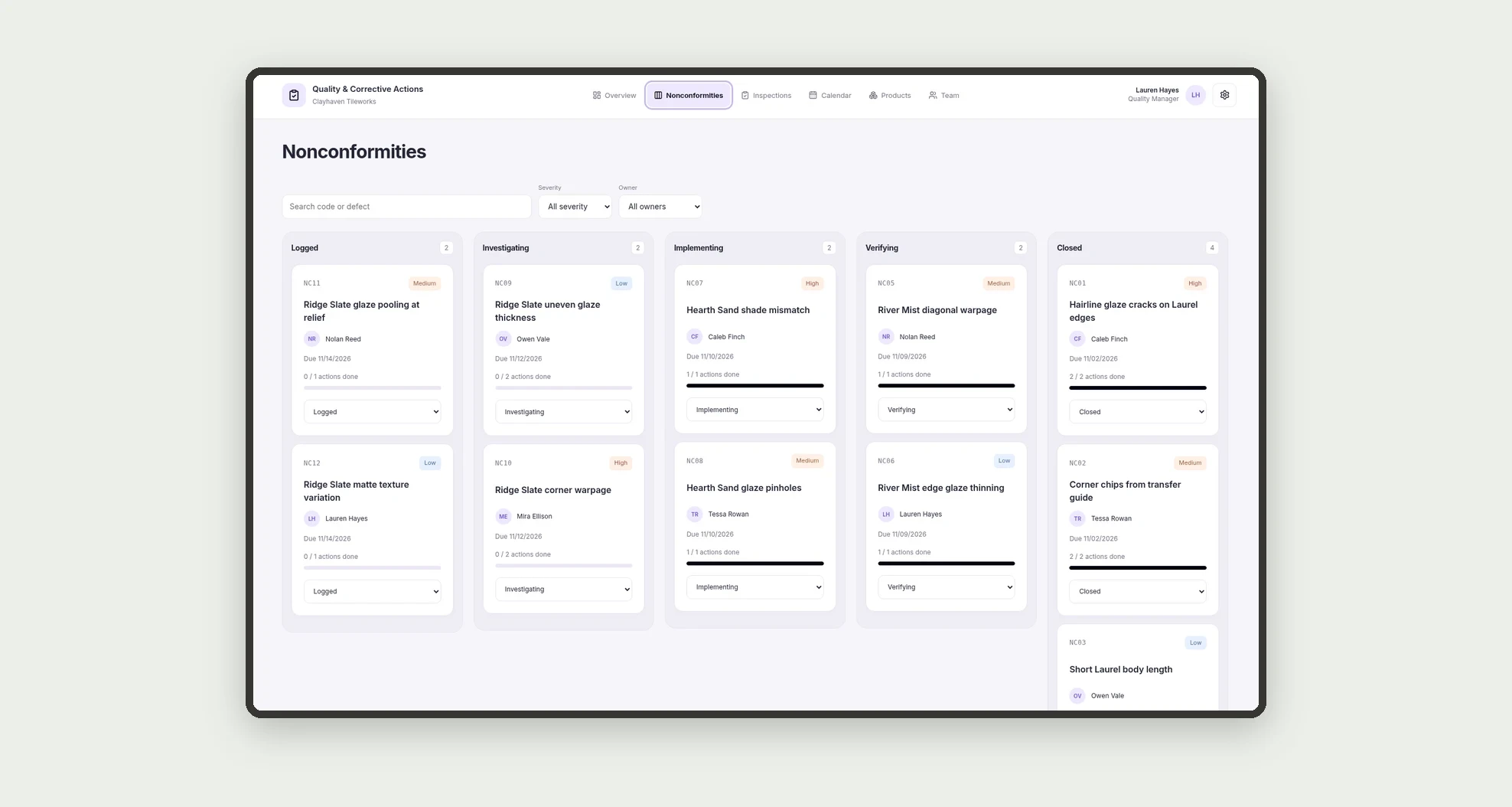
- Track nonconformities on a stage-based kanban board.
- Record root causes, evidence, actions, owners, and due dates.
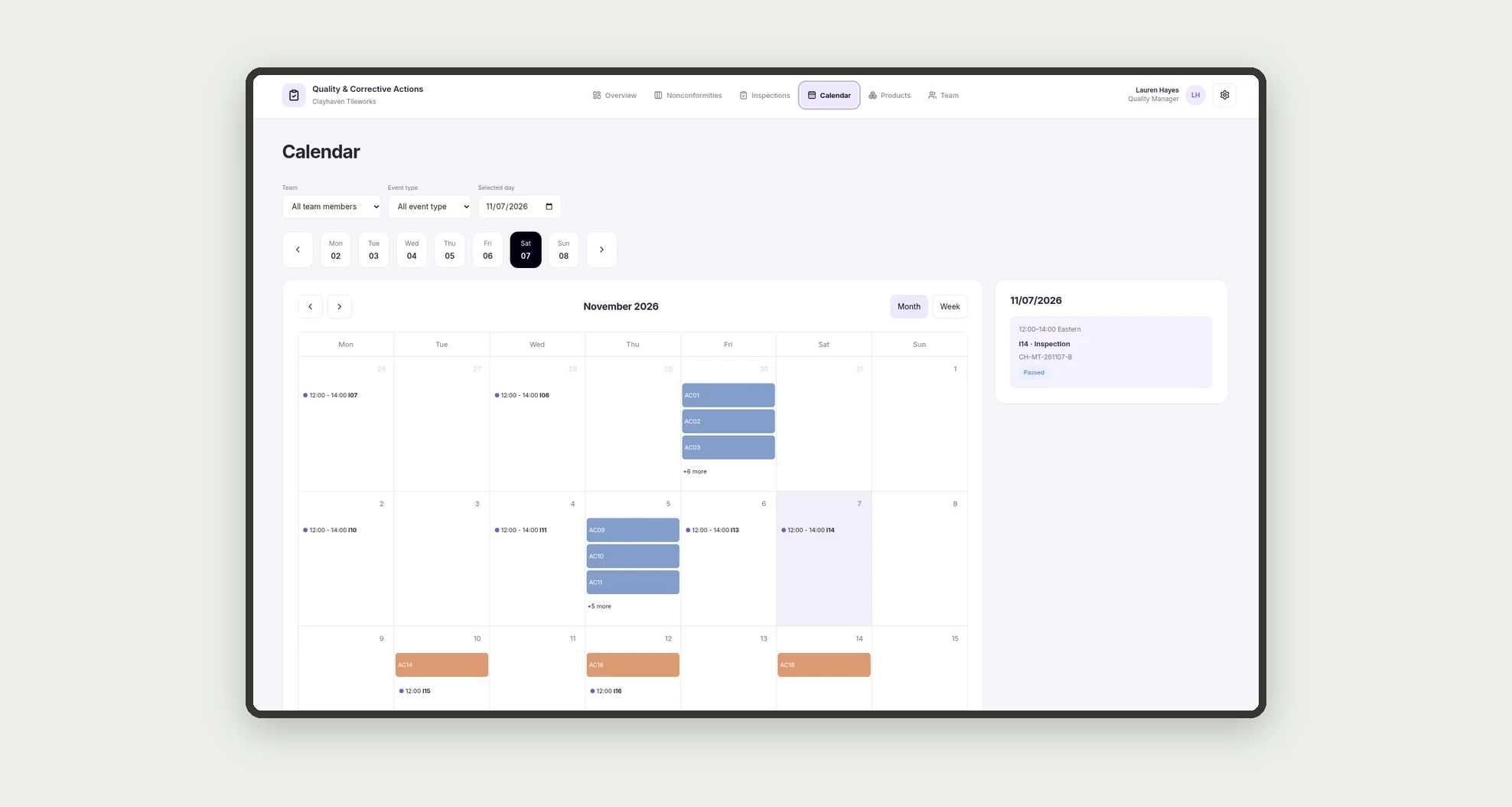
- See inspections and action deadlines on a calendar.
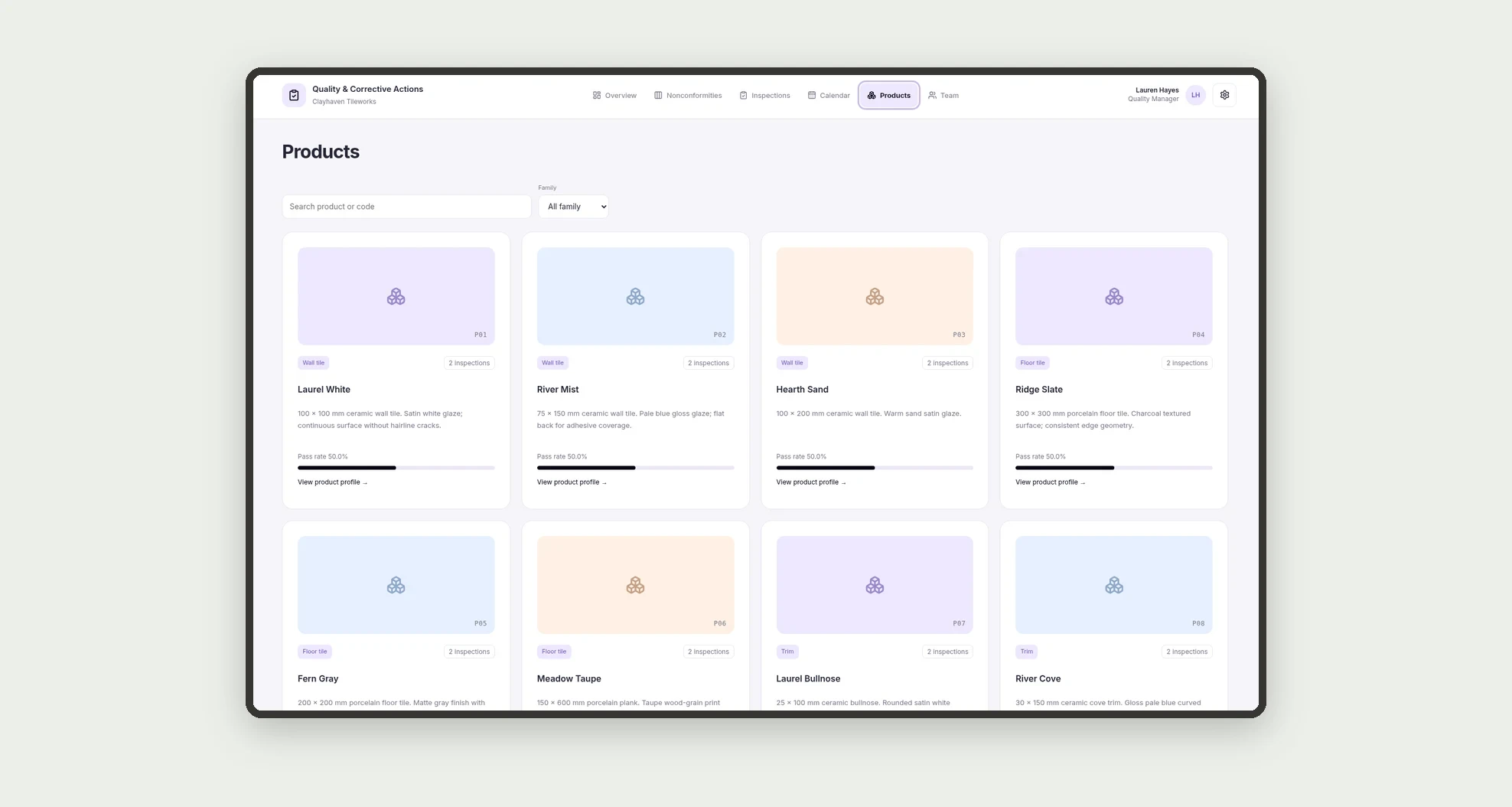
- Explore product and team card grids with meaningful metrics.
- Open sectioned profiles with action plans, related records, and dated history.
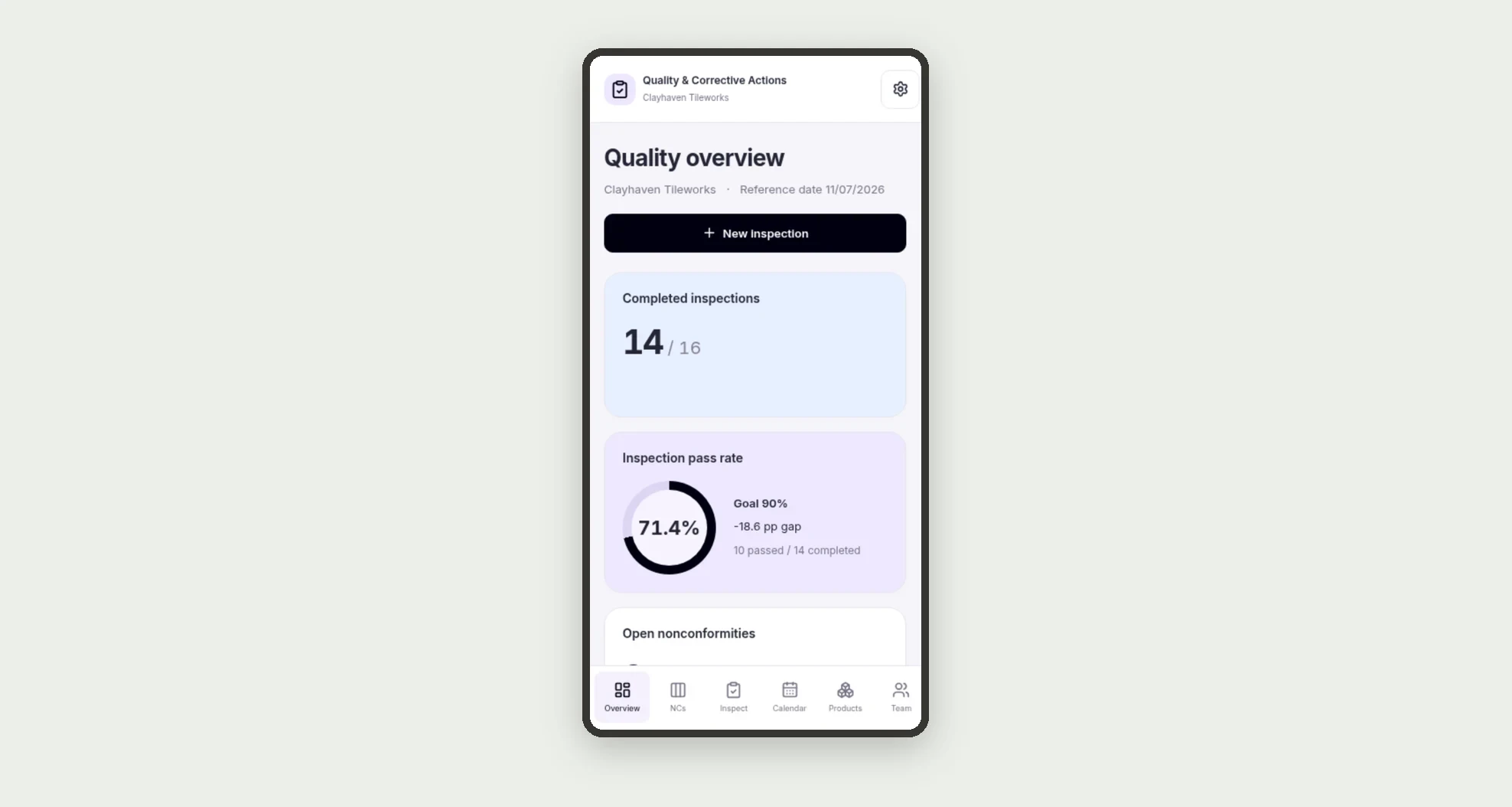
- Monitor pass rate, sample conformity, and overdue actions on the dashboard.
App features
Quality & Corrective Actions
The Quality & Corrective Actions screen covers this part of the operation.
How it works
Set up products and team members. Record batch inspections and link nonconformities to failed inspections.
Assign actions, track deadlines, and record outcomes.
Verify actions and add evidence before closing an issue.
How to set up this template
- 1Click Use App
Create your Jestor account and install Quality & Corrective Actions. It works on desktop and mobile.
- 2Set up products and team members.
Set up products and team members.
- 3Record batch inspections and link nonconformities to failed
Record batch inspections and link nonconformities to failed inspections.
- 4Assign actions
Assign actions, track deadlines, and record outcomes.
Integrations and customization
The design supports desktop and mobile use. Product families, tolerances, team members, and the pass-rate goal can be adapted to the business. No measuring-device, ERP, external notification, or automatic certification integration is included.
- Adjust fields, categories, statuses and rules without code.
- Add screens, reports and automations as the operation needs them.
And that's just the start: you can edit any part of this template and go much further just by asking Jestor's AI. Describe what you need, like a new field, automation, report or integration, and the AI builds or adjusts it for you, no code required.
Frequently asked questions
How is pass rate calculated?
Passed inspections are divided by completed inspections. Scheduled inspections are excluded.
Is sample conformity the same metric?
No. It divides conforming samples by all samples in completed inspections.
When is an action overdue?
When it is unfinished and its due date is earlier than the reference date in Settings.
Can an issue close with unfinished actions?
The design blocks this and requires closure evidence.
Are these real records?
No. The company, team, products, batches, and issues are fictional.