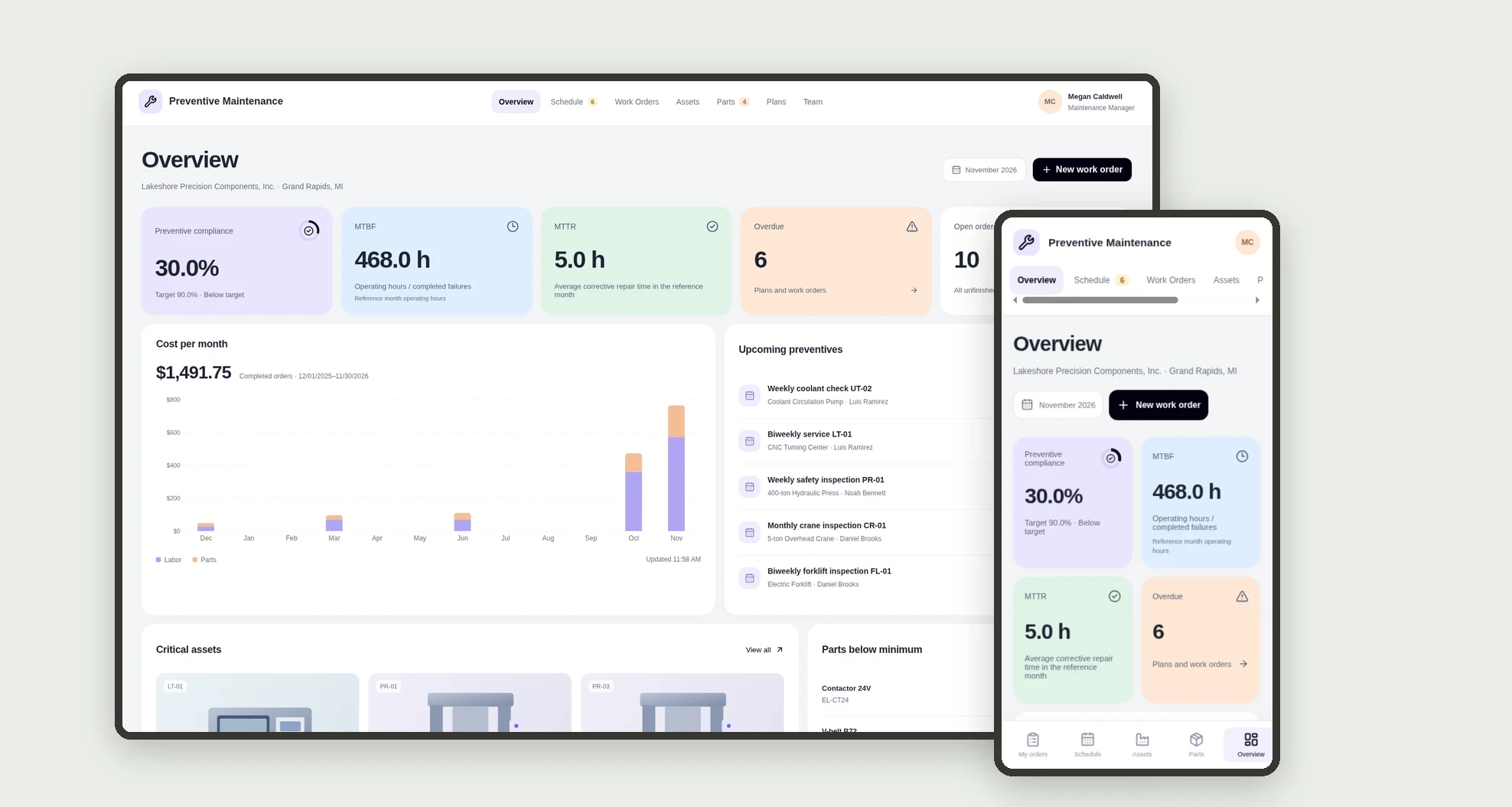
What it is
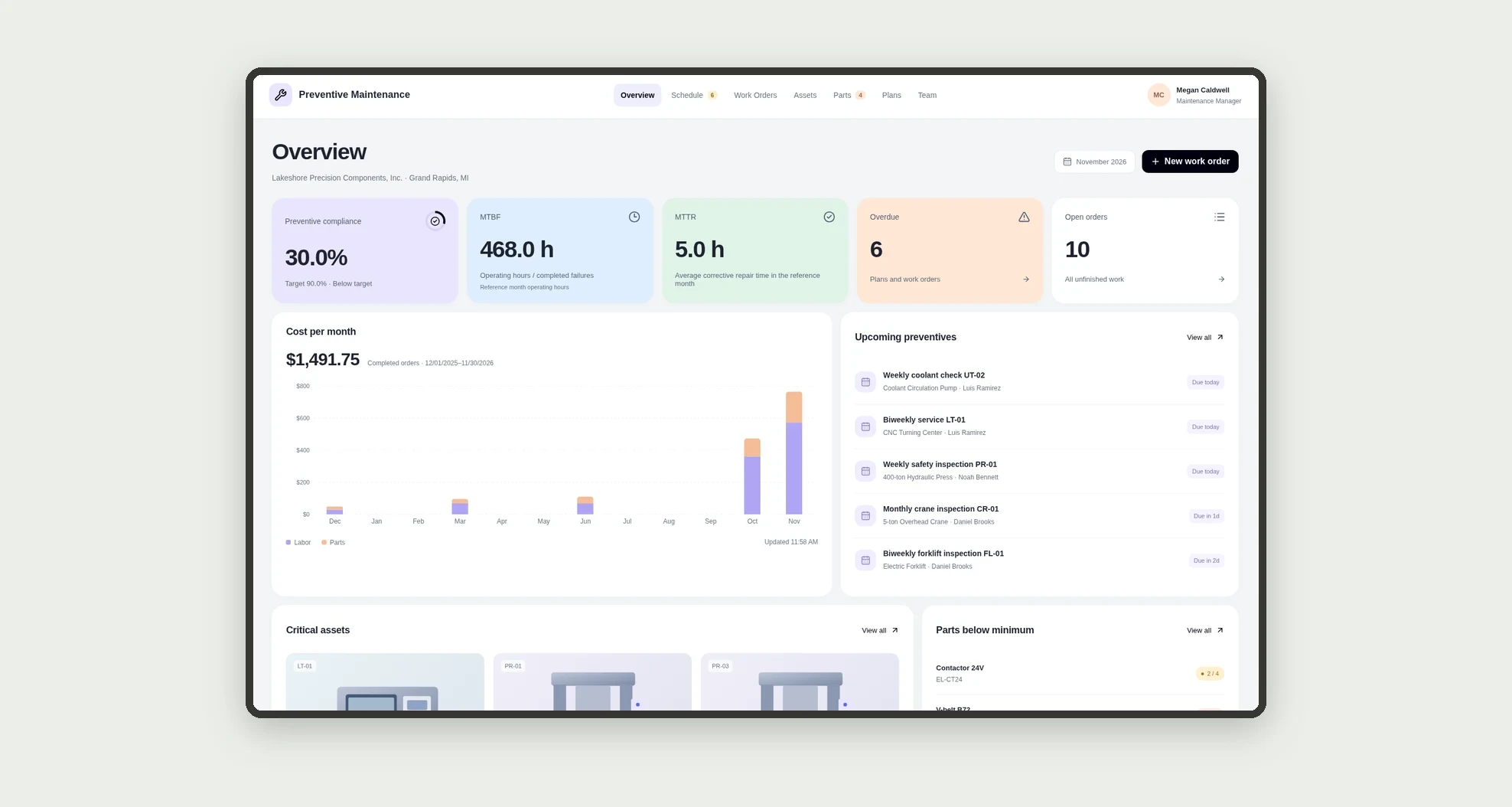
A maintenance app for planning preventive work by asset, tracking preventive and corrective work orders, and measuring compliance, MTBF, MTTR, and monthly cost. Track parts with low-stock alerts and give technicians a mobile view.
Who it's for
- Plants and facilities with critical machines and equipment.
- Maintenance managers and planners.
- Mechanical, electrical, and lubrication technicians.
- Facilities and utilities teams.
What you can do
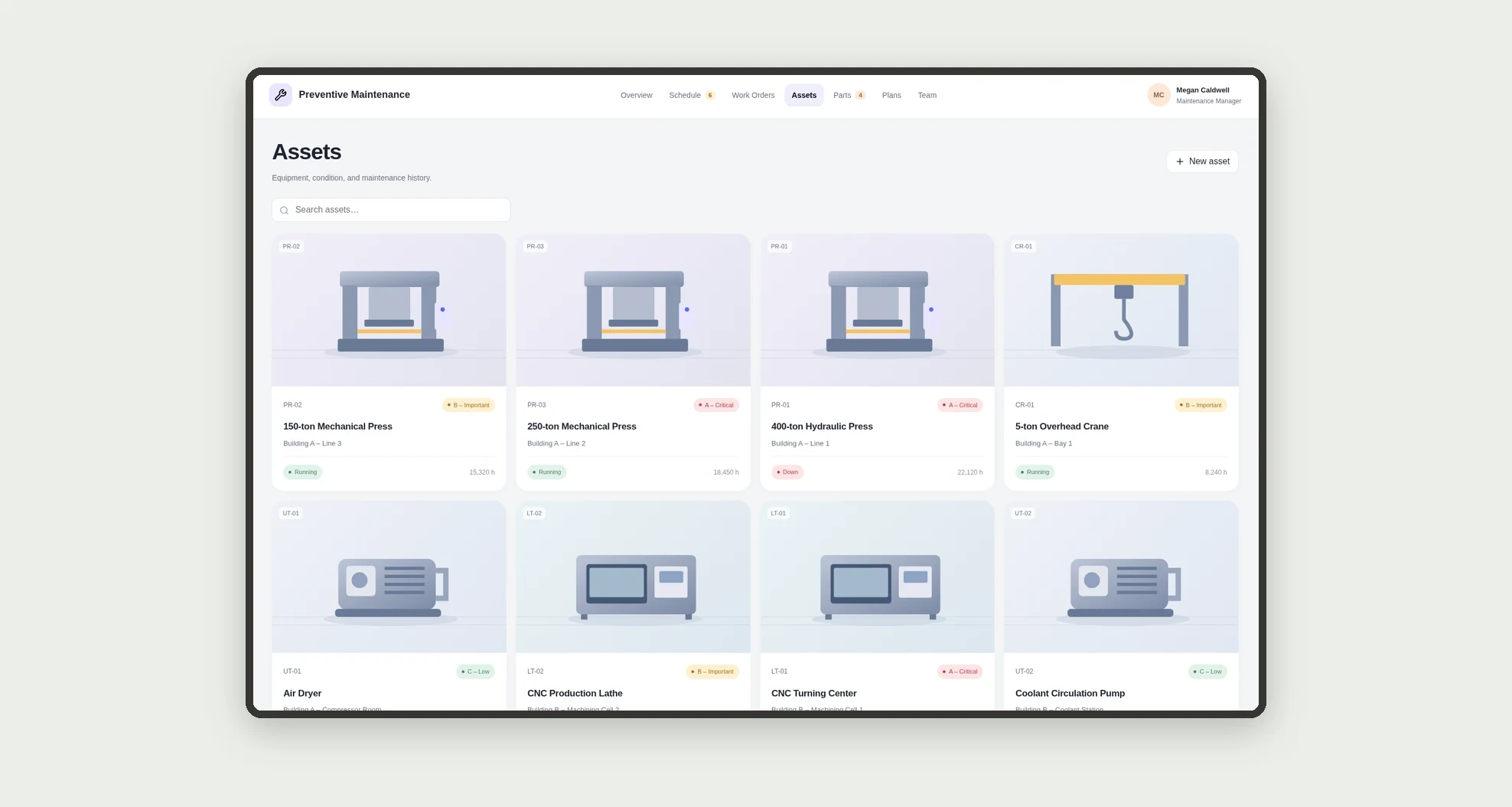
- Register assets with photo, location, criticality, and meter hours.
- Create preventive plans with frequency and checklist.
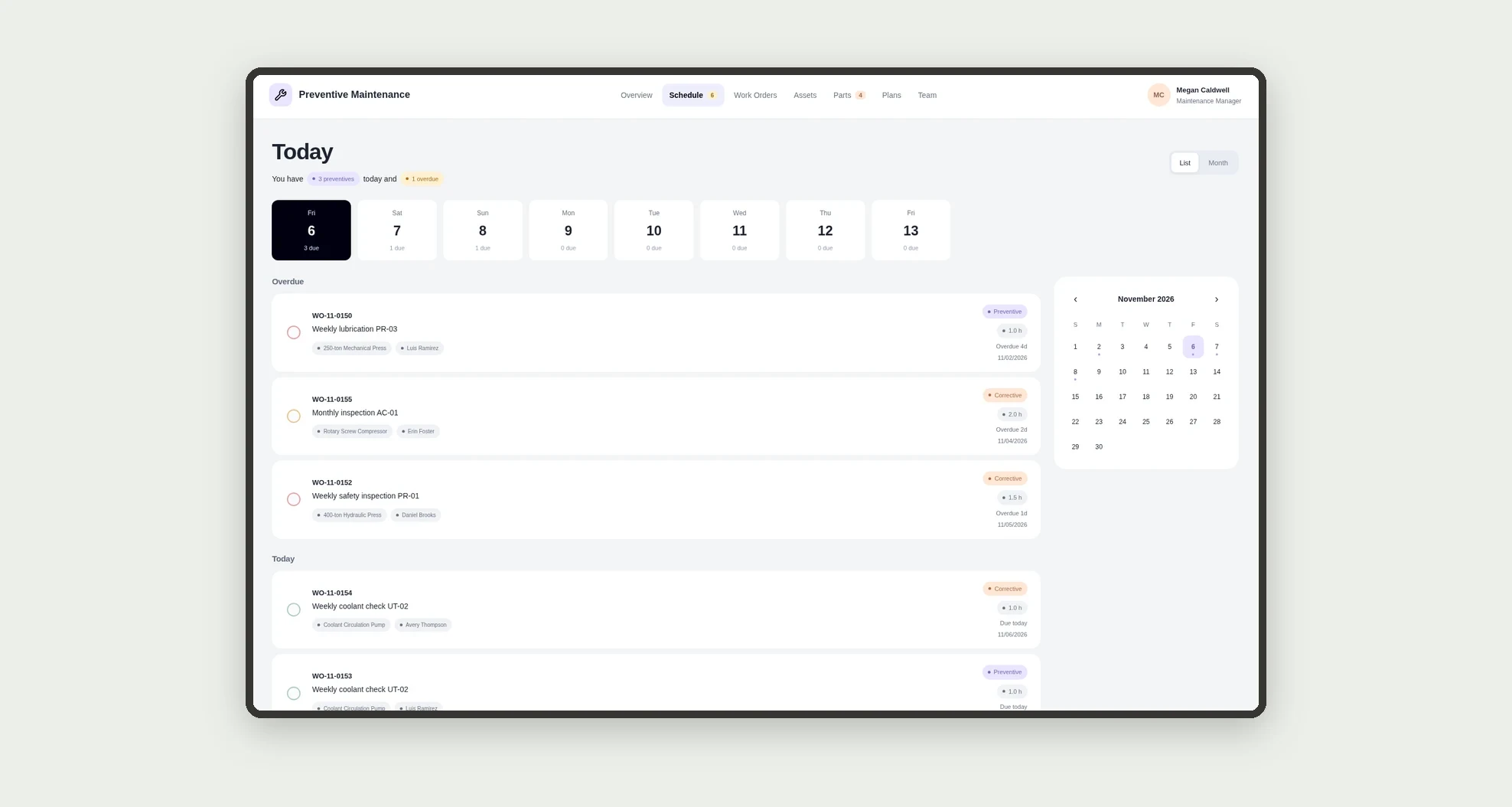
- See the preventive schedule with overdue, today, and upcoming work.
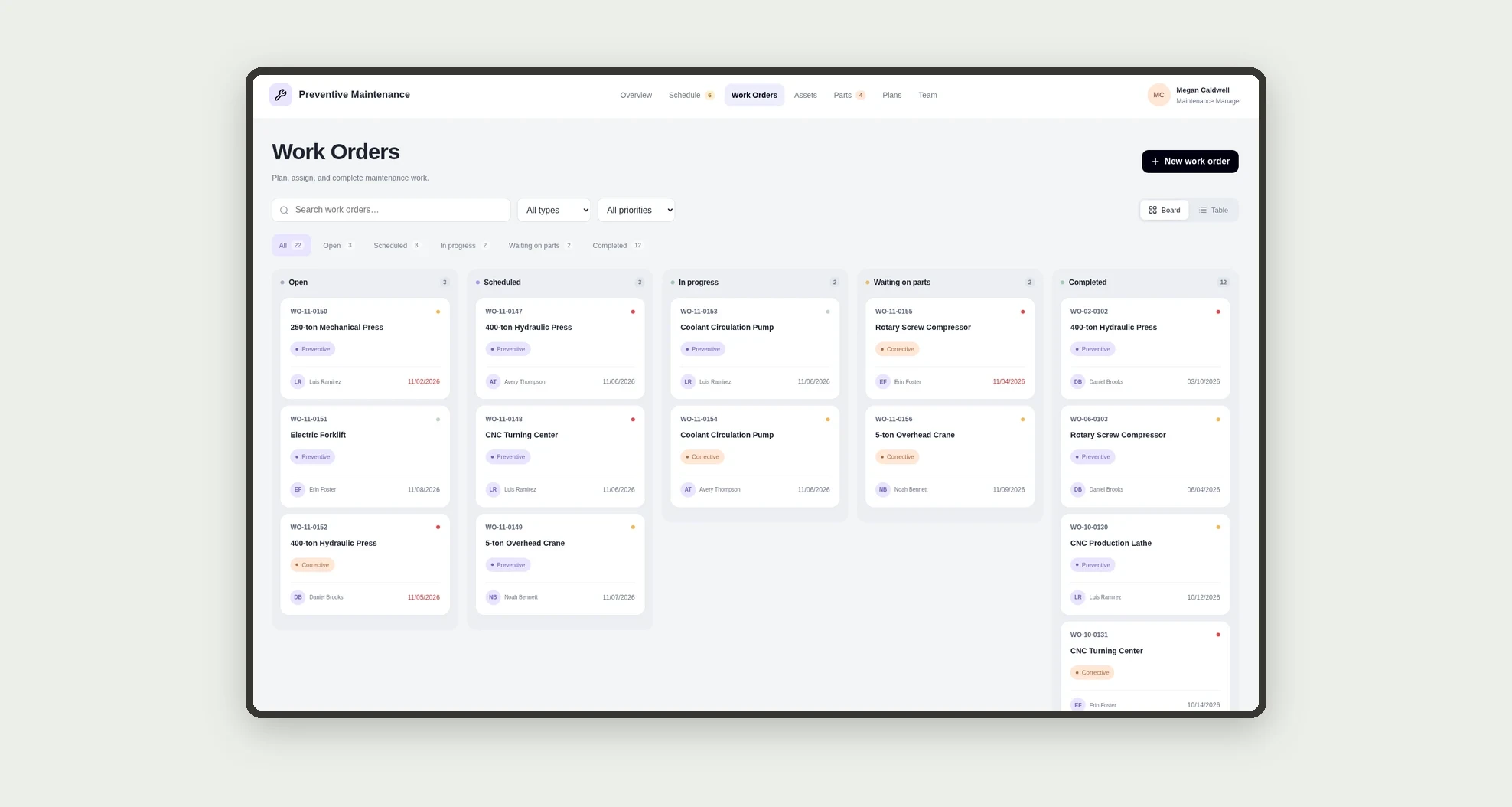
- Track work orders on a board by status.
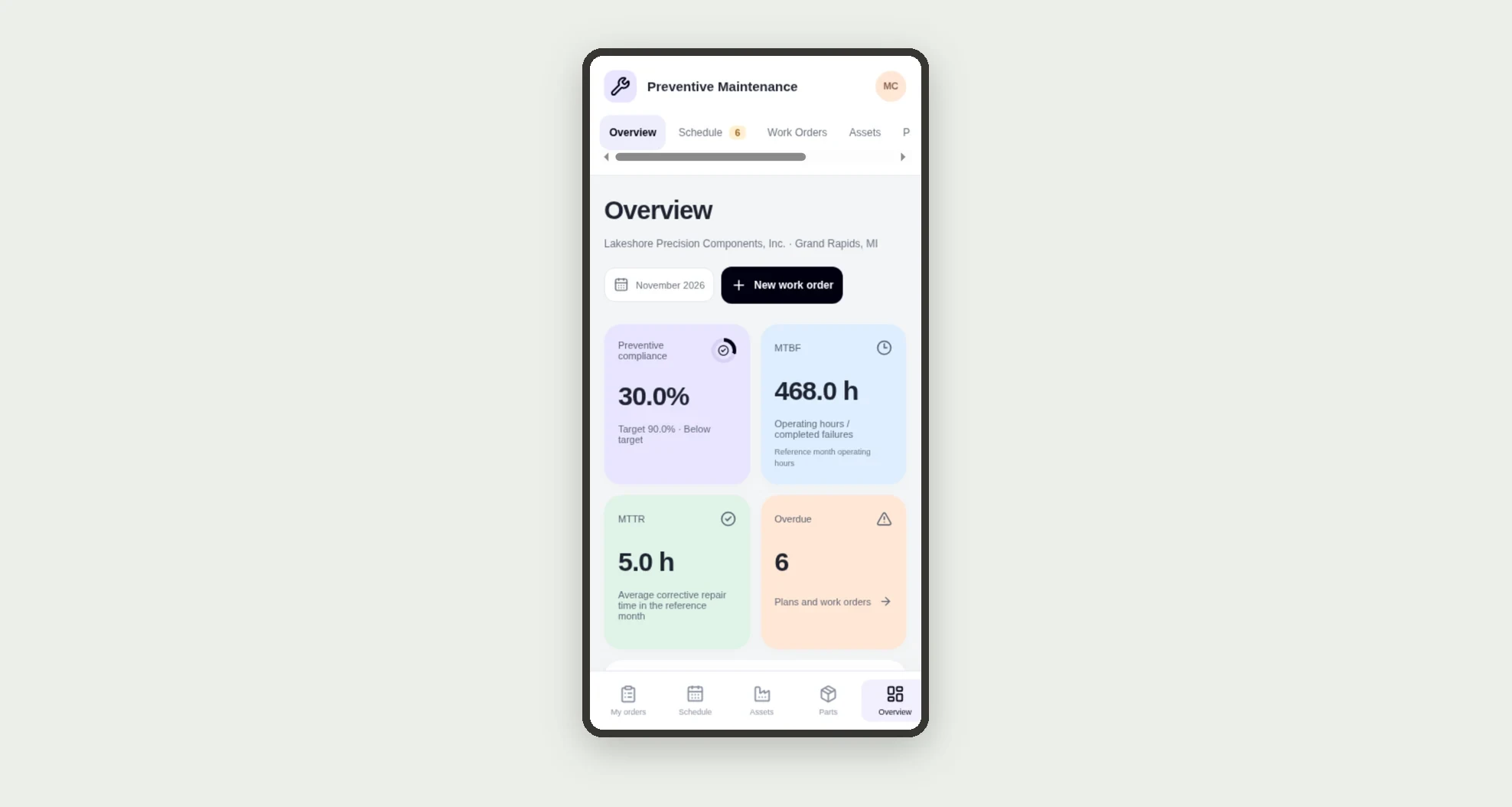
- Measure compliance, MTBF, MTTR, and monthly cost.
- Review 12-month history and parts used for each asset.
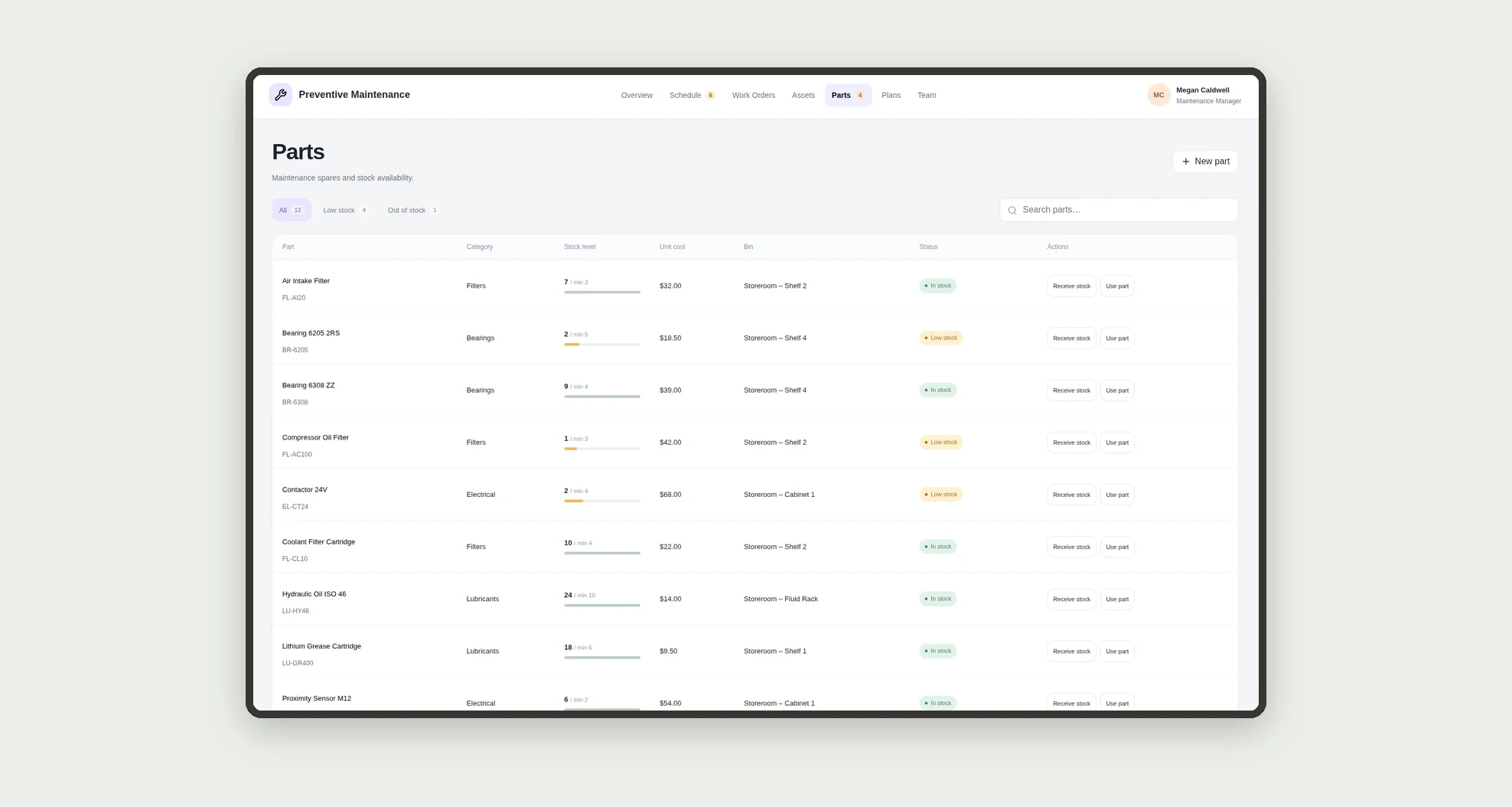
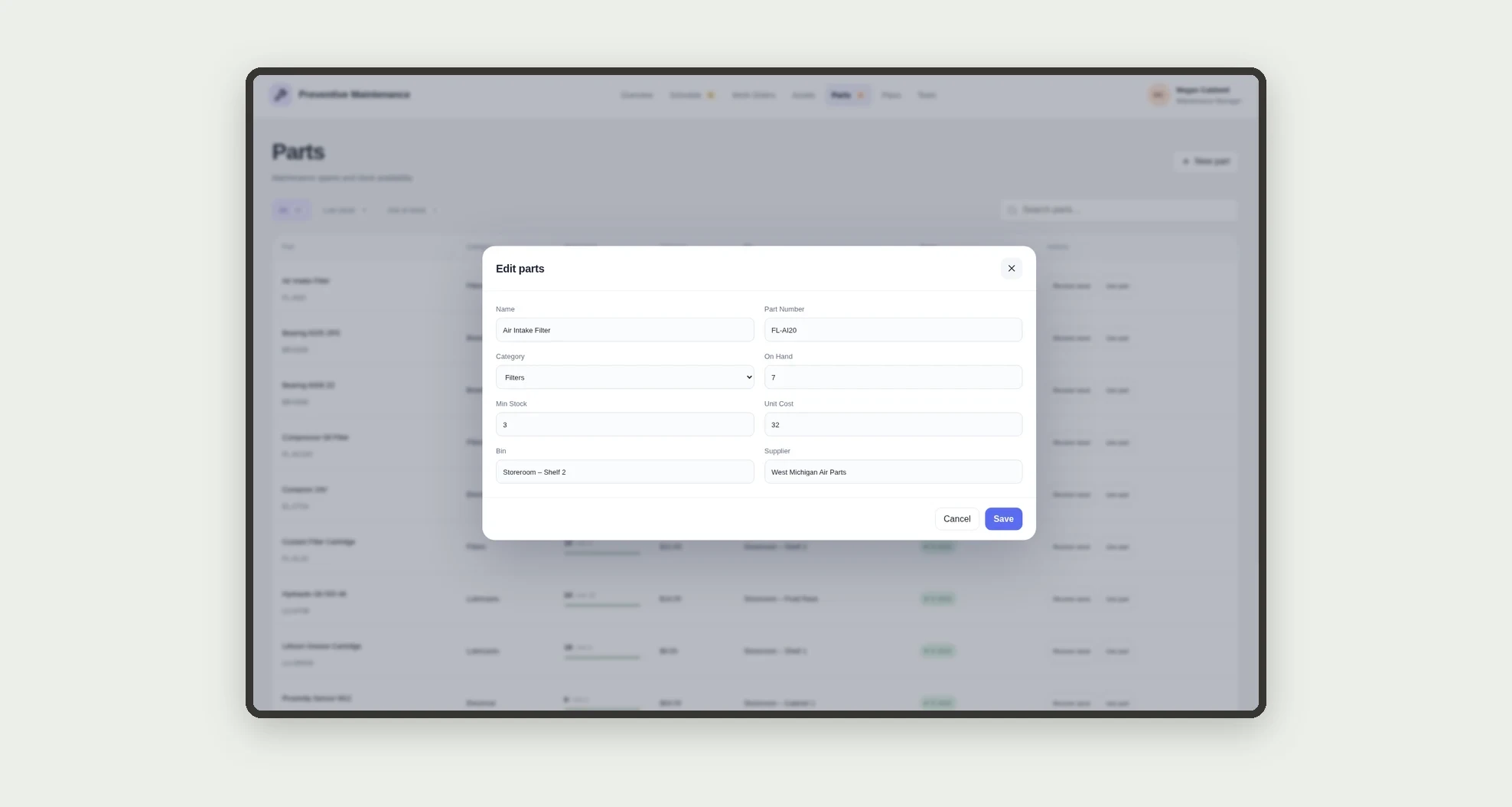
- Track parts stock with low-stock alerts.
- Run work orders on mobile with checklist, start, and completion.
App features
Preventive Maintenance
The Preventive Maintenance screen covers this part of the operation.
How it works
Register assets, team, and parts. Create preventive plans for each asset.
Work orders are scheduled and completed by technicians, who log hours, downtime, and parts used.
When a preventive order is completed, the next due date is recalculated, and the dashboard shows the KPIs.
How to set up this template
- 1Click Use App
Create your Jestor account and install Preventive Maintenance. It works on desktop and mobile.
- 2Register assets
Register assets, team, and parts.
- 3Create preventive plans for each asset.
Create preventive plans for each asset.
- 4Work orders are scheduled and completed by technicians
Work orders are scheduled and completed by technicians, who log hours, downtime, and parts used.
Integrations and customization
The design supports desktop and mobile use, with a dedicated technician view. Asset types, criticality levels, frequencies, checklists, and targets can be adapted to the operation. No required ERP or sensor integration is included in this template.
- Adjust fields, categories, statuses and rules without code.
- Add screens, reports and automations as the operation needs them.
And that's just the start: you can edit any part of this template and go much further just by asking Jestor's AI. Describe what you need, like a new field, automation, report or integration, and the AI builds or adjusts it for you, no code required.
Frequently asked questions
How is compliance calculated?
As the share of the month's preventive orders completed by their due date.
What are MTBF and MTTR?
MTBF is mean time between failures and MTTR is mean time to repair, both calculated from corrective orders.
Is the next preventive updated automatically?
Yes. Completing a preventive order recalculates the plan's next due date from its frequency.
Does parts stock go down automatically?
Yes. Each part used on an order reduces on-hand stock.
Are the examples real?
No. Sample companies, people, and equipment are fictitious.