What it is
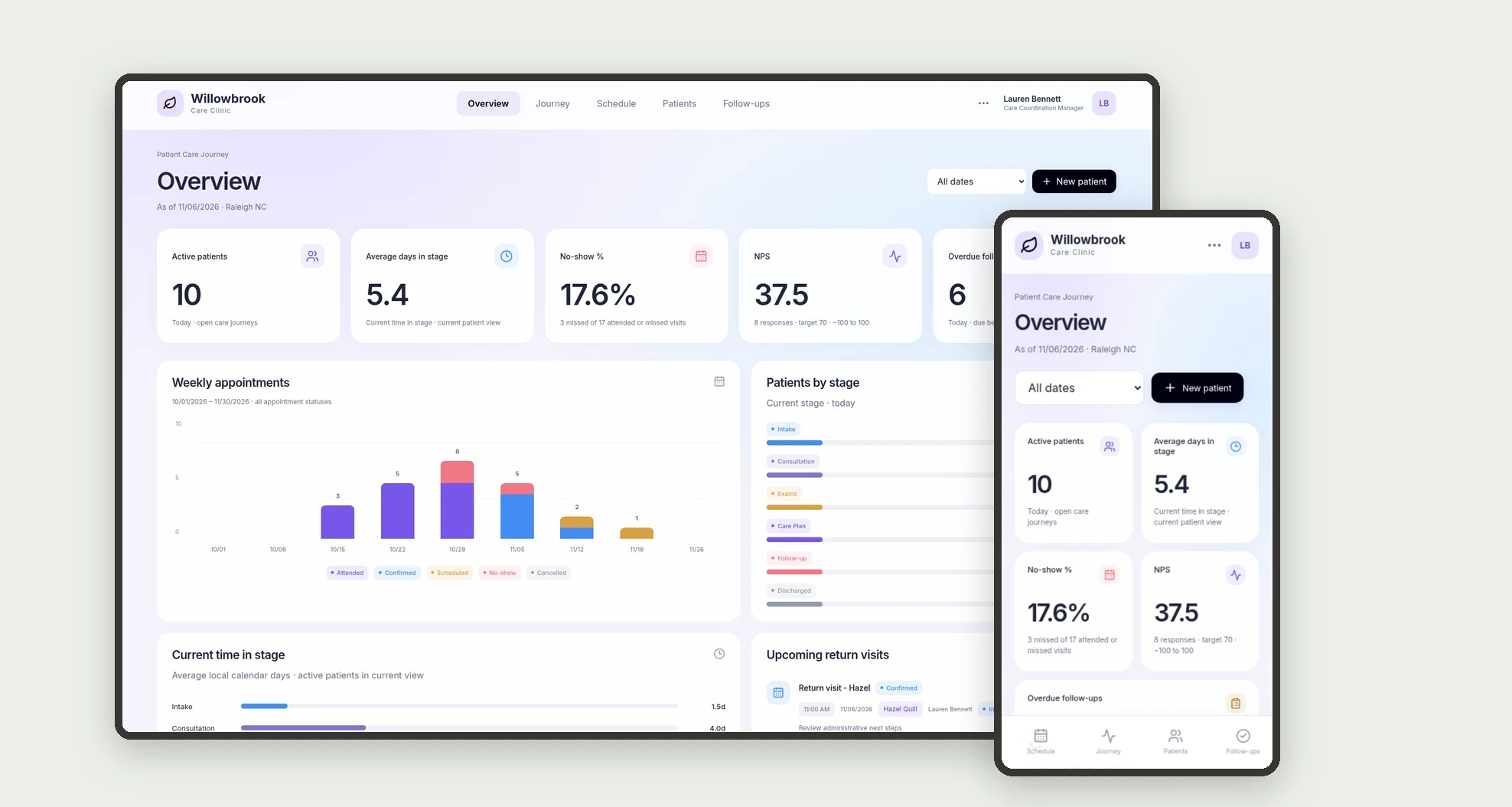
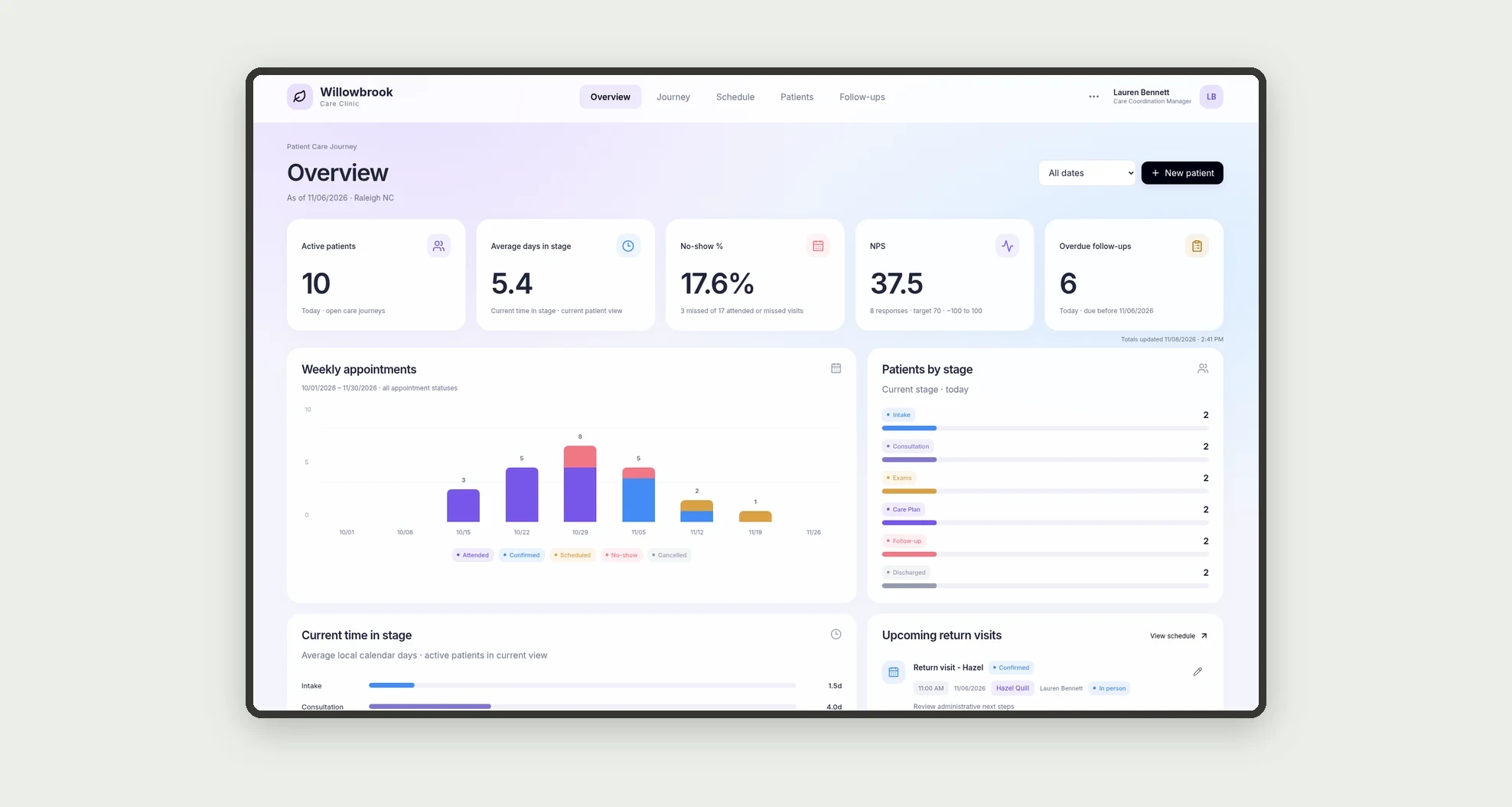
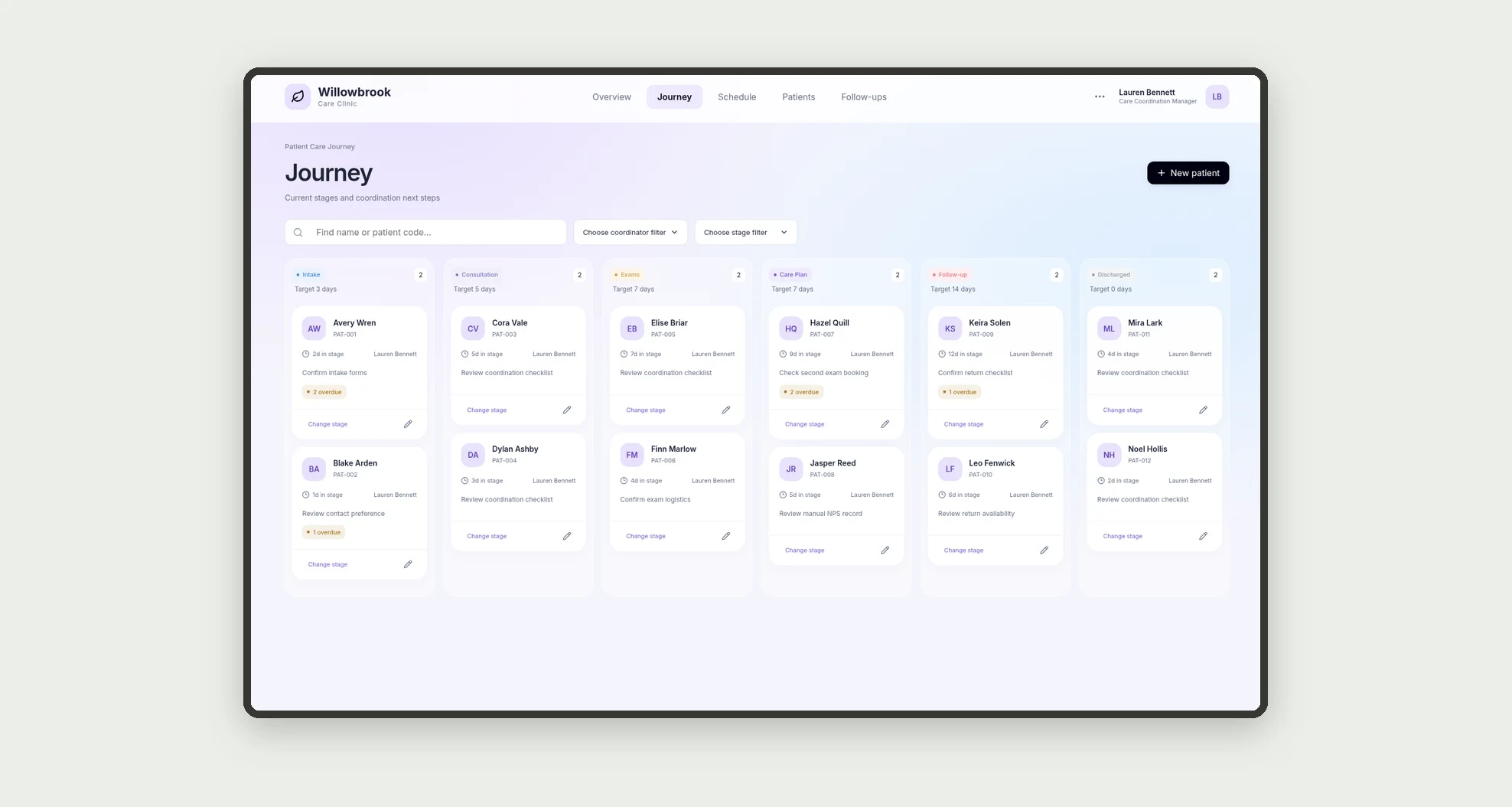
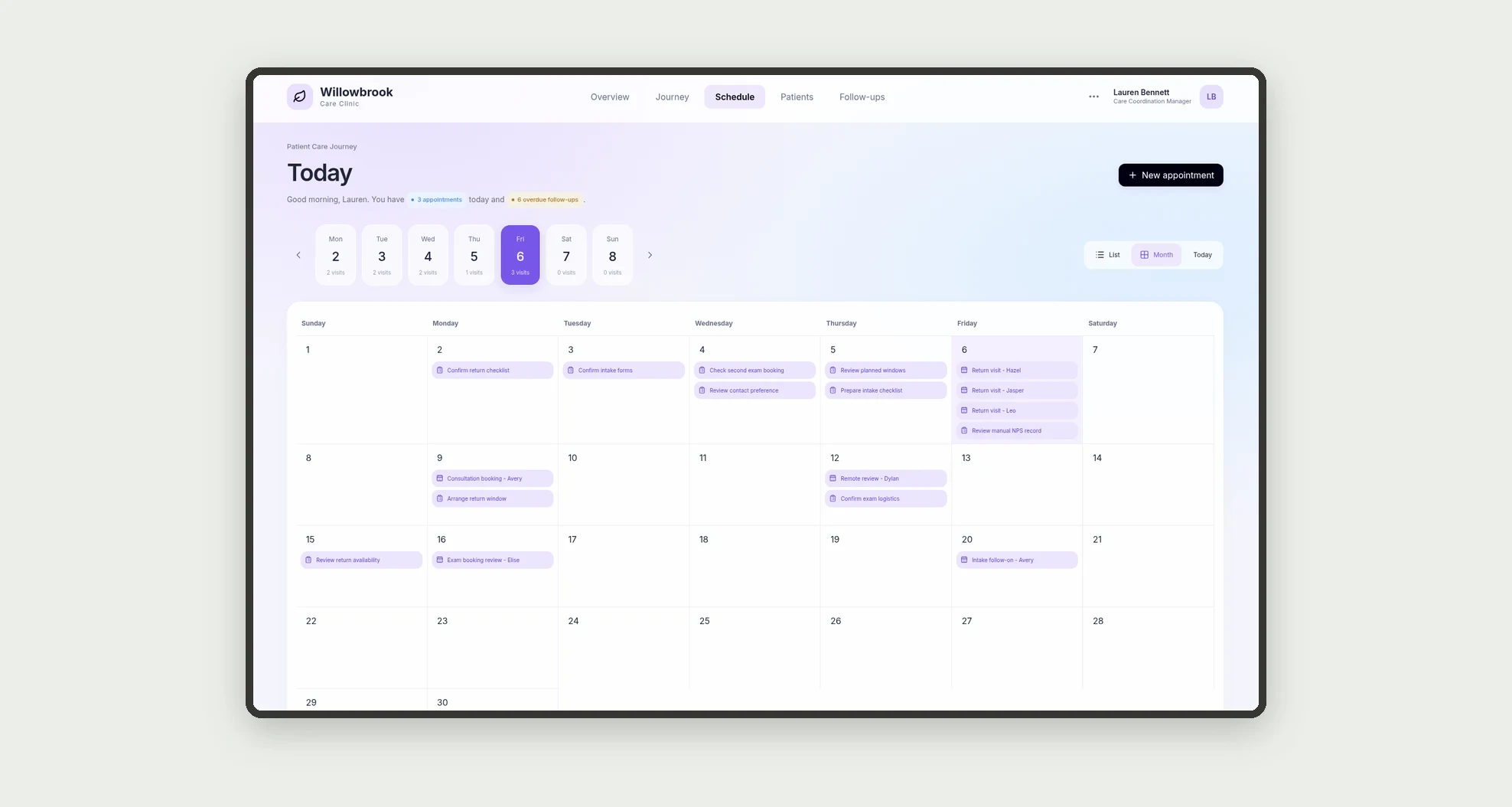
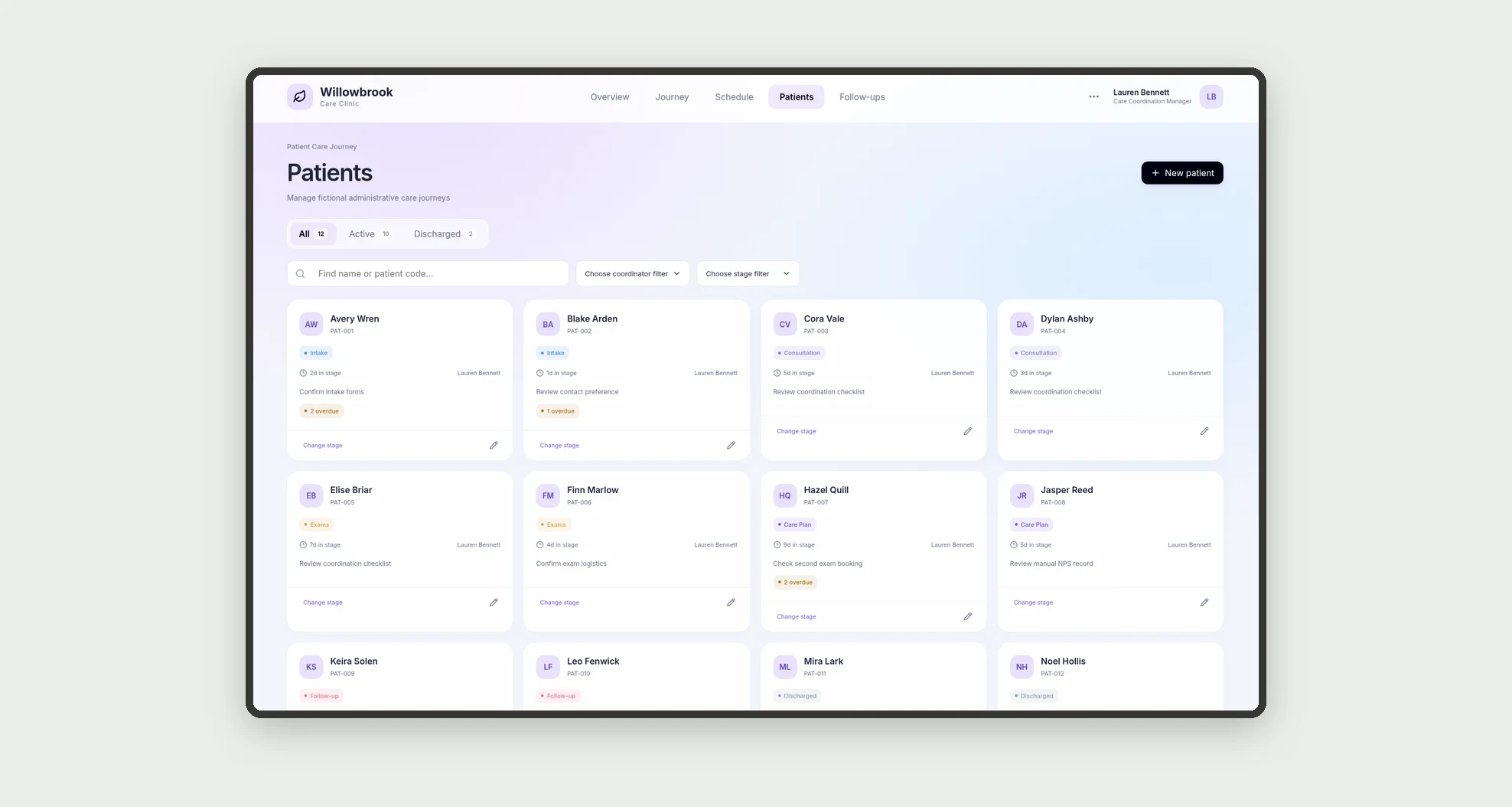
An app for tracking the patient journey from intake to follow-ups, with a stage board, schedule, and individual patient detail. Organize appointments, exams, and follow-ups while tracking active patients, time in stage, no-shows, and NPS.
Who it's for
- Clinics coordinating multiple stages of care.
- Care coordination and patient experience managers.
- Front desk teams scheduling appointments and return visits.
- Professionals tracking pending items and next steps.
What you can do
- See patients on a board organized by journey stage.
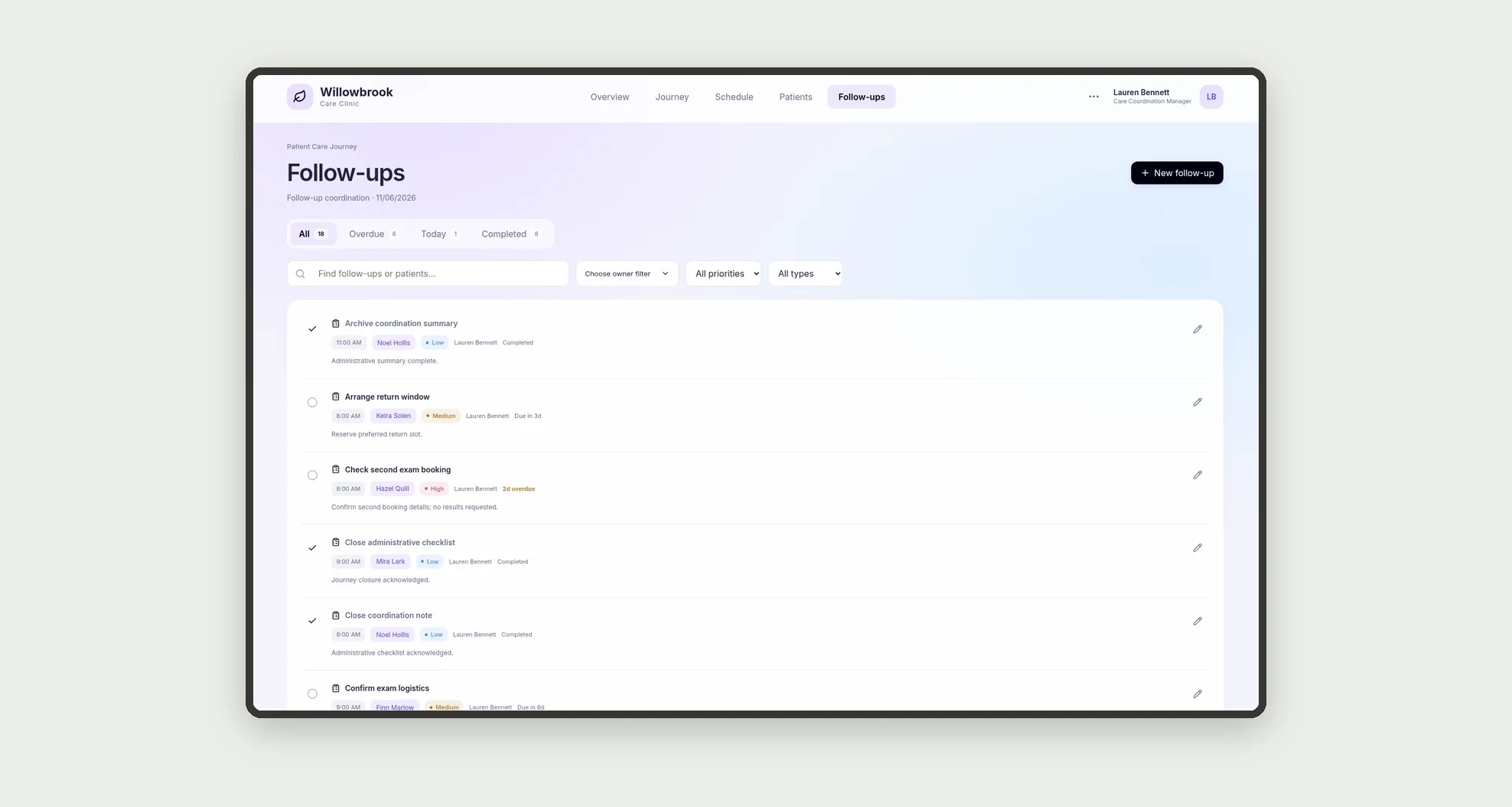
- Organize appointments and follow-ups in a schedule with today, overdue, and upcoming groups.
- Review patient details with a timeline, mini stats, and an administrative care plan.
- Track exam requests, due dates, and status.
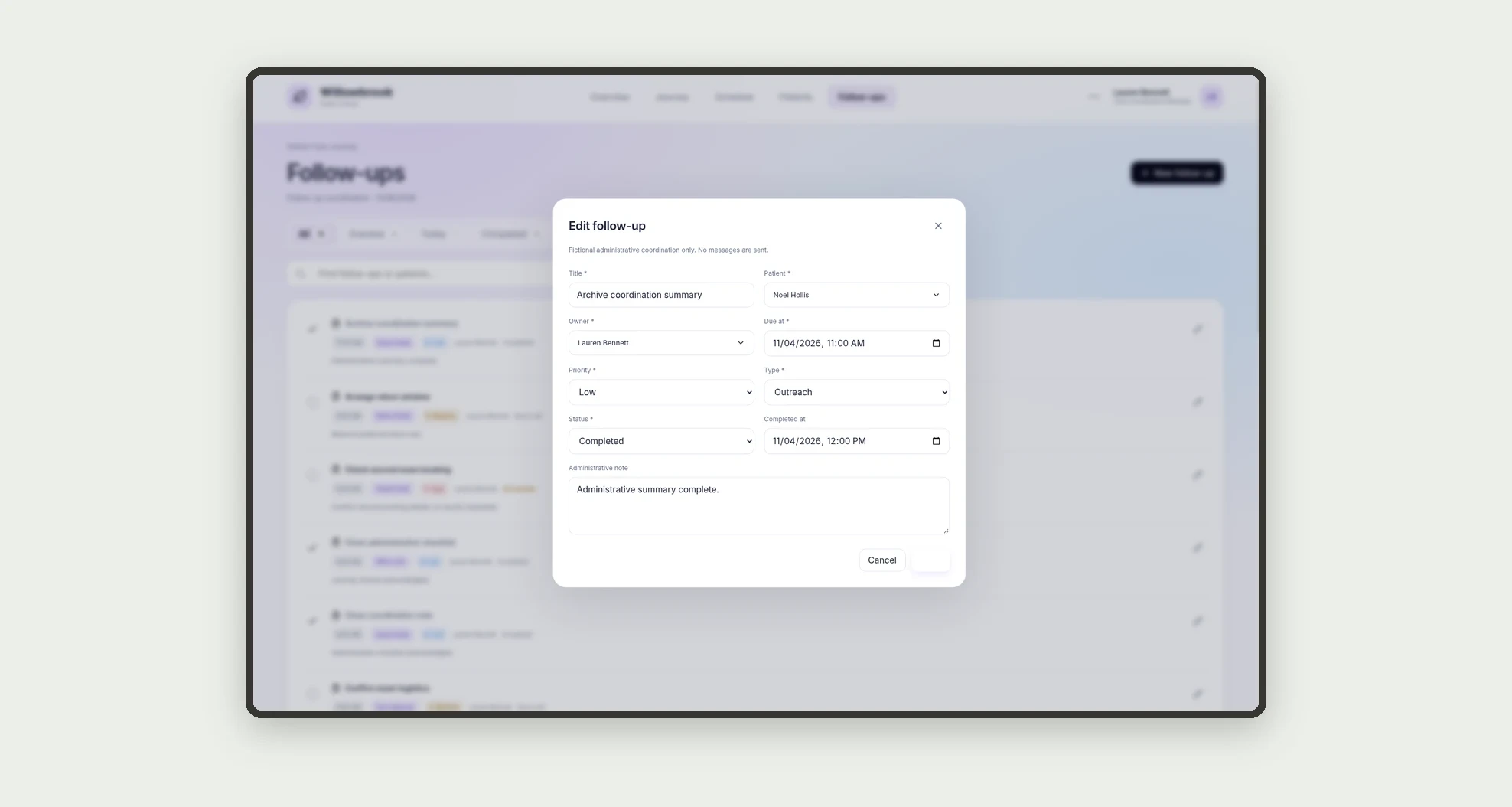
- Create follow-ups with an owner, priority, and due date.
- Record attendance or no-shows for appointments.
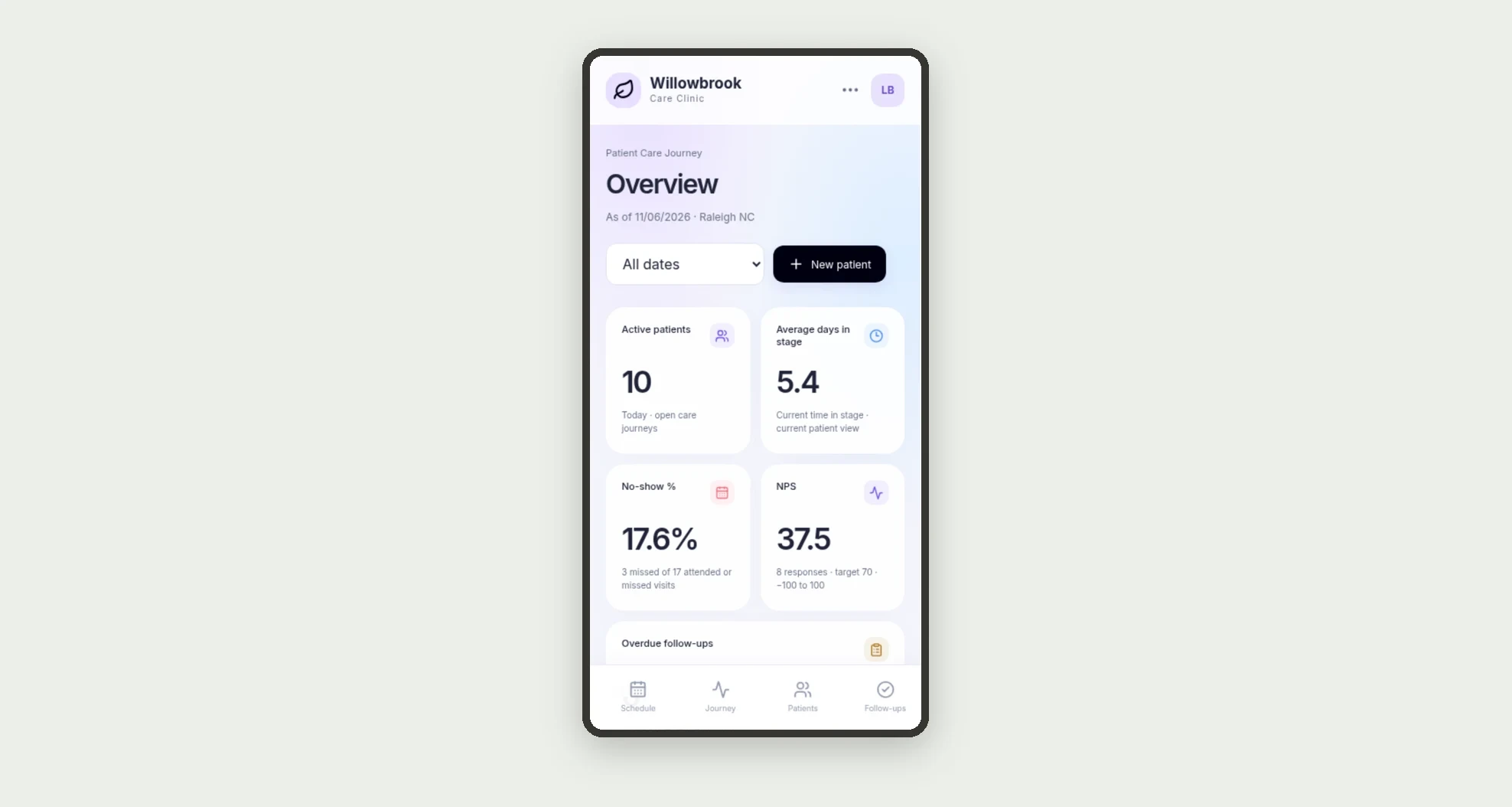
- Record NPS scores and monitor dashboard metrics.
- Review the schedule and patient details on mobile.
App features
Patient Care Journey
The Patient Care Journey screen covers this part of the operation.
How it works
Set up the team and journey stages.
Add patients, assign a current stage and coordinator, and organize appointments, exams, and follow-ups.
The schedule brings commitments together, the patient detail gathers related records, and the dashboard computes metrics from those records.
How to set up this template
- 1Click Use App
Create your Jestor account and install Patient Care Journey. It works on desktop and mobile.
- 2Set up the team and journey stages.
Set up the team and journey stages.
- 3Add patients
Add patients, assign a current stage and coordinator, and organize appointments, exams, and follow-ups.
- 4The schedule brings commitments together
The schedule brings commitments together, the patient detail gathers related records, and the dashboard computes metrics from those records.
Integrations and customization
The design supports desktop and mobile use. Stages, owners, priorities, and targets can be adapted to the clinic's workflow. No medical record, laboratory, insurer, or messaging service integration is included.
- Adjust fields, categories, statuses and rules without code.
- Add screens, reports and automations as the operation needs them.
And that's just the start: you can edit any part of this template and go much further just by asking Jestor's AI. Describe what you need, like a new field, automation, report or integration, and the AI builds or adjusts it for you, no code required.
Frequently asked questions
Is this an electronic medical record?
No. It focuses on administrative coordination of journeys, appointments, and pending items, without diagnosis or prescribing.
How is time in stage measured?
It is the difference between entry into the current stage and the reference date for active patients. It is not a history of all previous stages.
How is the no-show rate calculated?
No-shows are divided by attended appointments plus no-shows in the selected period.
How is NPS calculated?
It is the difference between promoter and detractor proportions among valid responses in the period. Scores are entered manually; no surveys are sent.
Are the demonstration records real?
No. The clinic, people, contacts, and care scenarios are fictional.