What it is
An app for manufacturing batch release at a cereals group with several mills.
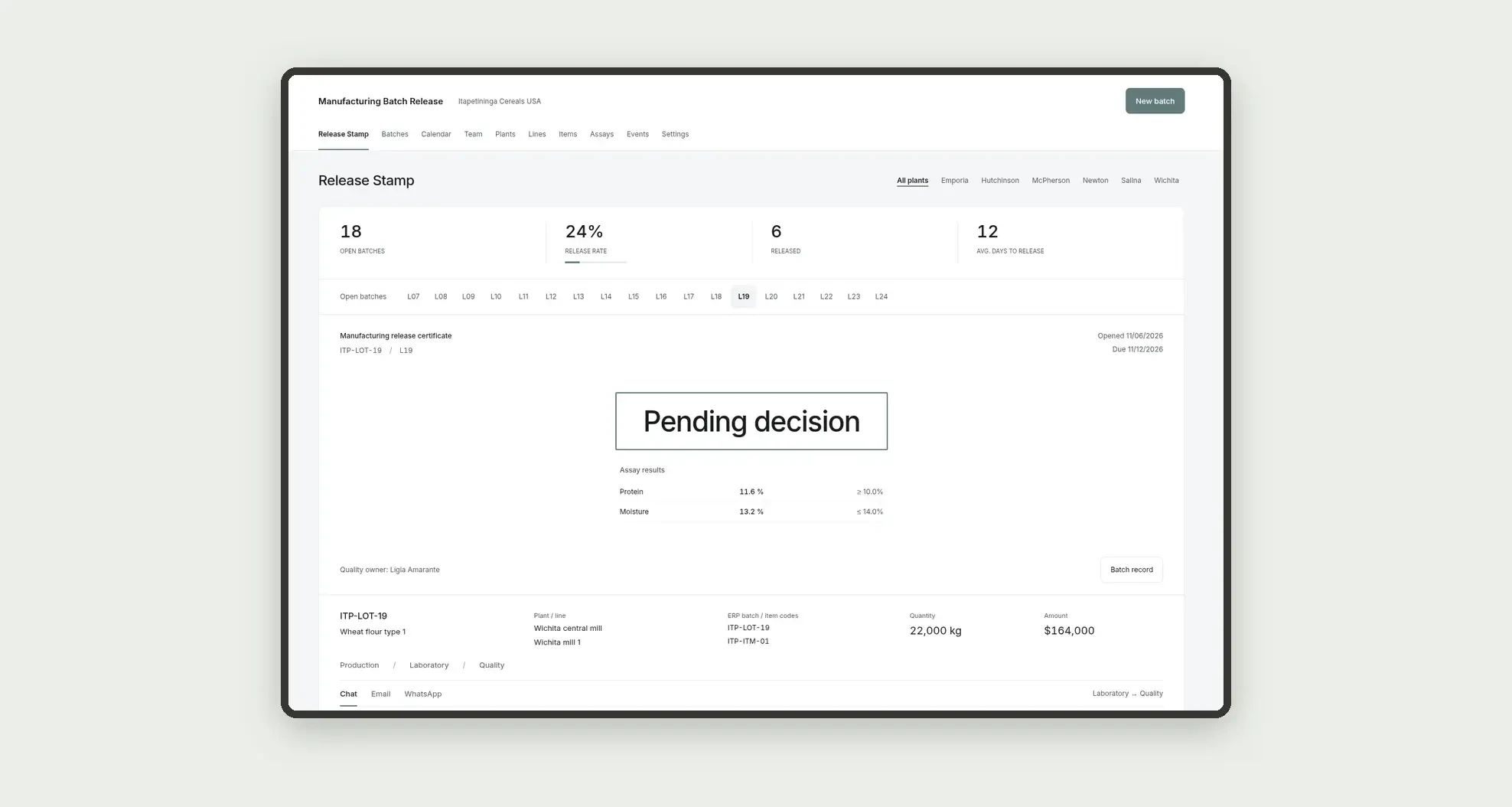
Organize the finished batch, lab assays, hold or release, with the ERP batch and item code, through a release stamp, the batch dossier, the history, and linked profiles.
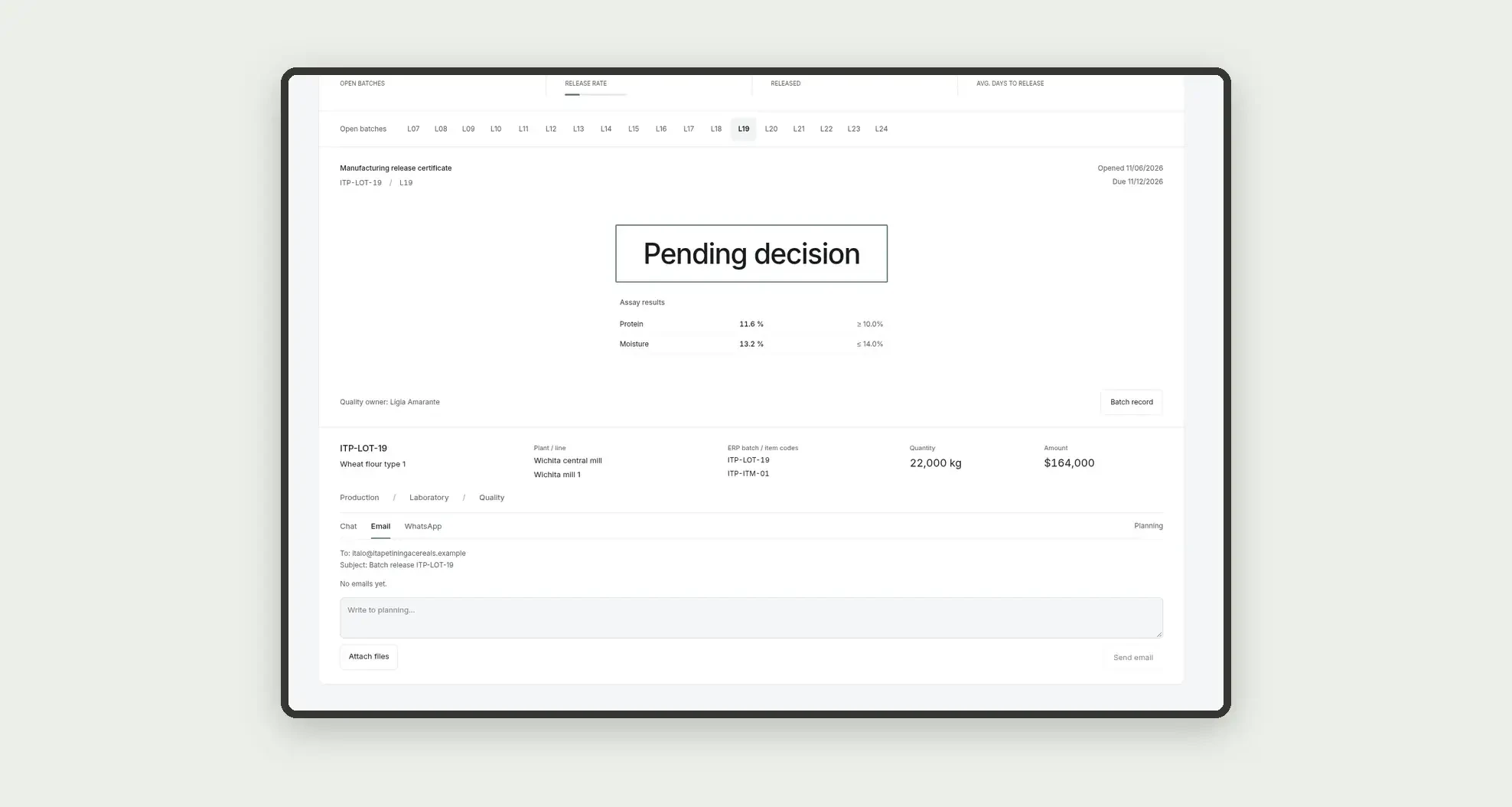
Built-in Jestor chat and table email sit inside the app, styled like the app.
Who it's for
- Cereals groups with several mills that release the finished batch to the warehouse or the market
- Quality assurance teams that decide to release, hold or reject the batch
- Plant laboratories that record assays and send the review
- Mill production teams that present the batch for review
- Planning teams that follow the released batch and each owner's load
What you can do
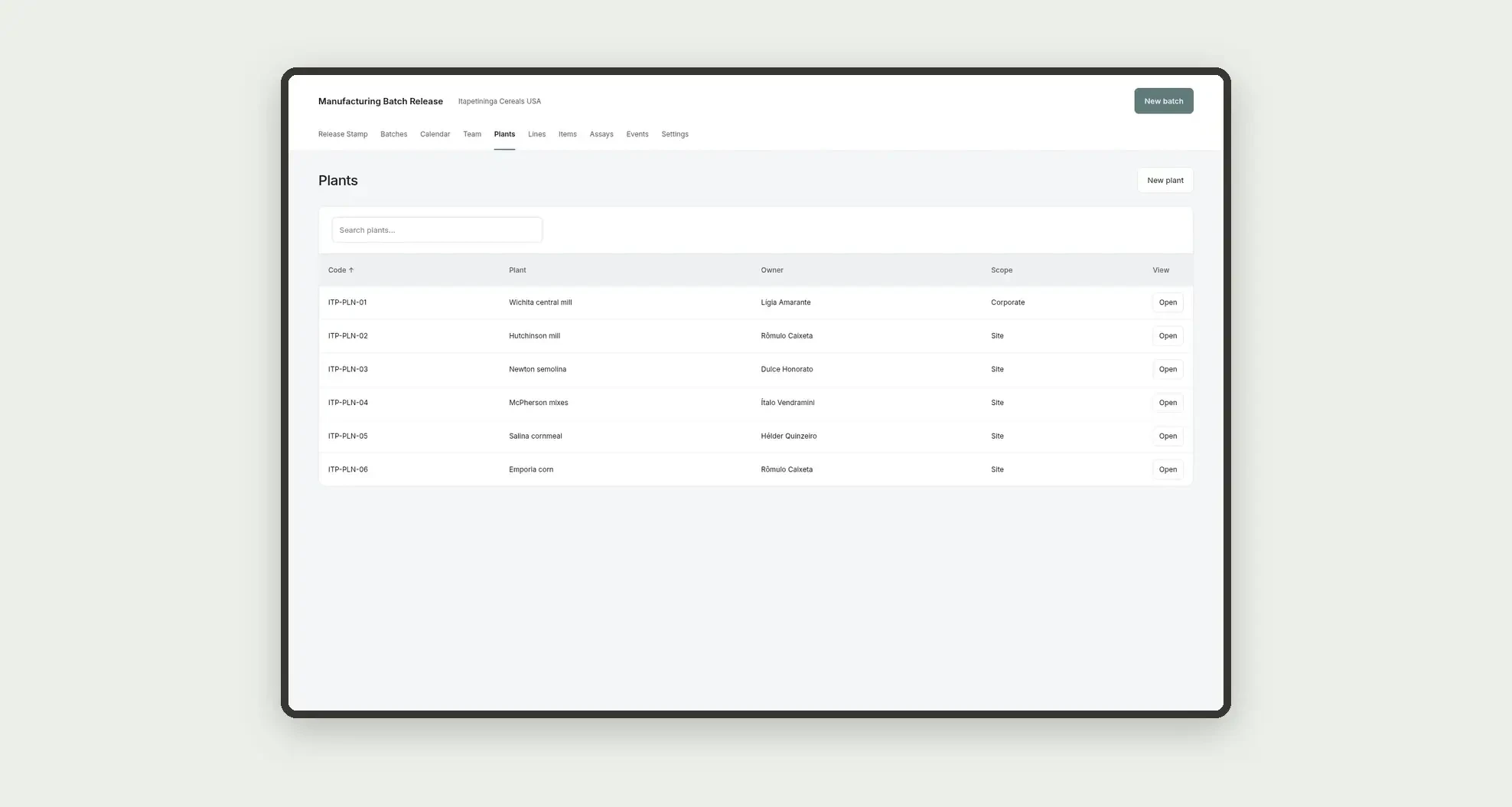
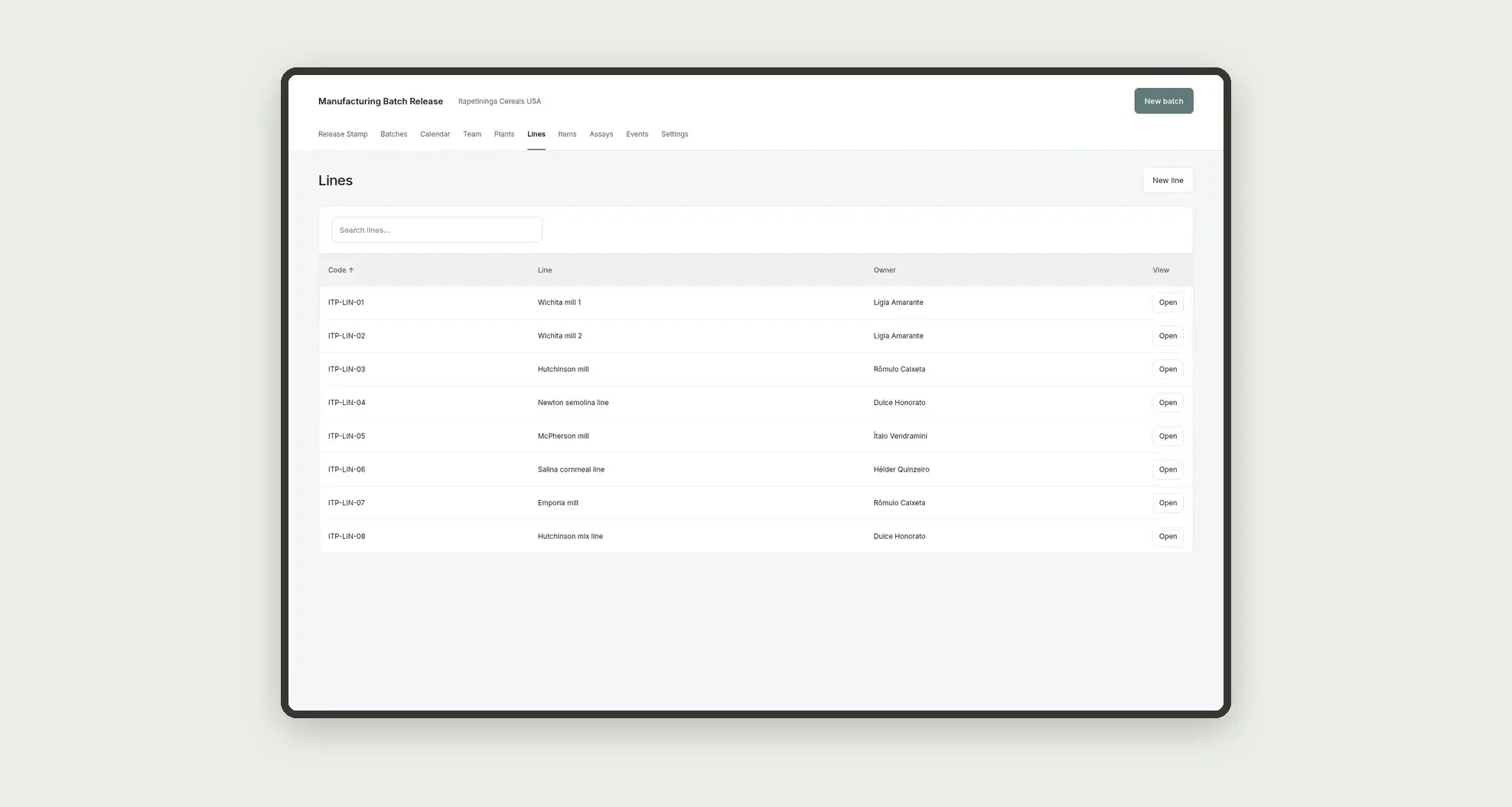
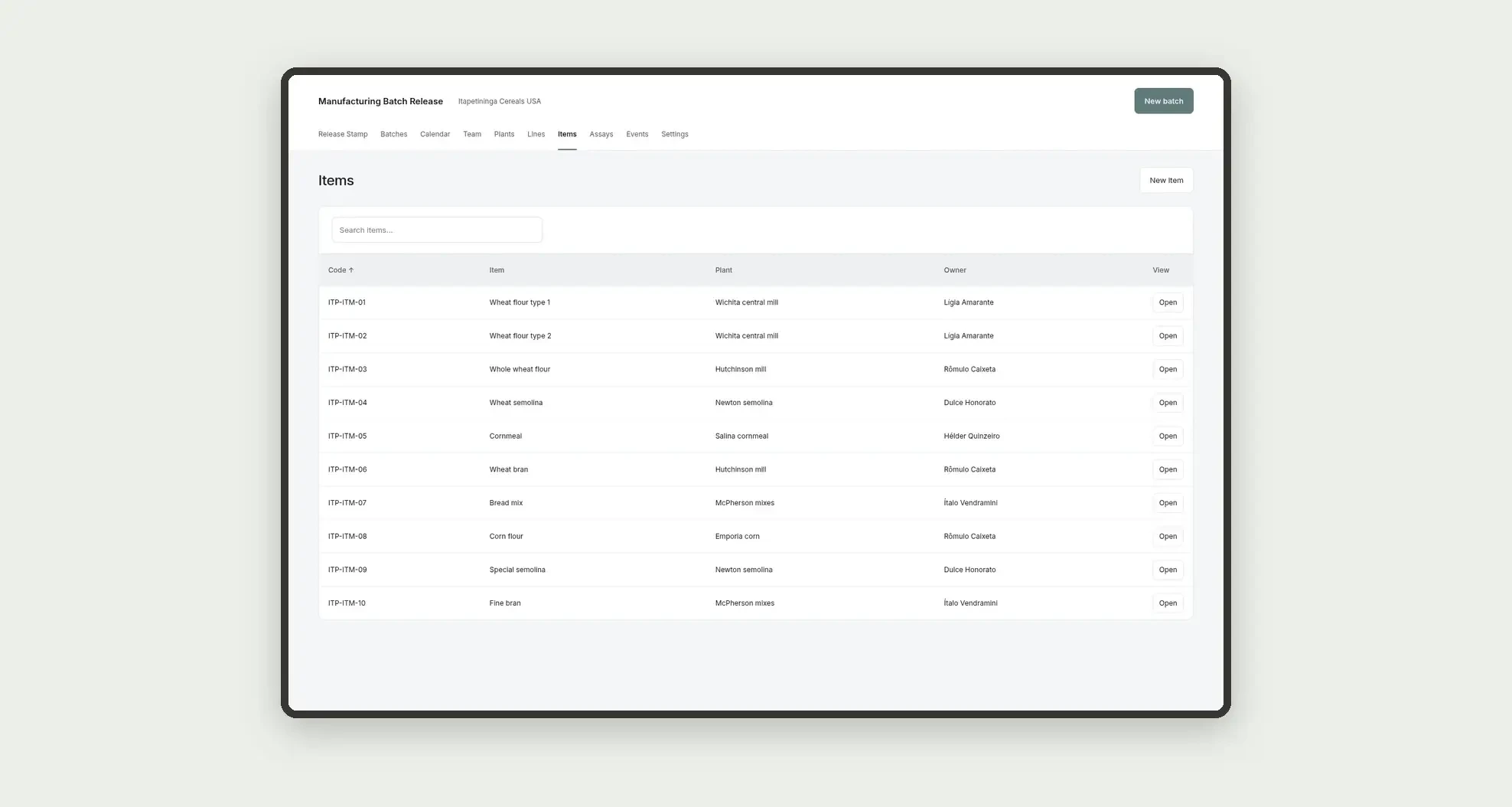
- Register plants, lines and items, with an ERP code
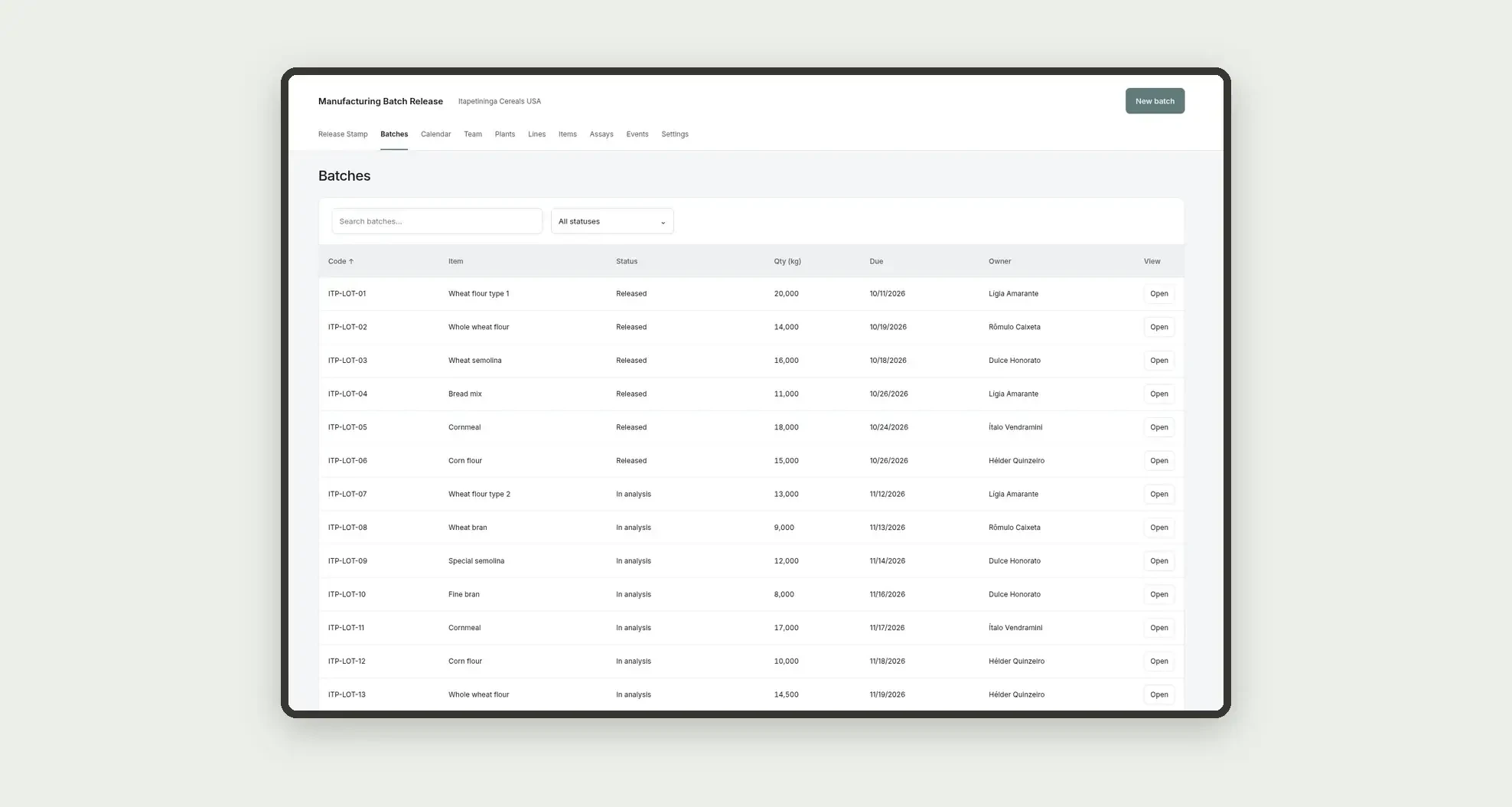
- Open a manufacturing batch, with plant, line, item and quantity
- Record lab assays and send the review through production, laboratory and quality
- Decide to release, hold or reject the batch
- See the release stamp and the dossier with the batch assays
- Talk in built-in Jestor chat and send table email to planning, styled like the app
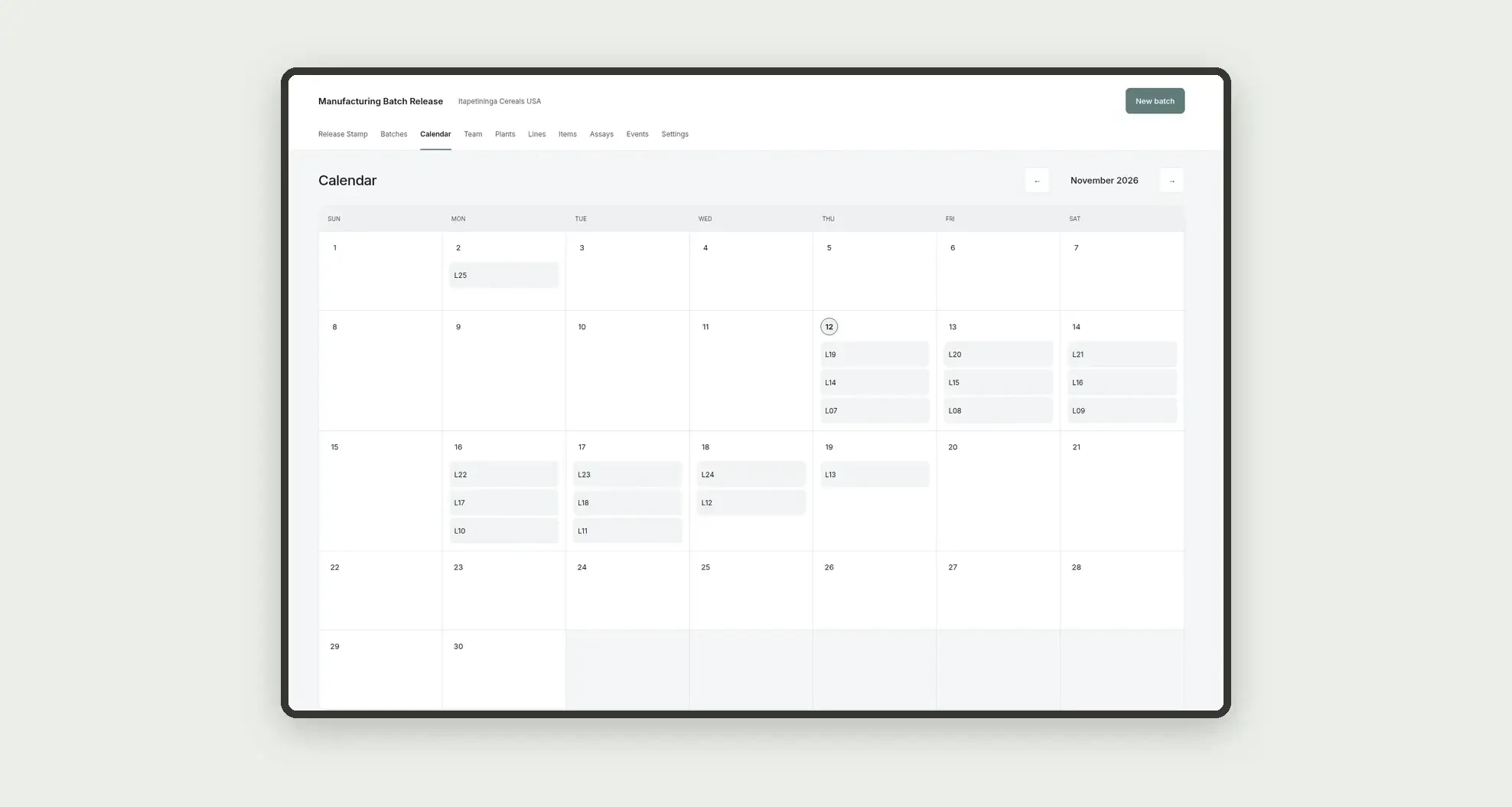
- Follow deadlines on the calendar and each owner's load
App features
Manufacturing Batch Release
The Manufacturing Batch Release screen covers this part of the operation.
How it works
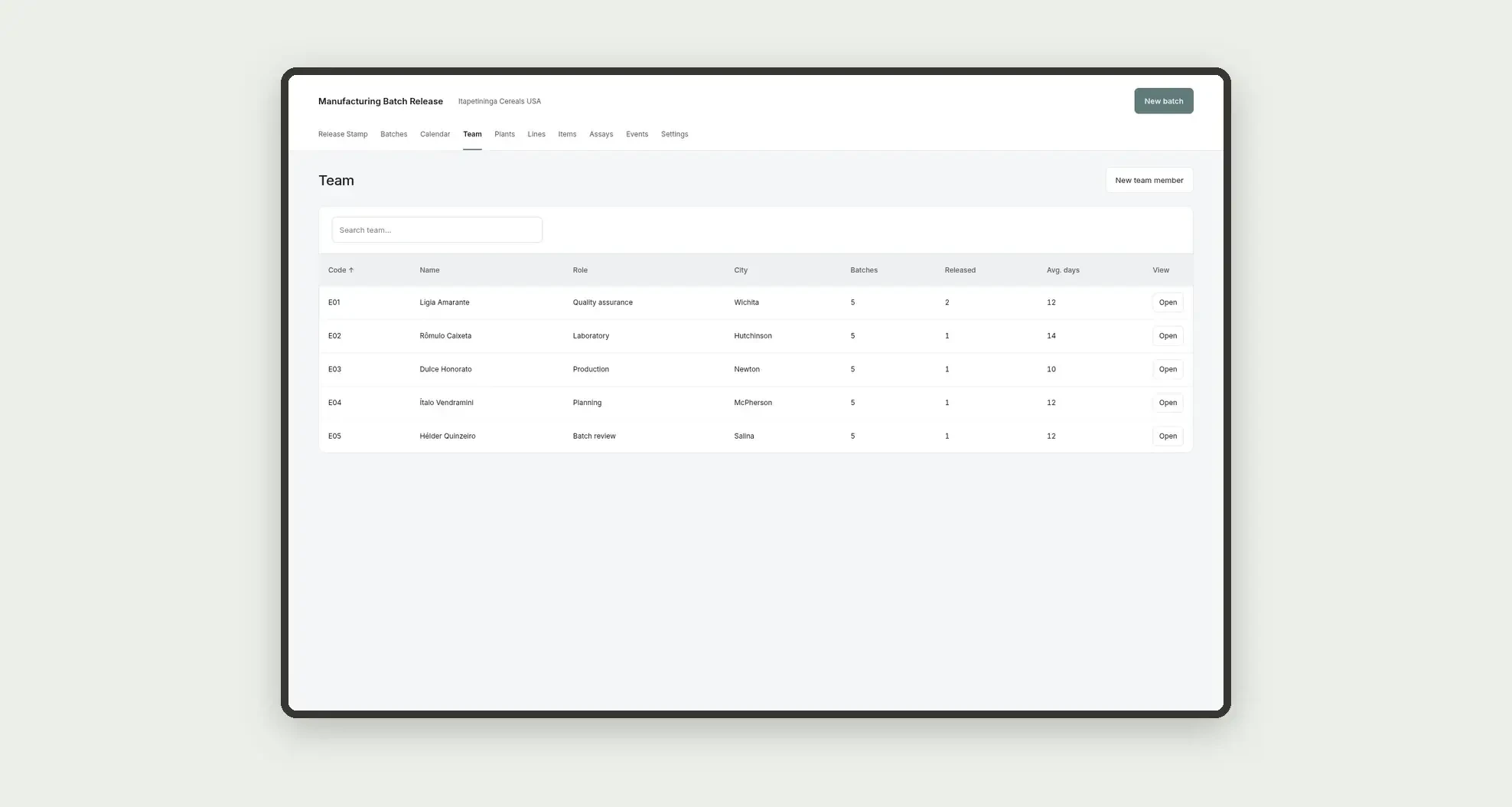
Set up plants, lines, items and the quality assurance team.
Open the batch, link the item, plant and line and record the assays.
During review, the team talks in built-in chat and sends table email to planning.
After the decision, the batch moves as released, held or rejected.
Indicators come from numeric fields on the Batches table itself.
How to set up this template
- 1Click Use App
Create your Jestor account and install Manufacturing Batch Release. It works on desktop and mobile.
- 2Set up plants
Set up plants, lines, items and the quality assurance team.
- 3Open the batch
Open the batch, link the item, plant and line and record the assays.
- 4During review
During review, the team talks in built-in chat and sends table email to planning.
Integrations and customization
The design supports desktop and mobile use. Plants, assay types, statuses and approval levels can be adapted to operations. Built-in Jestor chat and table email sit inside the app, styled like the app. A WhatsApp tab may appear on the record, but it is not configured in this template. No incoming inspection and supplier lot release, lot and expiry tracking, nonconforming material, quality and corrective actions, toll manufacturing, SLA engine, ERP or LIMS connector, or other external integrations are included. ERP batch and item codes are entered as text.
- Adjust fields, categories, statuses and rules without code.
- Add screens, reports and automations as the operation needs them.
And that's just the start: you can edit any part of this template and go much further just by asking Jestor's AI. Describe what you need, like a new field, automation, report or integration, and the AI builds or adjusts it for you, no code required.
Frequently asked questions
Do KPIs cross tables?
No. Indicators use only the Batches table.
Does this app replace incoming inspection, expiry tracking or nonconforming material?
No. It organizes the release of a batch already manufactured at the plant, the assays and the quality decision. Supplier receiving, warehouse expiry and nonconforming disposition belong to other flows.
Does the dossier button change the status of the batch?
No. In this design, the button only opens the detail or a form.
Are deadlines, volume or the release rate calculated automatically?
No. Dates, days to release, quantity and amount are fields you fill in, with no formula.
Is WhatsApp part of this flow?
No. The tab may appear on the record, but it is not configured in this template. Conversation and notice to planning use built-in Jestor chat and table email.