What it is
An app for lot and expiry tracking.
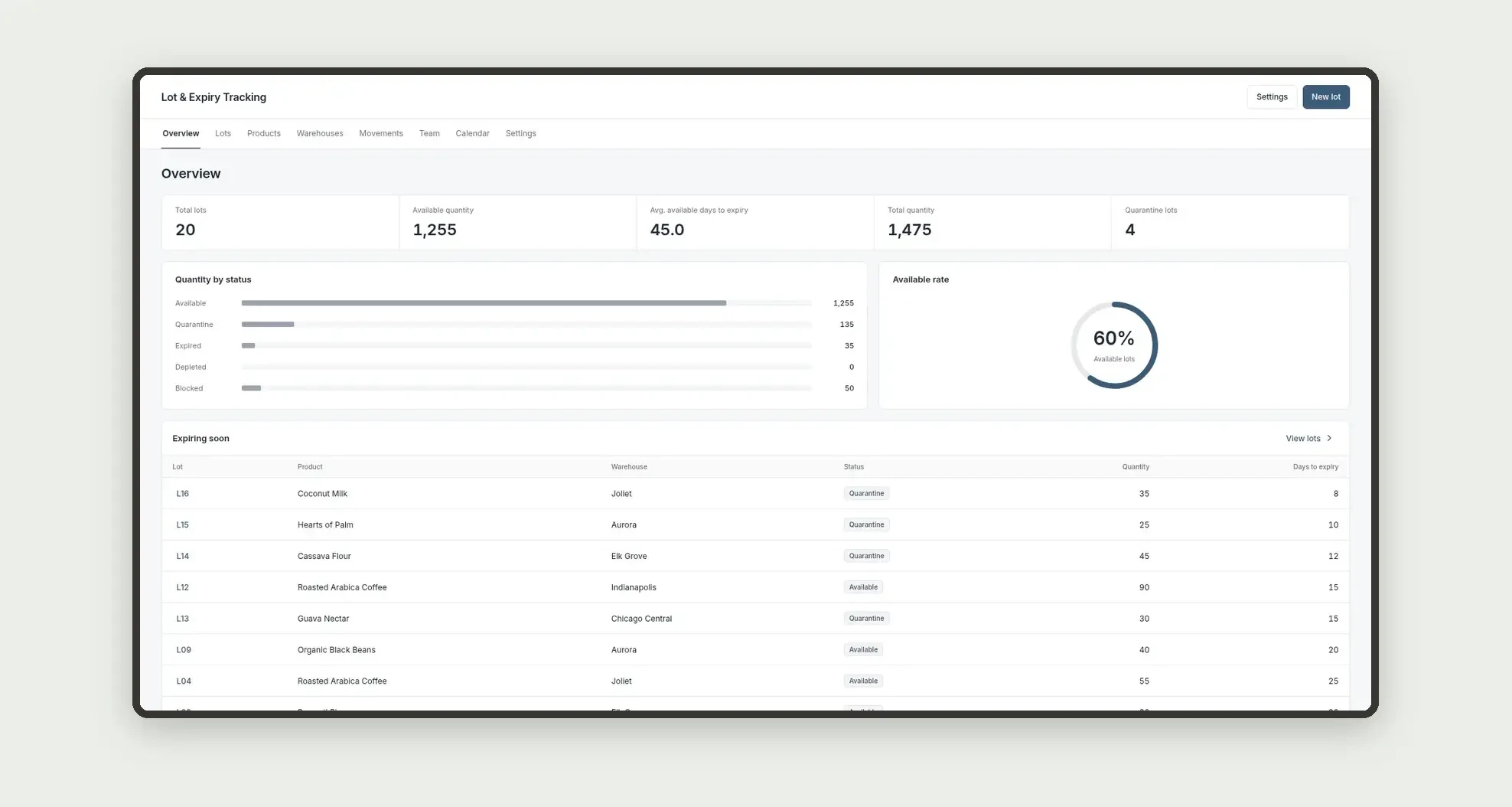
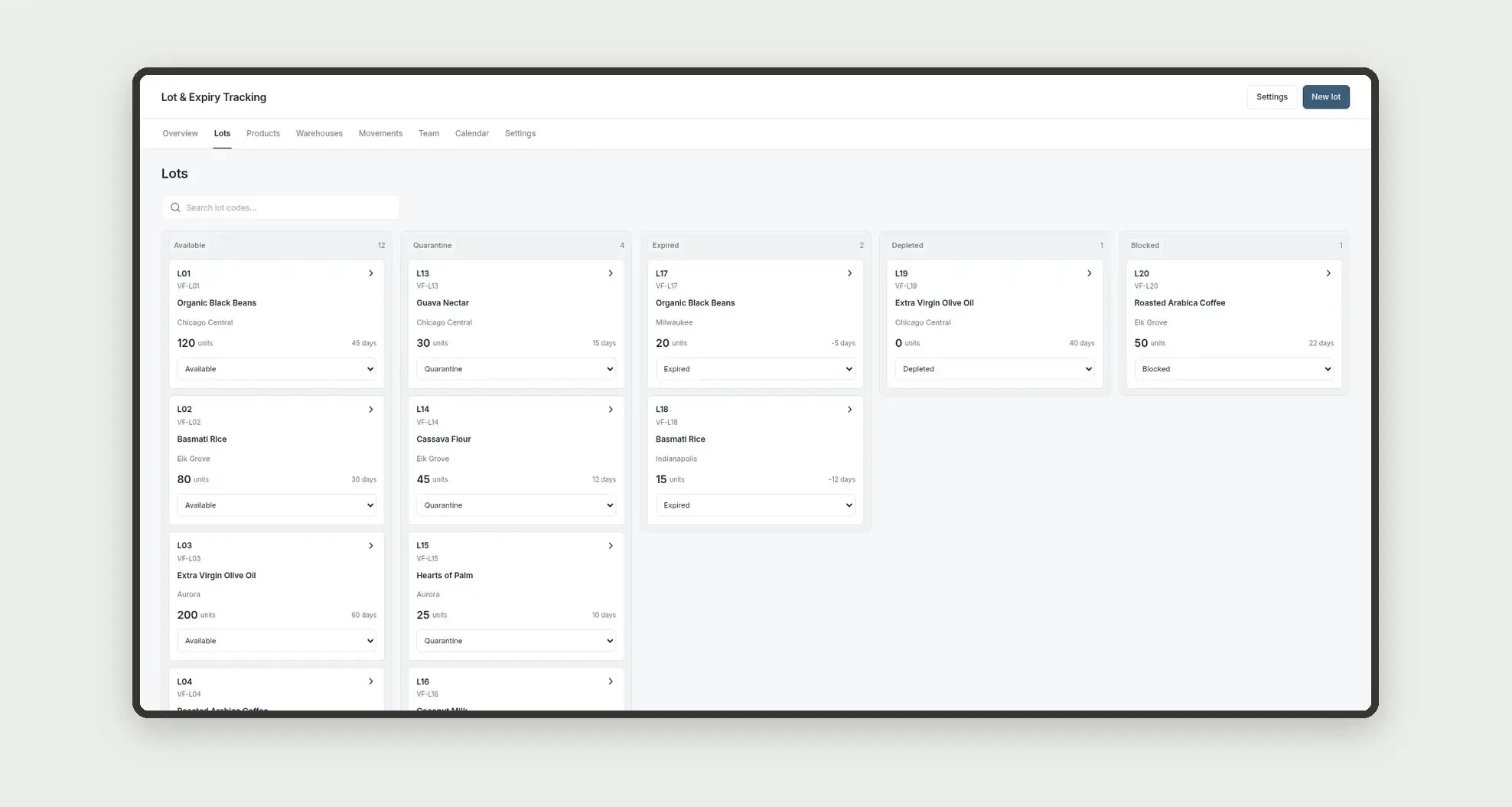
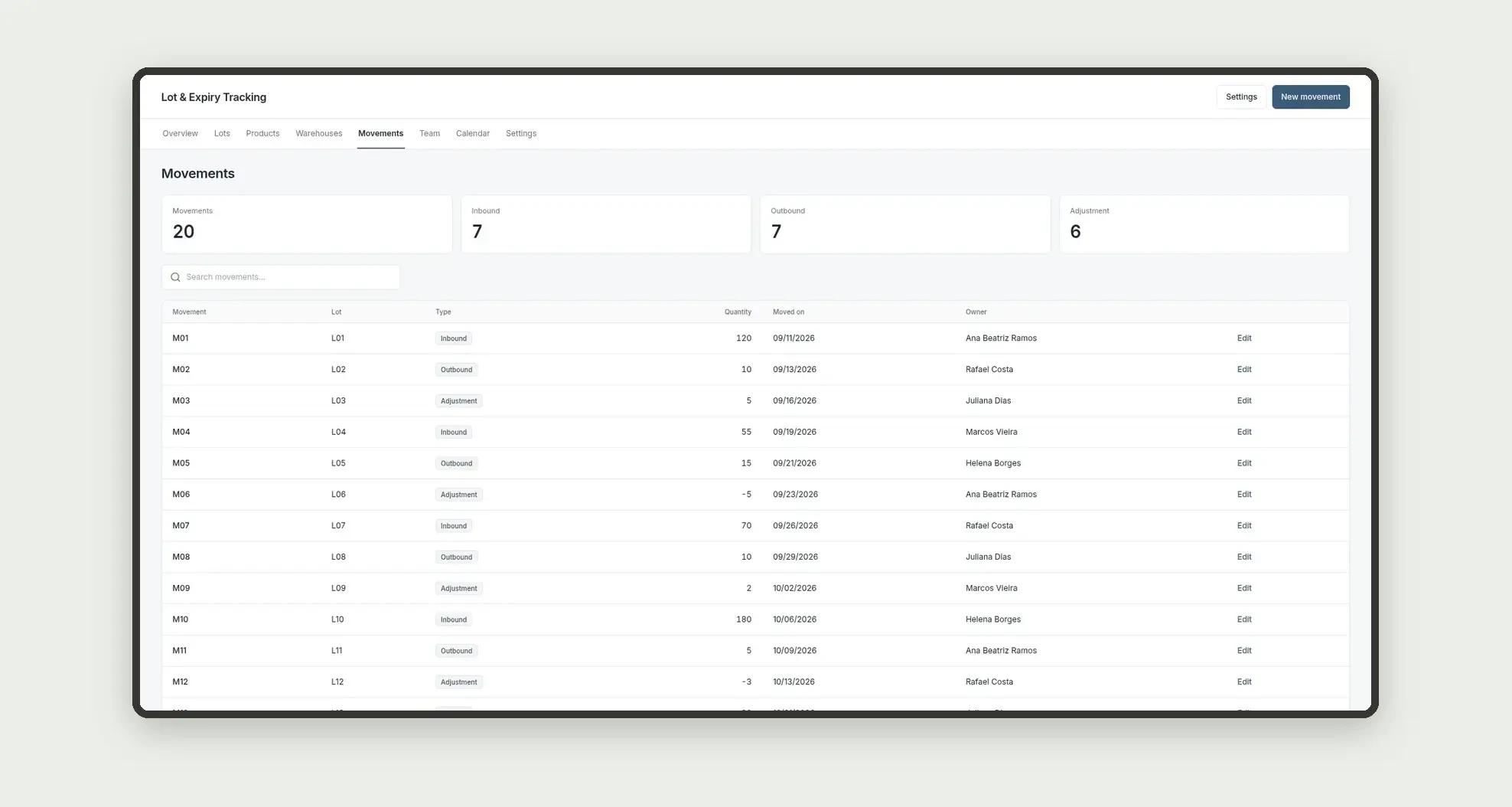
Organize products, warehouses, lots with quantity and days to expiry, and movements through a kanban board, calendar, cards, and linked profiles.
Who it's for
- Food, cosmetics, or pharma distributors
- Quality and inventory coordinators
- Expiry and quarantine analysts
- Teams that track lots by warehouse
What you can do
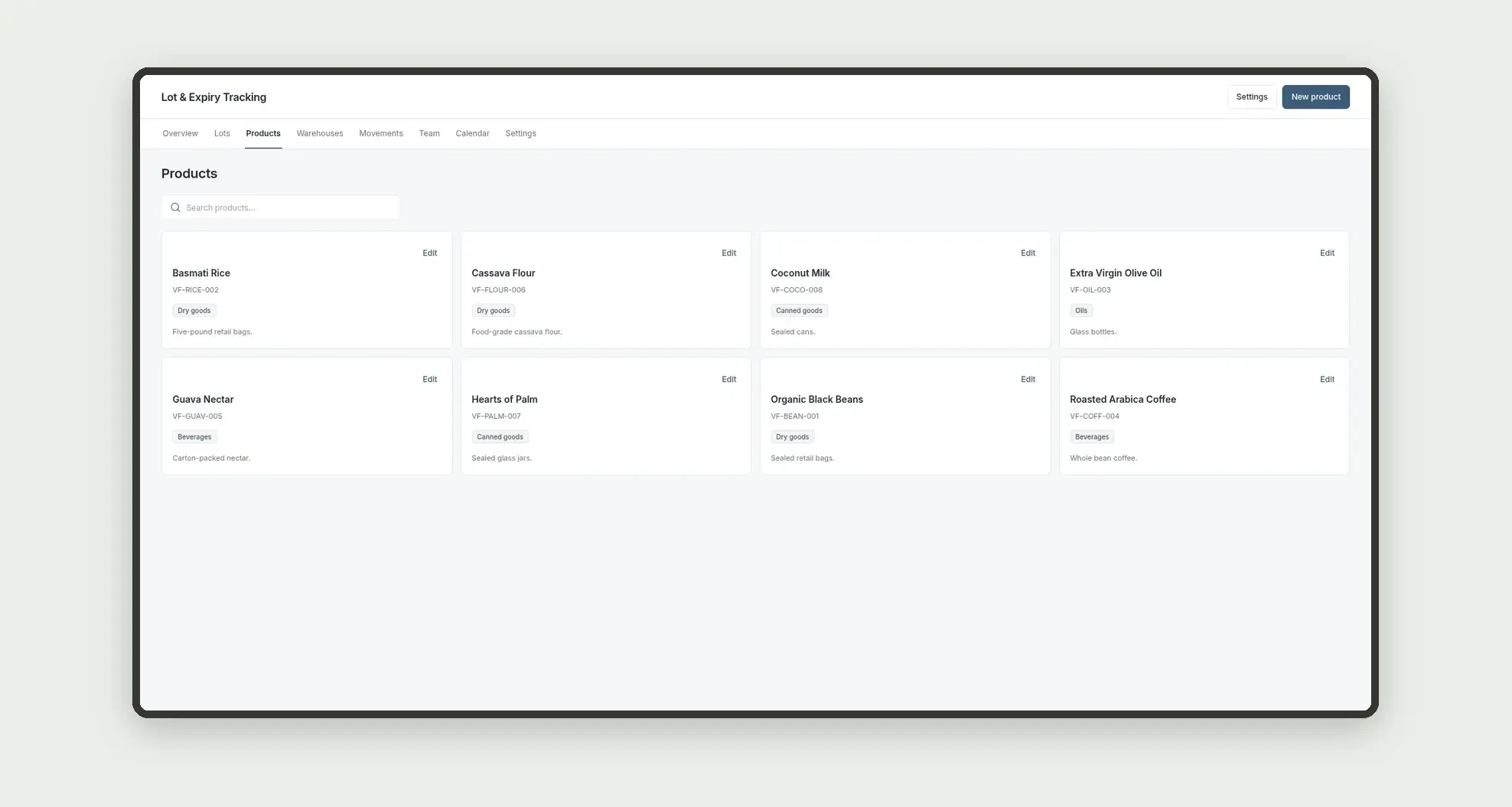
- Register products and SKUs
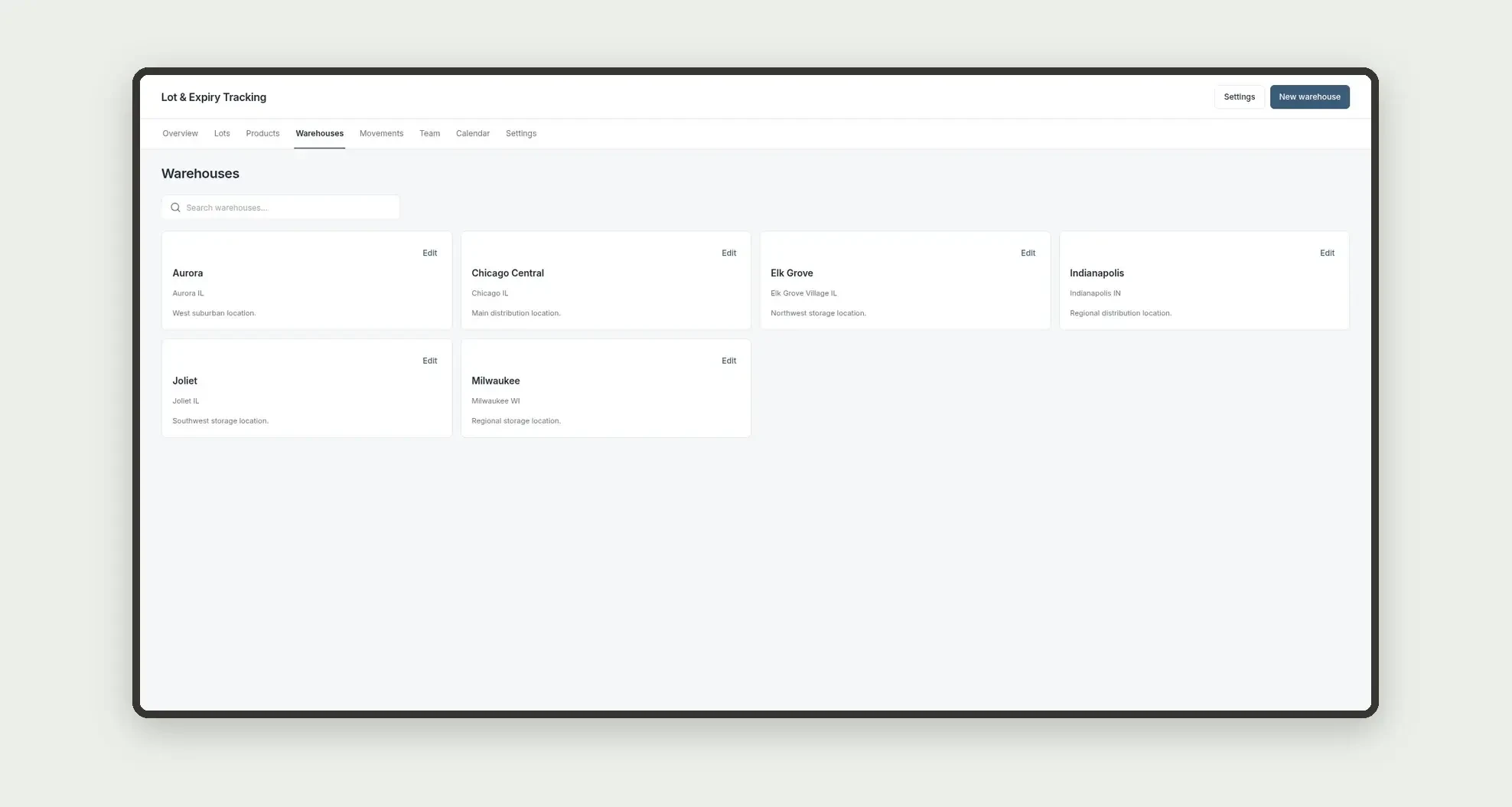
- Record warehouses and cities
- Open lots with quantity and days to expiry in numeric fields
- Move lots on a status kanban board
- Log inbound, outbound, or adjustment movements
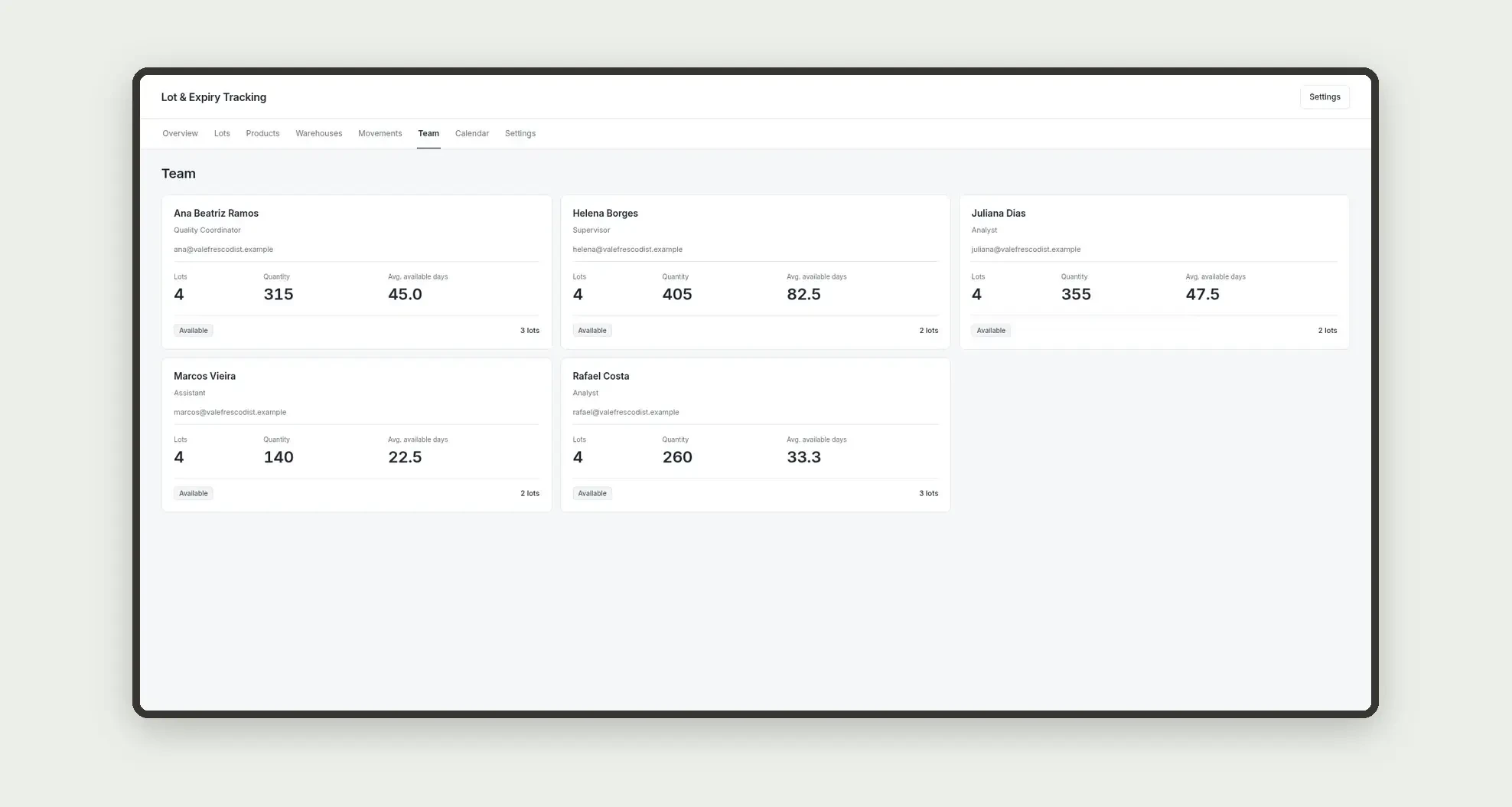
- Follow each owner's load on people cards
- Follow open dates on the calendar
- Open lot profiles with movements and a timeline
App features
Lot & Expiry Tracking
The Lot & Expiry Tracking screen covers this part of the operation.
How it works
Set up products, warehouses, and the team.
Open the lot with plain quantity and days to expiry, log movements, and track status.
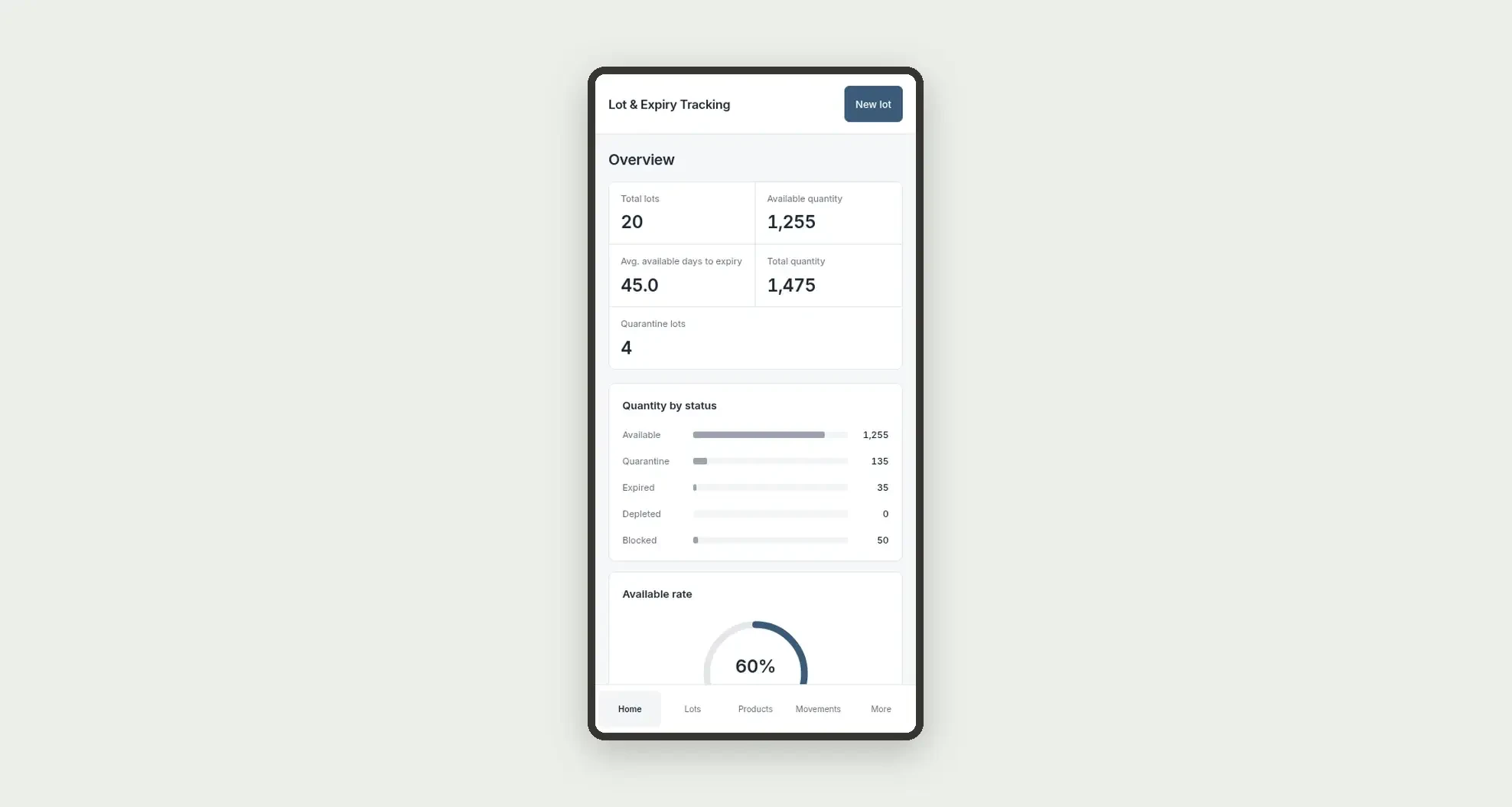
Availability rate and totals come from numeric fields on available lots themselves.
How to set up this template
- 1Click Use App
Create your Jestor account and install Lot & Expiry Tracking. It works on desktop and mobile.
- 2Set up products
Set up products, warehouses, and the team.
- 3Open the lot with plain quantity and days to expiry
Open the lot with plain quantity and days to expiry, log movements, and track status.
- 4Availability rate and totals come from numeric fields
Availability rate and totals come from numeric fields on available lots themselves.
Integrations and customization
The design supports desktop and mobile use. Product categories and movement types can be adapted to operations. No WMS, billing, MRP, fiscal traceability, or external integrations are included.
- Adjust fields, categories, statuses and rules without code.
- Add screens, reports and automations as the operation needs them.
And that's just the start: you can edit any part of this template and go much further just by asking Jestor's AI. Describe what you need, like a new field, automation, report or integration, and the AI builds or adjusts it for you, no code required.
Frequently asked questions
Do KPIs cross lots and movements?
No. Quantity and days use only the lots table.
Can status labels change?
Seed labels must stay exactly as defined.
How are team cards calculated?
Lots are grouped by owner.
Is there a WMS integration?
No. This is an operational expiry tracker, without a WMS.
Does the app calculate expiry with formulas?
No. Days to expiry stay in a plain number field.