What it is
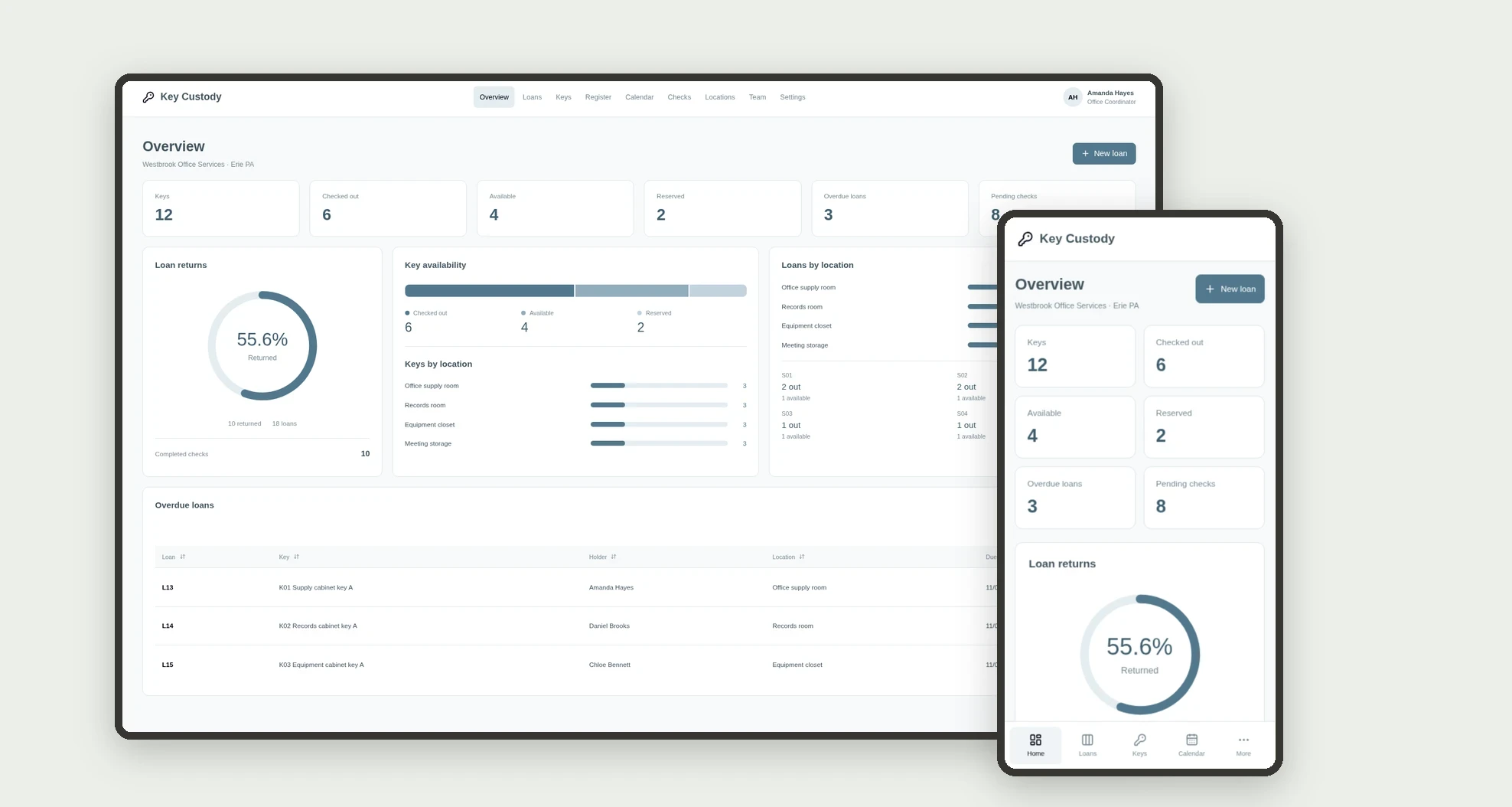
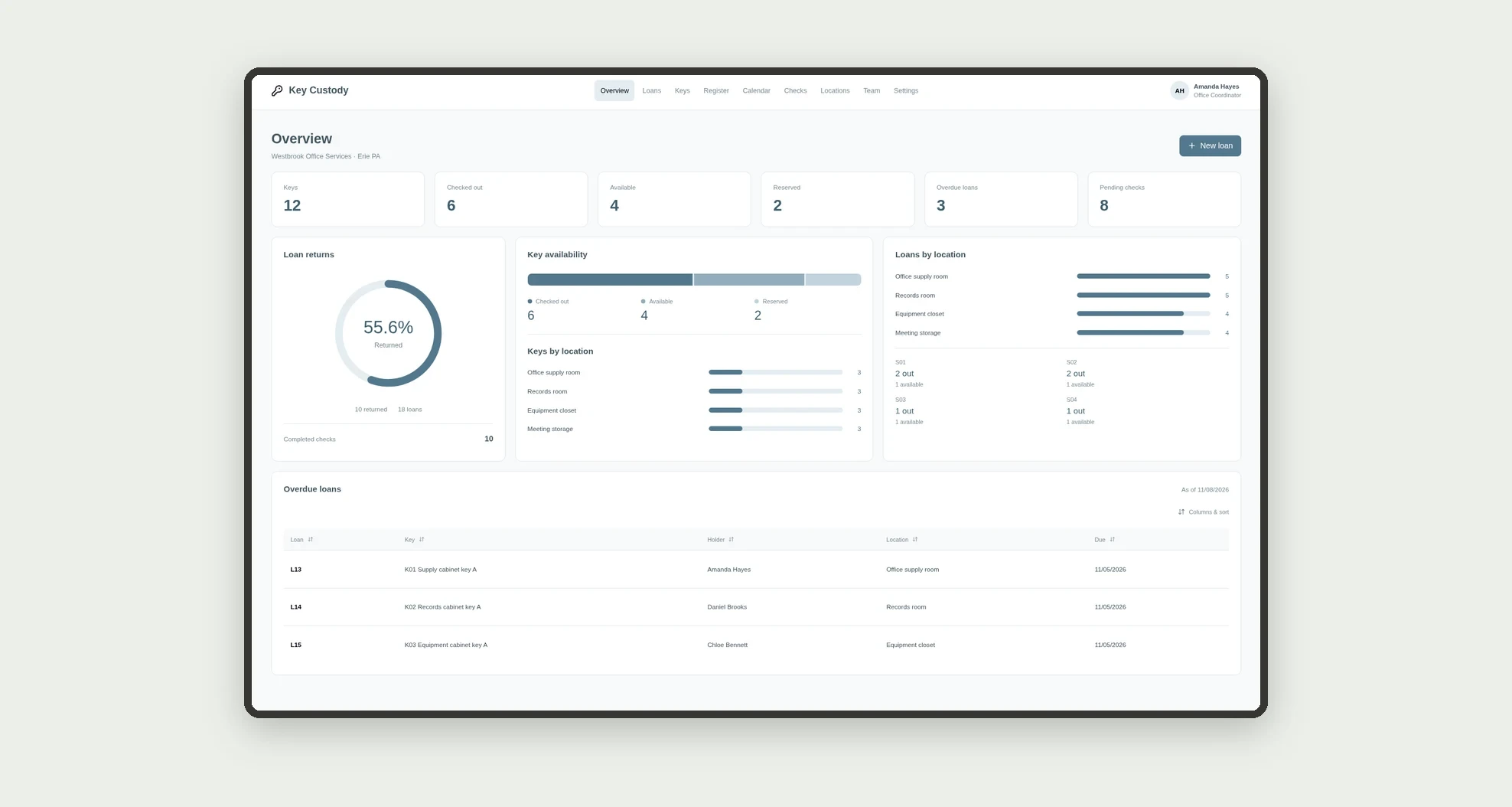
An app for organizing internal key custody, reservations, checkouts, and returns. Track holders, locations, deadlines, and return checks through a board, calendar, cards, and linked profiles.
Who it's for
- Offices and small operations with shared keys.
- Administrative teams and facilities staff.
- Managers tracking reservations and returns.
- Custodians checking returned keys.
What you can do
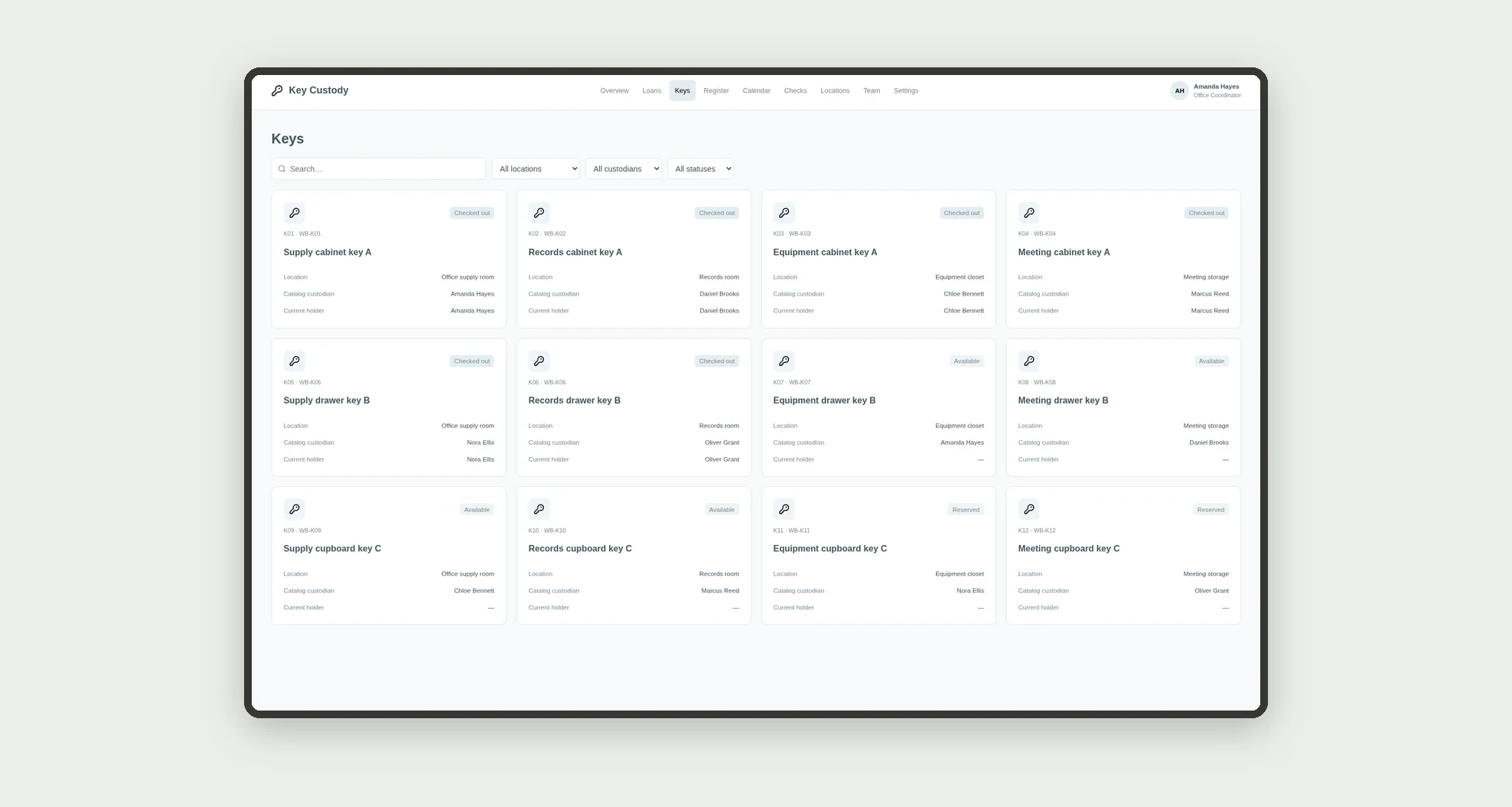
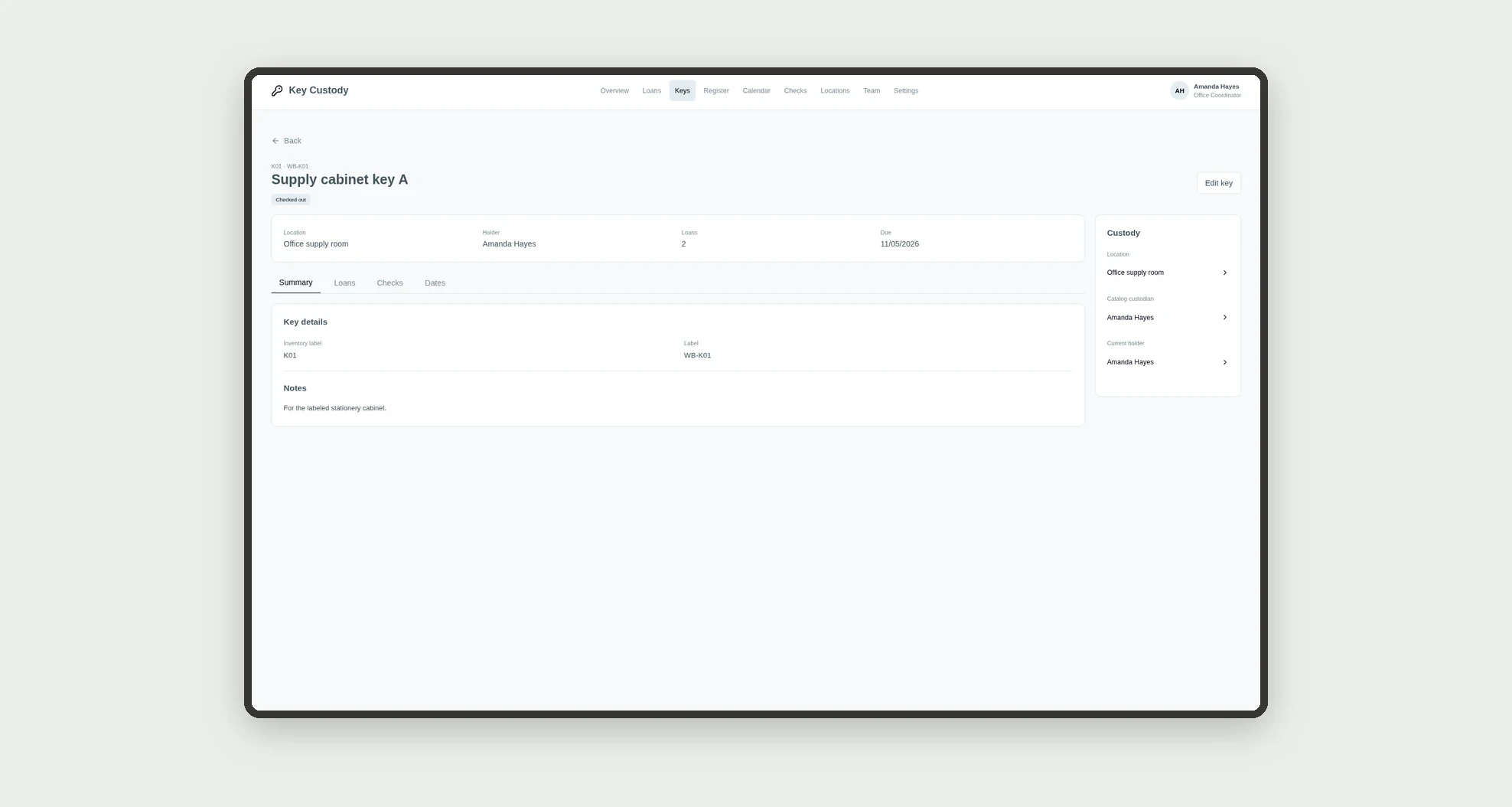
- Register keys by location and custodian.
- Browse availability and current holder on cards.
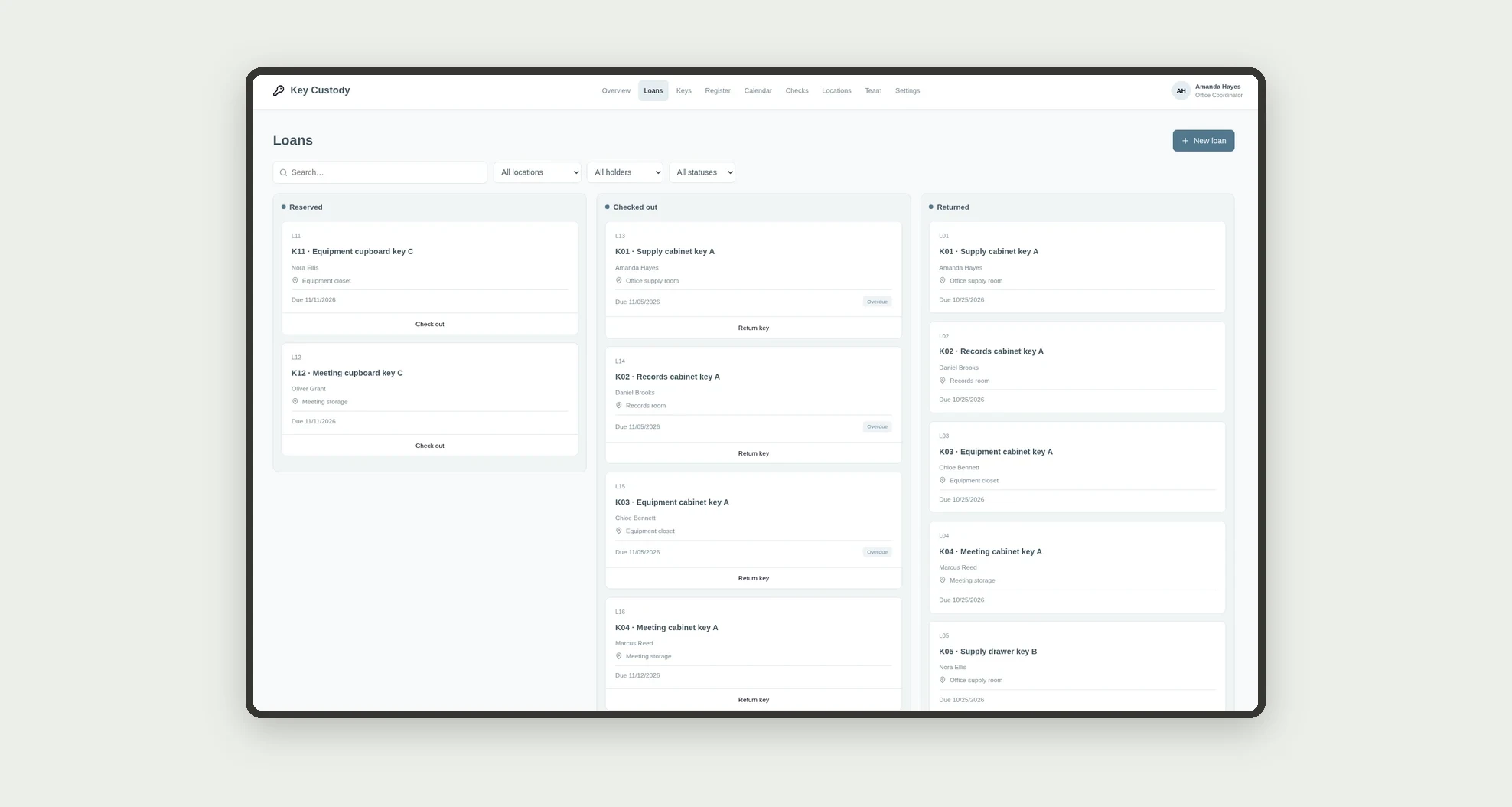
- Reserve keys and track loans on a kanban board.
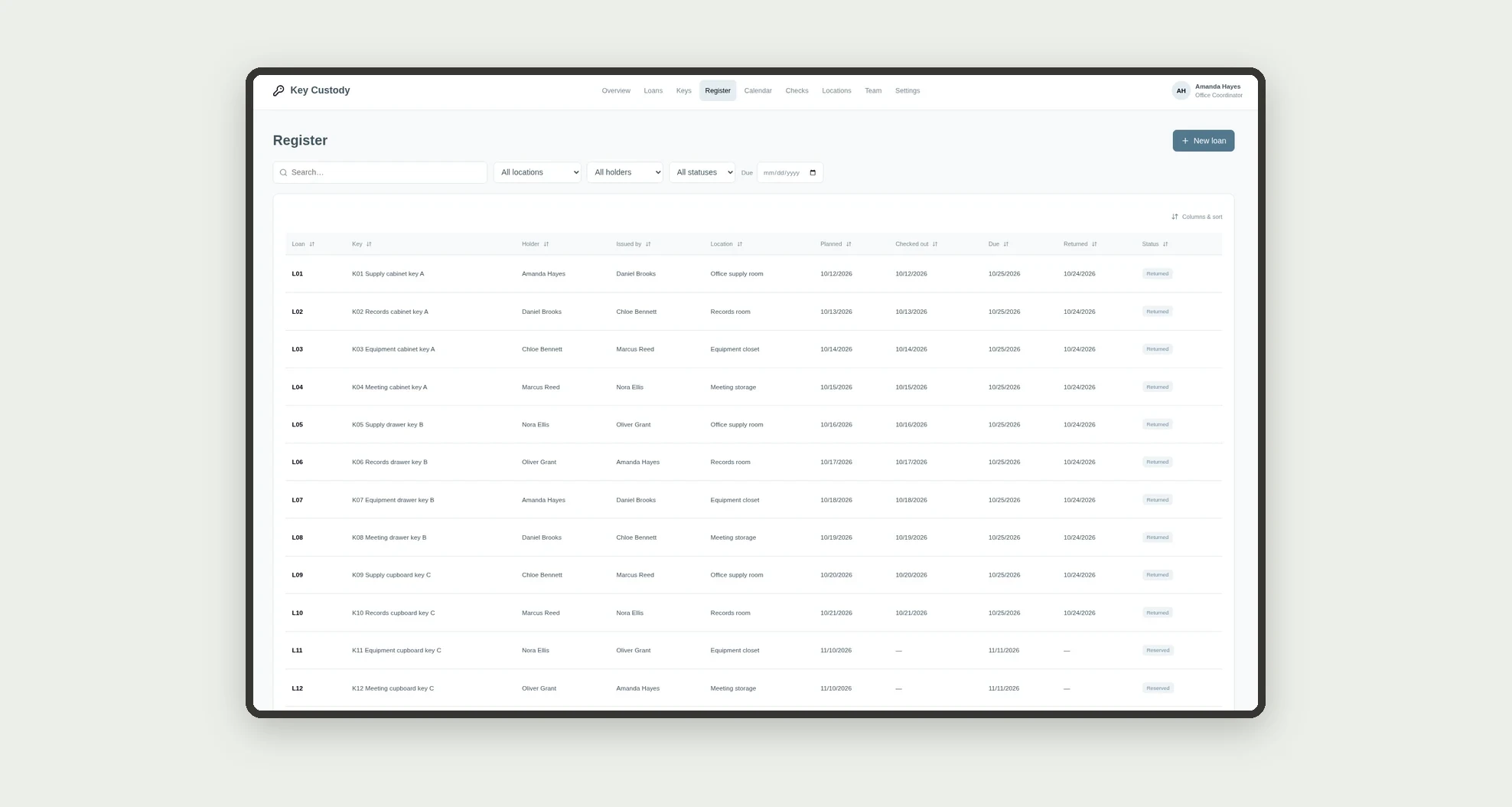
- Record individual checkouts and returns.
- Sort loans and filter deadlines in a data table.
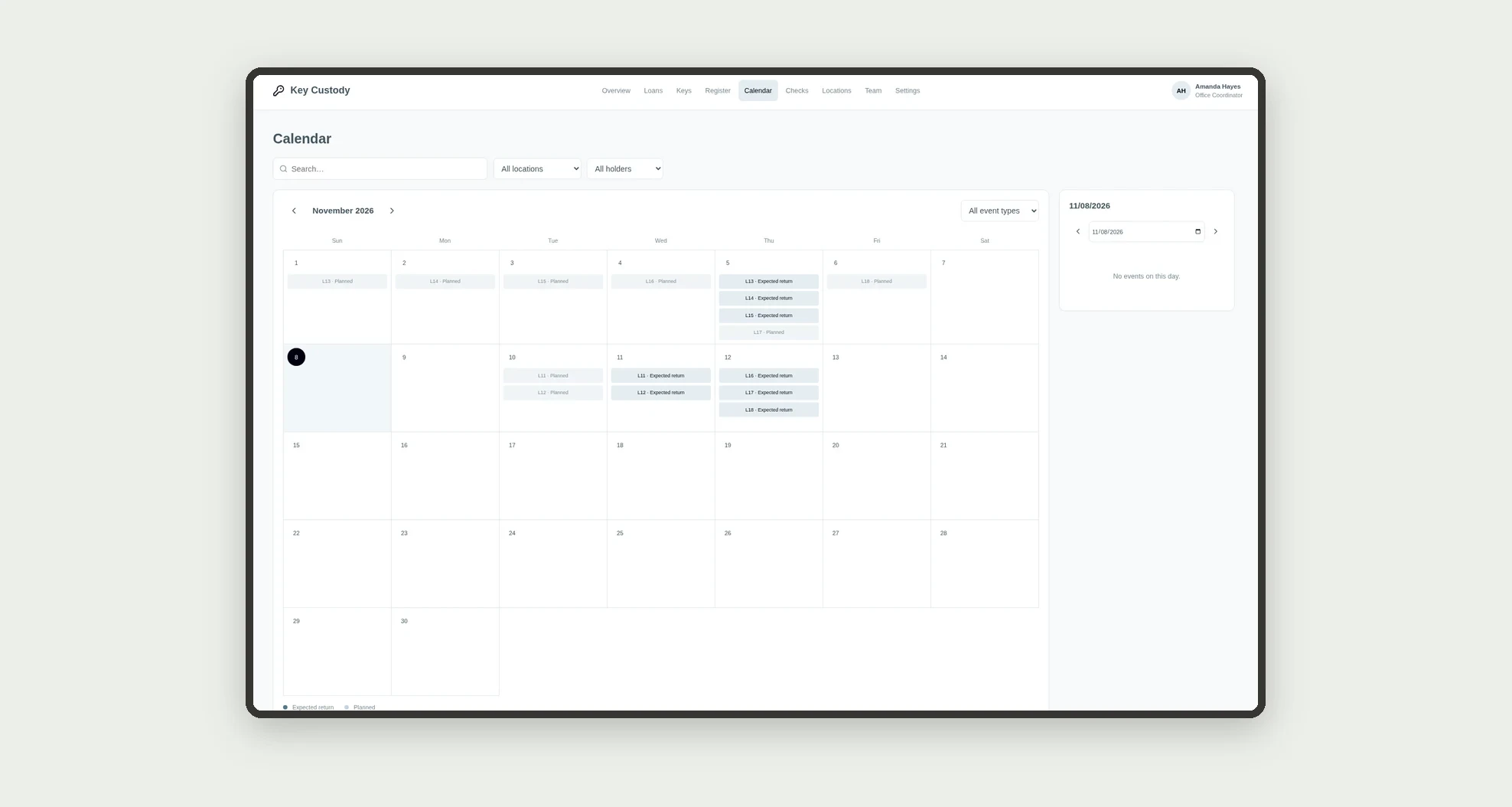
- View planned dates on a calendar.
- Record condition checks after return.
- Open profiles with related loans, checks, and dated history.
App features
Key Custody
The Key Custody screen covers this part of the operation.
How it works
Set up team members, locations, and keys. Record a loan with its holder and deadline.
Track checkout, record return, and check key condition.
The app identifies availability and overdue loans from records without controlling doors or devices.
How to set up this template
- 1Click Use App
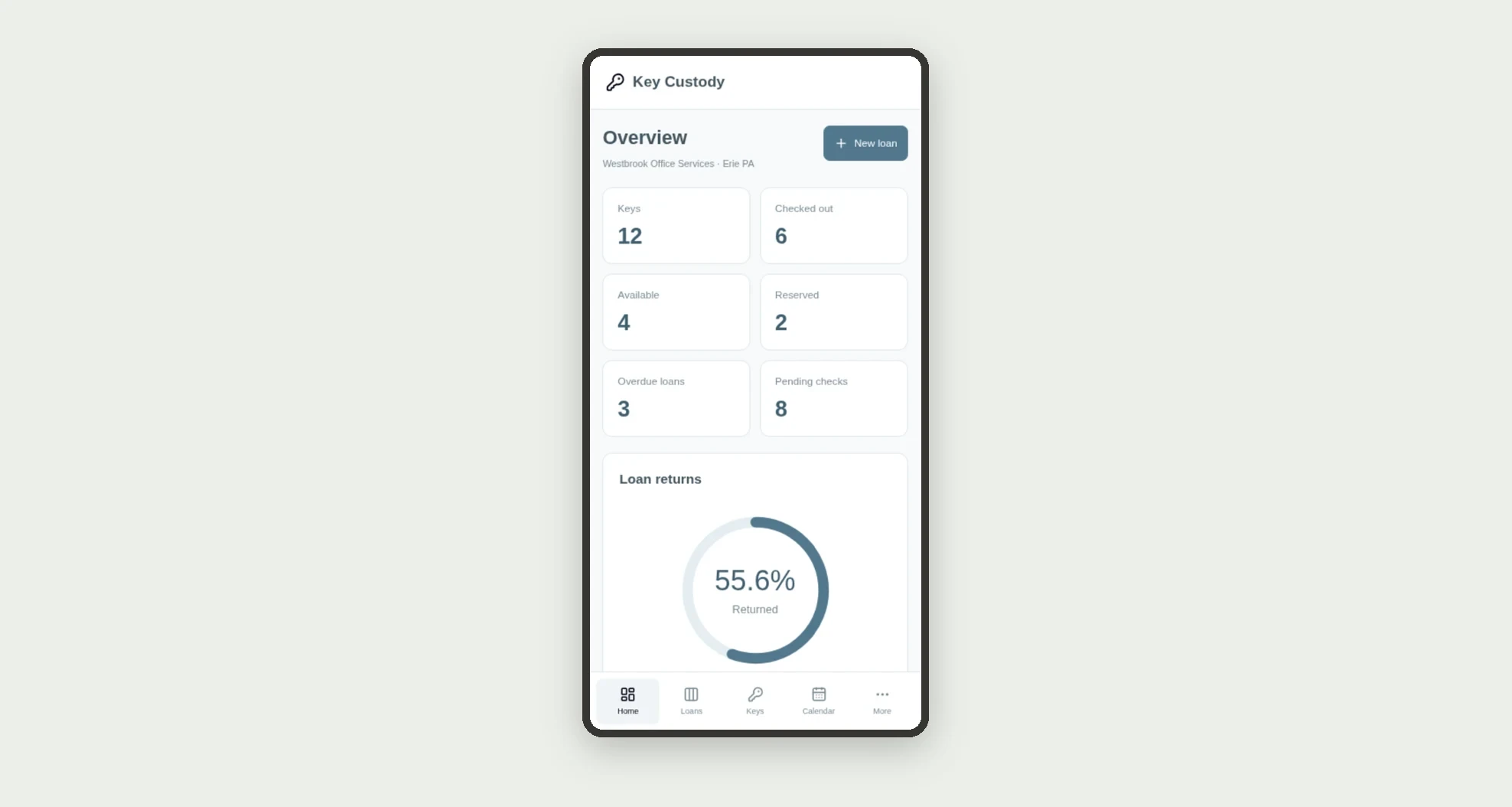
Create your Jestor account and install Key Custody. It works on desktop and mobile.
- 2Set up team members
Set up team members, locations, and keys.
- 3Record a loan with its holder and deadline.
Record a loan with its holder and deadline.
- 4Track checkout
Track checkout, record return, and check key condition.
Integrations and customization
The design supports desktop and mobile use. Locations, labels, custodians, and deadlines can be adapted to operations. No door unlocking, lock integration, digital credentials, charges, or automatic messages are included.
- Adjust fields, categories, statuses and rules without code.
- Add screens, reports and automations as the operation needs them.
And that's just the start: you can edit any part of this template and go much further just by asking Jestor's AI. Describe what you need, like a new field, automation, report or integration, and the AI builds or adjusts it for you, no code required.
Frequently asked questions
How is availability identified?
From nonended loans: a checked-out or reserved key is not shown as available.
Are custodian and holder the same person?
Not necessarily. The custodian owns the inventory responsibility; the holder is linked to the loan.
When is a loan overdue?
When it is checked out and its due date is earlier than the configured reference date.
Does the app unlock doors or store unlock codes?
No. It records fictional inventory labels and administrative information without controlling physical access.
Are the records real?
No. Businesses, people, locations, keys, and demonstration records are fictional.