What it is
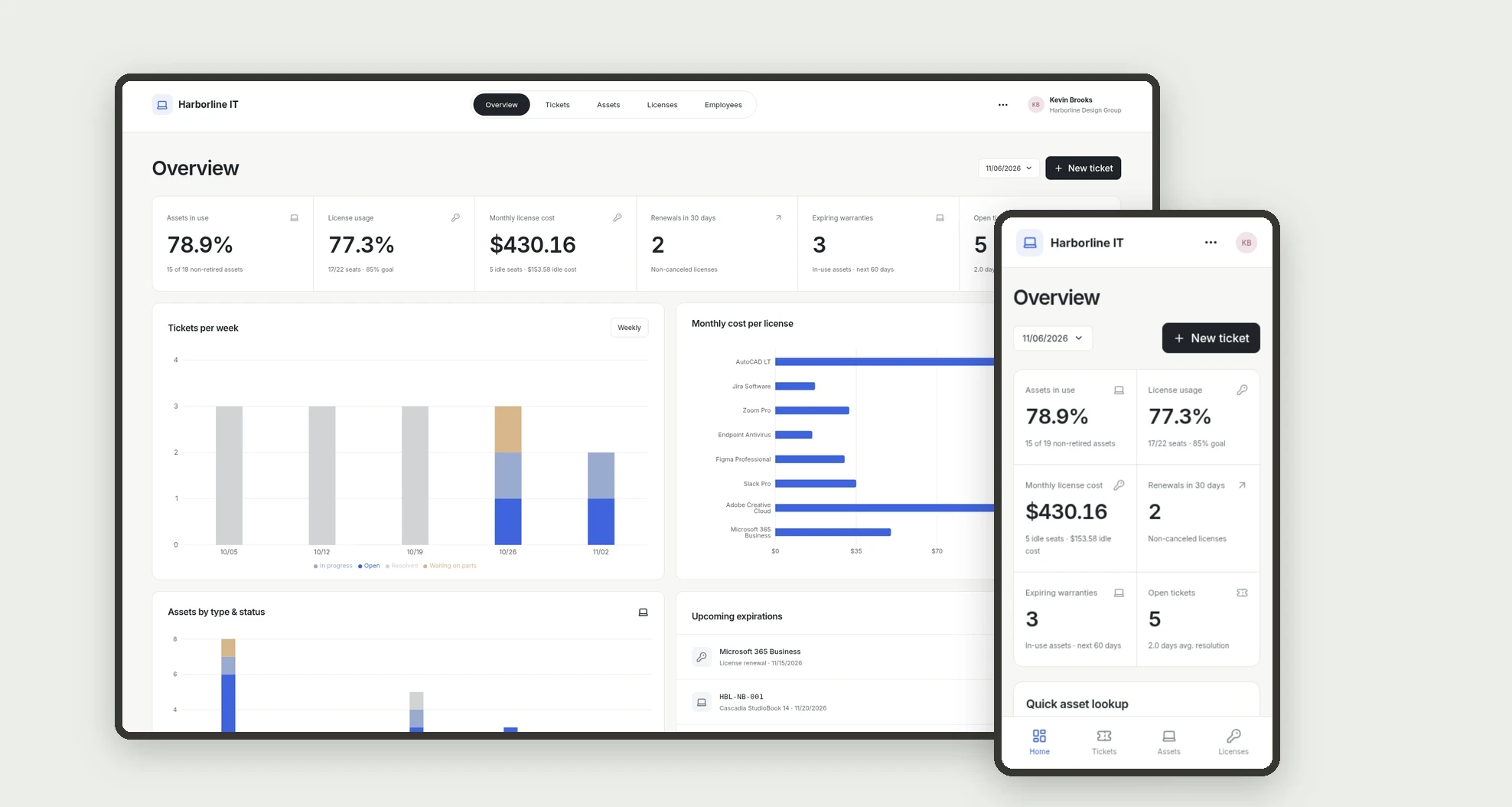
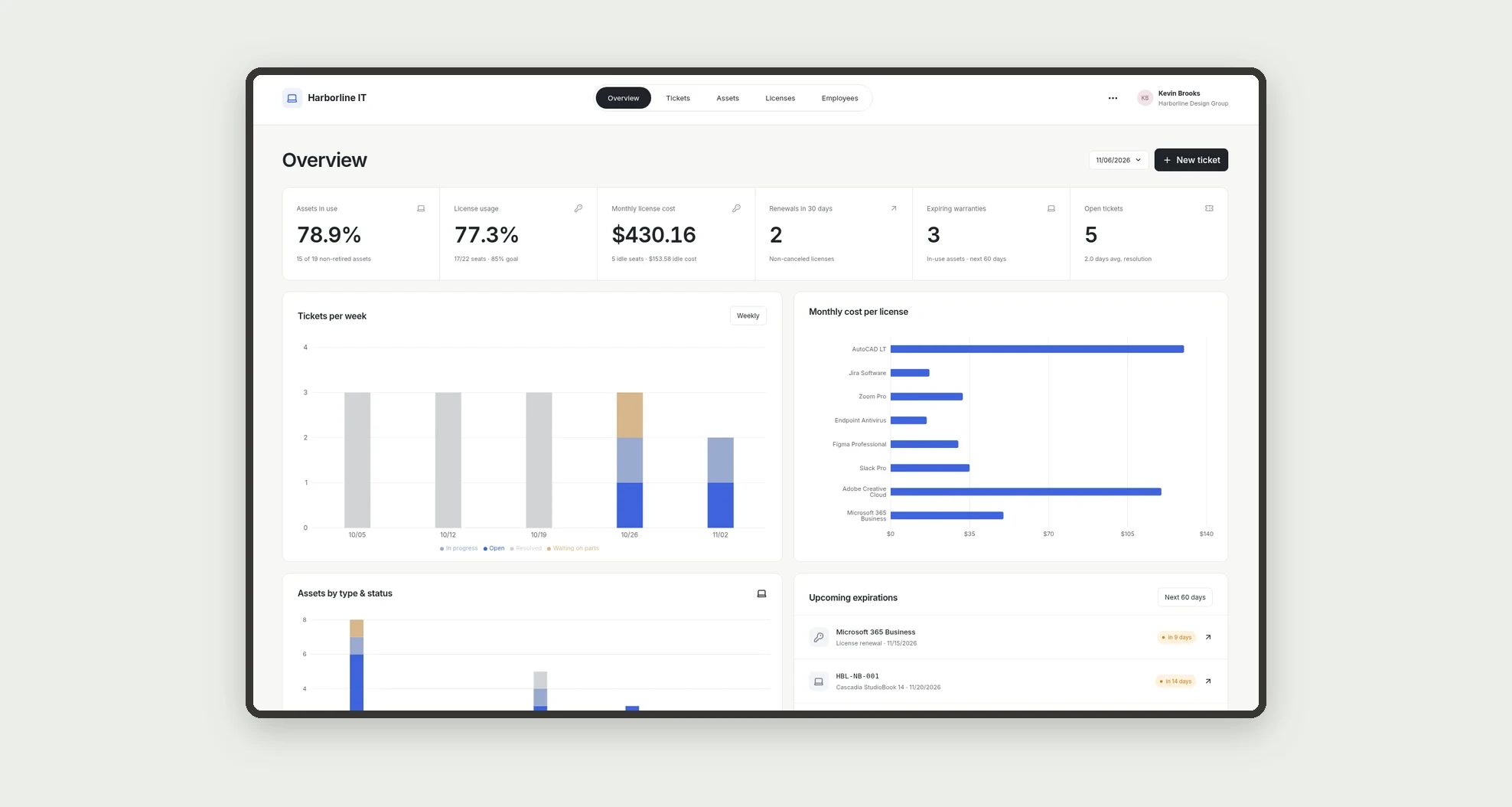
An app for managing a company’s IT inventory, with assets by assignee, per-seat software licenses, and a support ticket board. Monitor license usage, monthly cost, renewals, expiring warranties, and ticket resolution time.
Who it's for
- Small and mid-sized businesses with a lean IT team.
- IT managers tracking laptops, phones, and peripherals.
- Offices paying for software licenses per seat.
- Managers who want to cut spending on idle licenses.
What you can do
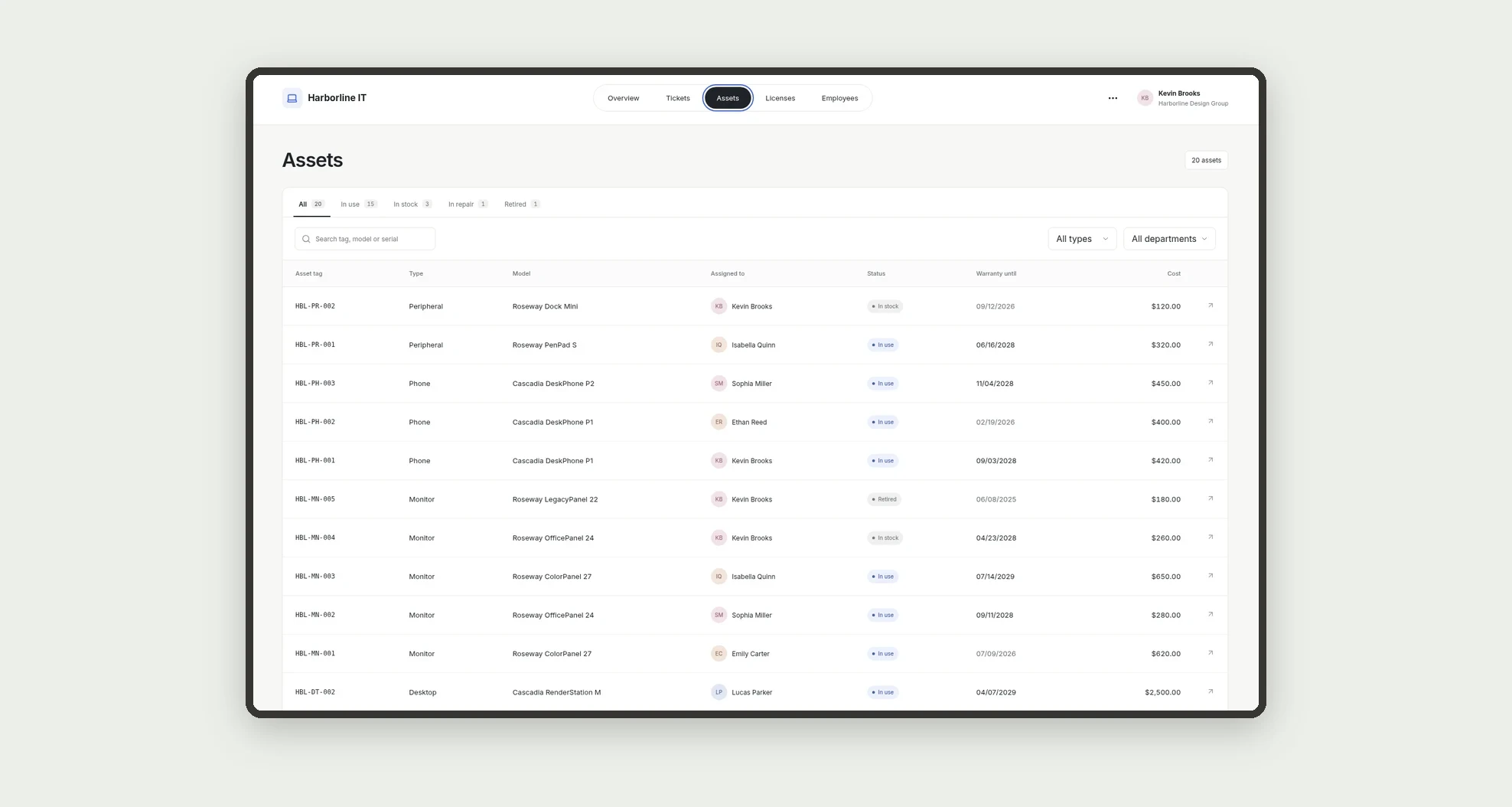
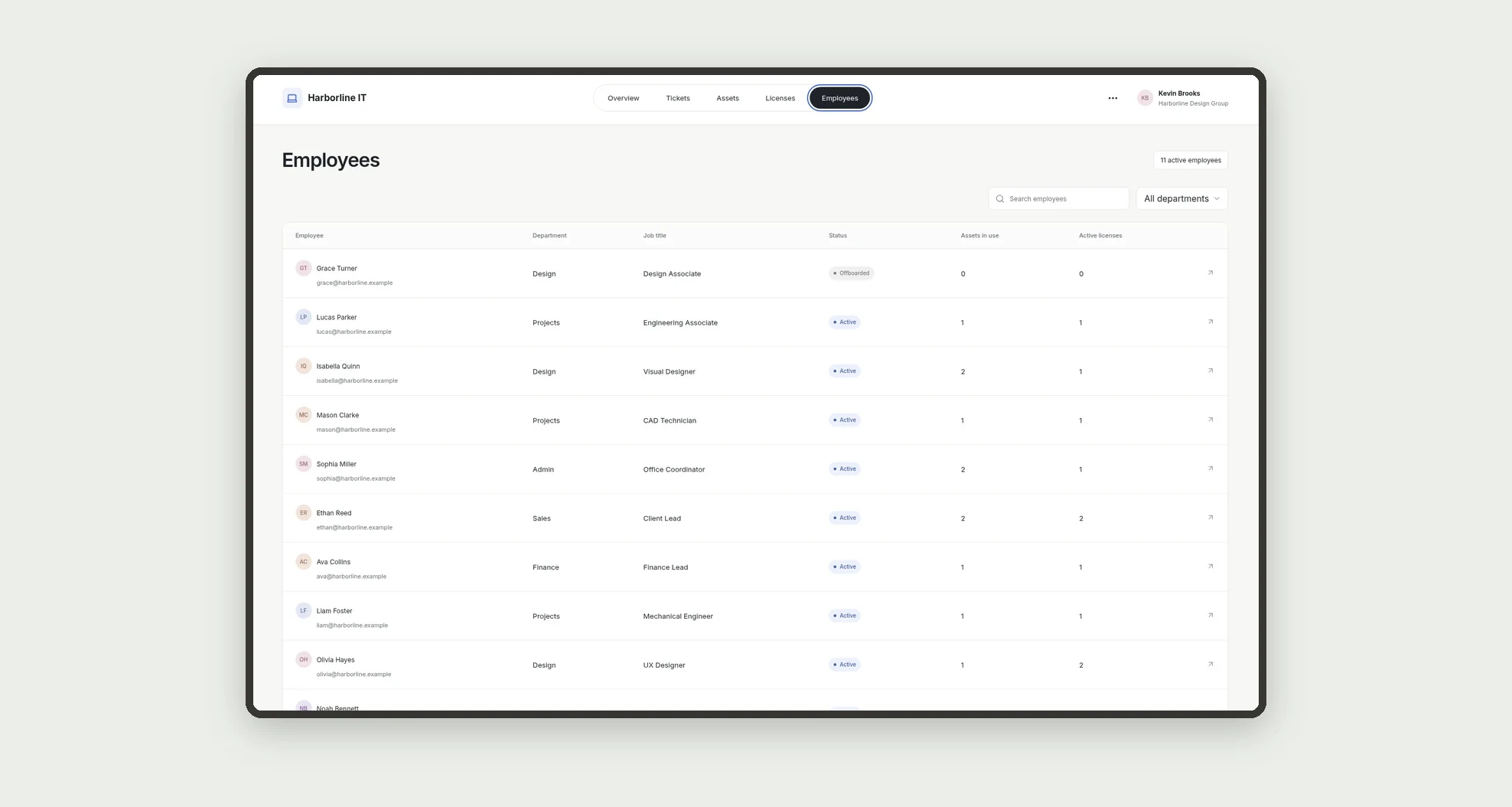
- Register assets with tag, serial number, vendor, assignee, cost, and warranty.
- Filter assets by status, type, and department.
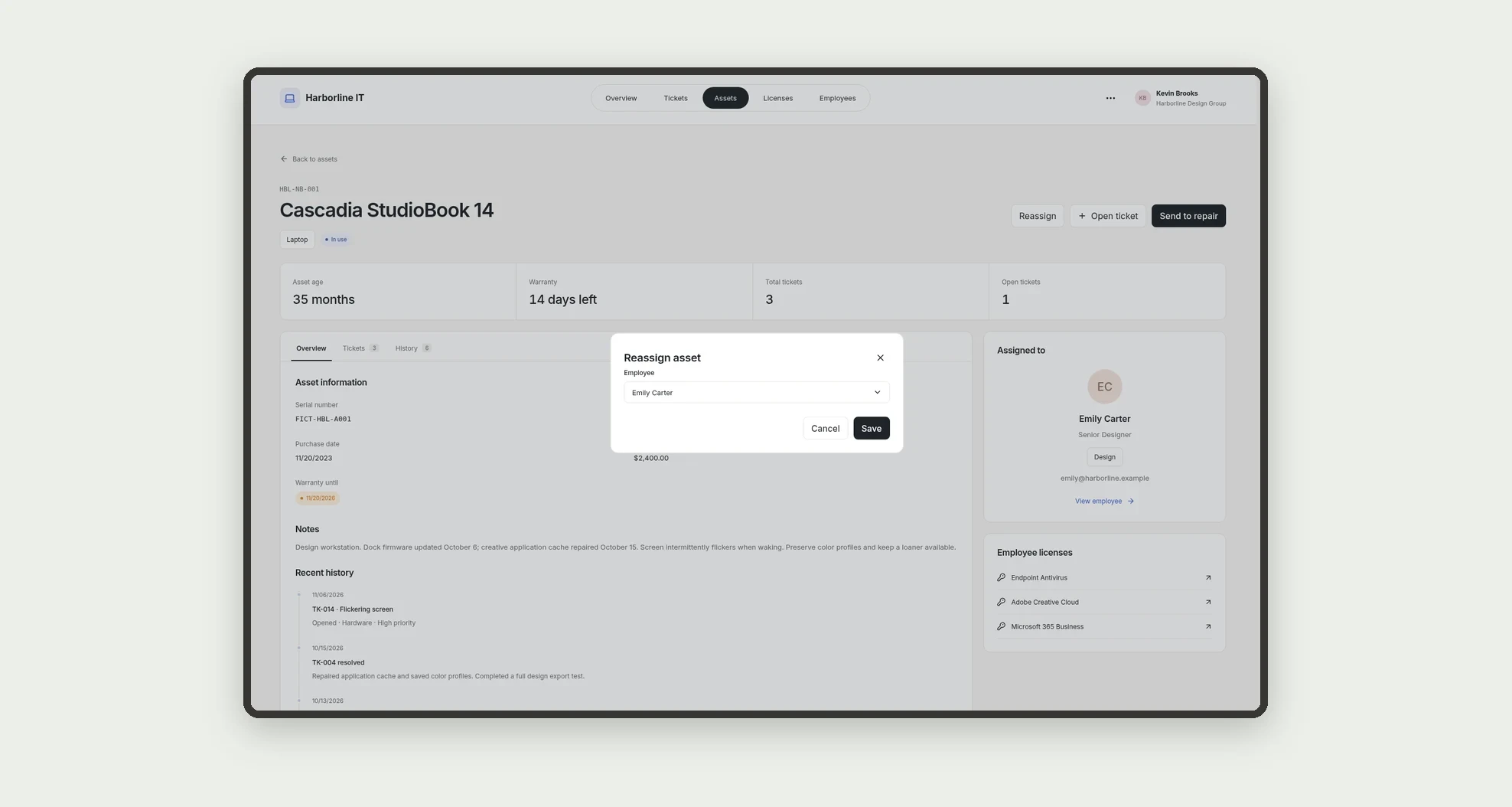
- Review an asset profile with its ticket history and the assignee's licenses.
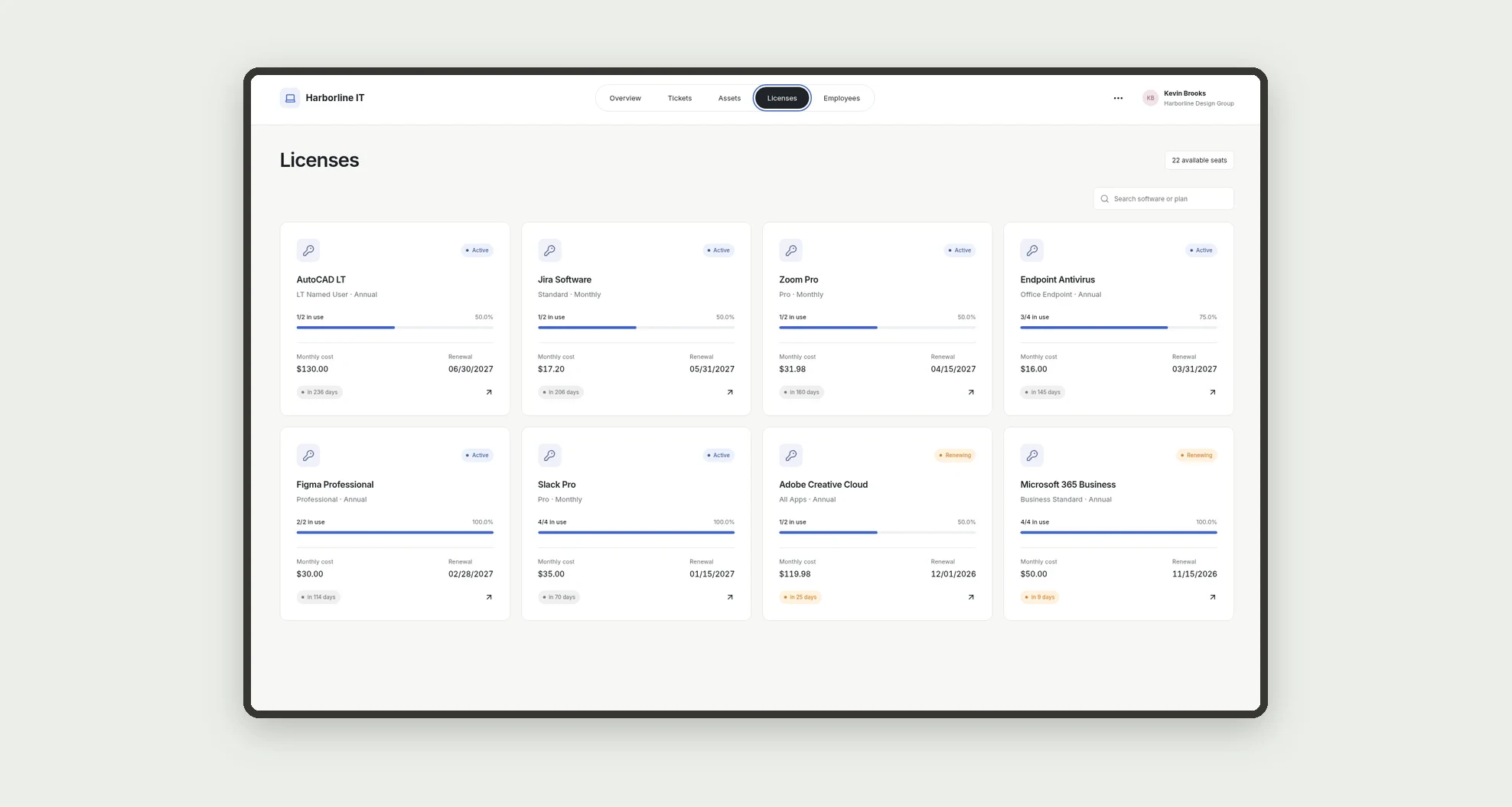
- Track seats in use, monthly cost, and renewal date for each license.
- Assign and revoke seats without exceeding the purchased total.
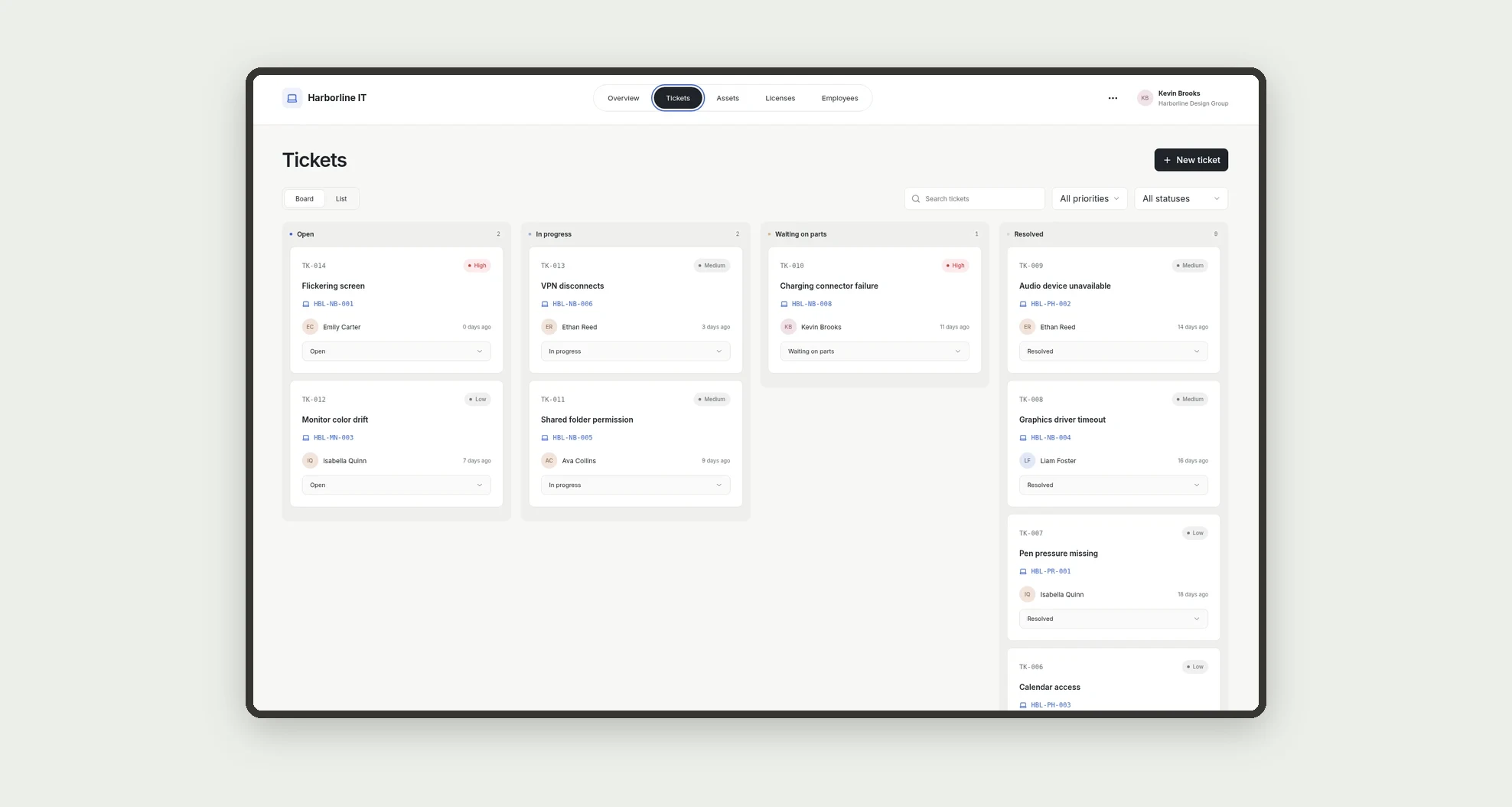
- Organize support tickets on a board by status and priority.
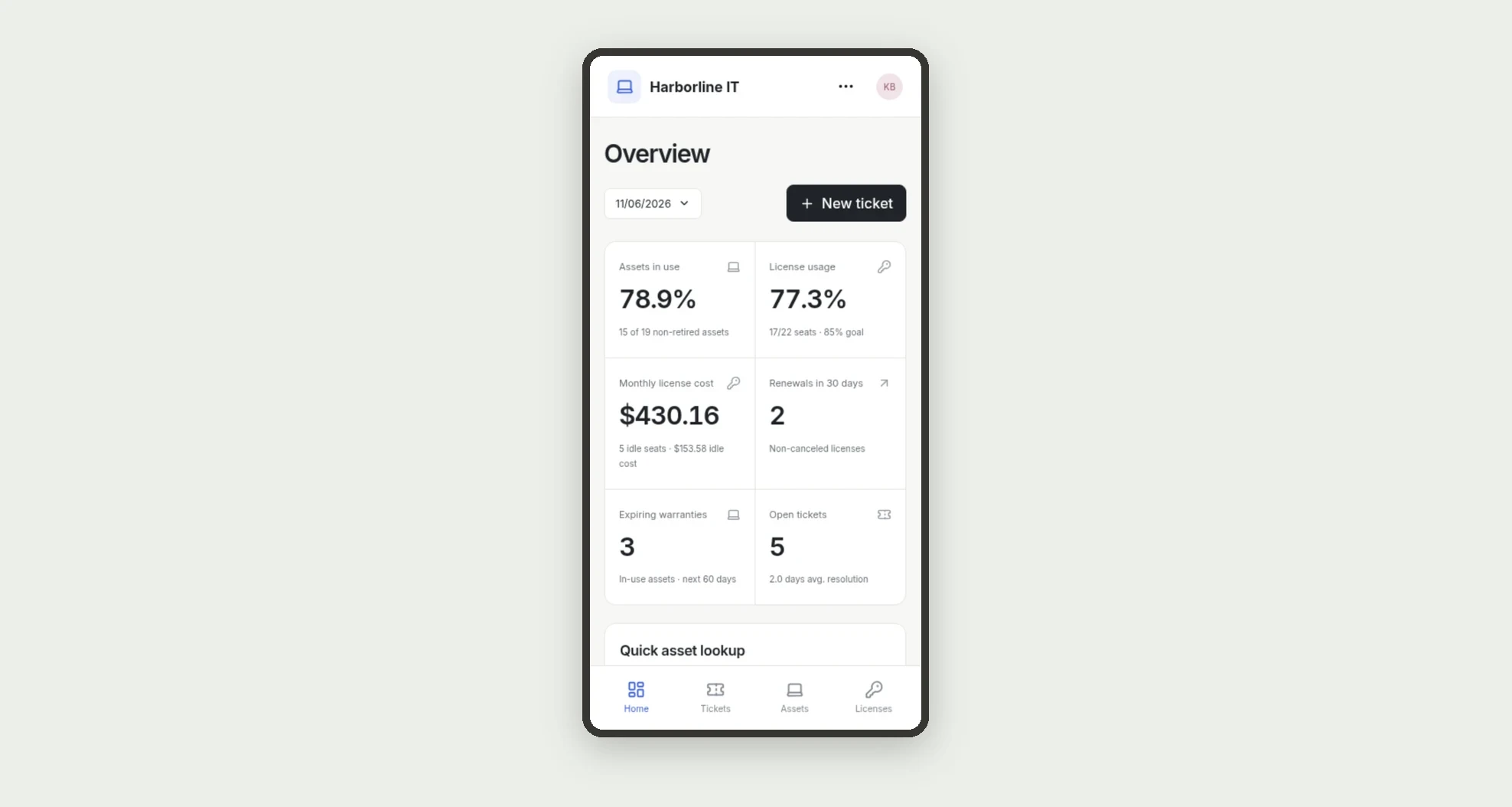
- See license usage, idle cost, renewals, and expiring warranties on the dashboard.
- Look up assets and open tickets on mobile.
App features
IT Assets & Licenses
The IT Assets & Licenses screen covers this part of the operation.
How it works
Set up employees and vendors.
Add assets with their assignee and licenses with seats and cost.
Assignments connect licenses to employees, tickets record support for each asset, and the dashboard computes metrics from those records.
How to set up this template
- 1Click Use App
Create your Jestor account and install IT Assets & Licenses. It works on desktop and mobile.
- 2Set up employees and vendors.
Set up employees and vendors.
- 3Add assets with their assignee and licenses with seats and cost.
Add assets with their assignee and licenses with seats and cost.
- 4Assignments connect licenses to employees
Assignments connect licenses to employees, tickets record support for each asset, and the dashboard computes metrics from those records.
Integrations and customization
The design supports desktop and mobile use. Asset types, departments, ticket categories, and the license usage goal can be adapted to the company's routine. No automatic discovery tool, software vendor, or procurement system integration is included.
- Adjust fields, categories, statuses and rules without code.
- Add screens, reports and automations as the operation needs them.
And that's just the start: you can edit any part of this template and go much further just by asking Jestor's AI. Describe what you need, like a new field, automation, report or integration, and the AI builds or adjusts it for you, no code required.
Frequently asked questions
How is license usage calculated?
Active assignments are divided by the total seats of non-canceled licenses.
How is monthly cost calculated?
It is the sum of purchased seats times the monthly cost per seat for each license.
Does the app prevent assigning more seats than purchased?
Yes. Assigning is blocked once a license reaches its total seats.
Can I use it on mobile?
Yes. The mobile view shows open tickets and lets you look up an asset by tag.
Are the demonstration records real?
No. The company, people, contacts, and amounts are fictional.