What it is
A helpdesk app for B2B support teams that want every customer question answered on time, with a calm queue that shows what needs a look first. Handle tickets with SLA timers, macros, internal notes, satisfaction surveys and a knowledge base.
Who it's for
- B2B software companies with a support team
- Support leads who track SLAs and agent load
- Agents who answer customers by email, web form, chat and phone
- Teams moving off a shared inbox
What you can do
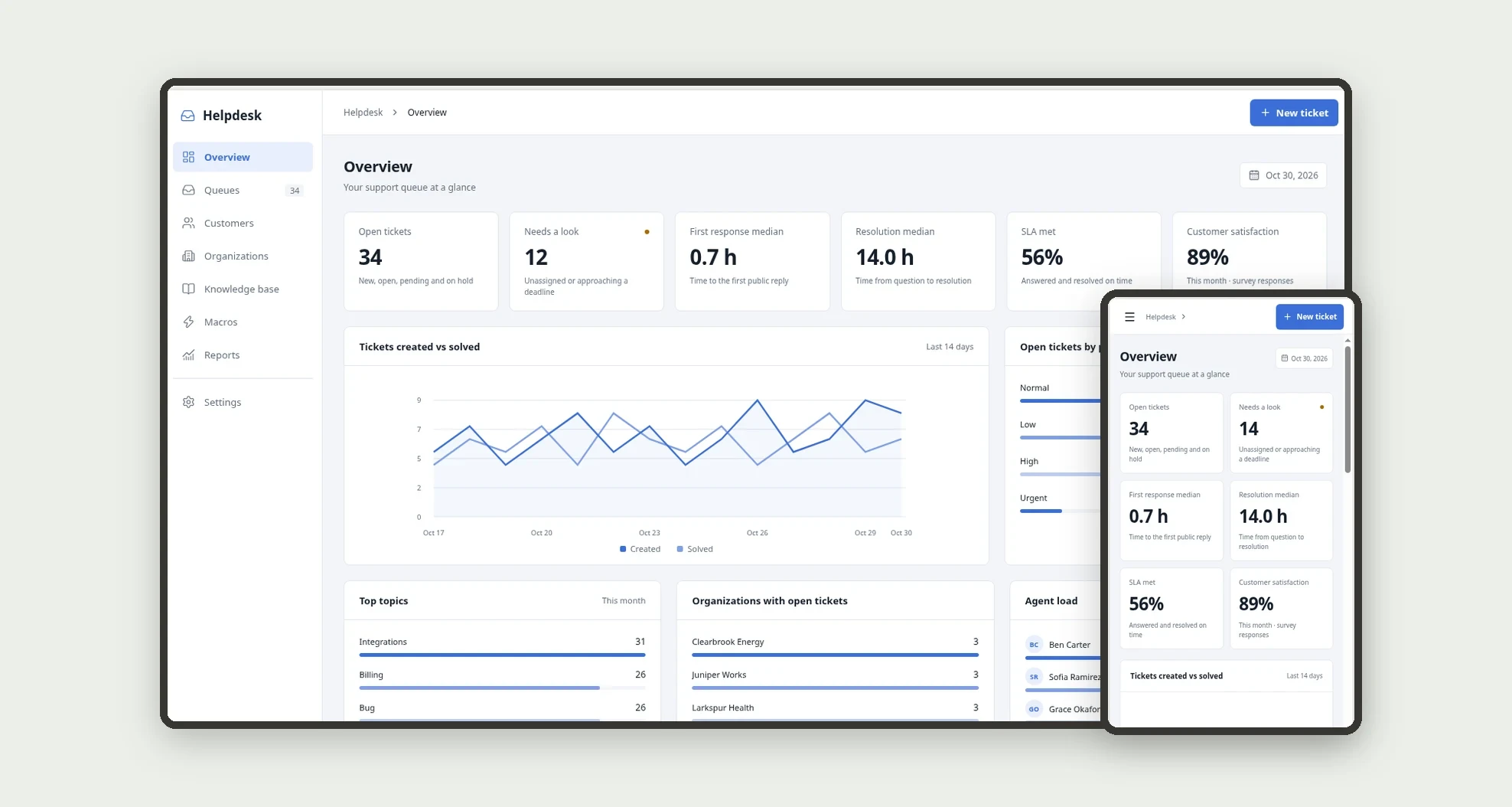
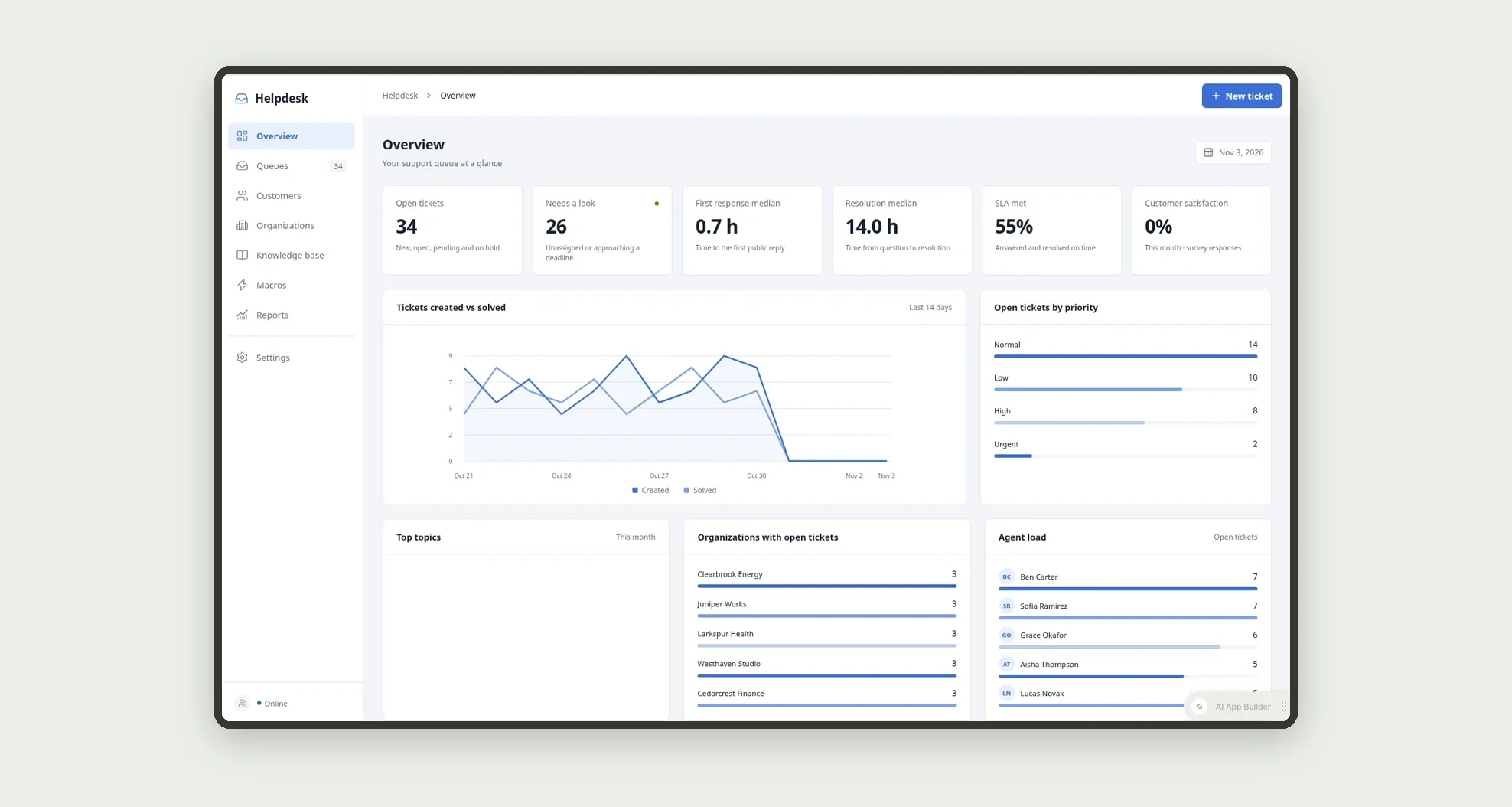
- See open tickets, tickets that need a look, response and resolution medians, SLA met and satisfaction on the overview
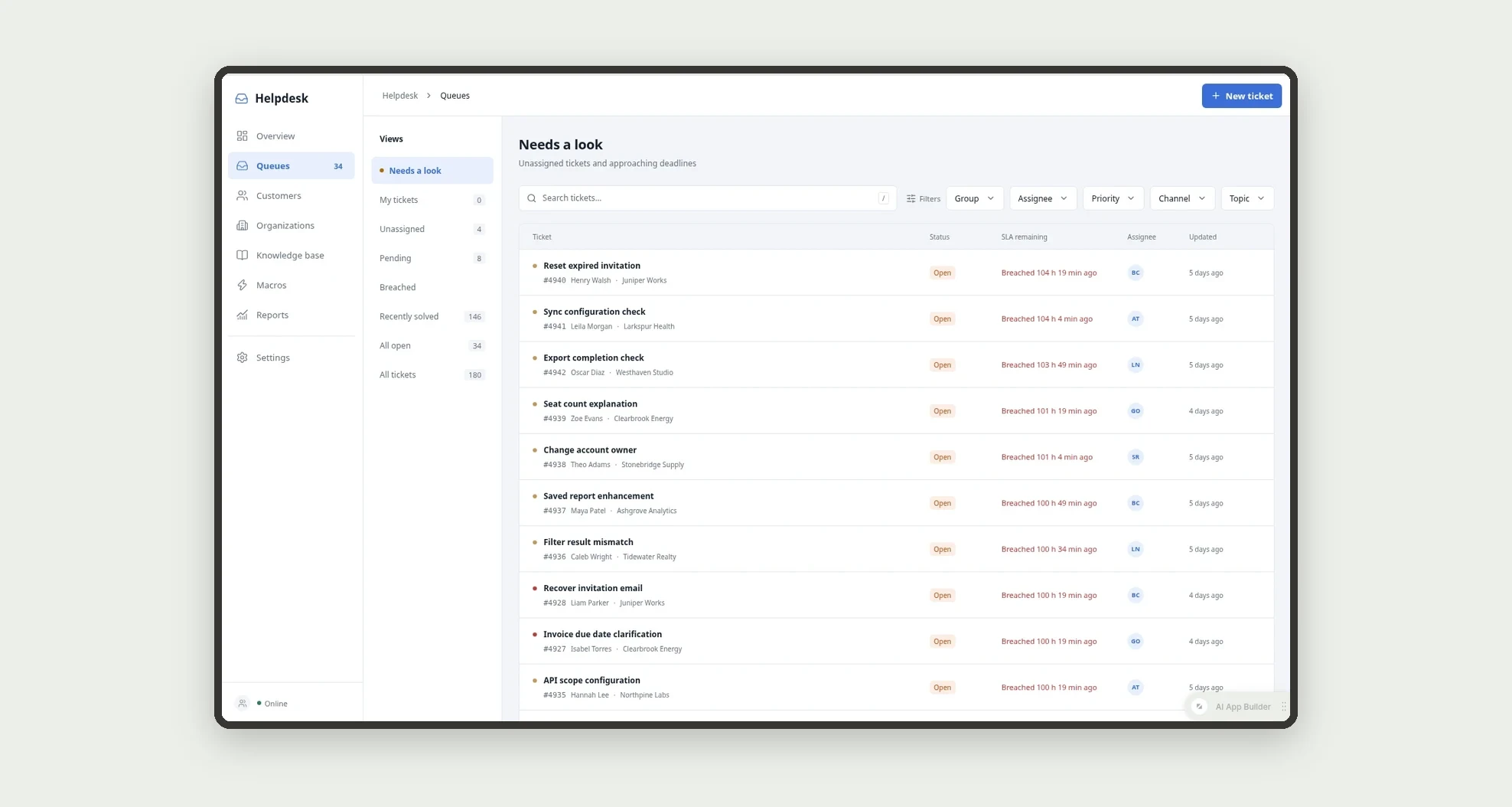
- Work from queues such as Needs a look, My tickets, Unassigned, Pending and Breached
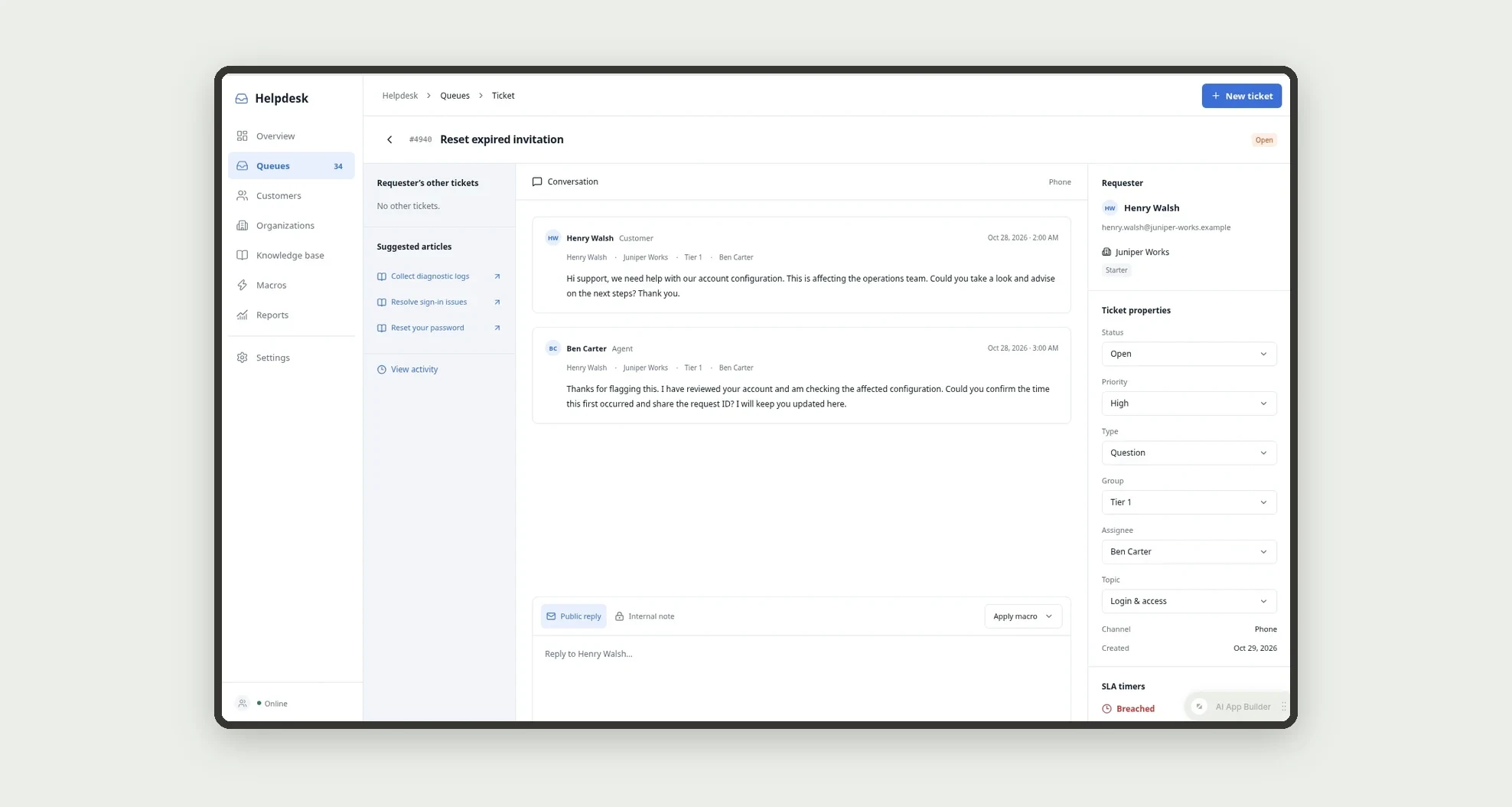
- Reply in a conversation view with public replies and internal notes
- Apply macros that fill the reply and set status and priority in one click
- Follow SLA policies by priority, with at risk and breached states
- Send a satisfaction survey when a ticket is solved
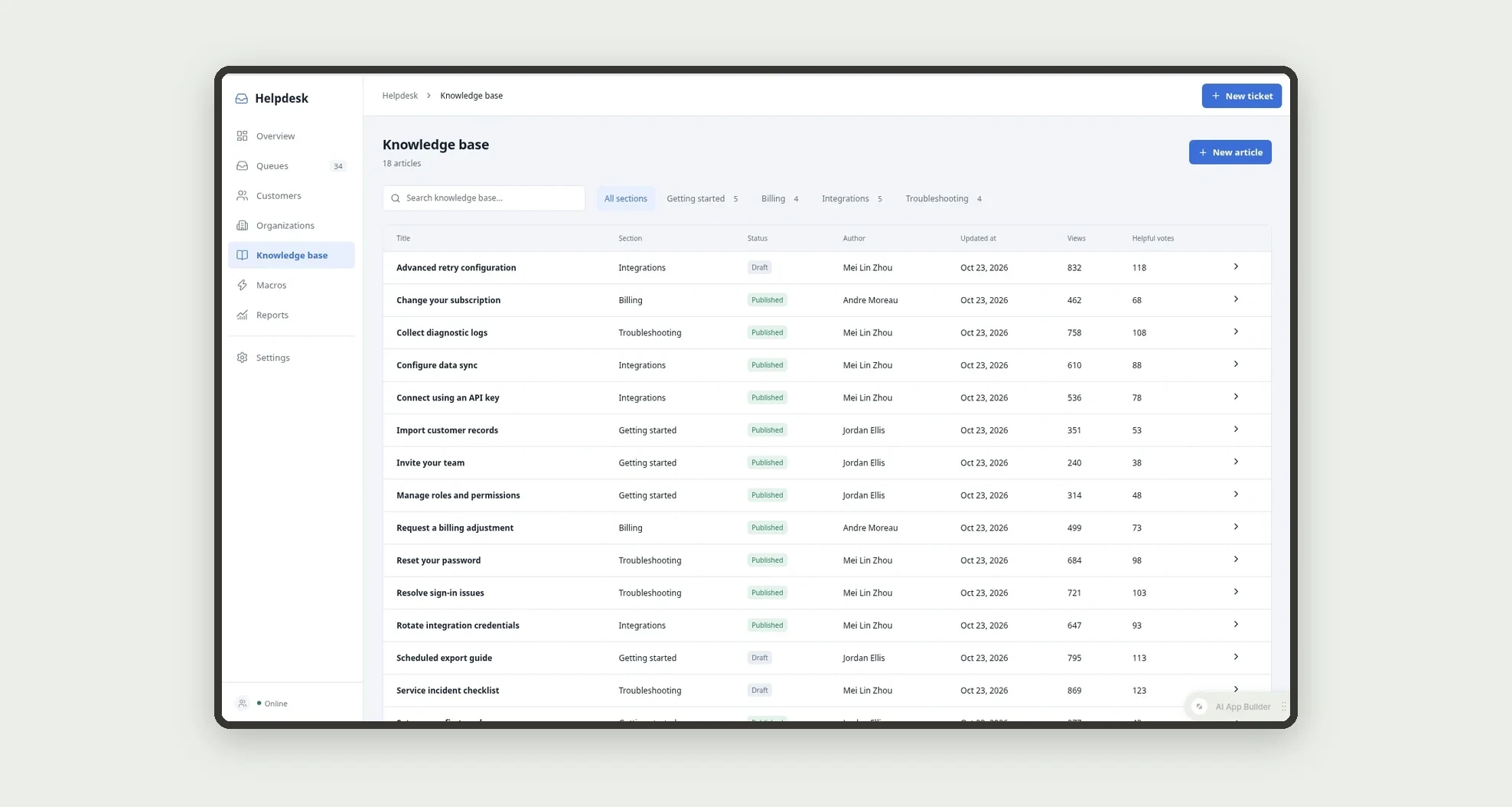
- Publish knowledge base articles and get suggestions in the ticket view
- Track volume, SLA and agent performance in reports
App features
Overview
See open tickets, tickets that need a look, response and resolution medians, SLA met and satisfaction on the overview.
Queues
Work from queues such as Needs a look, My tickets, Unassigned, Pending and Breached.
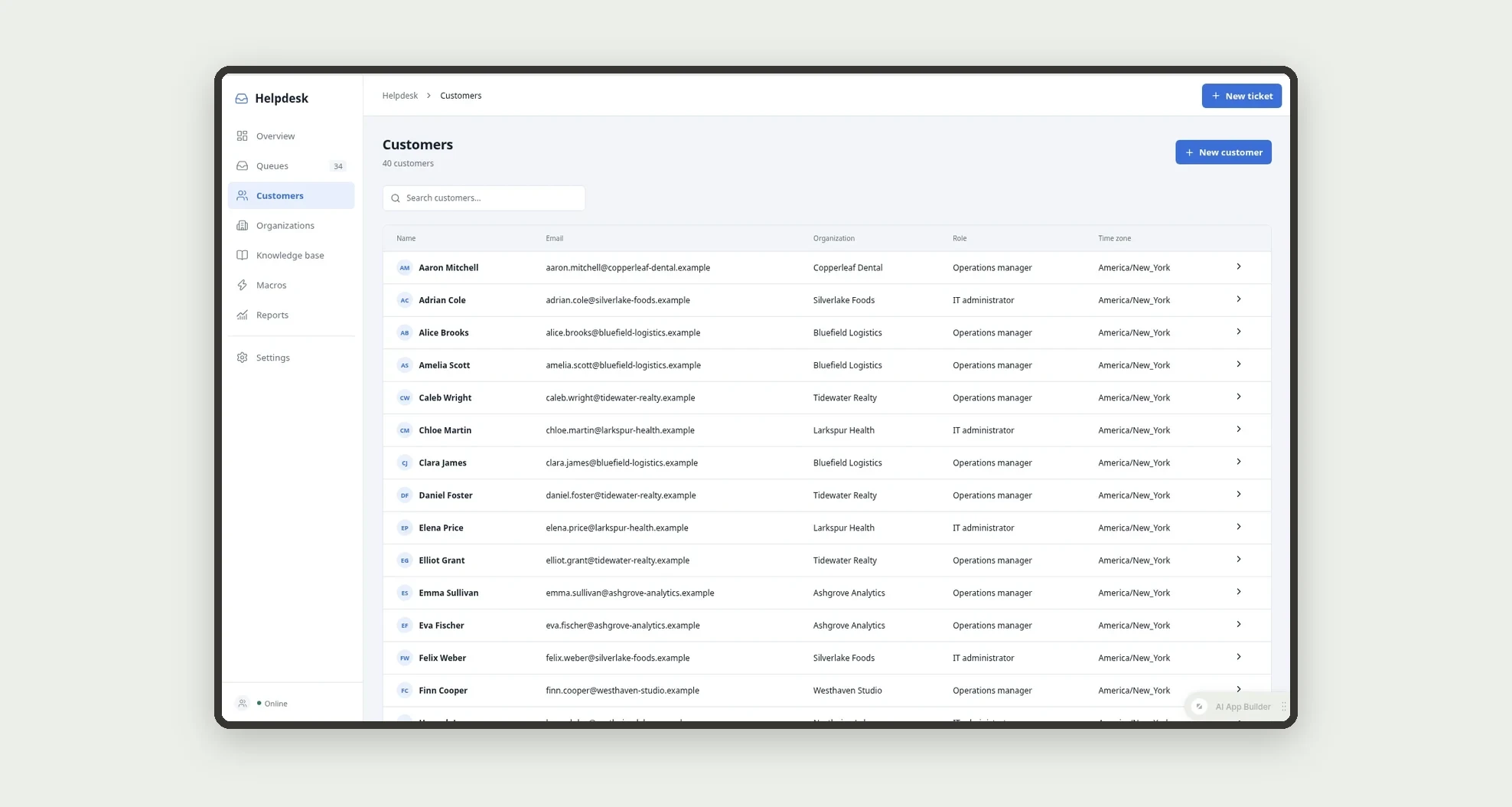
Customers
The Customers screen covers this part of the operation.
Organizations
The Organizations screen covers this part of the operation.
Knowledge base
Publish knowledge base articles and get suggestions in the ticket view.
Macros
Apply macros that fill the reply and set status and priority in one click.
Reports
Track volume, SLA and agent performance in reports.
Settings
The Settings screen covers this part of the operation.
How it works
A new ticket gets an SLA from its priority and is assigned to an online agent of the group. The agent replies or adds internal notes; the first public reply sets the first response time.
Pending tickets wait on the customer and reopen when the customer replies.
Solved tickets send a satisfaction survey and close after 4 days.
How to set up this template
- 1Click Use App
Create your Jestor account and install Helpdesk & Customer Support Tickets. It works on desktop and mobile.
- 2A new ticket gets an SLA from its priority and is assigned to
A new ticket gets an SLA from its priority and is assigned to an online agent of the group.
- 3The agent replies or adds internal notes; the first public
The agent replies or adds internal notes; the first public reply sets the first response time.
- 4Pending tickets wait on the customer and reopen when the
Pending tickets wait on the customer and reopen when the customer replies.
Integrations and customization
Works on desktop and mobile. SLA policies, groups, staff and business hours can be changed without code, and you can add fields, tables and automations to fit your support process.
- Adjust fields, categories, statuses and rules without code.
- Add screens, reports and automations as the operation needs them.
And that's just the start: you can edit any part of this template and go much further just by asking Jestor's AI. Describe what you need, like a new field, automation, report or integration, and the AI builds or adjusts it for you, no code required.
Frequently asked questions
How are SLAs calculated?
Each priority has a first response and resolution target. A ticket is at risk when less than 25% of the target is left, and Pending pauses the resolution clock.
Are internal notes sent to customers?
No. Internal notes are shown on a soft tint and are never sent.
How are tickets assigned?
Round-robin among online agents of the group, and leads can reassign.
Does it come with sample data?
Yes. It includes fictitious organizations, customers, tickets, macros and articles.