What it is
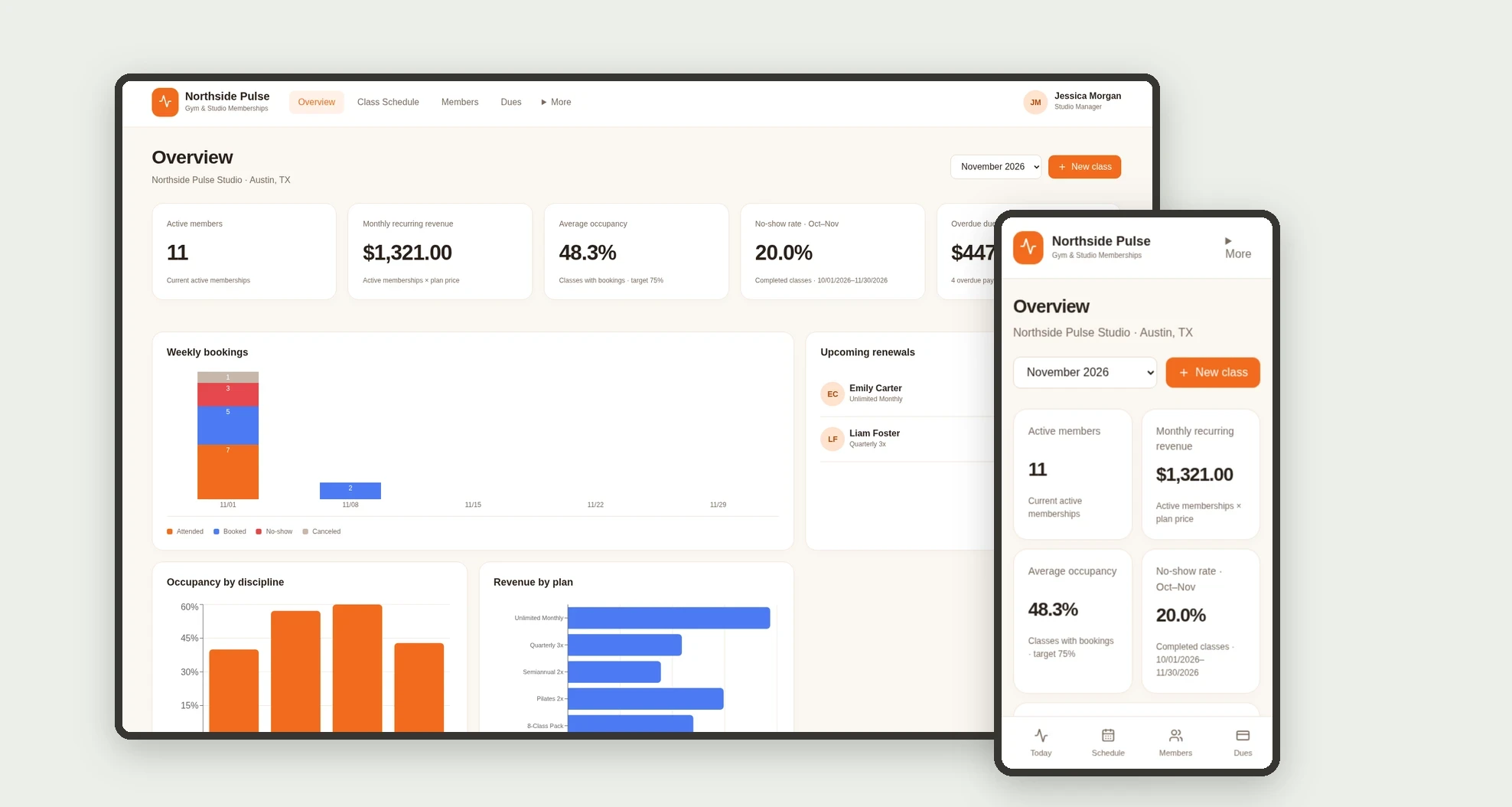
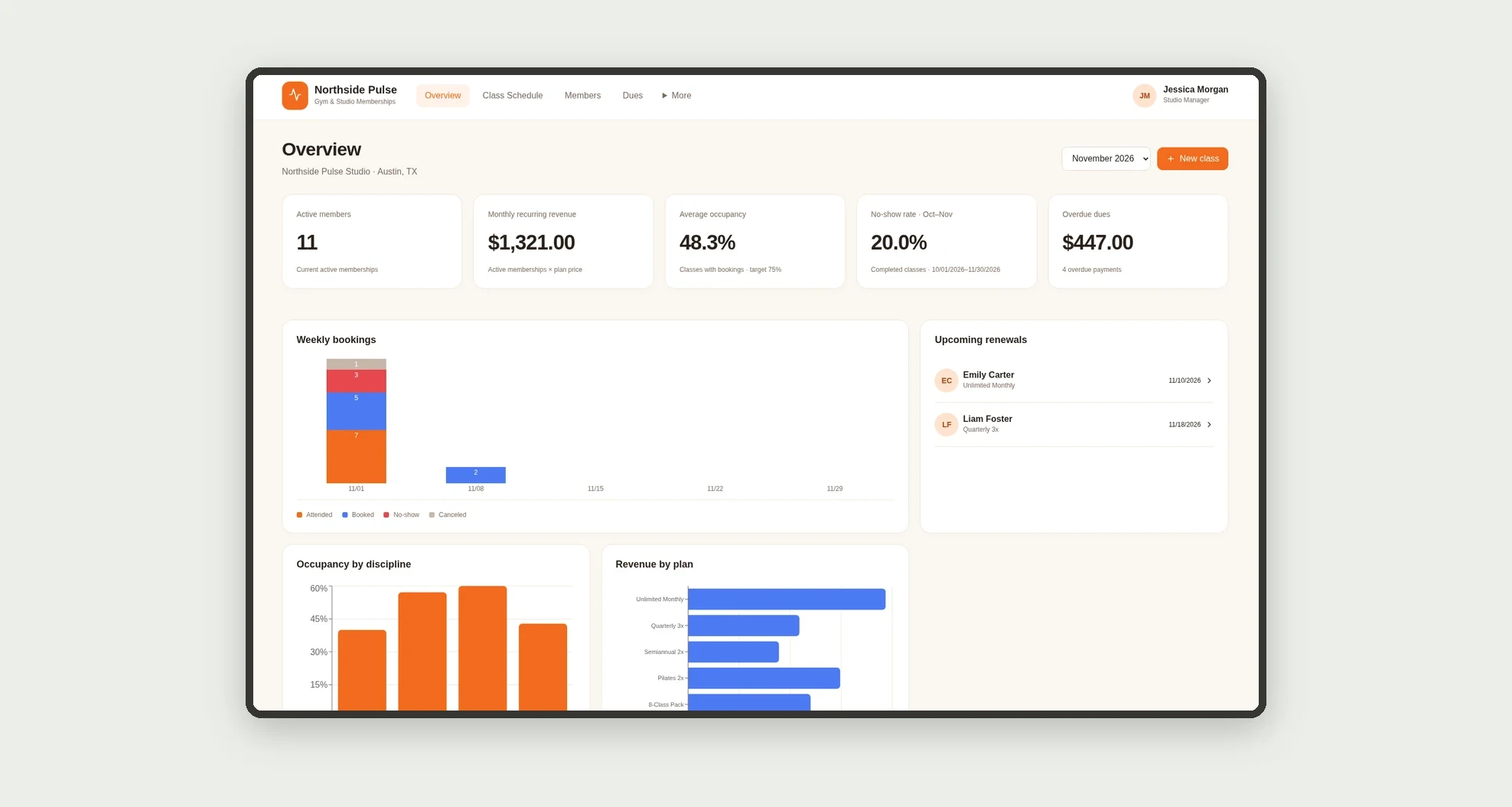
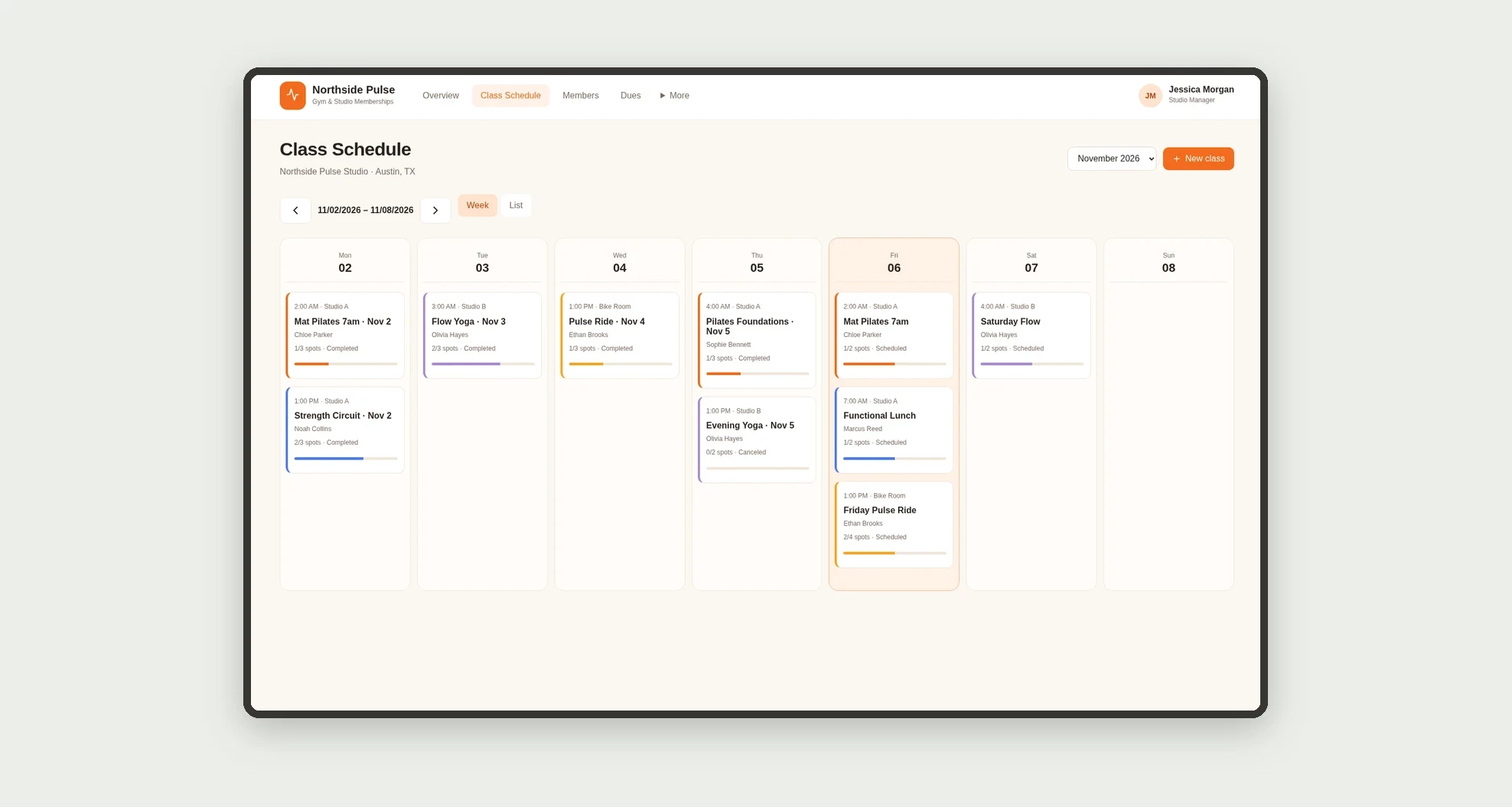
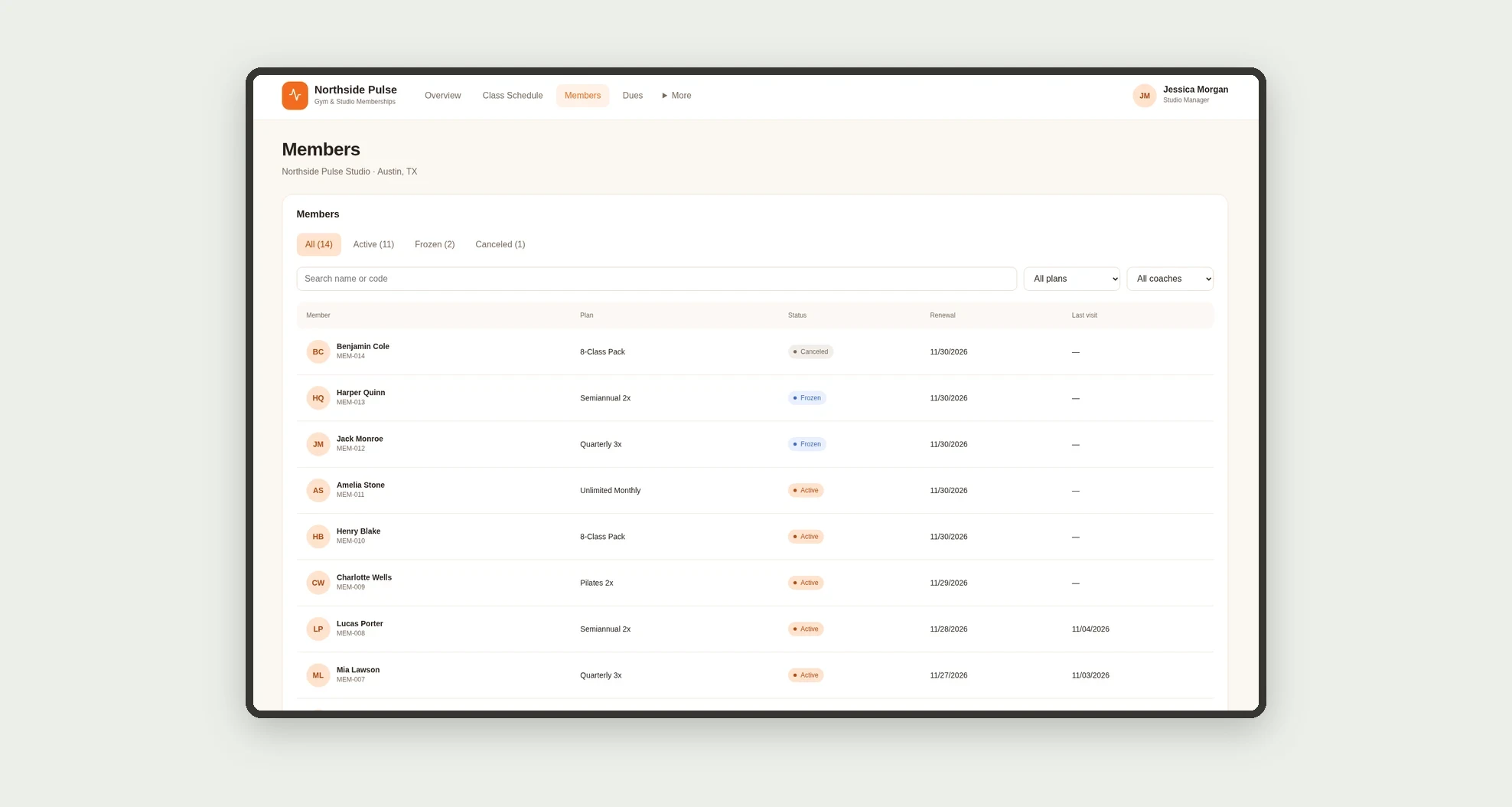
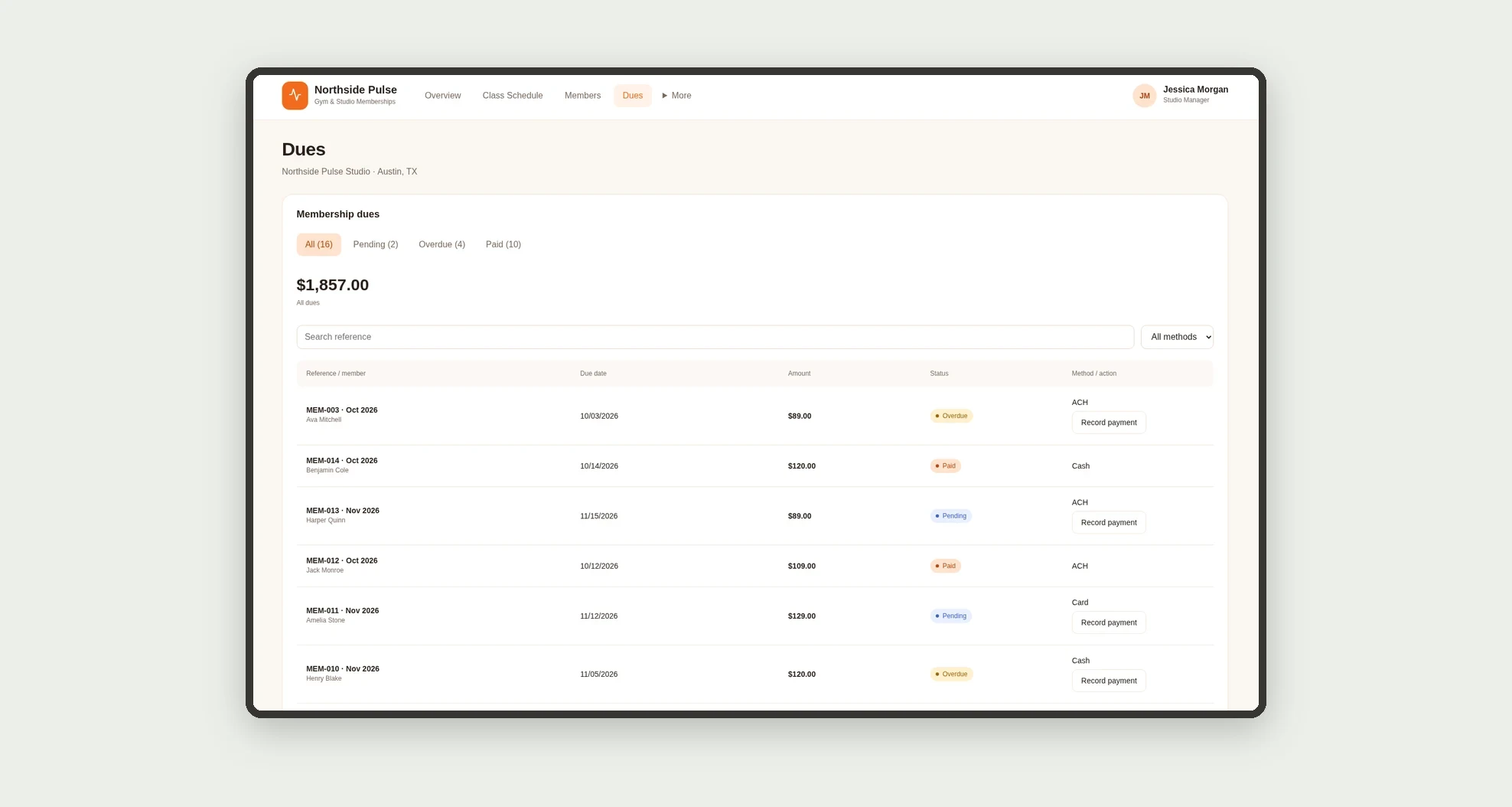
An app for running gyms and fitness studios, with a weekly class schedule, bookings with check-in, members by plan, and dues tracking. Monitor active members, recurring revenue, class occupancy, no-shows, and overdue payments.
Who it's for
- Pilates, yoga, functional training, and cycling studios.
- Small and mid-sized gyms.
- Managers and front desk teams organizing classes and bookings.
- Teams tracking plans and membership dues.
What you can do
- See the week's classes in a grid with fill level per class.
- Book members while respecting each class capacity.
- Record attendance or no-shows for each booking.
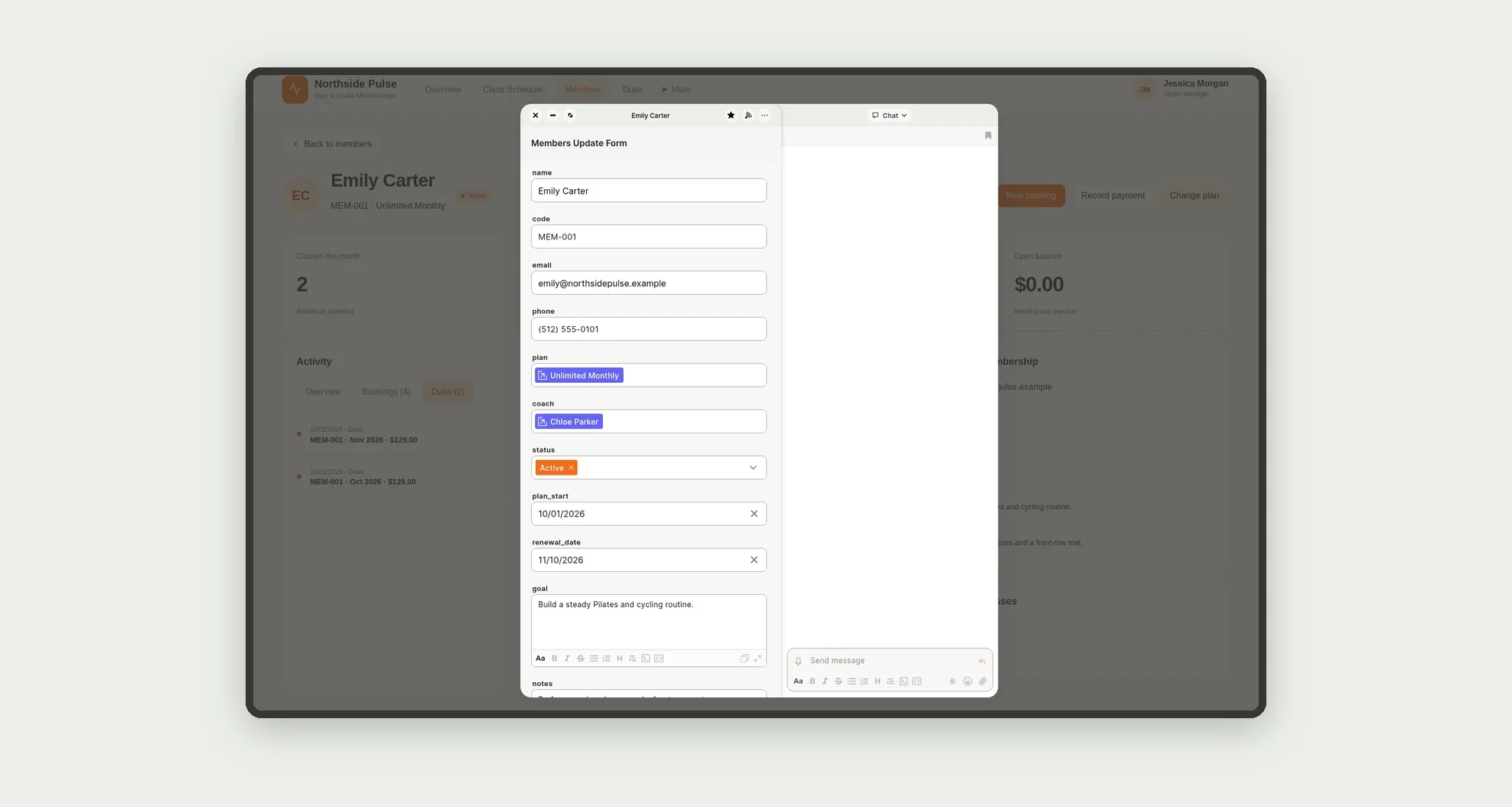
- Review member profiles with attendance, bookings, payments, and upcoming classes.
- Filter members by status, plan, and coach.
- Record payments and track pending and overdue dues.
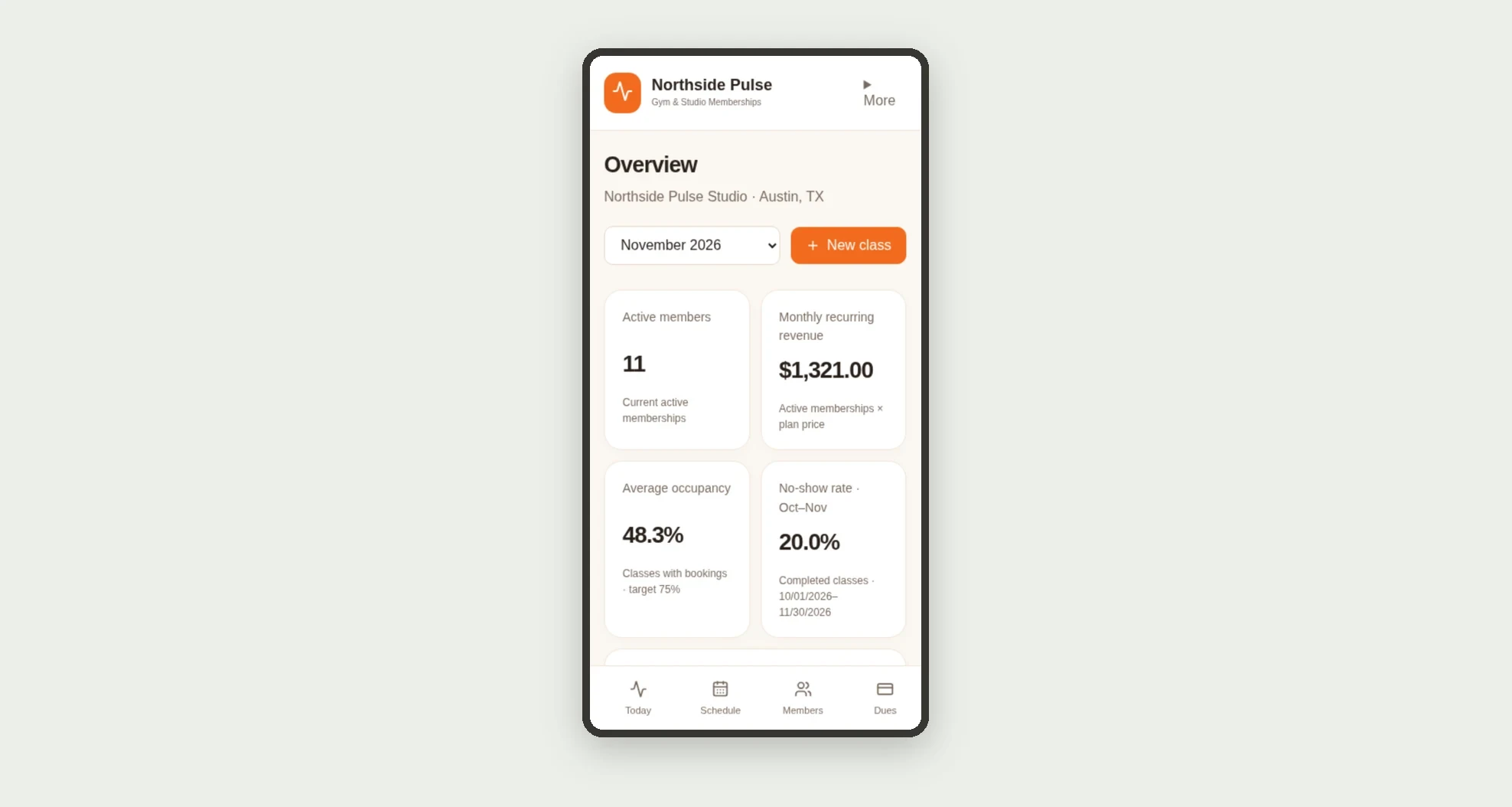
- Monitor recurring revenue, occupancy, and no-shows on the dashboard.
- Check members in to today's classes on mobile.
App features
Gym & Studio Memberships
The Gym & Studio Memberships screen covers this part of the operation.
How it works
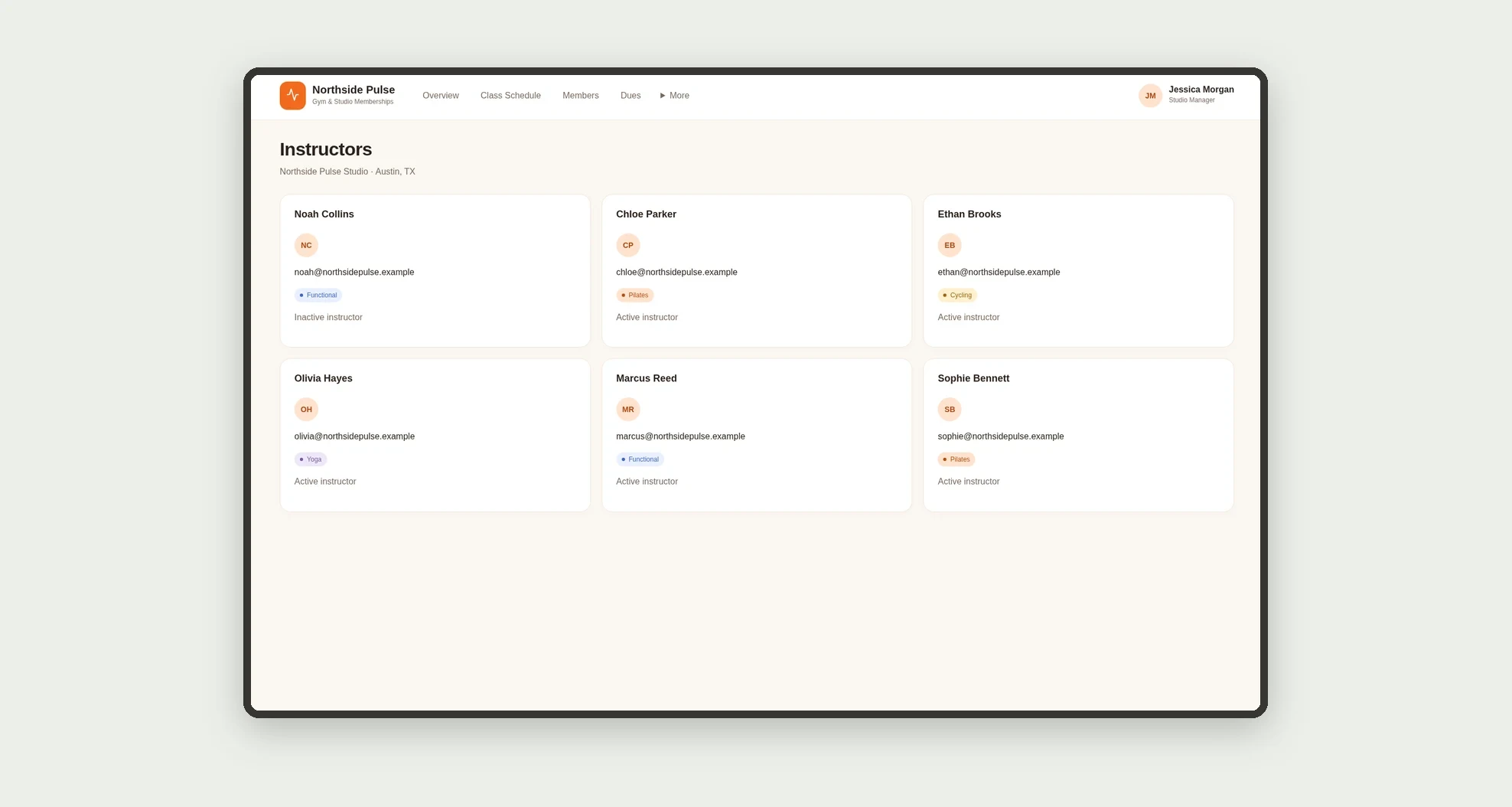
Set up instructors and plans.
Add members with a plan and coach and build the class schedule.
Bookings connect members to classes, dues records track payments, and the dashboard computes metrics from those records.
How to set up this template
- 1Click Use App
Create your Jestor account and install Gym & Studio Memberships. It works on desktop and mobile.
- 2Set up instructors and plans.
Set up instructors and plans.
- 3Add members with a plan and coach and build the class schedule.
Add members with a plan and coach and build the class schedule.
- 4Bookings connect members to classes
Bookings connect members to classes, dues records track payments, and the dashboard computes metrics from those records.
Integrations and customization
The design supports desktop and mobile use. Disciplines, rooms, plans, prices, and occupancy targets can be adapted to the studio's routine. No payment processor, access control, or messaging integration is included.
- Adjust fields, categories, statuses and rules without code.
- Add screens, reports and automations as the operation needs them.
And that's just the start: you can edit any part of this template and go much further just by asking Jestor's AI. Describe what you need, like a new field, automation, report or integration, and the AI builds or adjusts it for you, no code required.
Frequently asked questions
How is occupancy calculated?
Booked and attended spots are divided by the capacity of non-canceled classes in the period.
How is recurring revenue calculated?
It is the sum of the monthly plan price of each active member.
Does the app charge members?
No. Payments are recorded manually, with no automatic charging.
Can I use it on mobile?
Yes. The mobile view shows today's classes with quick check-in and member profiles.
Are the demonstration records real?
No. The studio, people, contacts, and amounts are fictional.