What it is
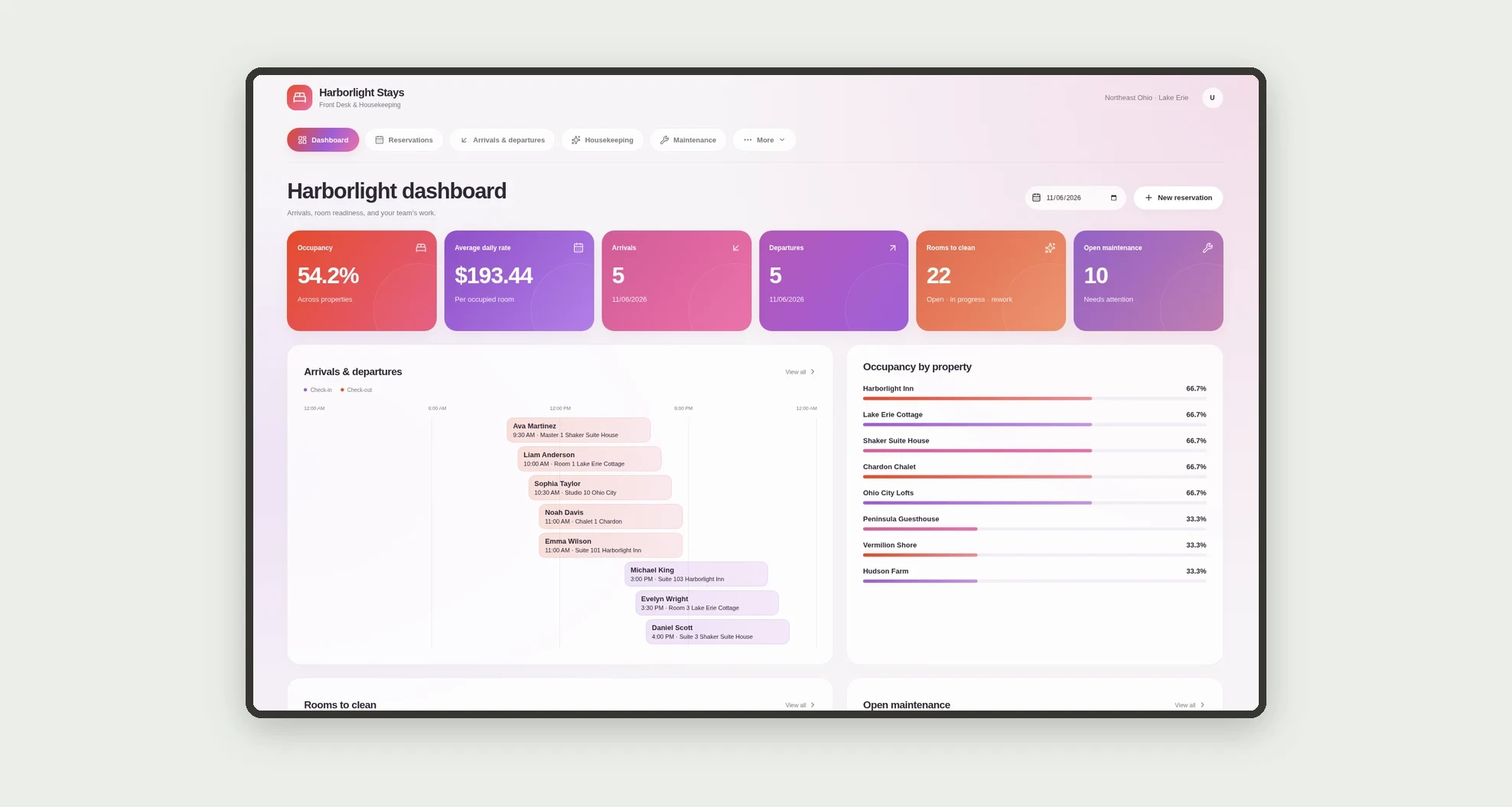
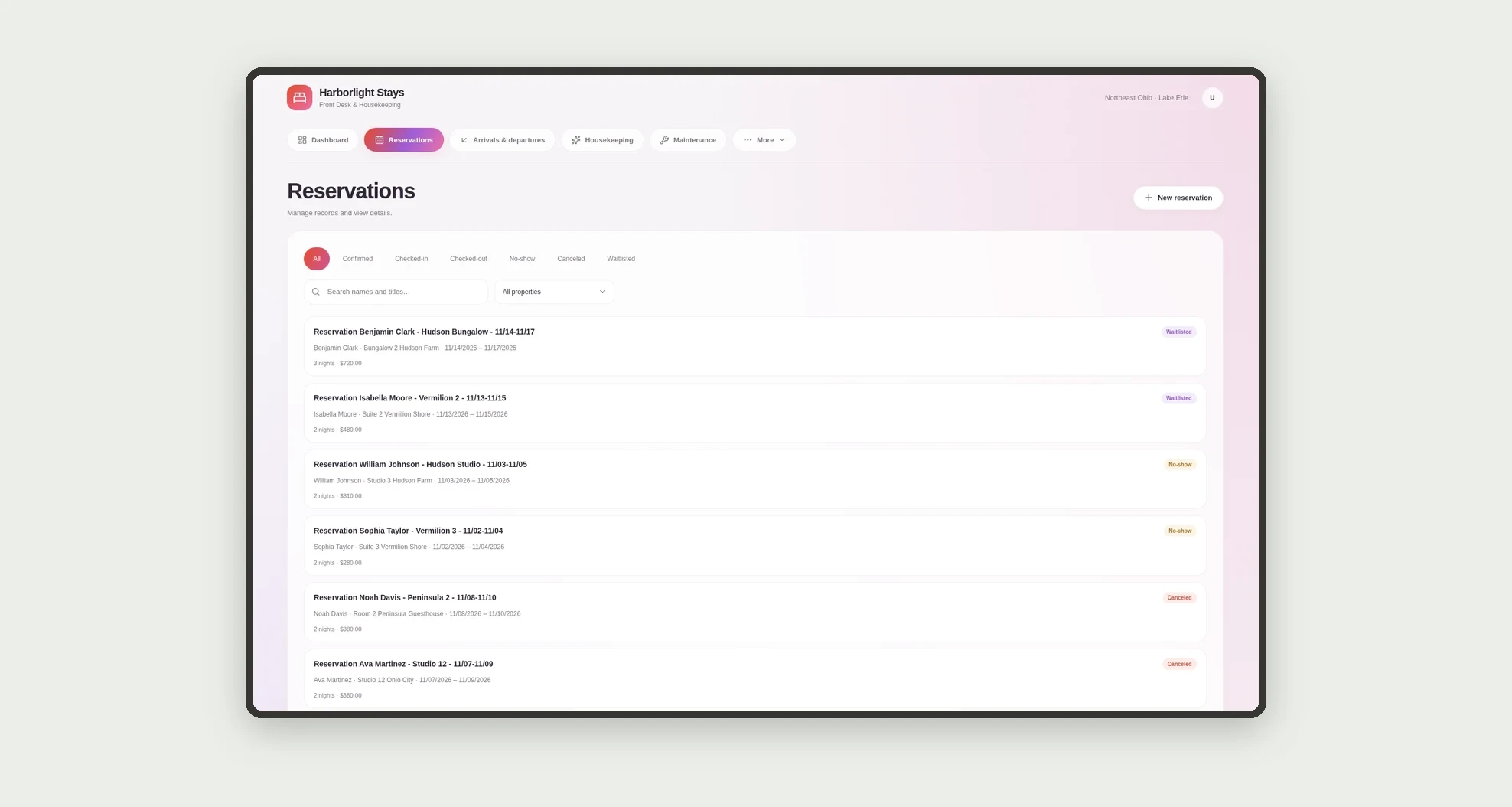
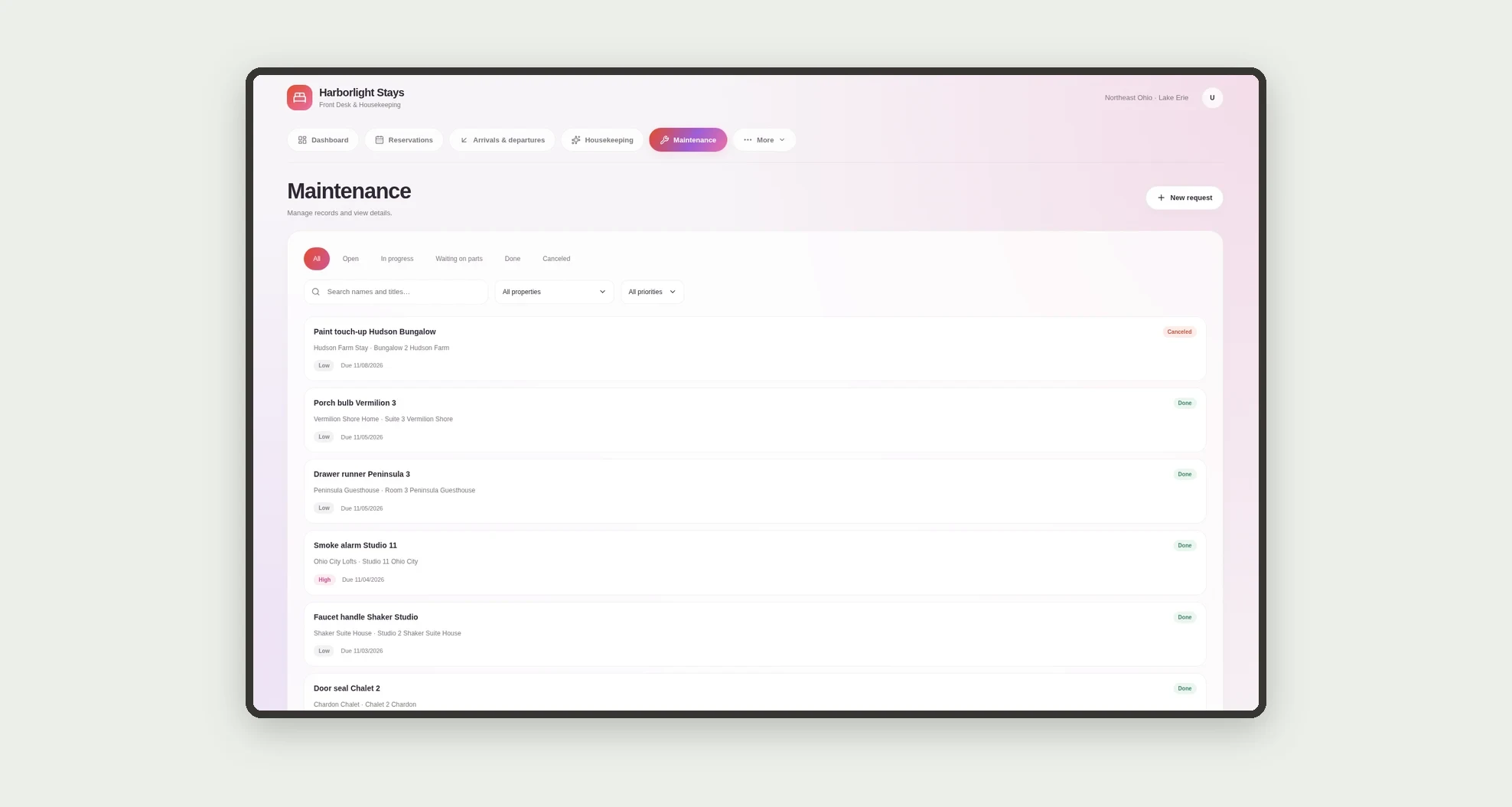
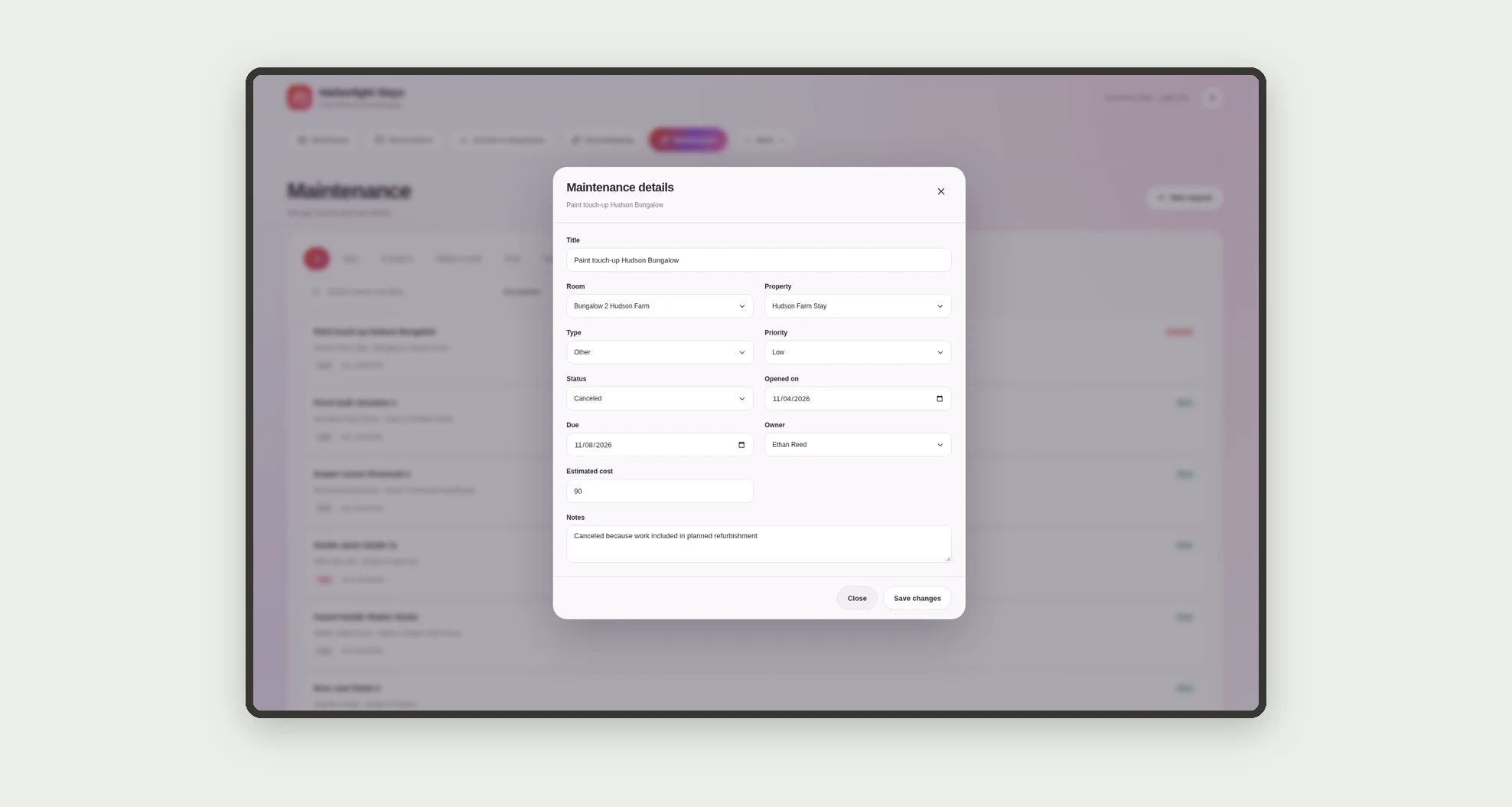
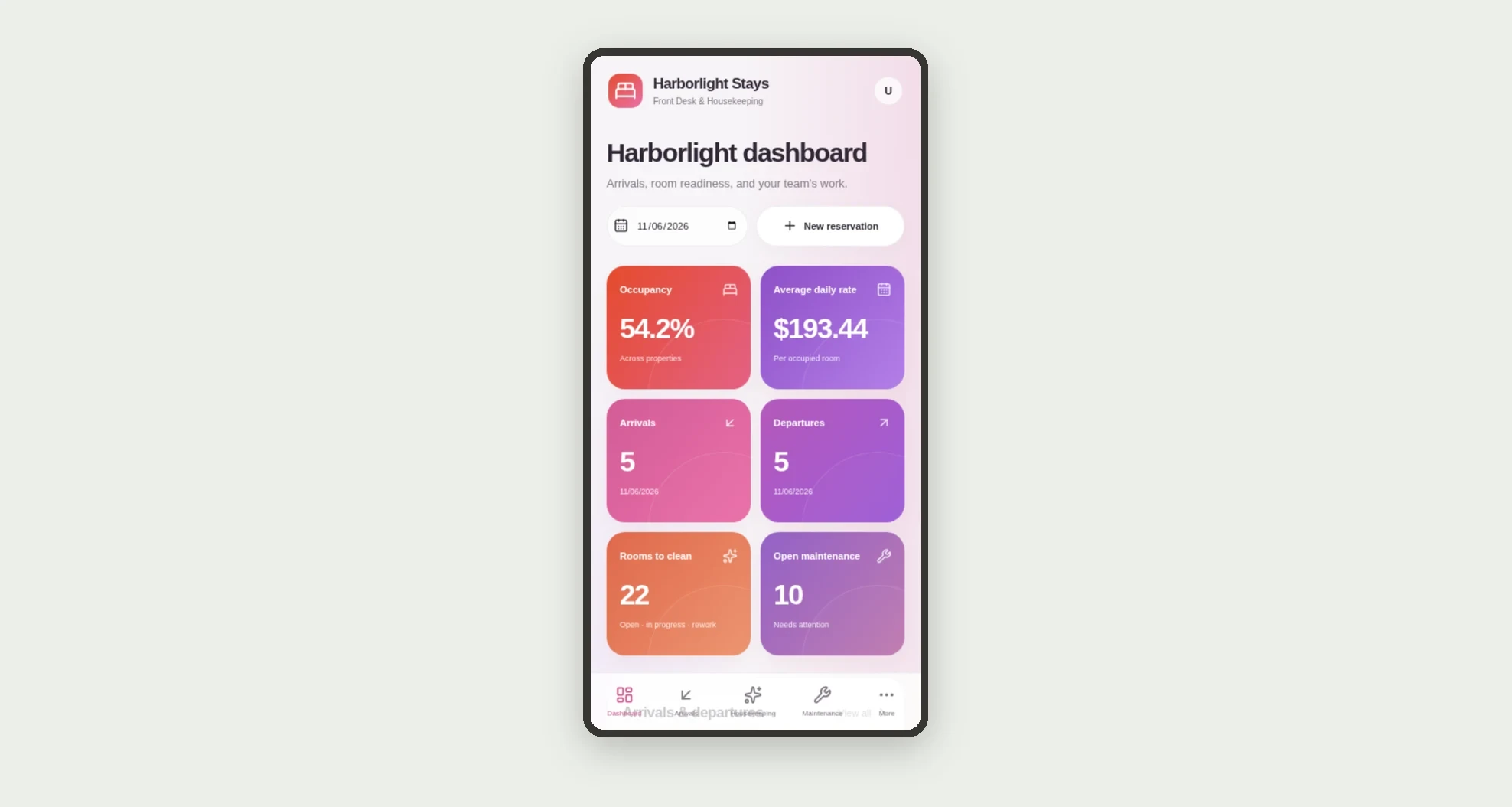
Front desk and housekeeping for inns and short-stay homes: reservations with check-in and check-out, cleaning tasks on departure, maintenance per room, and a dashboard for occupancy, ADR, arrivals, departures and rooms to clean.
Who it's for
- Boutique inn and vacation-home operators
- Front desk teams
- Housekeeping leads and housekeepers
- Maintenance crews
- Property managers watching occupancy and ADR
What you can do
- Create and track reservations by room and channel
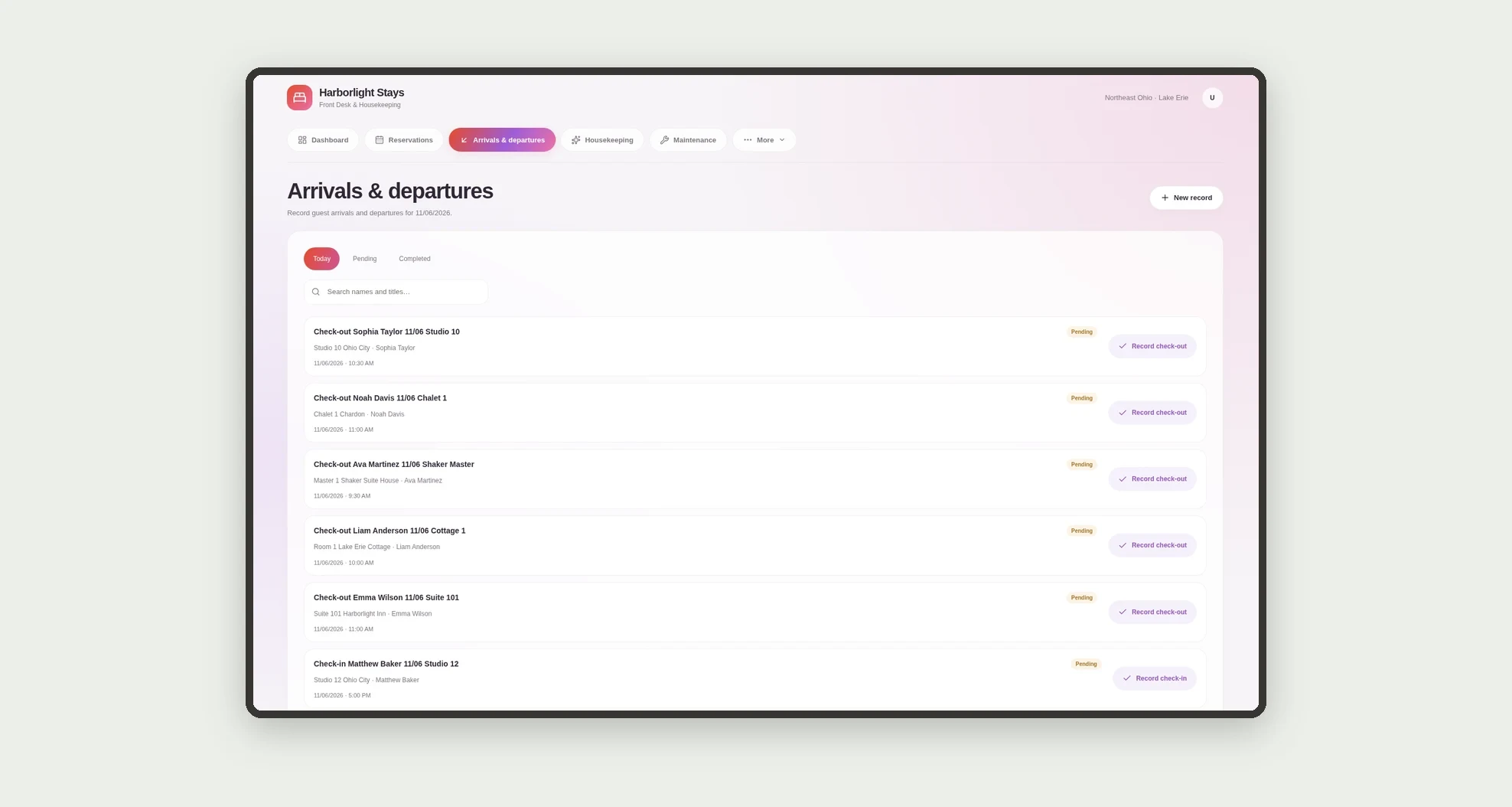
- Record check-in and check-out on the day
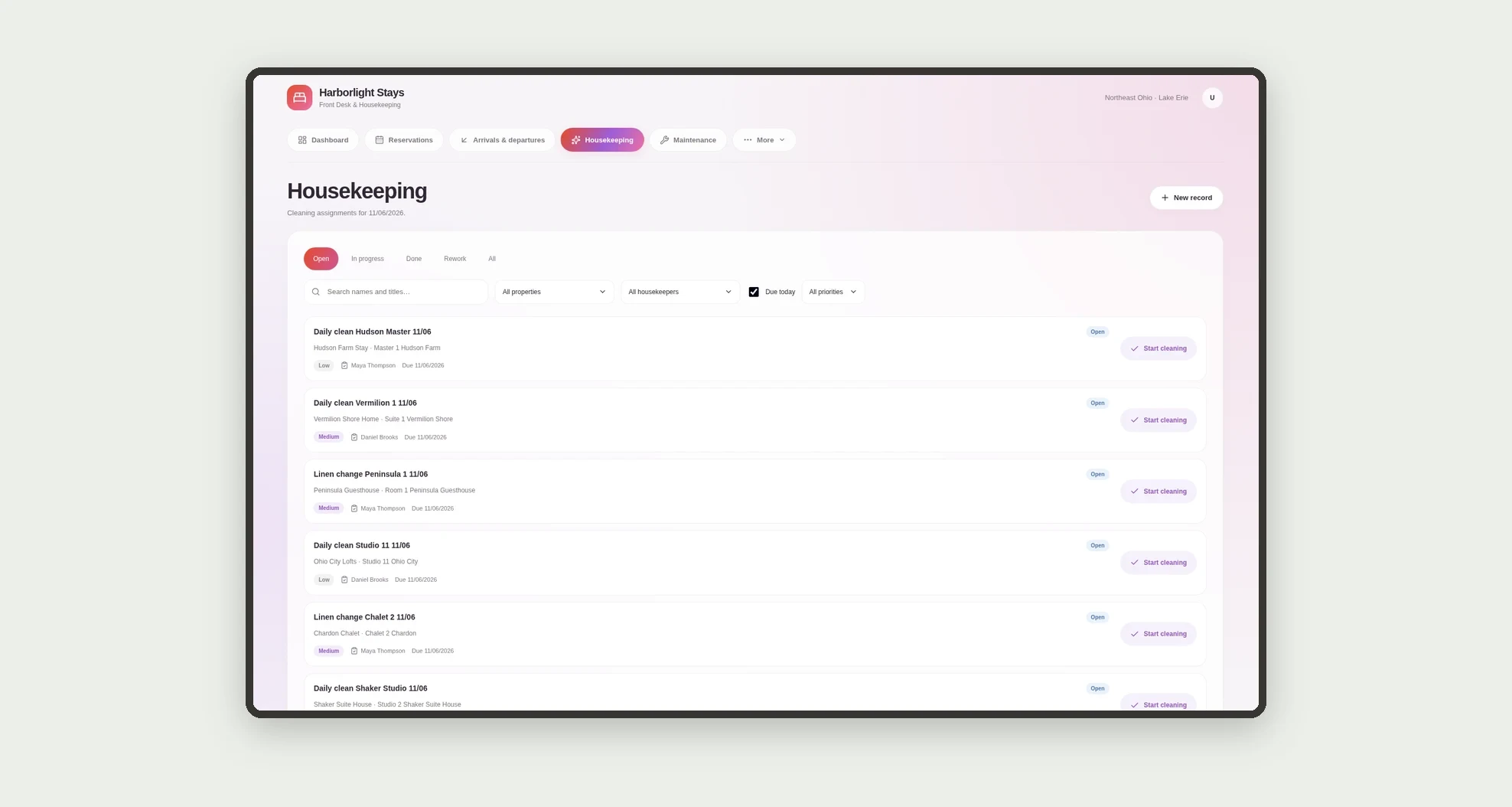
- Generate cleaning tasks on check-out
- Assign cleans to a housekeeper and complete them on mobile
- Open maintenance per room (electrical, plumbing, HVAC)
- See occupancy %, ADR, arrivals and departures today
- Prioritize dirty rooms and urgent maintenance
- Follow status history
App features
Front Desk & Housekeeping
The Front Desk & Housekeeping screen covers this part of the operation.
How it works
Front desk confirms the reservation and checks the guest in. On check-out the room turns dirty and a housekeeping task is created.
The housekeeper cleans and frees the room. Open maintenance stays in the queue until done.
The dashboard shows occupancy, ADR and what to clean today.
How to set up this template
- 1Click Use App
Create your Jestor account and install Front Desk & Housekeeping. It works on desktop and mobile.
- 2Front desk confirms the reservation and checks the guest in.
Front desk confirms the reservation and checks the guest in.
- 3On check-out the room turns dirty and a housekeeping task is
On check-out the room turns dirty and a housekeeping task is created.
- 4The housekeeper cleans and frees the room.
The housekeeper cleans and frees the room.
Integrations and customization
Works on desktop and mobile. Default check-in/out times, occupancy target and channels can be adjusted without code. This version does not include a channel manager or external PMS.
- Adjust fields, categories, statuses and rules without code.
- Add screens, reports and automations as the operation needs them.
And that's just the start: you can edit any part of this template and go much further just by asking Jestor's AI. Describe what you need, like a new field, automation, report or integration, and the AI builds or adjusts it for you, no code required.
Frequently asked questions
Is this a full hotel PMS?
No. It targets inns and short-stay with a handful to a few dozen rooms.
Does cleaning start automatically?
Yes: check-out creates the room cleaning task.
Can I see occupancy and ADR?
Yes: the dashboard shows occupancy %, ADR, arrivals, departures, rooms to clean and open maintenance.
Do housekeepers use mobile?
Yes: there is a mobile screen for today's tasks and marking cleans done.
Can I change default times?
Yes: check-in, check-out and occupancy target live in Settings.