What it is
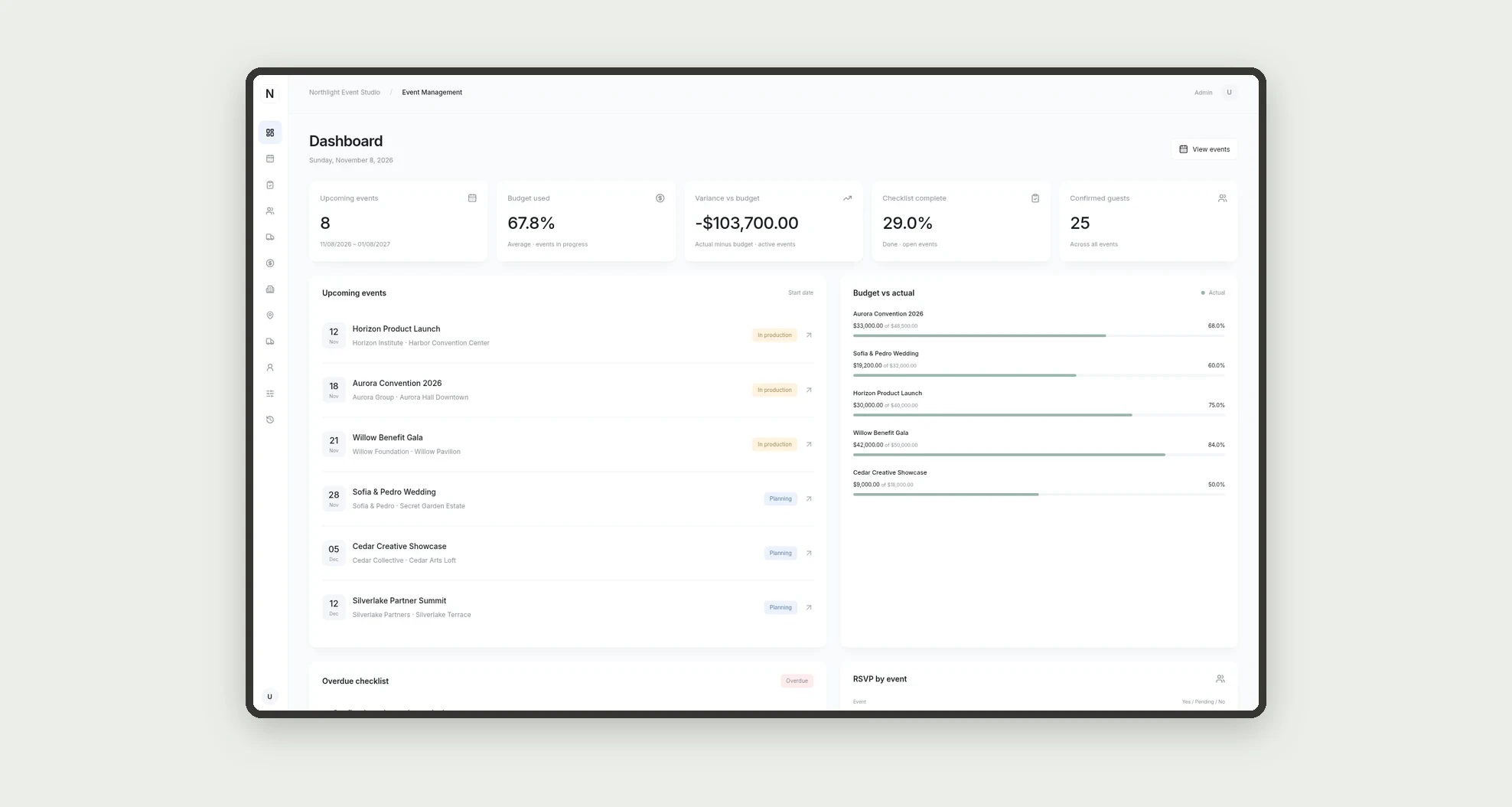
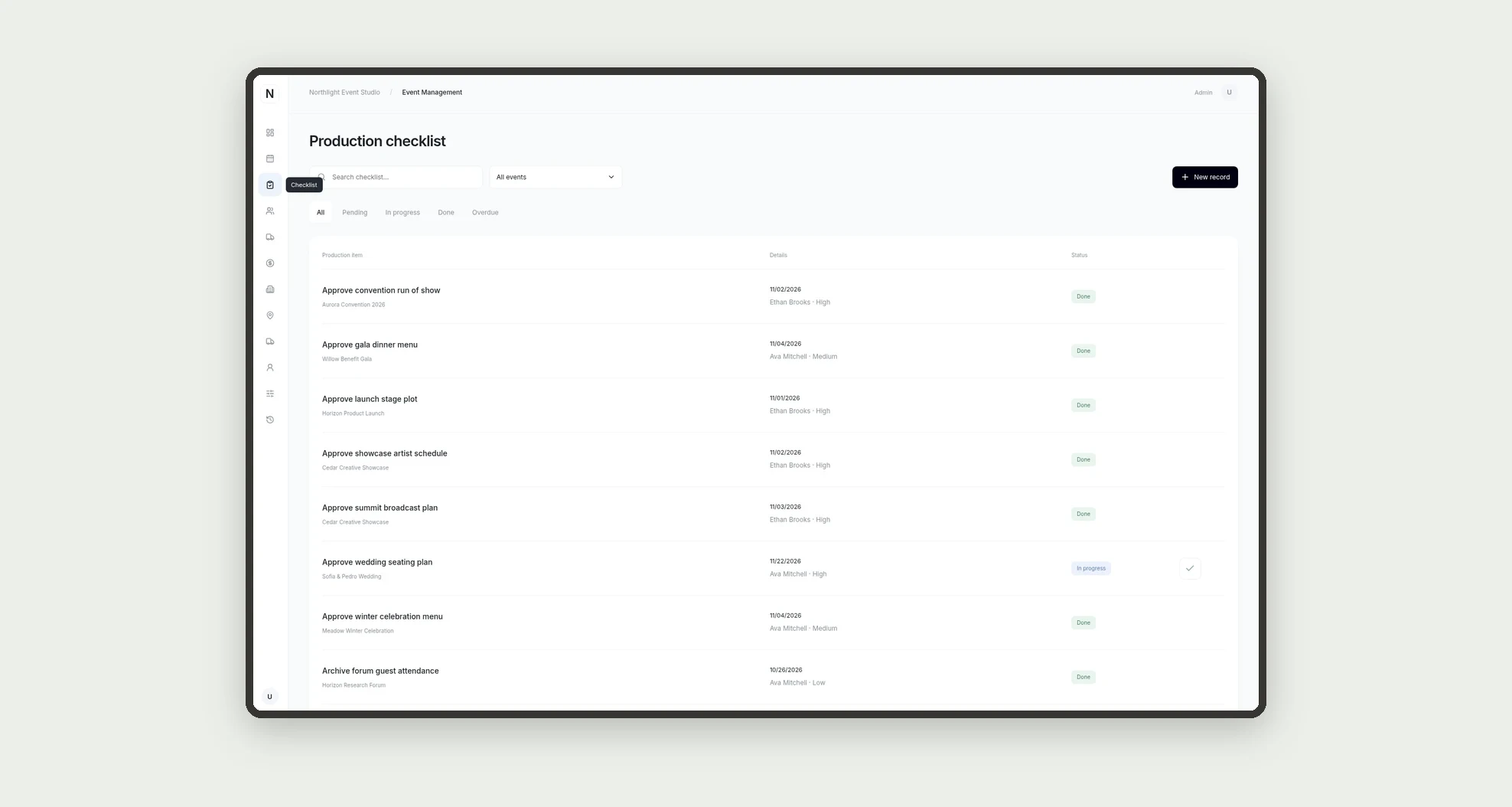
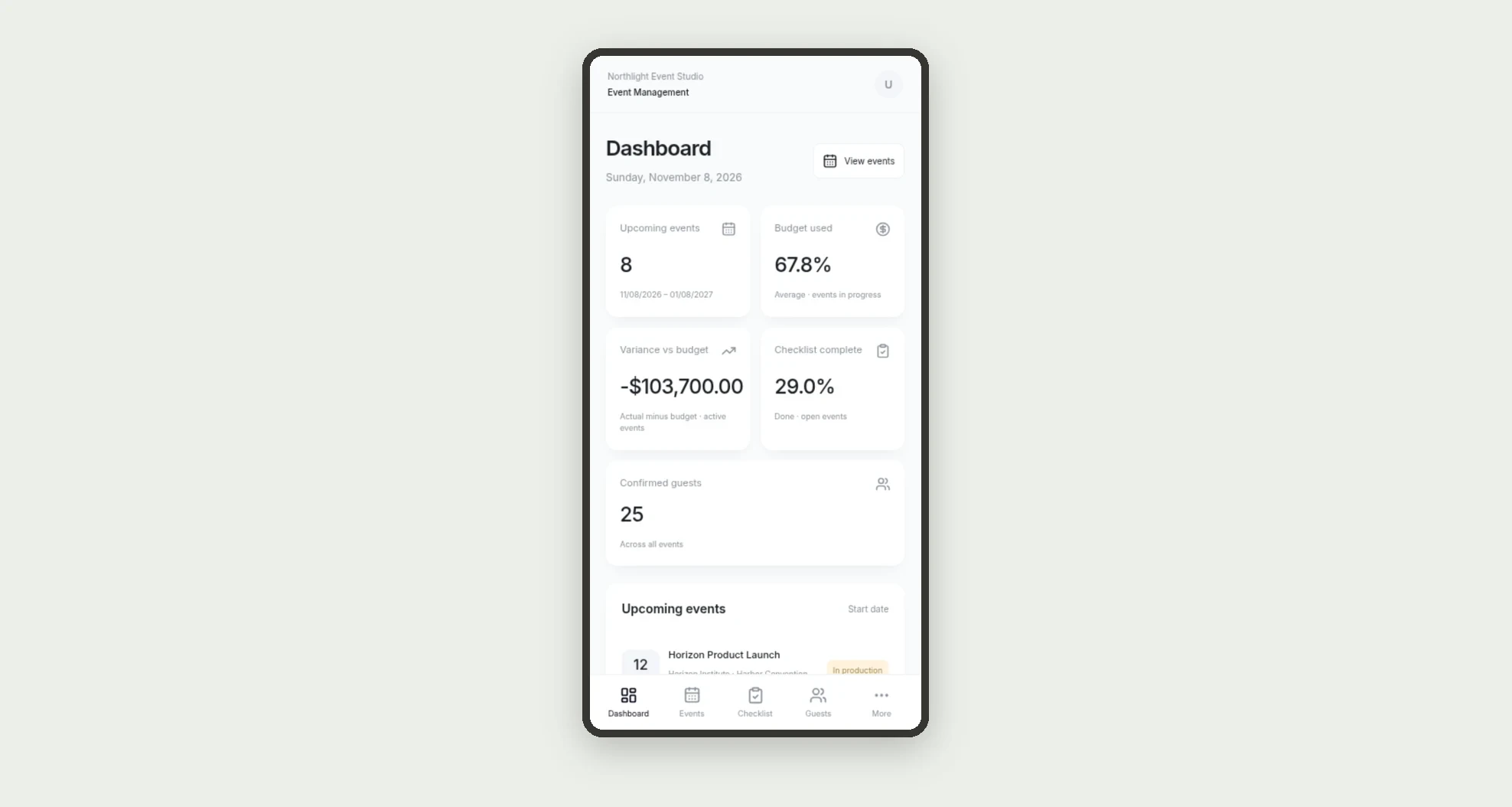
An event production app to run the full cycle: events with vendors, budget versus actual per cost line, a production checklist with owners and due dates, and a guest list with RSVP status. The dashboard shows upcoming events, budget used percent, variance versus budget, checklist completion, and confirmed guests.
Who it's for
- Corporate and social event production agencies
- Production and ceremony coordinators
- Finance teams tracking budget per event
- Hosts and clients following RSVP
- On-site operators on event day
What you can do
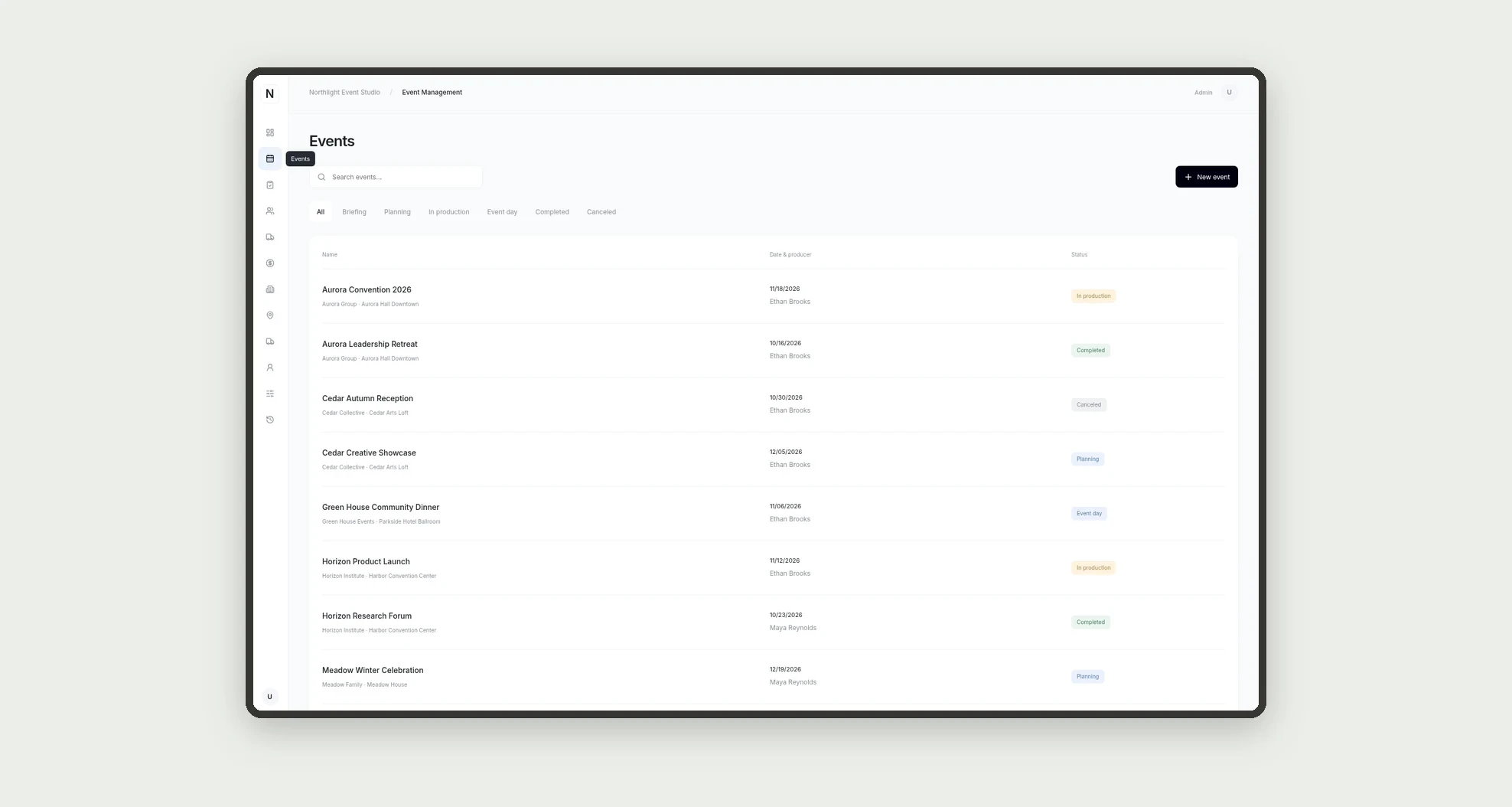
- Open and track events by status (briefing through completed)
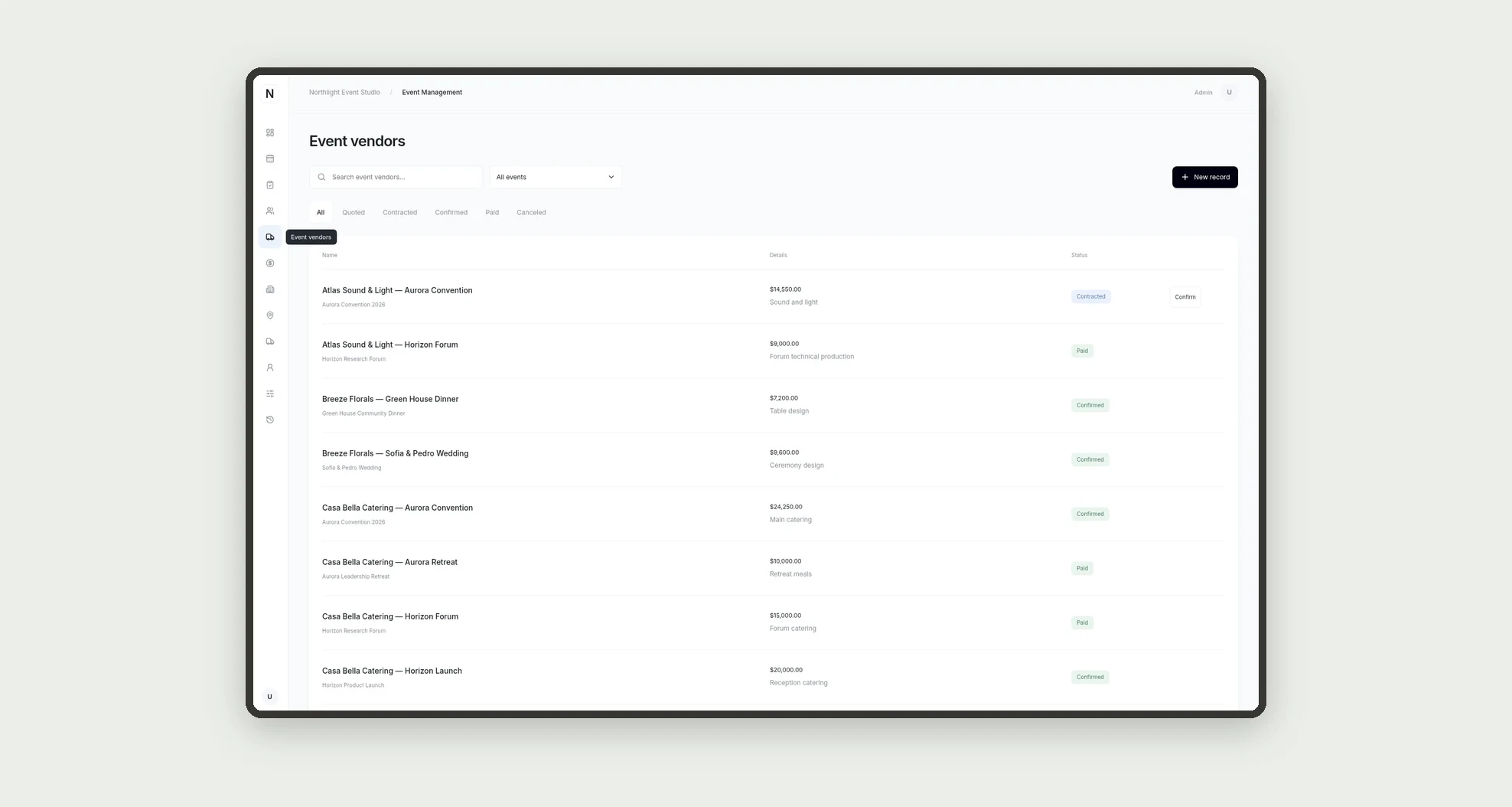
- Link vendors to each event with contracted amounts
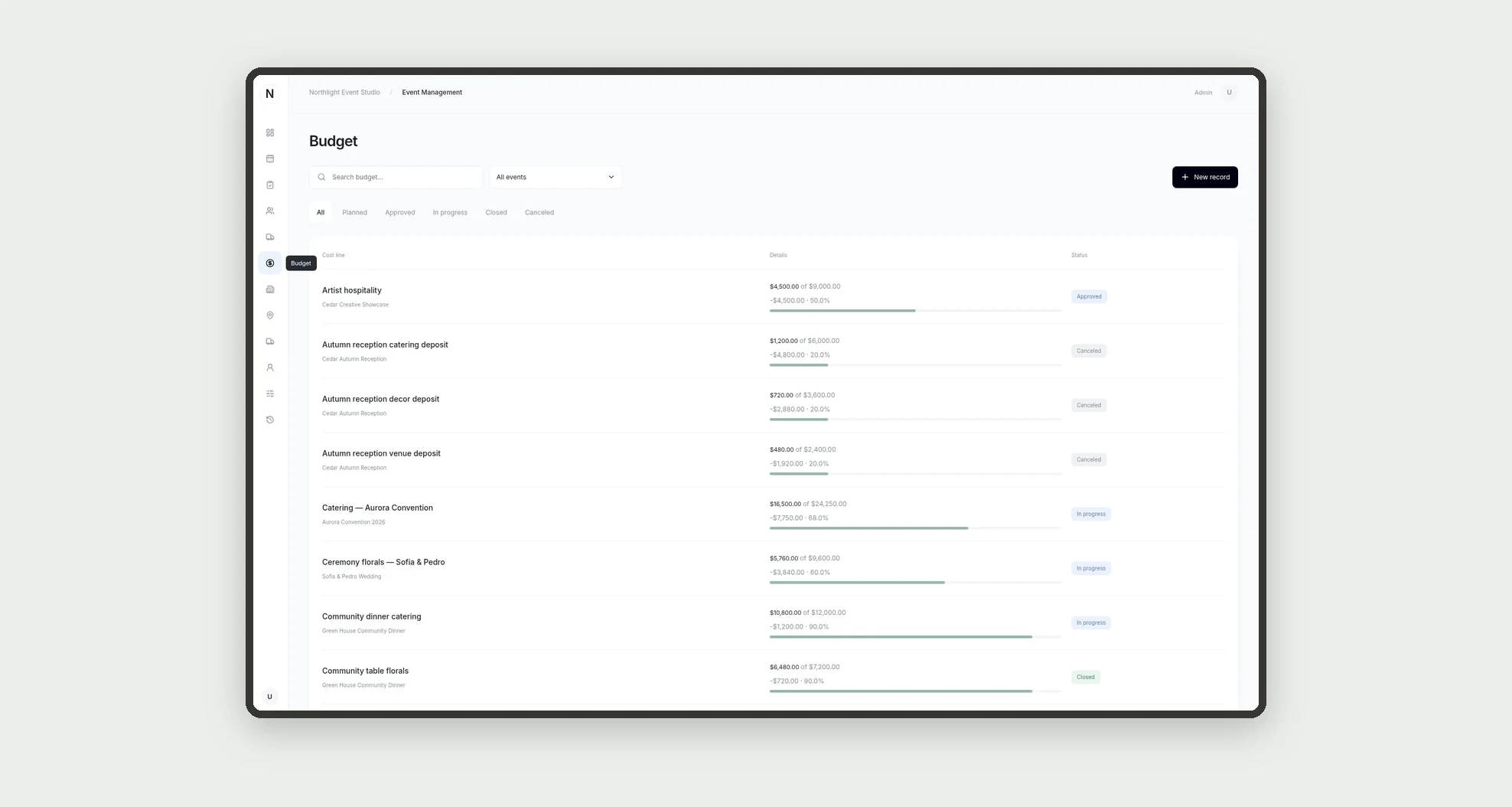
- Record budget lines with budgeted, actual, and variance
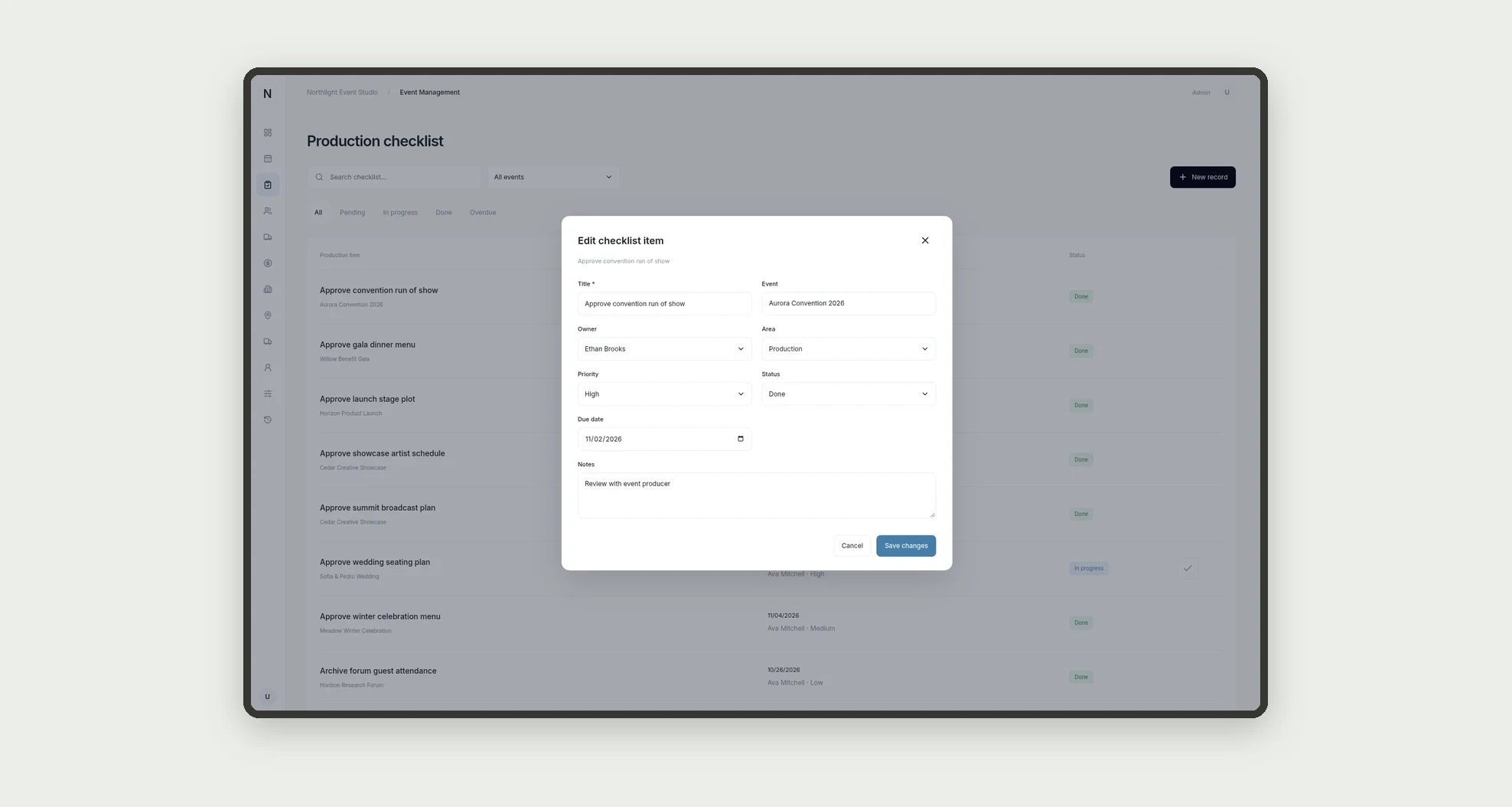
- Build a production checklist with owner, area, and due date
- Manage guest lists and RSVP status
- See KPIs for upcoming events, budget, checklist, and confirmations
- Tick checklist items and guest check-in on mobile
- Browse clients, venues, and the vendor catalog
App features
Event Management
The Event Management screen covers this part of the operation.
How it works
An event starts in briefing with client, venue, and producer. In planning you add vendors, budget lines, checklist, and guests.
In production the team updates actuals, completes tasks, and collects RSVP.
On event day, check-in and checklist close the floor; when completed, lines and tasks are closed out.
How to set up this template
- 1Click Use App
Create your Jestor account and install Event Management. It works on desktop and mobile.
- 2An event starts in briefing with client
An event starts in briefing with client, venue, and producer.
- 3In planning you add vendors
In planning you add vendors, budget lines, checklist, and guests.
- 4In production the team updates actuals
In production the team updates actuals, completes tasks, and collects RSVP.
Integrations and customization
Works on desktop and mobile. Vendor categories, checklist areas, event types, and budget targets can be adapted without code. No required external integrations in this template.
- Adjust fields, categories, statuses and rules without code.
- Add screens, reports and automations as the operation needs them.
And that's just the start: you can edit any part of this template and go much further just by asking Jestor's AI. Describe what you need, like a new field, automation, report or integration, and the AI builds or adjusts it for you, no code required.
Frequently asked questions
Does the app calculate budget automatically?
Yes. Updating a line's actual stores variance and used percent for the line and refreshes the event totals.
Can I see overdue checklist items?
Yes. Items past due and not done are highlighted on the dashboard and in the overdue tab.
How does RSVP work?
Each guest has Pending, Confirmed, Declined, or Maybe. The dashboard counts confirmed guests and the list filters by RSVP.
Does it cover corporate and social events?
Yes. Event type covers corporate, social, cultural, sports, and hybrid under the same production flow.
Do I need anything else installed?
No. The template uses only Jestor tables and screens, with no external tool dependency.