What it is
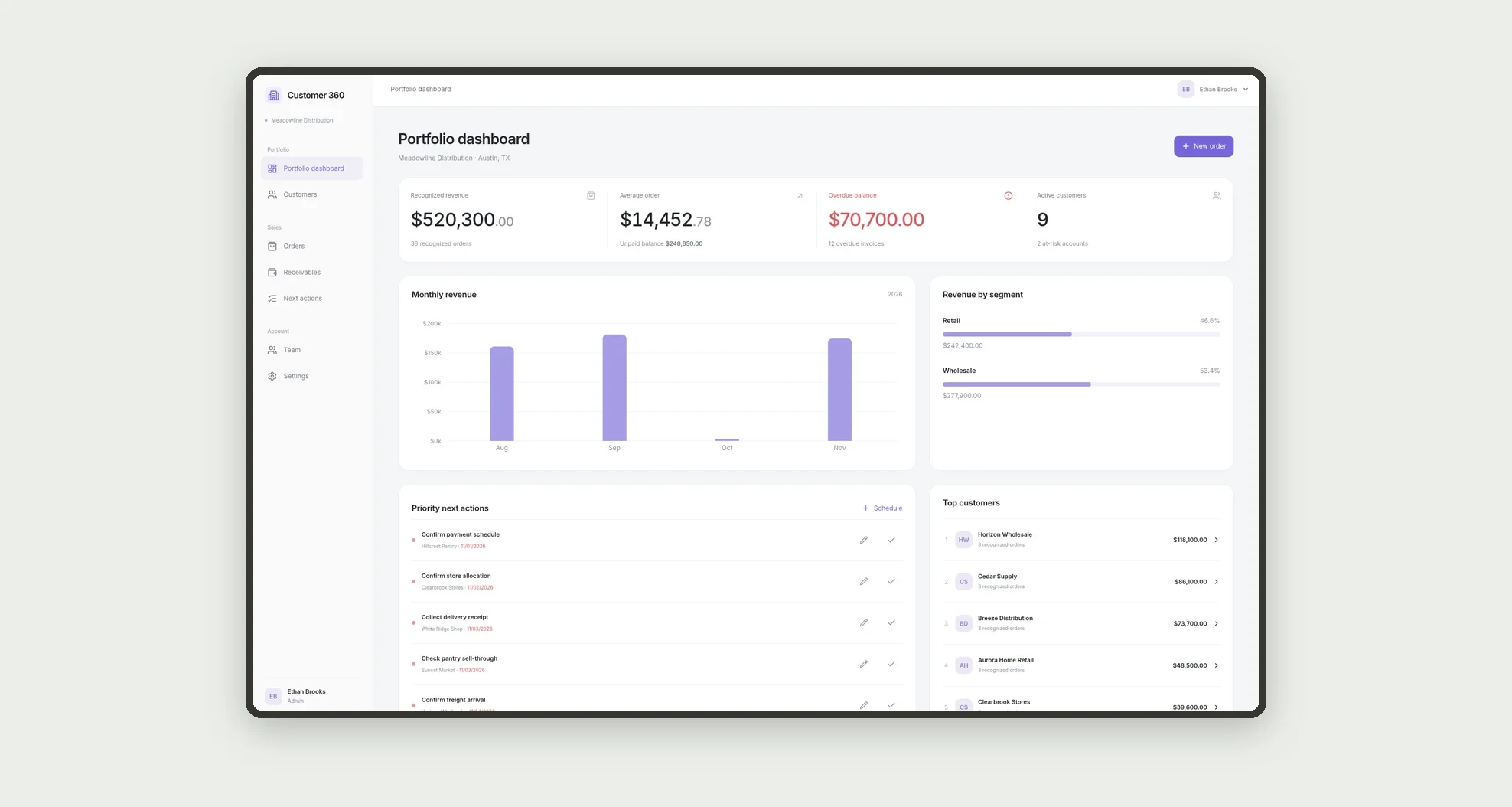
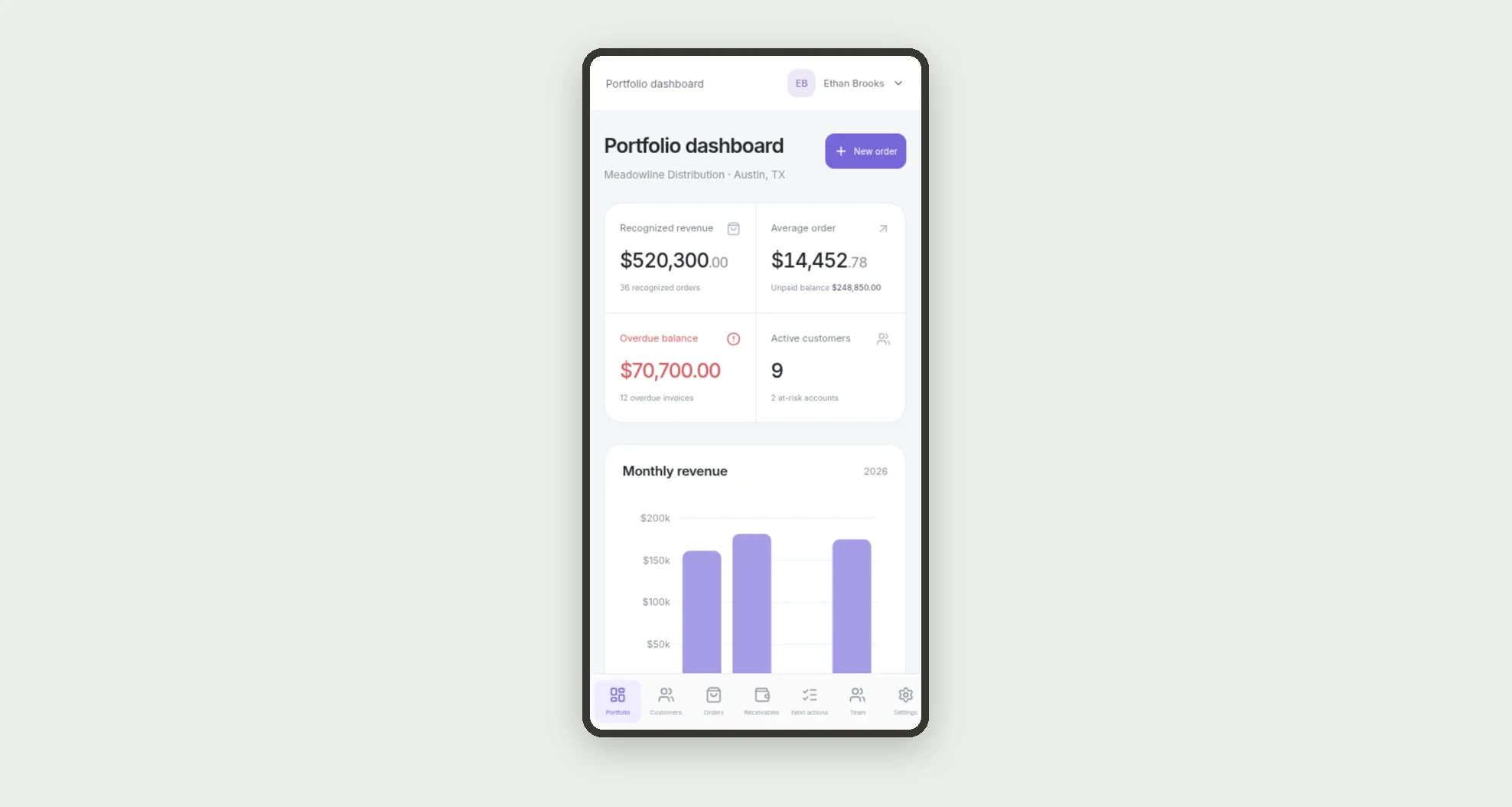
A customer portfolio app that gathers commercial information, contacts, orders, receivables, and next actions in one record per customer. The portfolio dashboard shows revenue, average order value, overdue balance, and active customers, with details for managing each relationship.
Who it's for
- Retail and wholesale sales teams.
- Account managers and portfolio owners.
- Finance professionals tracking collections.
- Leaders prioritizing customers and next actions.
What you can do
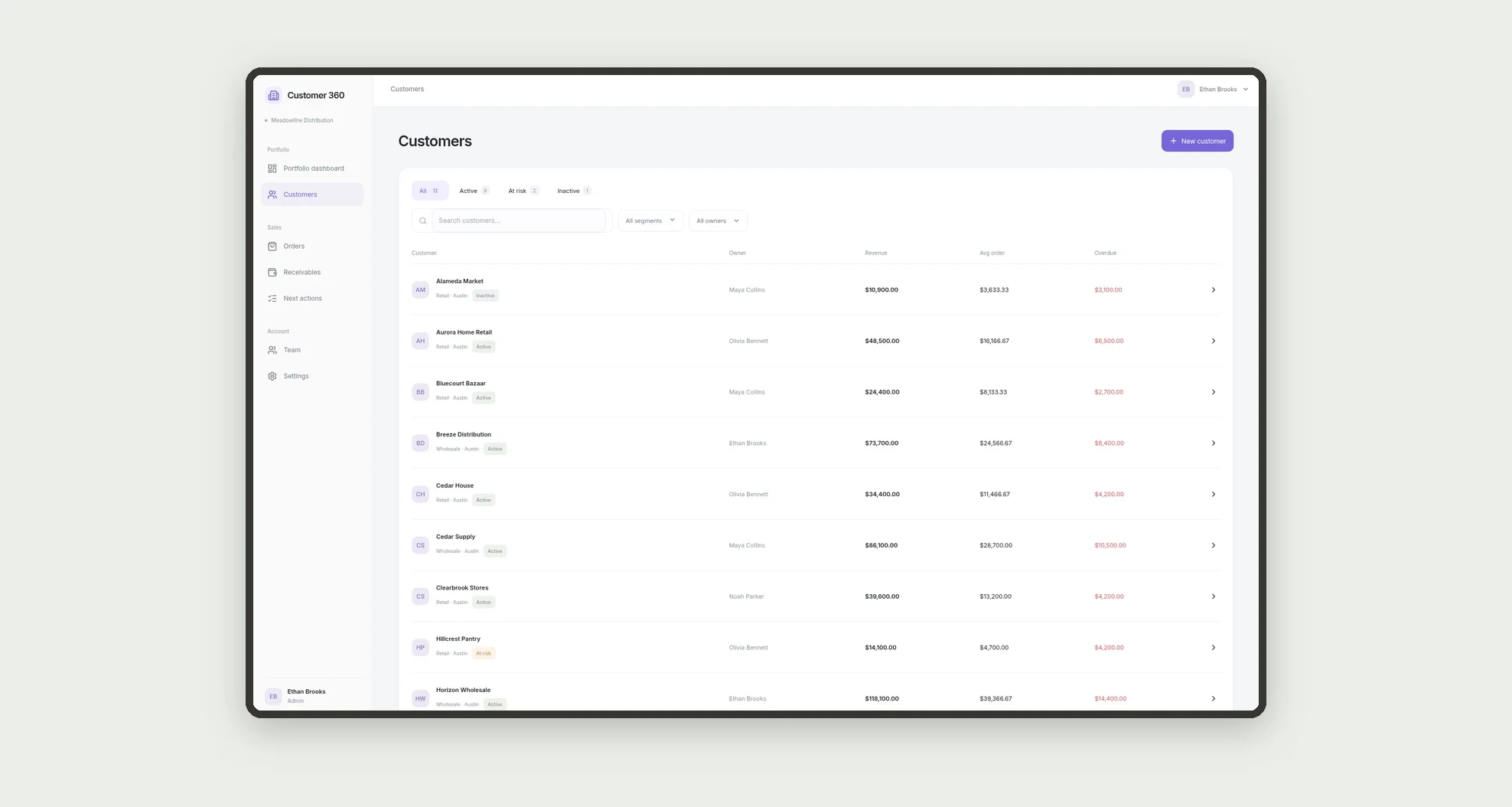
- Search customers and filter by segment, status, and owner.
- Open a customer record with KPIs, orders, and account information.
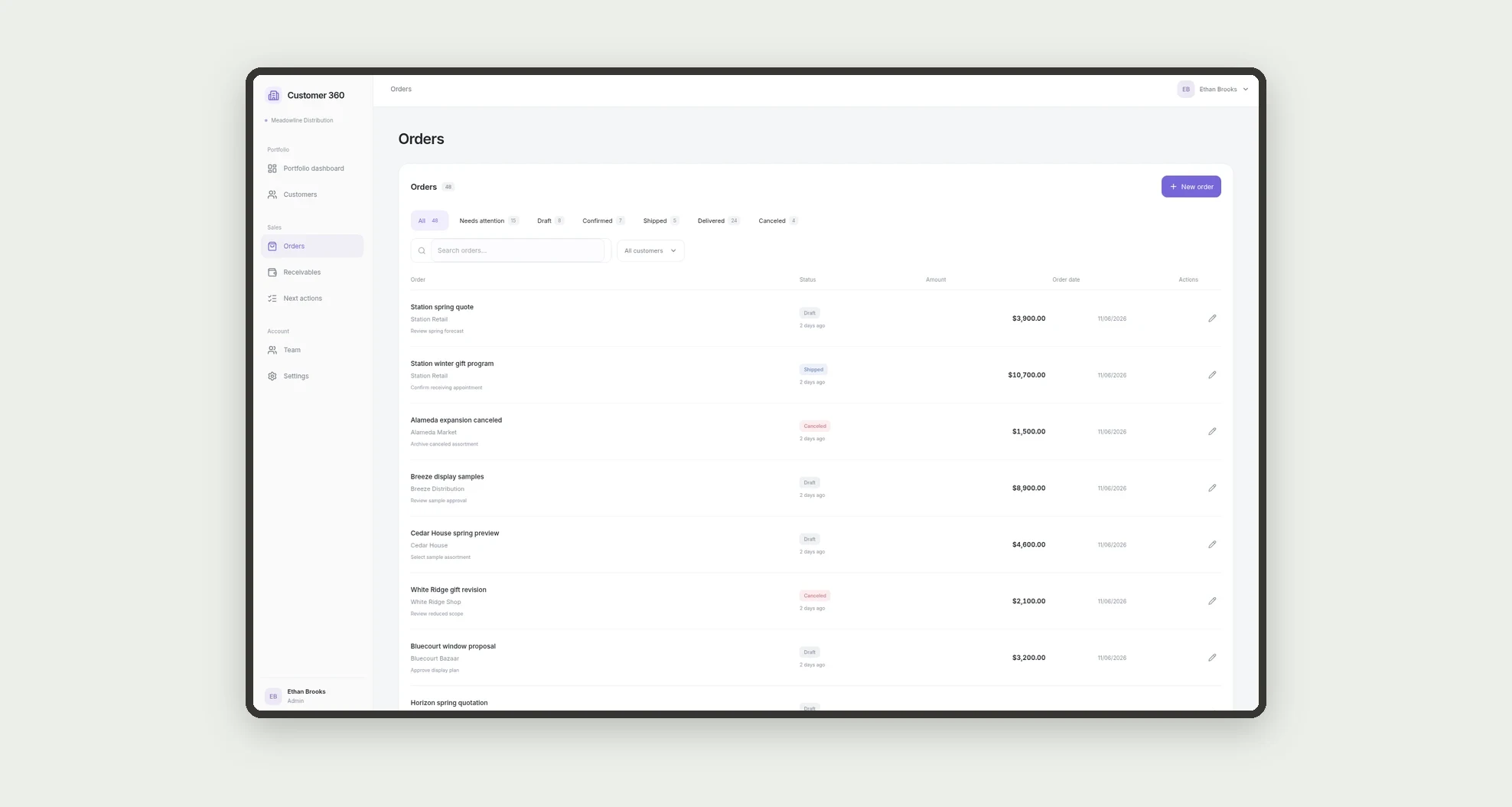
- Review order history with status and next-action text.
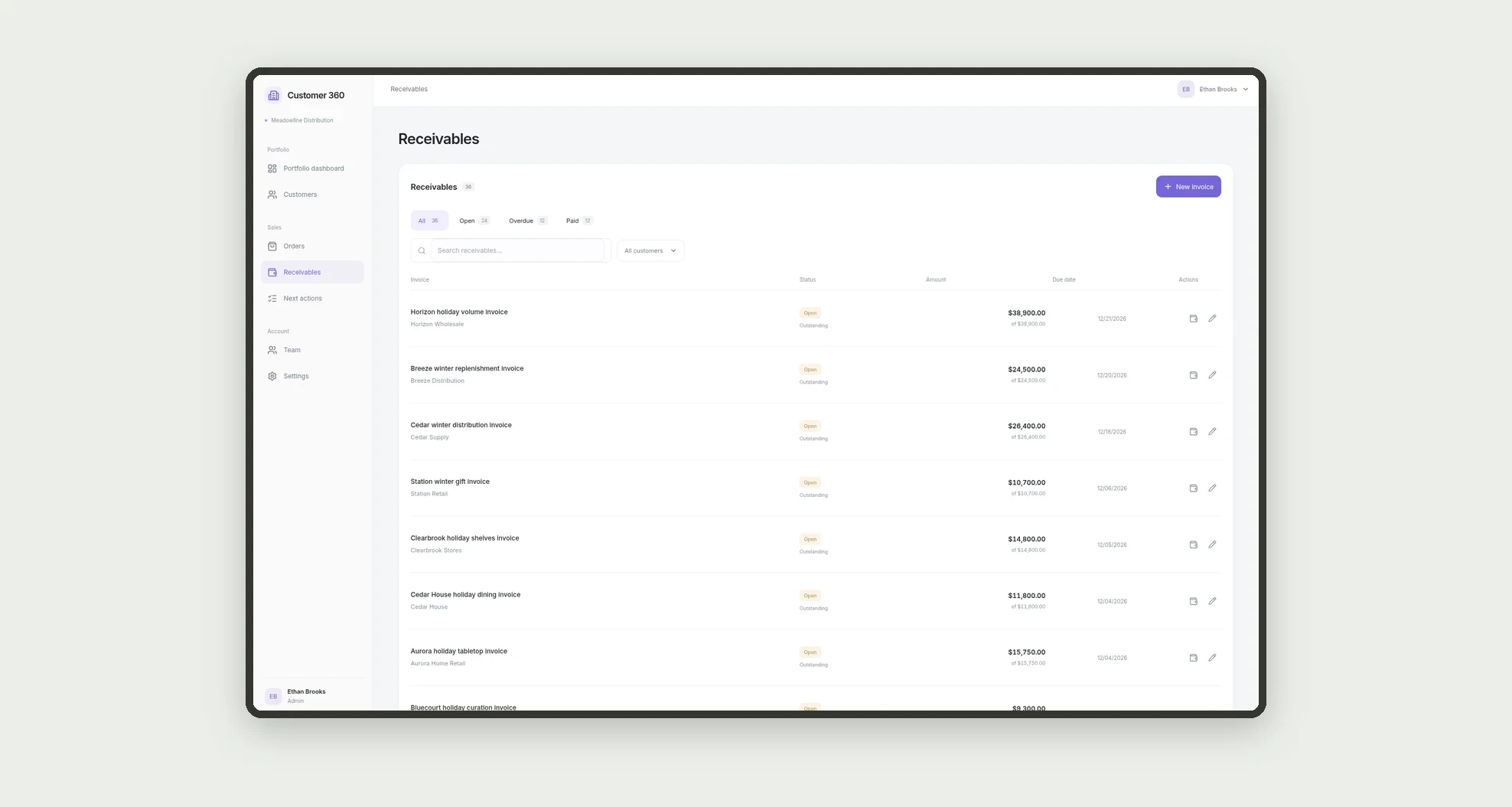
- Monitor outstanding and overdue balances.
- Record payments and update receivables.
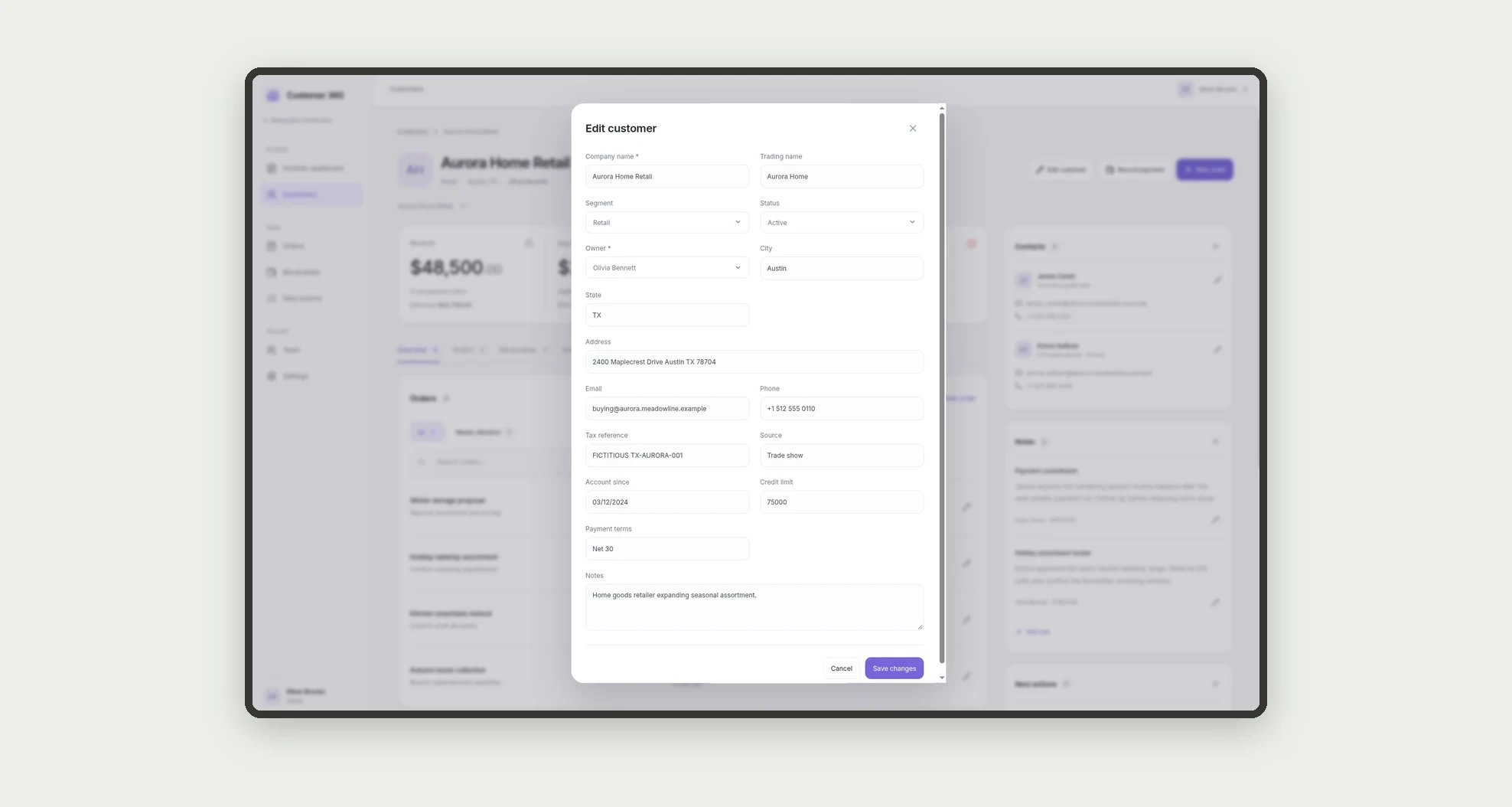
- Maintain contacts and commercial notes per customer.
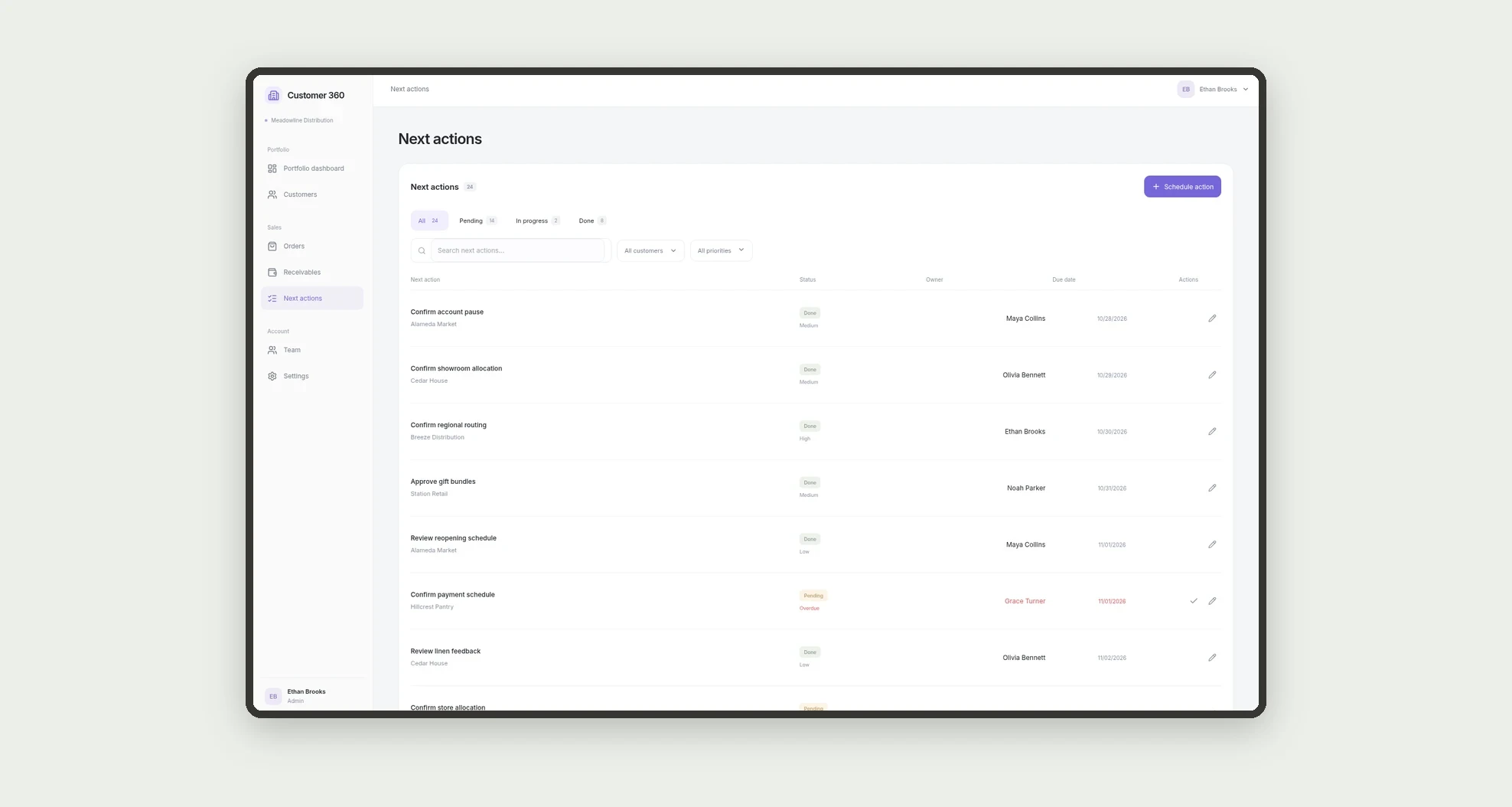
- Schedule and complete next actions with an owner and due date.
- Compare customers and review portfolio performance.
App features
Customer 360
The Customer 360 screen covers this part of the operation.
How it works
Select a customer from the portfolio to open their record.
Review KPIs, filter orders and receivables, add a note, or schedule the next action.
As orders and payments change, the KPIs reflect the portfolio records.
How to set up this template
- 1Click Use App
Create your Jestor account and install Customer 360. It works on desktop and mobile.
- 2Select a customer from the portfolio to open their record.
Select a customer from the portfolio to open their record.
- 3Review KPIs
Review KPIs, filter orders and receivables, add a note, or schedule the next action.
- 4As orders and payments change
As orders and payments change, the KPIs reflect the portfolio records.
Integrations and customization
The interface is designed for desktop and mobile. Segments, statuses, owners, and account information can be adapted to the operation. The template uses Jestor tables and requires no external integrations.
- Adjust fields, categories, statuses and rules without code.
- Add screens, reports and automations as the operation needs them.
And that's just the start: you can edit any part of this template and go much further just by asking Jestor's AI. Describe what you need, like a new field, automation, report or integration, and the AI builds or adjusts it for you, no code required.
Frequently asked questions
What counts toward revenue?
Confirmed, shipped, and delivered orders are included. Draft and canceled orders are excluded.
How is overdue balance calculated?
It sums positive balances on receivables due before the current day.
Does a customer record show only that customer?
Yes. Orders, receivables, contacts, notes, and next actions are filtered to the selected customer.
Can it support retail and wholesale?
Yes. The segment field separates the two portfolio types.
Are the sample records real?
No. Sample companies, people, and transactions are fictitious.