What it is
A contract and recurring billing app for B2B service companies that want no missed renewal, no forgotten price adjustment and no unbilled invoice. Follow every contract from request to signature, renewal or end, and see MRR, renewals and overdue receivables in one place.
Who it's for
- B2B service companies with monthly retainers, such as managed IT, facilities and consulting
- Finance teams that bill recurring contracts every month
- Account owners who handle renewals
- Legal teams that draft and review contracts
- Leadership that follows MRR, ARR and revenue retention
What you can do
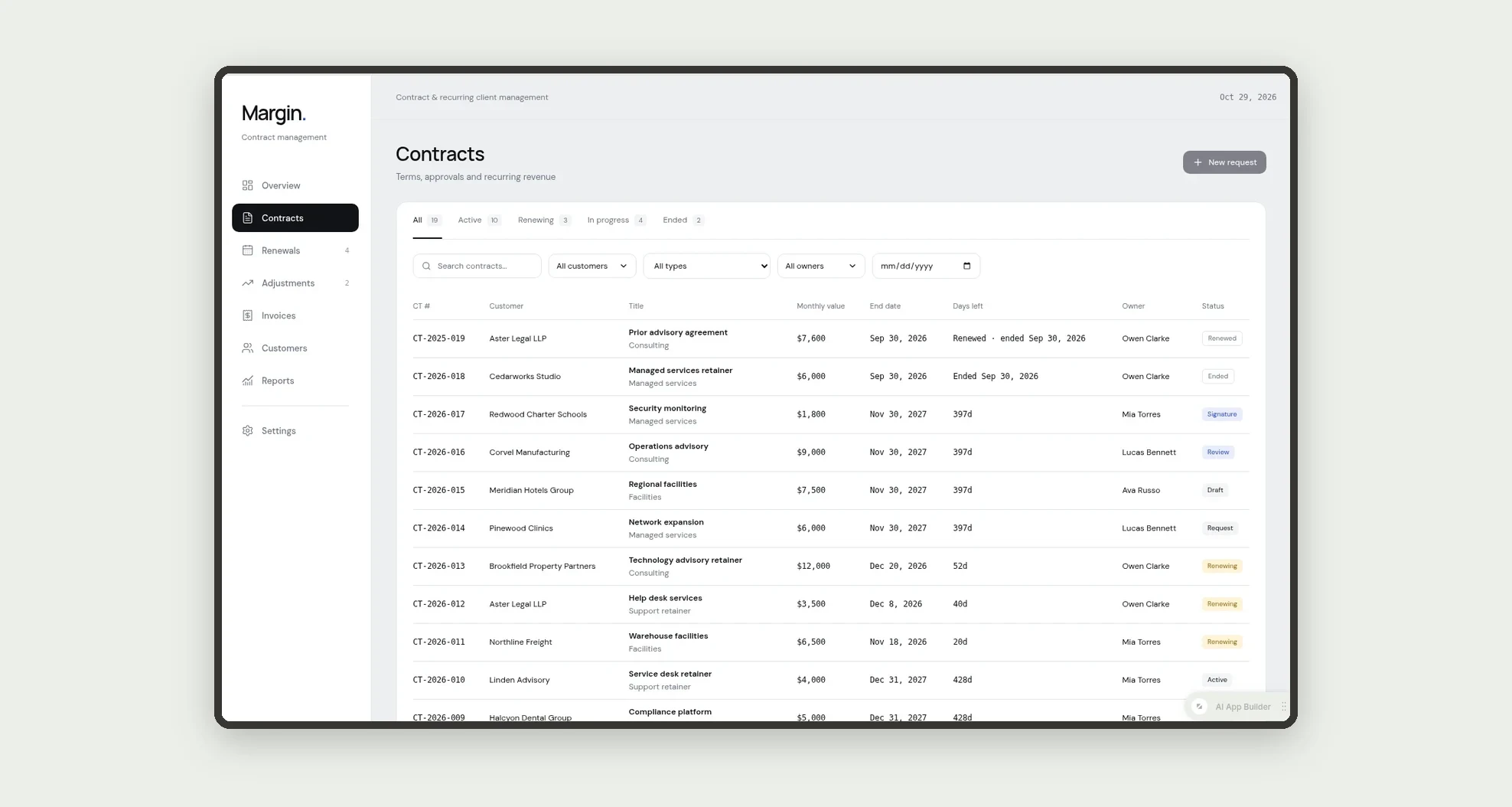
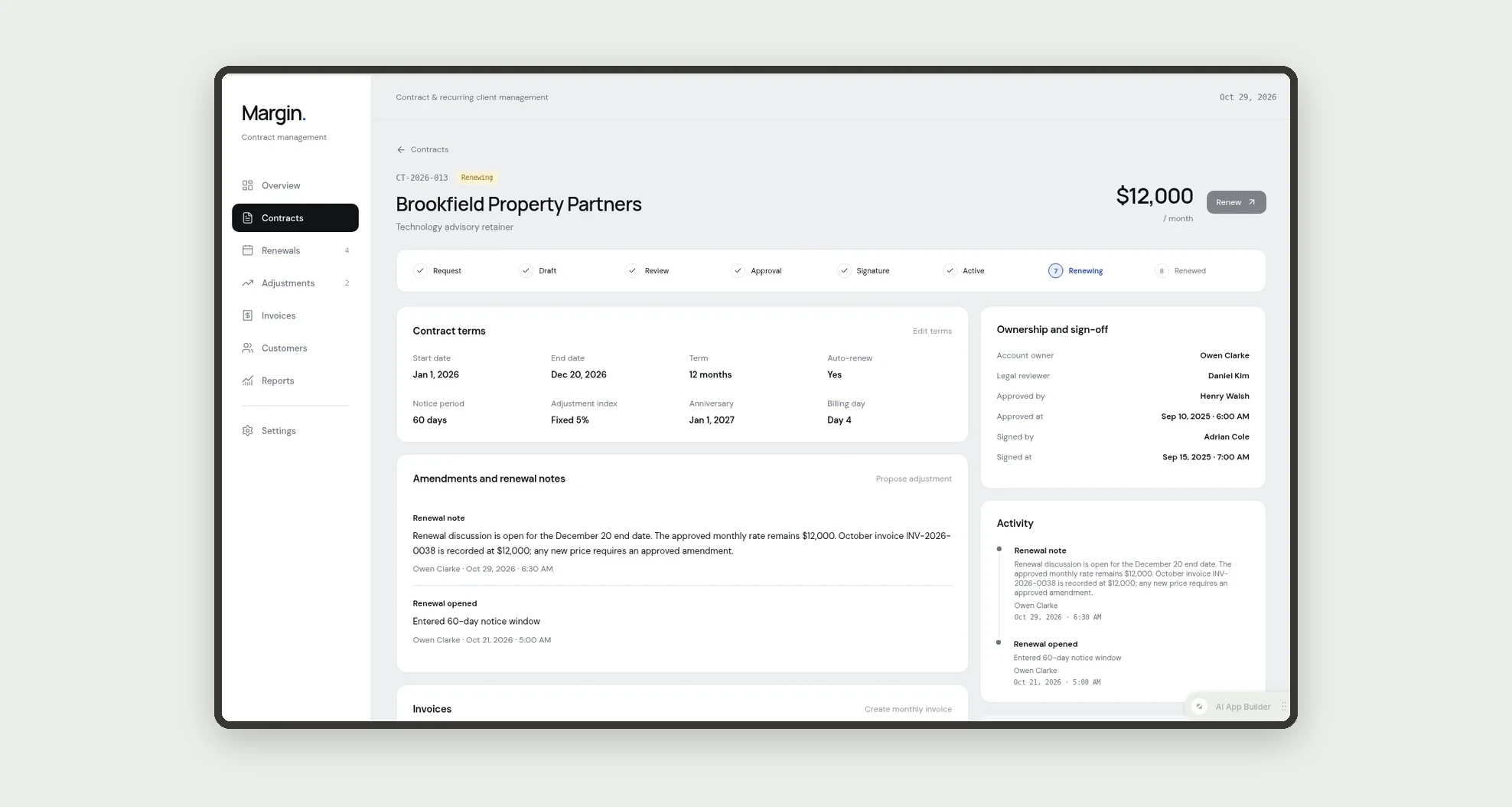
- Track contracts through request, draft, review, approval, signature, active, renewing, renewed and ended
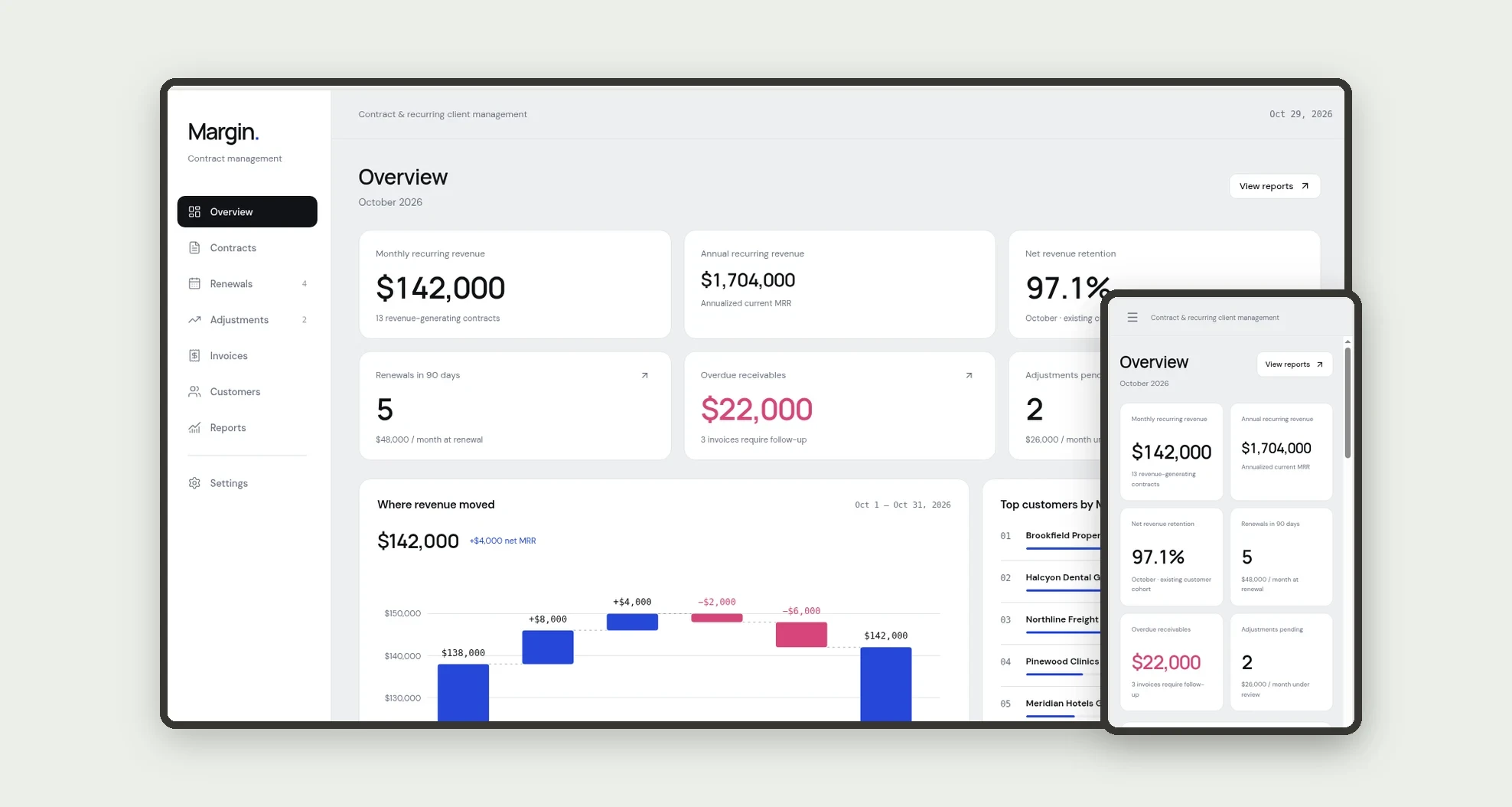
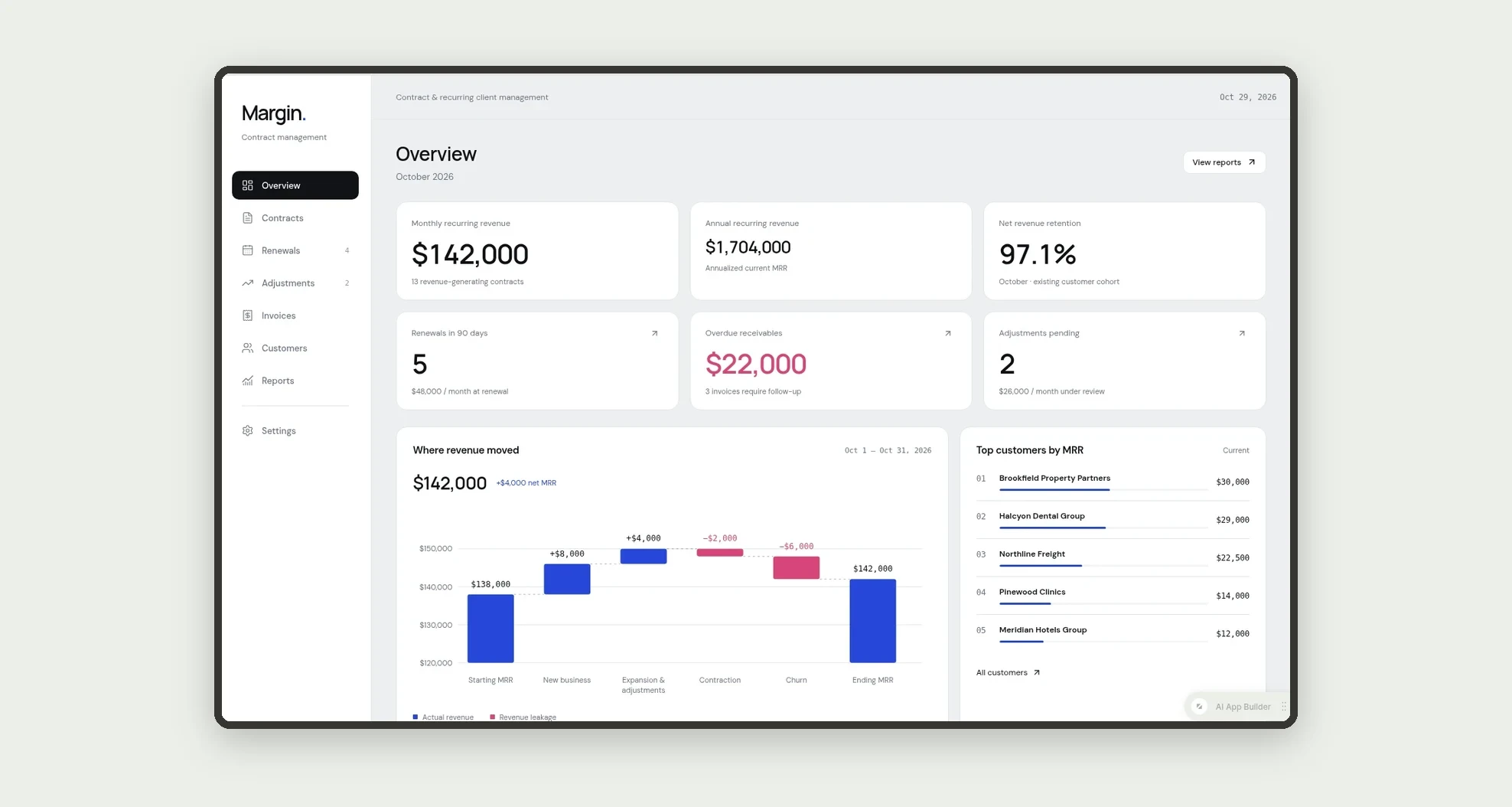
- See MRR, ARR, net revenue retention, renewals due in 90 days and overdue receivables on the overview
- Read where revenue moved in a monthly MRR waterfall with new, expansion, contraction and churn
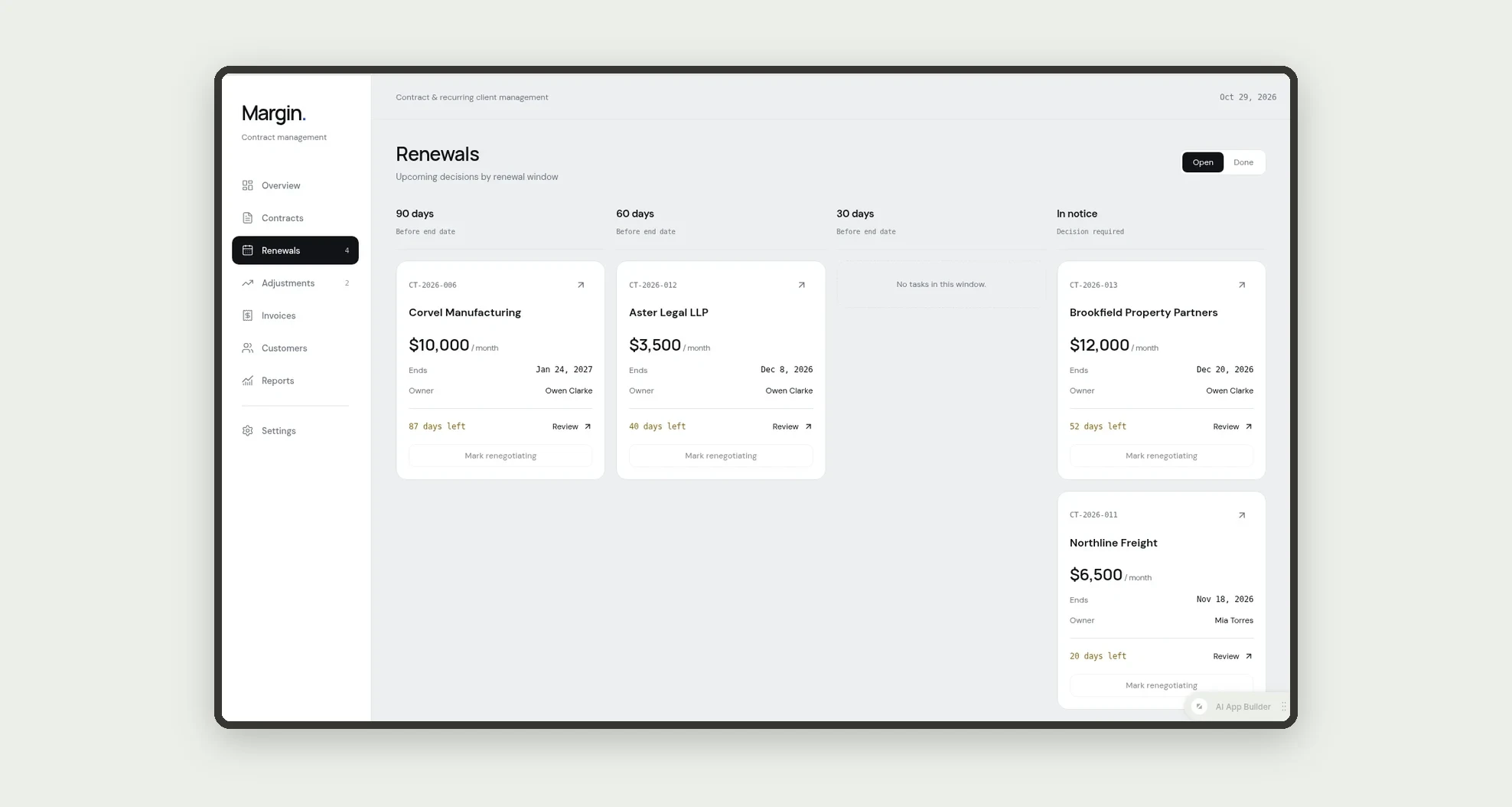
- Get renewal tasks 90, 60 and 30 days before the end date on a renewals board
- Propose price adjustments by index (CPI or fixed %) and approve them as amendments
- Bill active contracts every month and follow overdue invoices with dunning stages
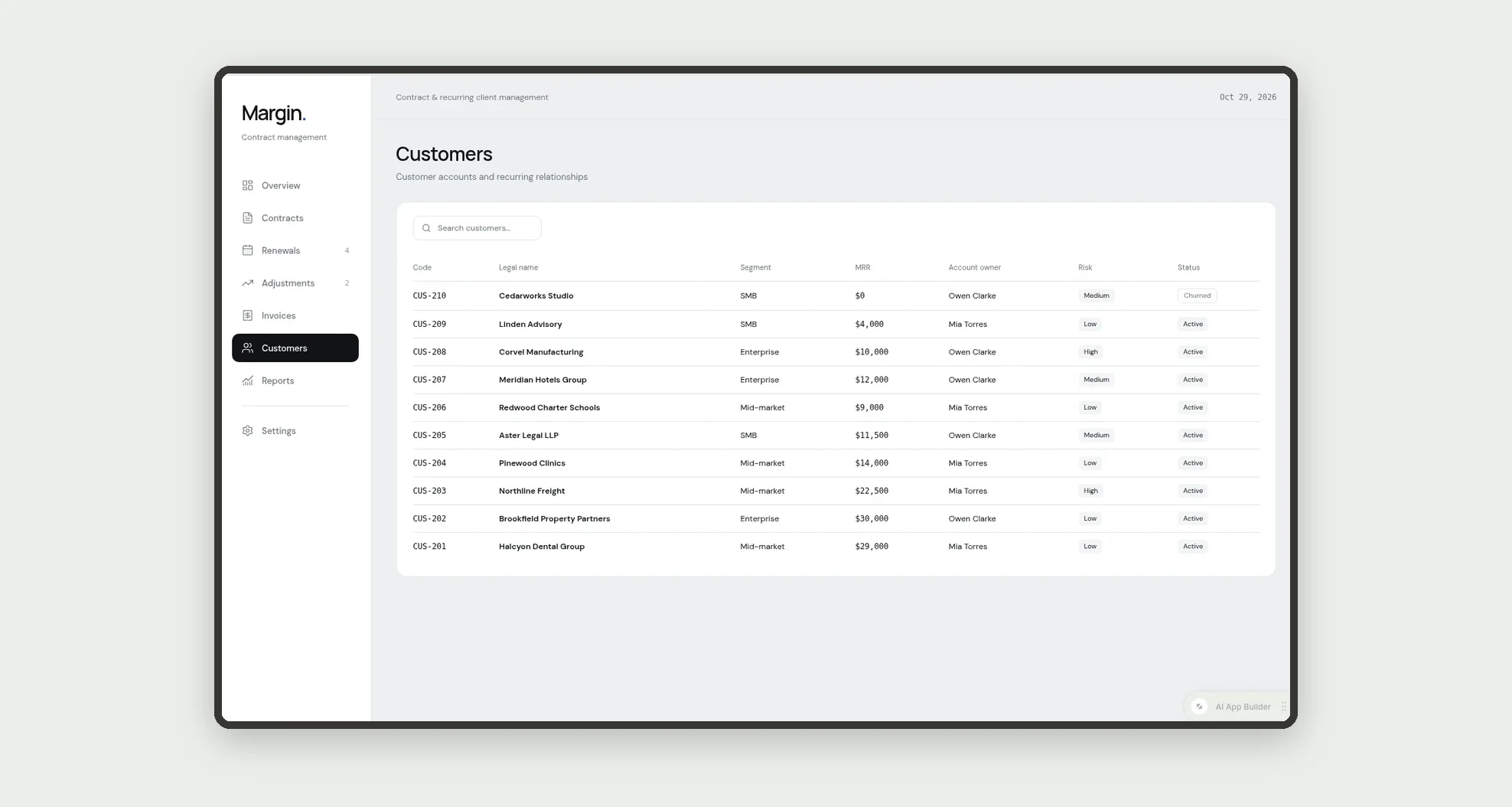
- Record payments and see MRR, contracts and invoices per customer
App features
Overview
See MRR, ARR, net revenue retention, renewals due in 90 days and overdue receivables on the overview.
Contracts
Track contracts through request, draft, review, approval, signature, active, renewing, renewed and ended.
Renewals
Get renewal tasks 90, 60 and 30 days before the end date on a renewals board.
Adjustments
Propose price adjustments by index (CPI or fixed %) and approve them as amendments.
Invoices
Invoices are created on each billing day and payments mark them paid; unpaid invoices become overdue.
Customers
The Customers screen covers this part of the operation.
Reports
The Reports screen covers this part of the operation.
Settings
The Settings screen covers this part of the operation.
How it works
Sales creates a contract request; legal drafts and reviews it. Finance or leadership approves, depending on the monthly value, and the signature makes the contract active.
Invoices are created on each billing day and payments mark them paid; unpaid invoices become overdue. On the anniversary, a price adjustment is proposed for approval.
Before the end date, renewal tasks guide the account owner to renew, renegotiate or let the contract end.
How to set up this template
- 1Click Use App
Create your Jestor account and install Contract & Recurring Client Management. It works on desktop and mobile.
- 2Sales creates a contract request; legal drafts and reviews it.
Sales creates a contract request; legal drafts and reviews it.
- 3Finance or leadership approves
Finance or leadership approves, depending on the monthly value, and the signature makes the contract active.
- 4Invoices are created on each billing day and payments mark them
Invoices are created on each billing day and payments mark them paid; unpaid invoices become overdue.
Integrations and customization
Works on desktop and mobile. Contract types, approval limits and the dunning schedule can be changed without code, and you can add fields, tables and automations to fit your contracts. Invoices have an optional ERP ID field for teams that connect an ERP.
- Adjust fields, categories, statuses and rules without code.
- Add screens, reports and automations as the operation needs them.
And that's just the start: you can edit any part of this template and go much further just by asking Jestor's AI. Describe what you need, like a new field, automation, report or integration, and the AI builds or adjusts it for you, no code required.
Frequently asked questions
How are renewals tracked?
The app creates renewal tasks 90, 60 and 30 days before the end date and moves the contract to Renewing when it enters the notice window.
How do price adjustments work?
On the anniversary, the app calculates the new monthly value from the index and creates an amendment that finance approves.
Who approves large contracts?
Contracts above $10,000 per month are approved by leadership; the others by finance.
Does it come with sample data?
Yes. It includes fictitious customers, contracts, invoices and amendments so every chart and list has data.