What it is
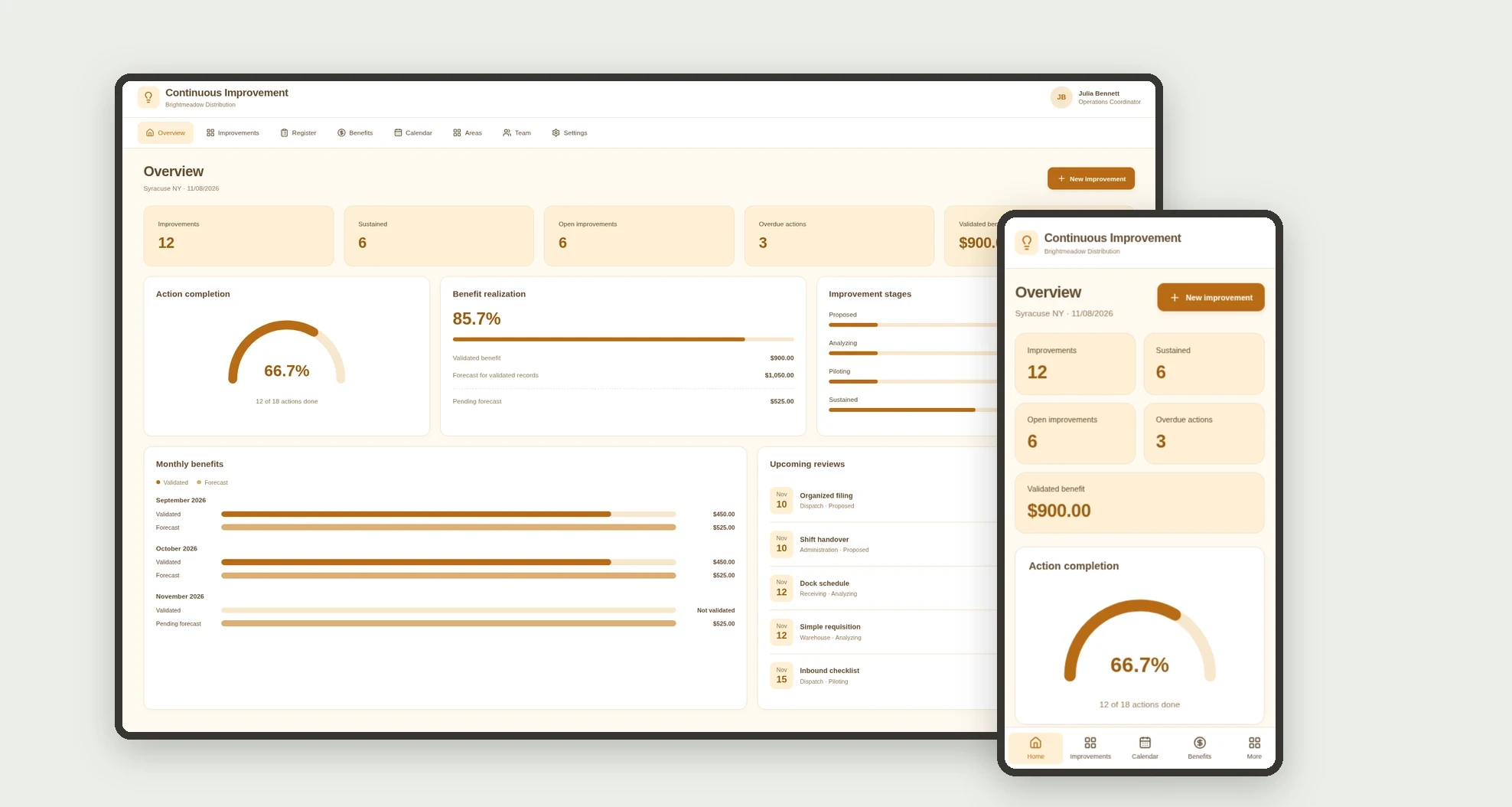
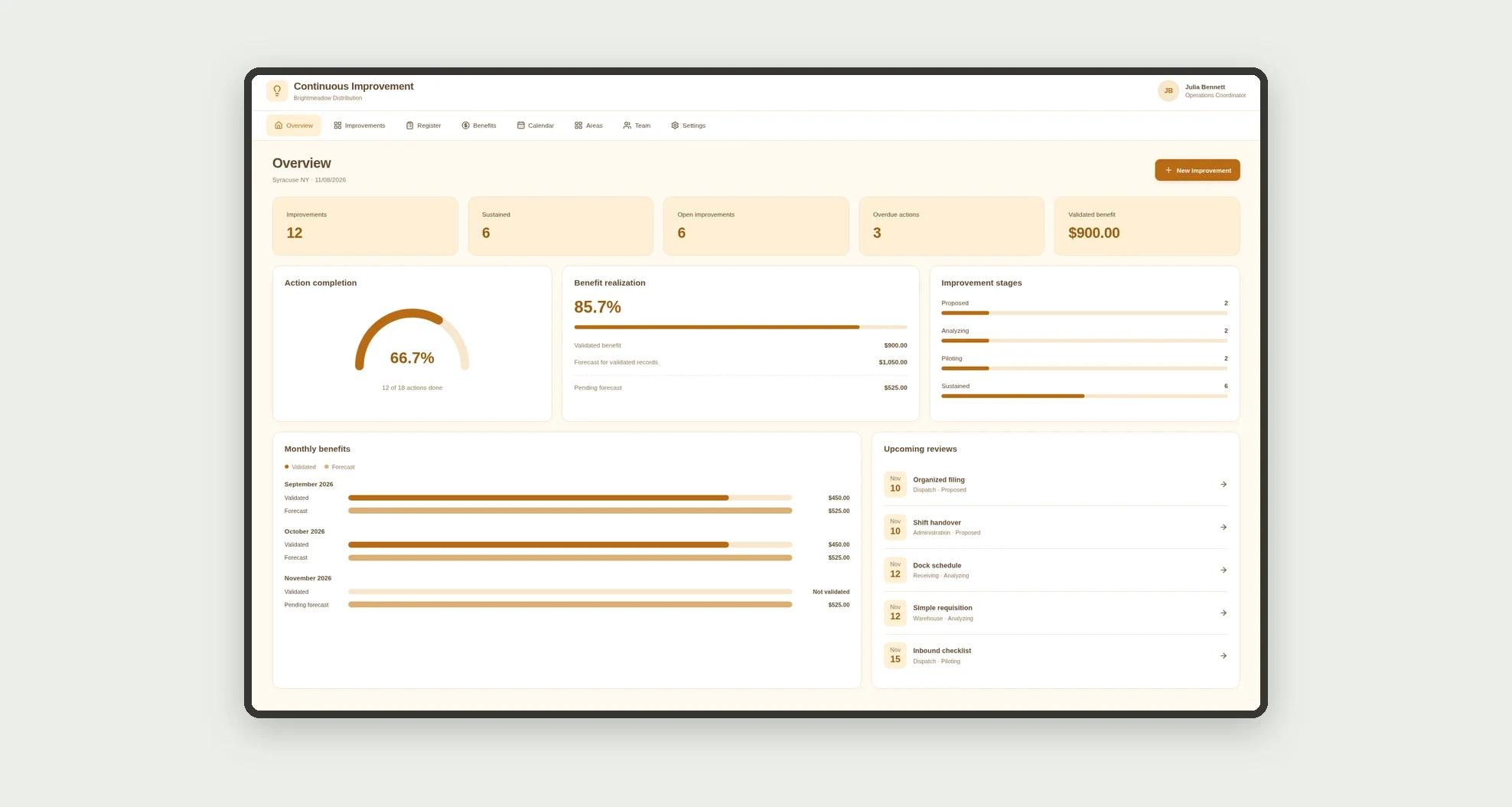
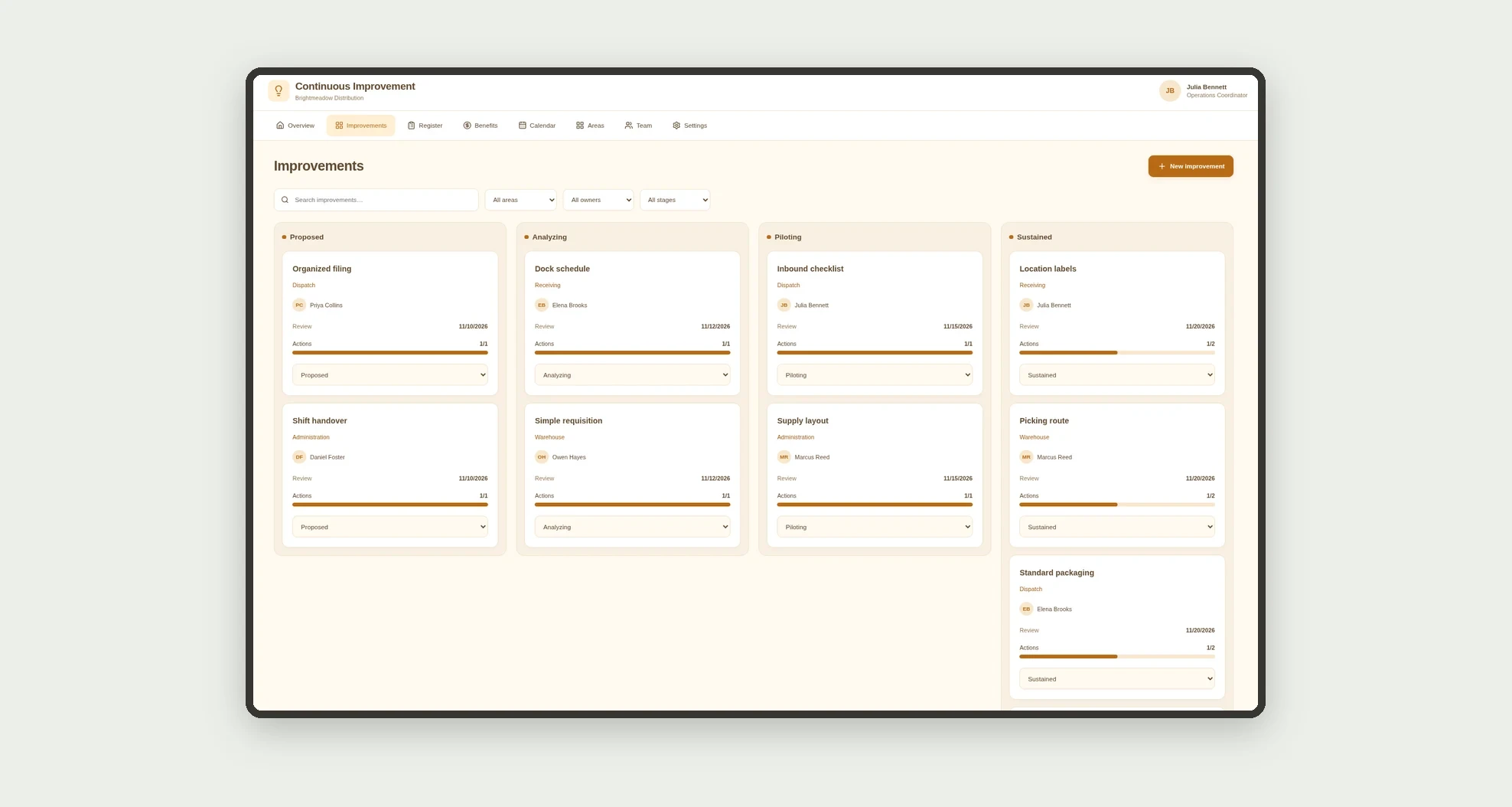
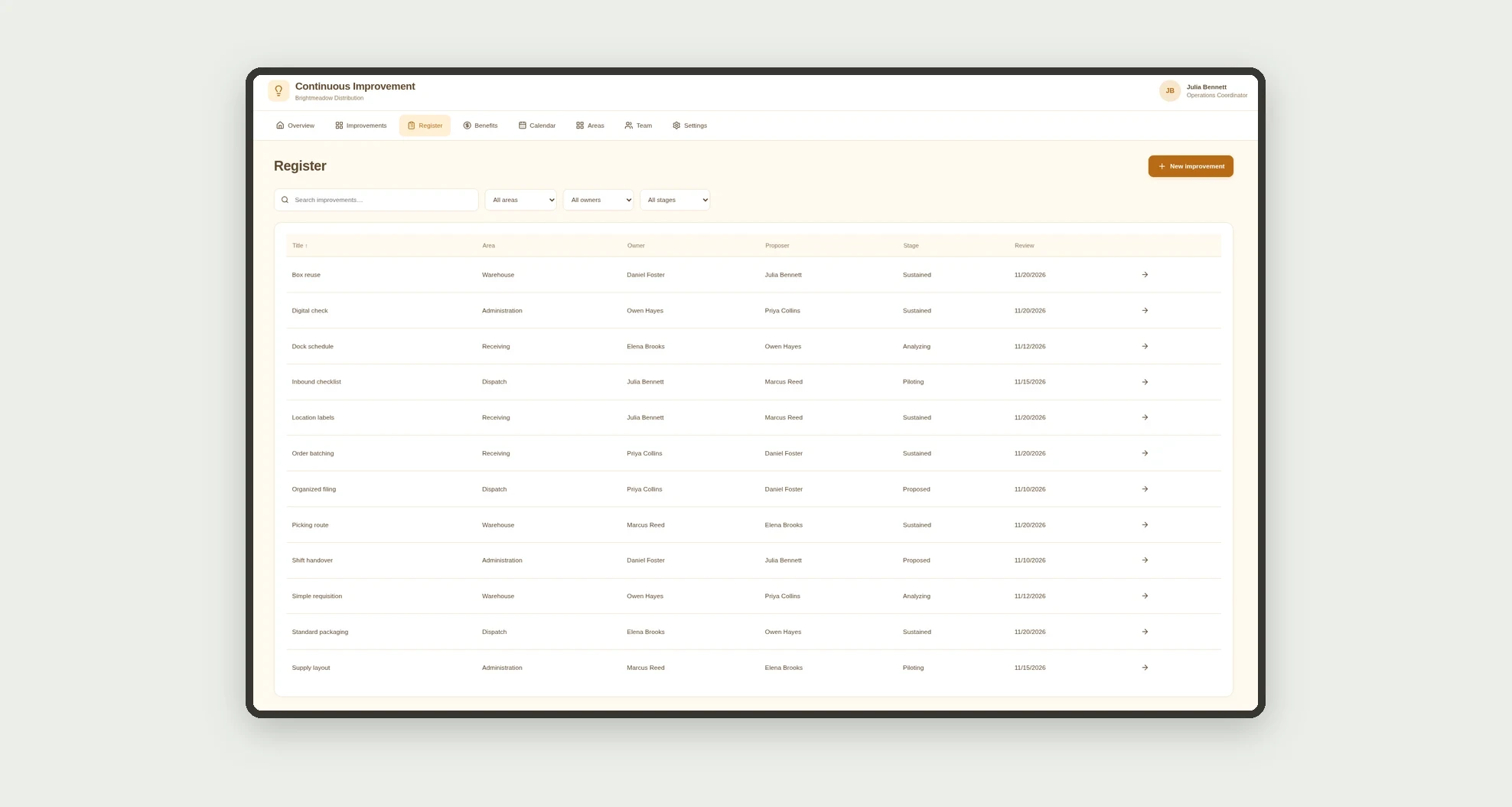
An app for organizing operational improvement ideas, tracking pilots, and recording validated financial benefits. Explore stages, actions, reviews, and results through a board, calendar, data tables, and linked profiles.
Who it's for
- Small and mid-sized businesses improving routines.
- Operations managers and area owners.
- Teams running pilots and tracking actions.
- Coordinators reviewing benefit evidence.
What you can do
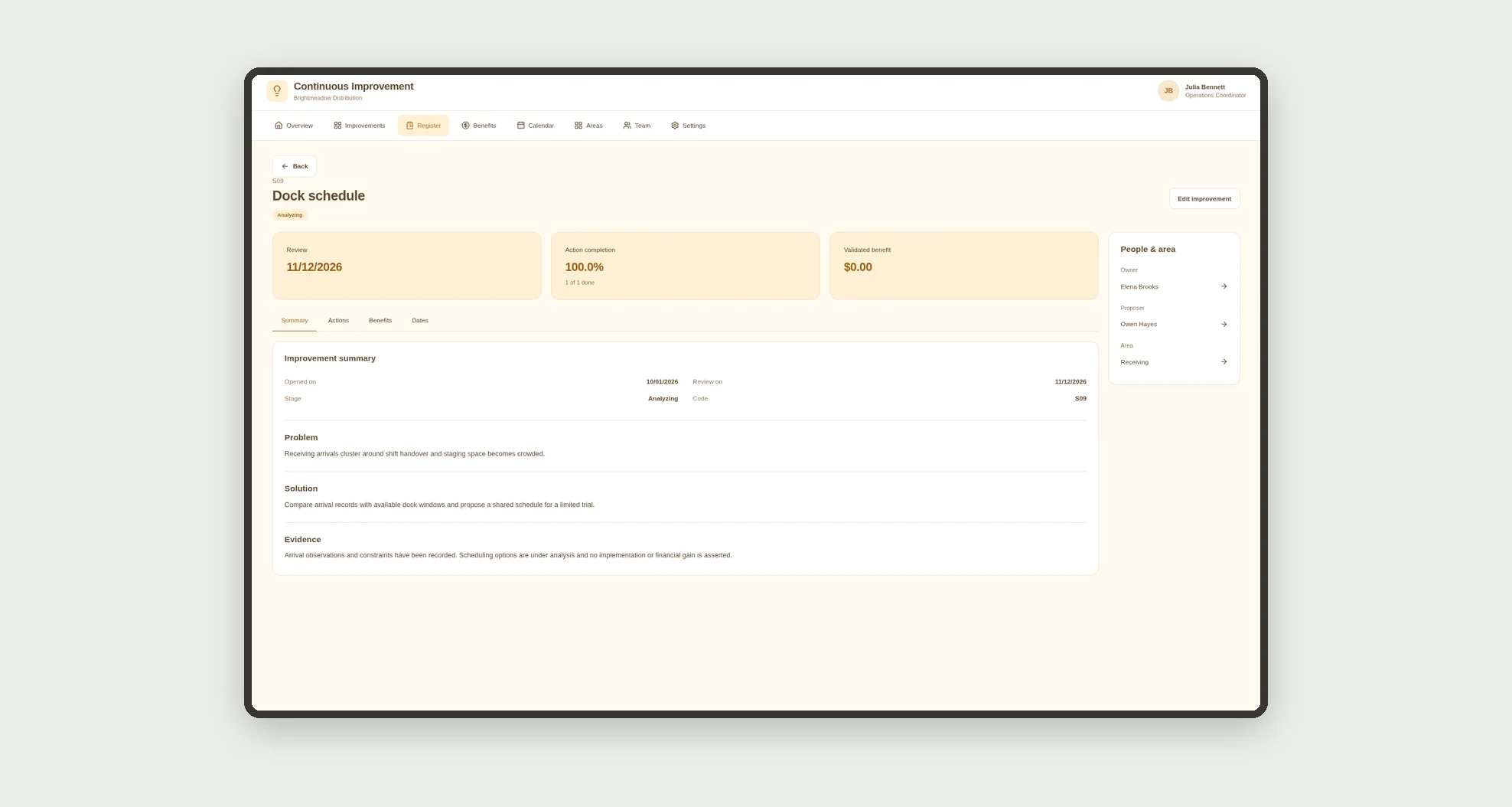
- Register improvements with area, owner, and proposer.
- Record problems, solutions, and evidence.
- Track proposals, analysis, pilots, and sustained improvements on a board.
- Assign actions with owners and due dates.
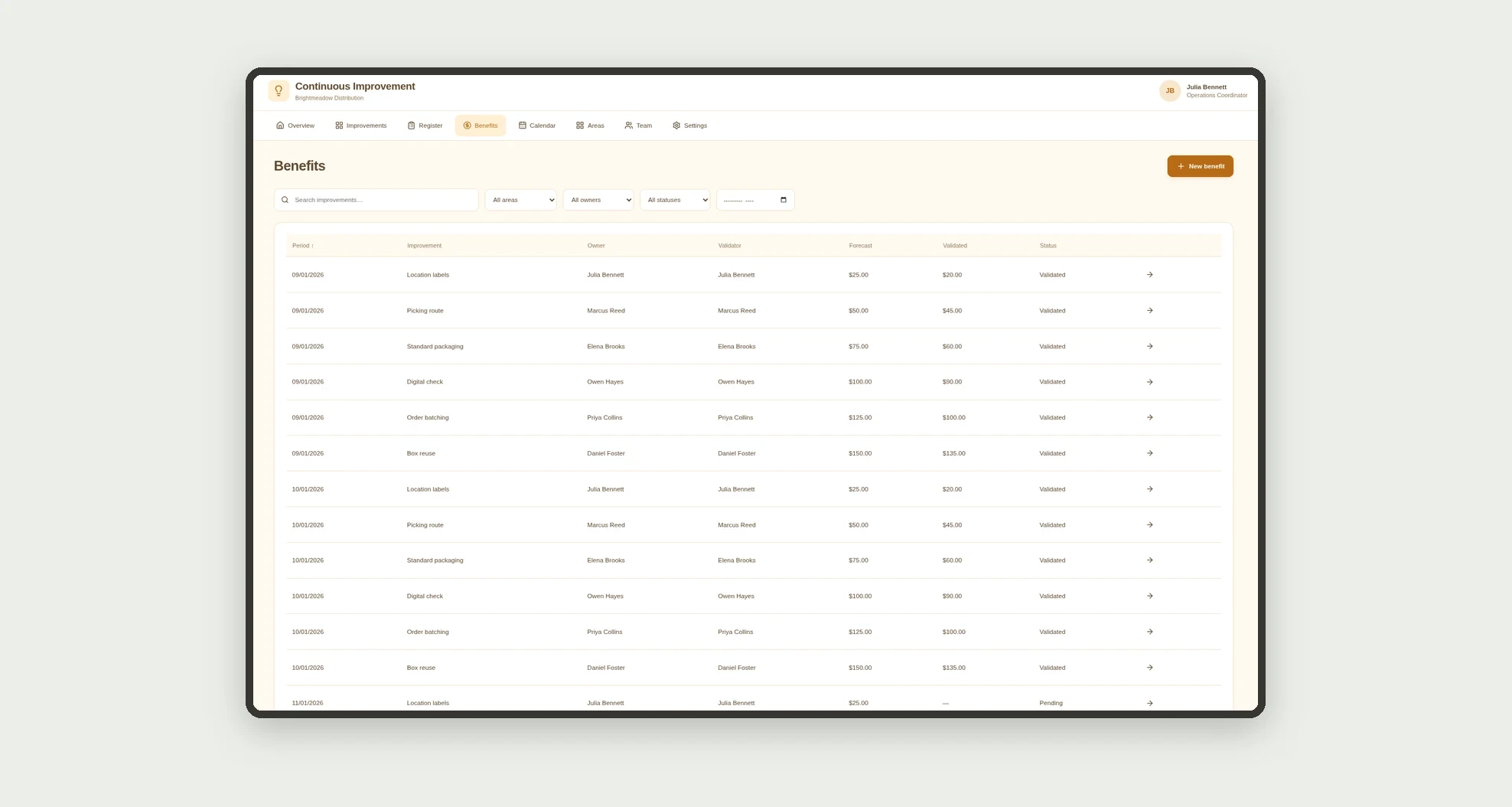
- Record forecast and validated benefits by reporting period.
- Compare forecast and validated amounts without mixing pending records.
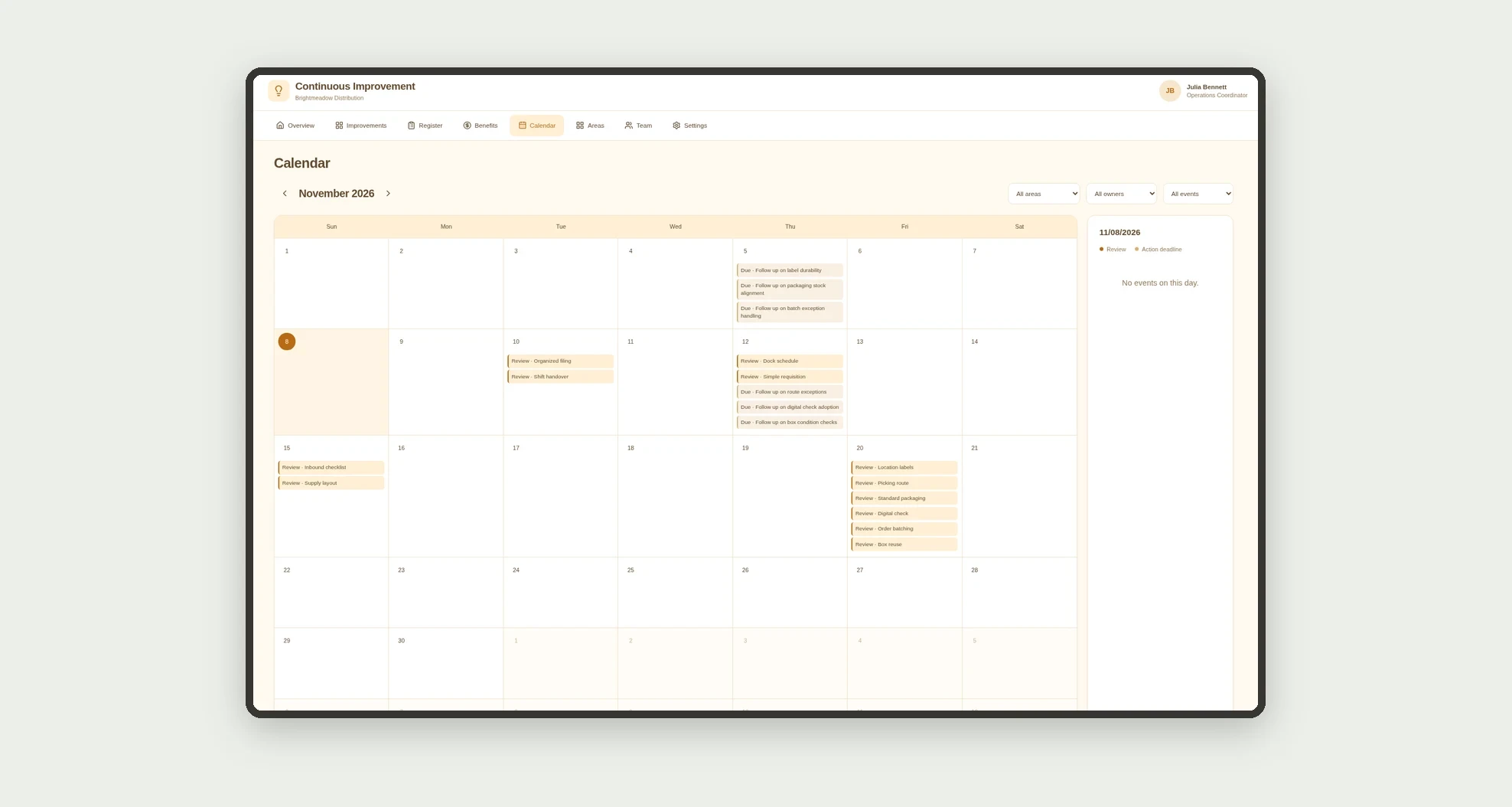
- View reviews and deadlines on a calendar.
- Browse area and team cards with related metrics.
App features
Continuous Improvement
The Continuous Improvement screen covers this part of the operation.
How it works
Record an idea and the problem to solve. Analyze the proposal, run a pilot, and track actions.
Enter benefits by reporting period and validate amounts with evidence.
Preserve records and monitor sustained improvements without automatically turning completed actions into savings.
How to set up this template
- 1Click Use App
Create your Jestor account and install Continuous Improvement. It works on desktop and mobile.
- 2Record an idea and the problem to solve.
Record an idea and the problem to solve.
- 3Analyze the proposal
Analyze the proposal, run a pilot, and track actions.
- 4Enter benefits by reporting period and validate amounts with
Enter benefits by reporting period and validate amounts with evidence.
Integrations and customization
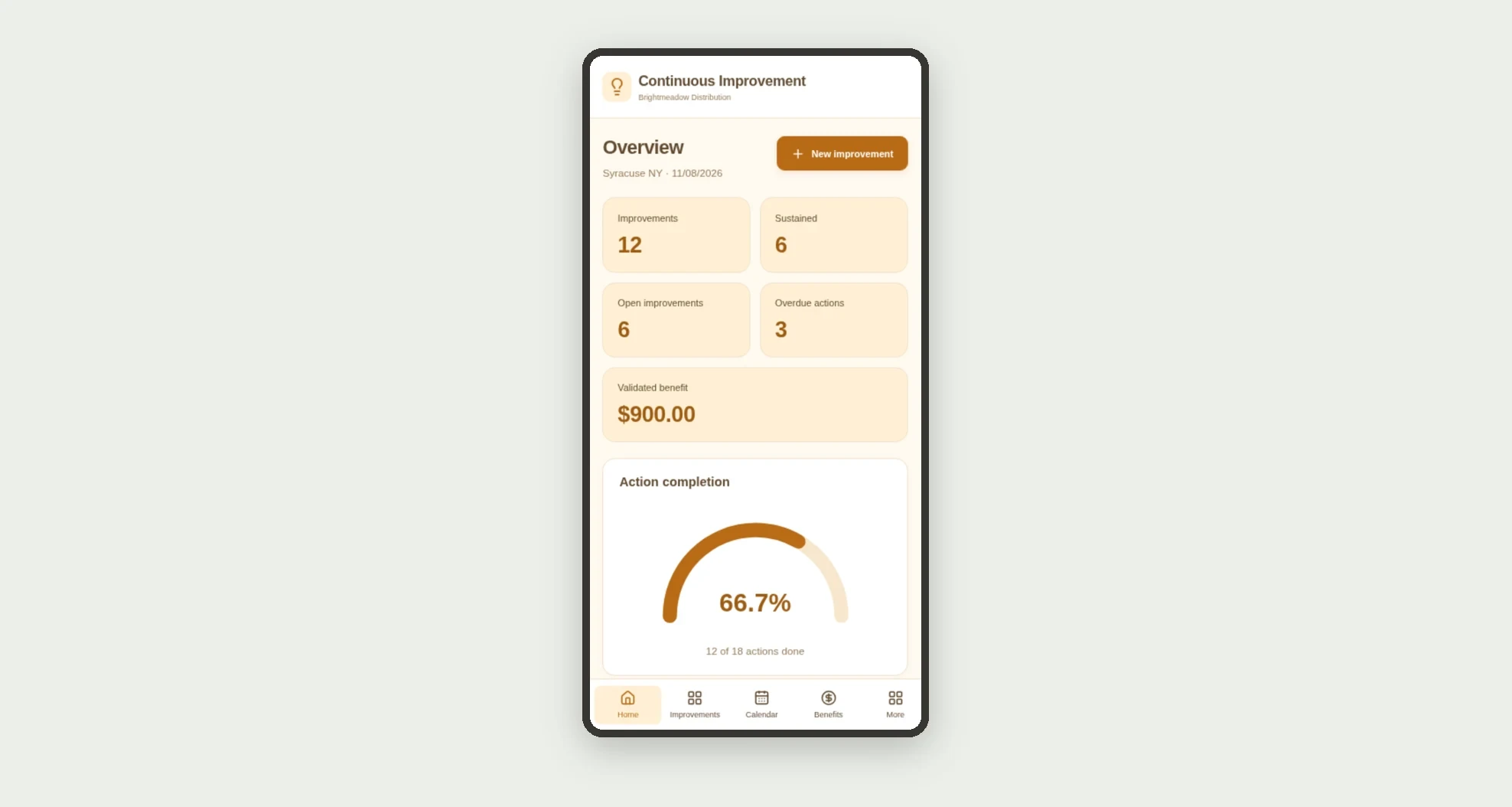
The design supports desktop and mobile use. Areas, owners, ideas, and actions can be adapted to operations. No accounting integration, payment execution, result certification, or automatic return-on-investment calculation is included.
- Adjust fields, categories, statuses and rules without code.
- Add screens, reports and automations as the operation needs them.
And that's just the start: you can edit any part of this template and go much further just by asking Jestor's AI. Describe what you need, like a new field, automation, report or integration, and the AI builds or adjusts it for you, no code required.
Frequently asked questions
Does a completed action automatically create a benefit?
No. Benefits have separate records and require validation.
How is financial realization calculated?
Validated value is divided by forecast value on the same validated records.
Do pending amounts count as achieved savings?
No. They remain separate pending forecasts.
How are team cards calculated?
Improvements and actions are grouped by their respective owner relationships; benefits are associated through the improvement owner.
Are the sample records real?
No. Businesses, people, ideas, evidence, and demonstration amounts are fictional.