What it is
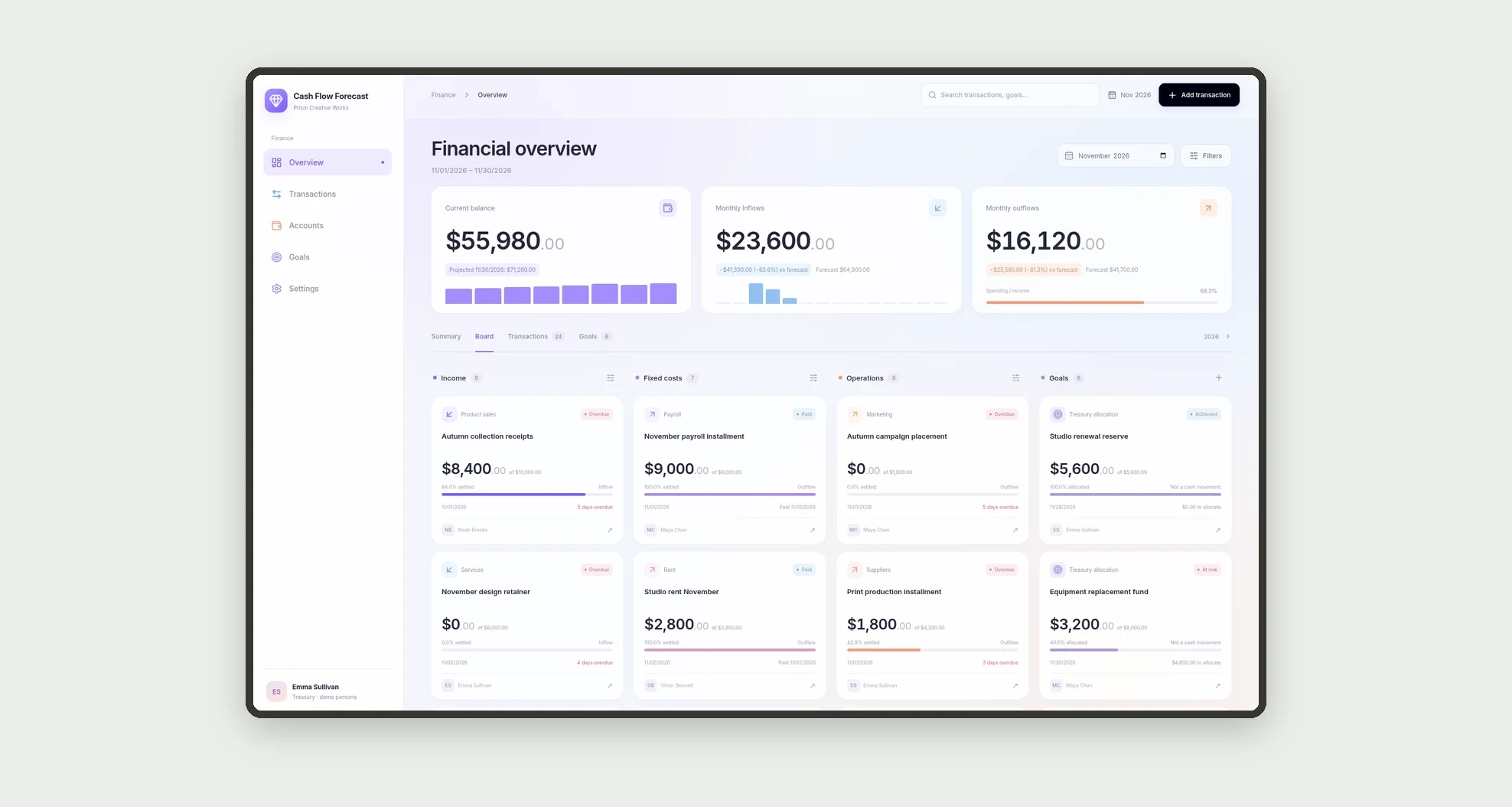
A treasury app for comparing forecast inflows and outflows with actual amounts and reviewing projected balances by week and month. A category board brings transactions and goals together, with KPIs and charts to support cash planning.
Who it's for
- Finance teams at small and medium-sized businesses.
- Treasury analysts and cash managers.
- Managers tracking payments and receipts.
- Leaders planning reserves and cash requirements.
What you can do
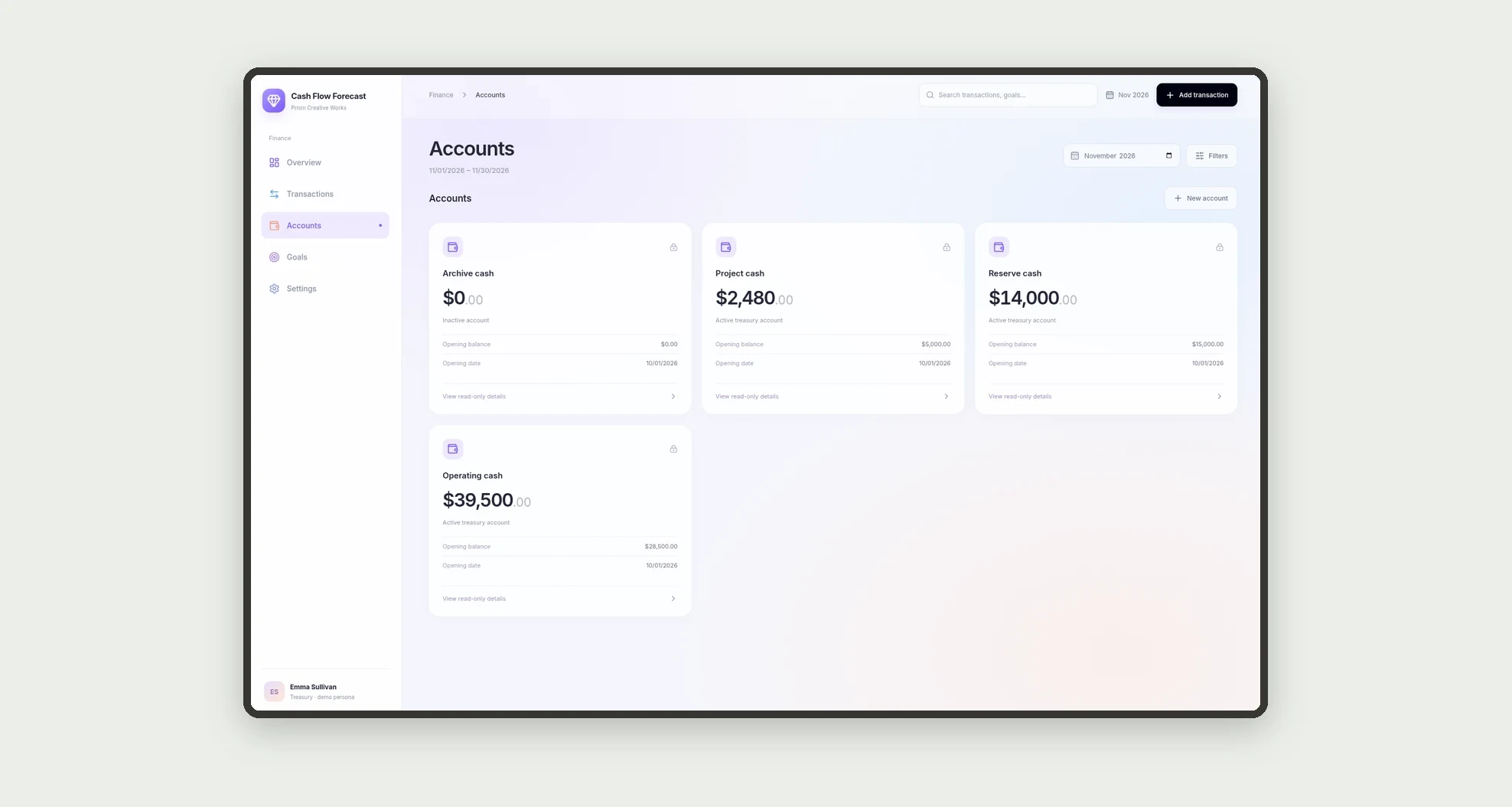
- Add inflows and outflows by account, category, and owner.
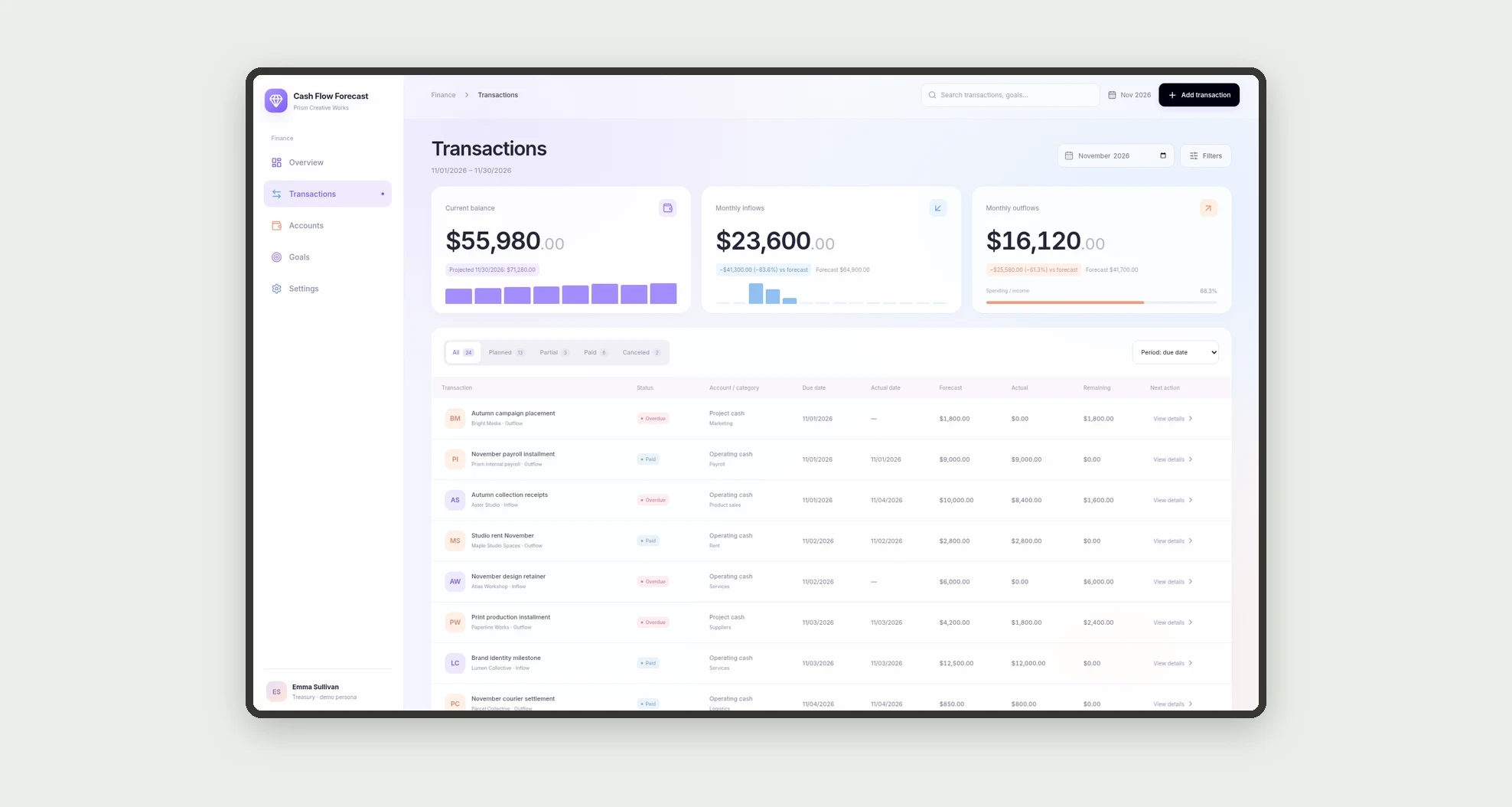
- Compare forecast and actual amounts for a period.
- Review paid, overdue, and forecast transactions on a board.
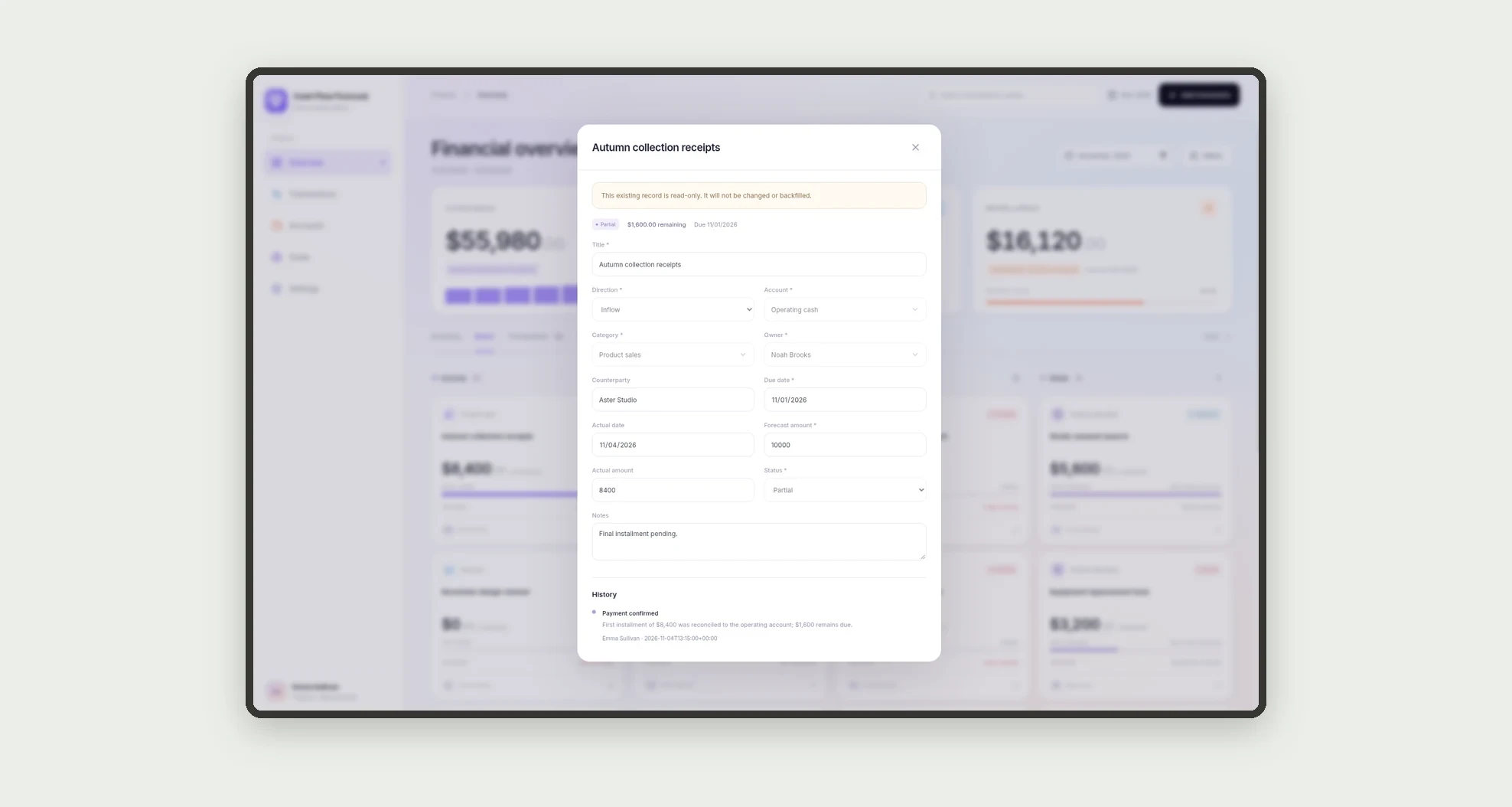
- Record partial or settled internal payments and receipts.
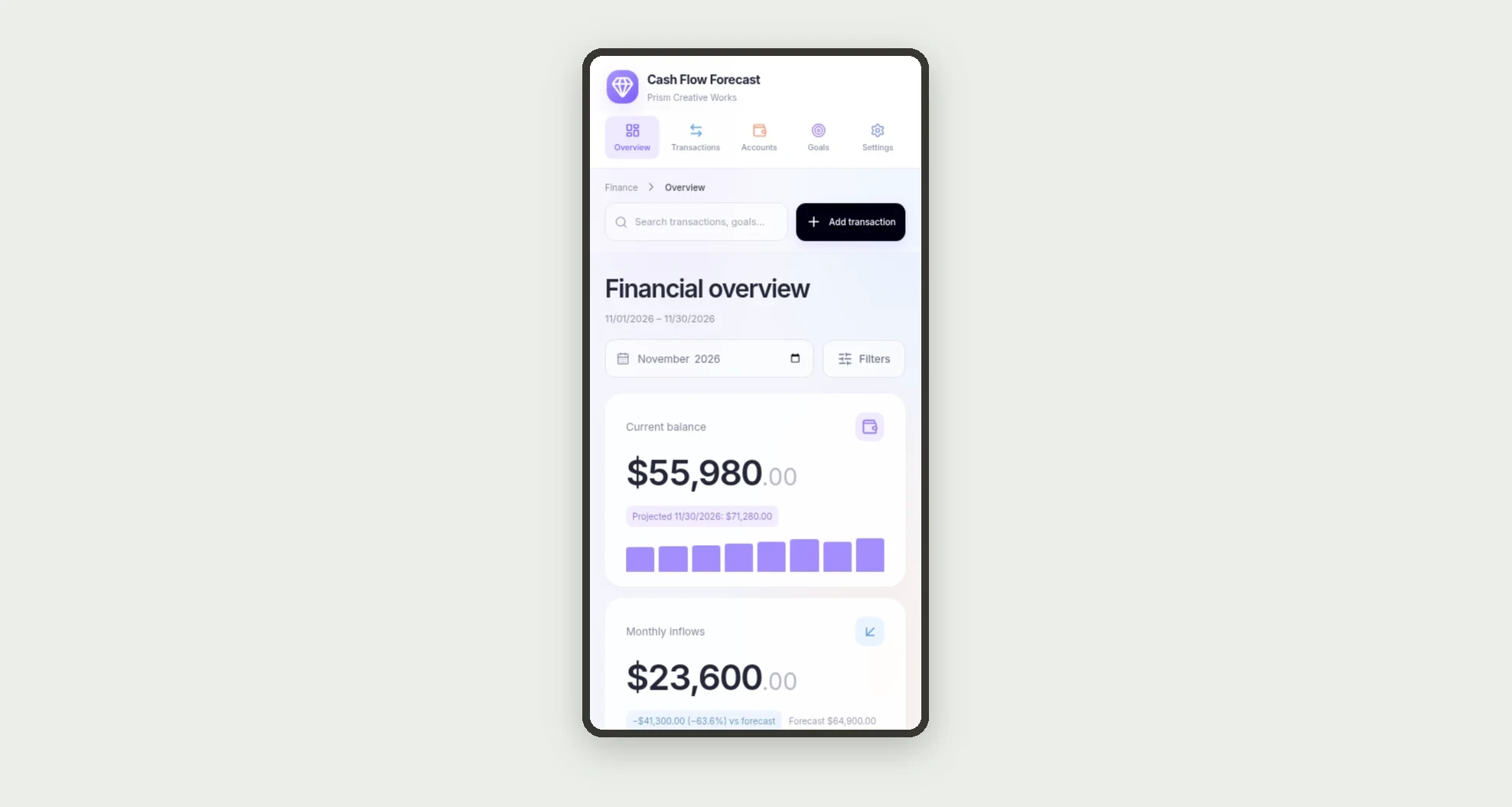
- Review weekly and monthly projected balances.
- Compare categories in stacked bars.
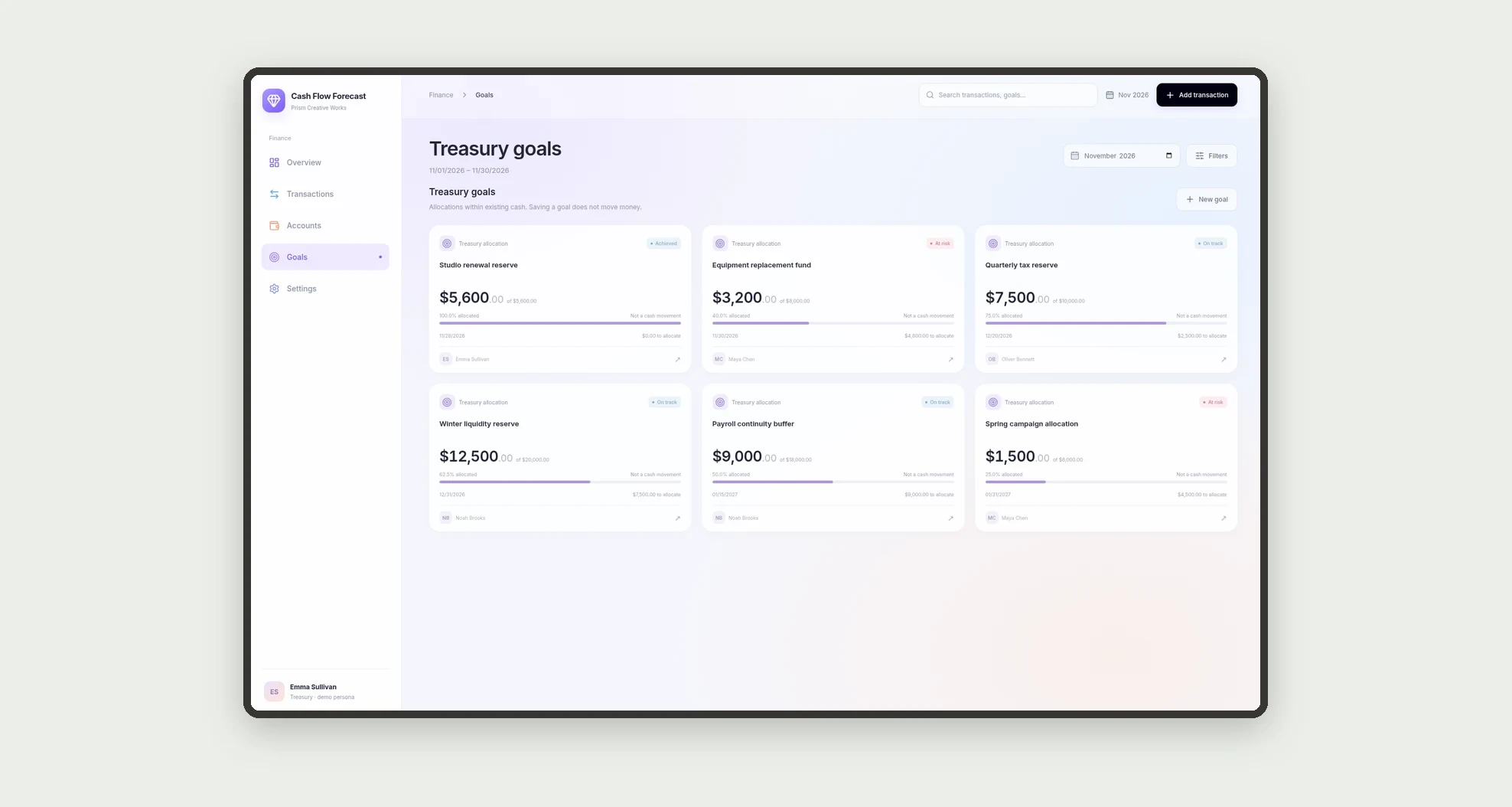
- Track reserve and allocation goals.
- Review the change history of a transaction.
App features
Cash Flow Forecast
The Cash Flow Forecast screen covers this part of the operation.
How it works
Create a transaction with an account, category, owner, due date, and forecast amount.
Record the amount and date when a payment or receipt occurs.
The dashboard compares forecast with actual and projects cash using amounts still unsettled.
How to set up this template
- 1Click Use App
Create your Jestor account and install Cash Flow Forecast. It works on desktop and mobile.
- 2Create a transaction with an account
Create a transaction with an account, category, owner, due date, and forecast amount.
- 3Record the amount and date when a payment or receipt occurs.
Record the amount and date when a payment or receipt occurs.
- 4The dashboard compares forecast with actual and projects cash
The dashboard compares forecast with actual and projects cash using amounts still unsettled.
Integrations and customization
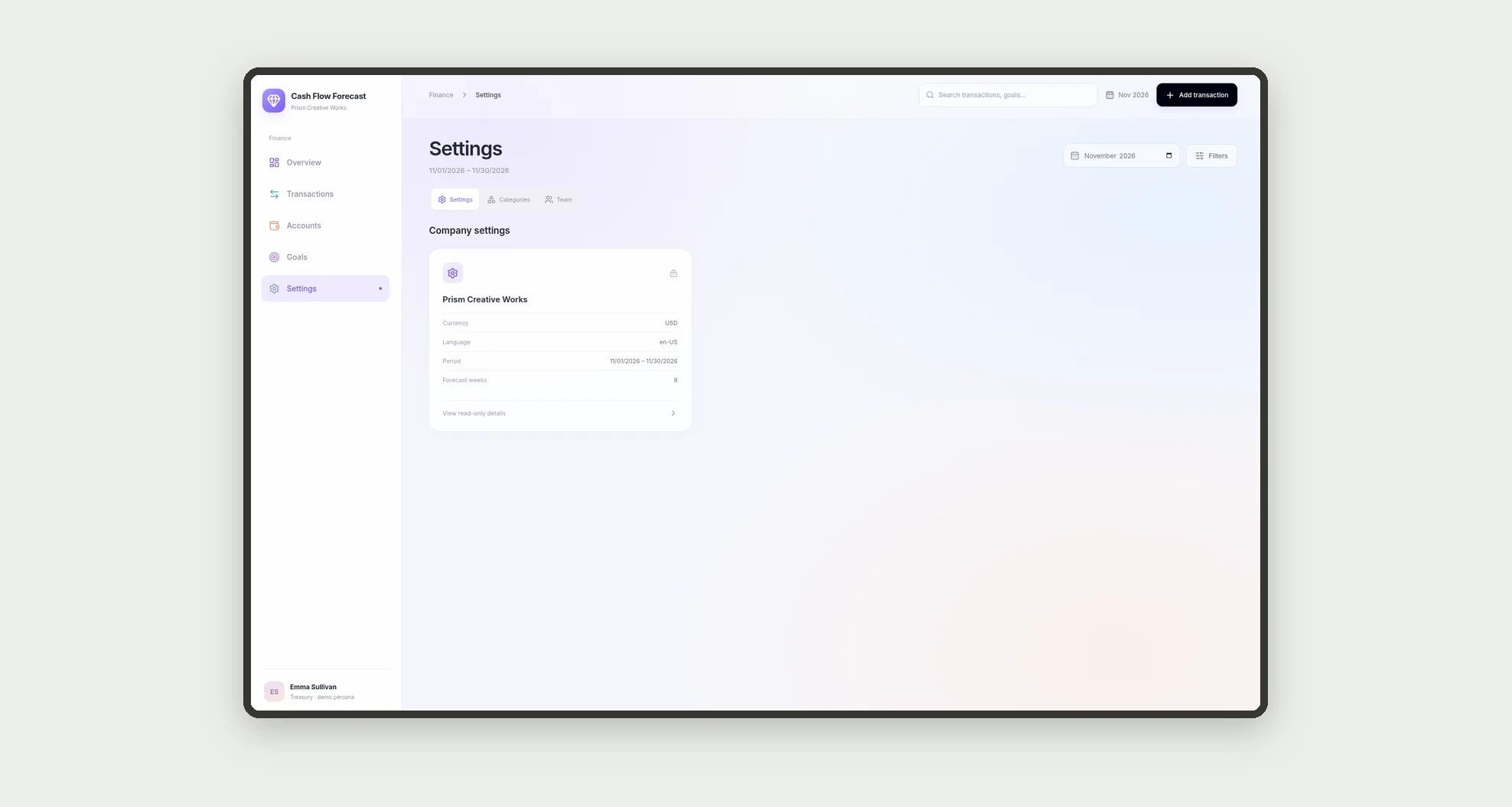
The design supports desktop and mobile use. Accounts, categories, owners, periods, and goals can be adapted to the operation. No required bank integration or real money movement is included in this template.
- Adjust fields, categories, statuses and rules without code.
- Add screens, reports and automations as the operation needs them.
And that's just the start: you can edit any part of this template and go much further just by asking Jestor's AI. Describe what you need, like a new field, automation, report or integration, and the AI builds or adjusts it for you, no code required.
Frequently asked questions
Does the app move money?
No. It records financial information for internal tracking.
How is projected balance calculated?
It starts with current cash and considers forecast amounts still unsettled. Overdue amounts remain in the projection until resolved.
Can I record a partial payment?
Yes. The actual amount is recorded and the difference remains outstanding.
Do goals create extra outflows?
No. Goals are planning allocations and do not duplicate cash transactions.
Are the examples real?
No. Sample companies, people, and transactions are fictitious.