What it is
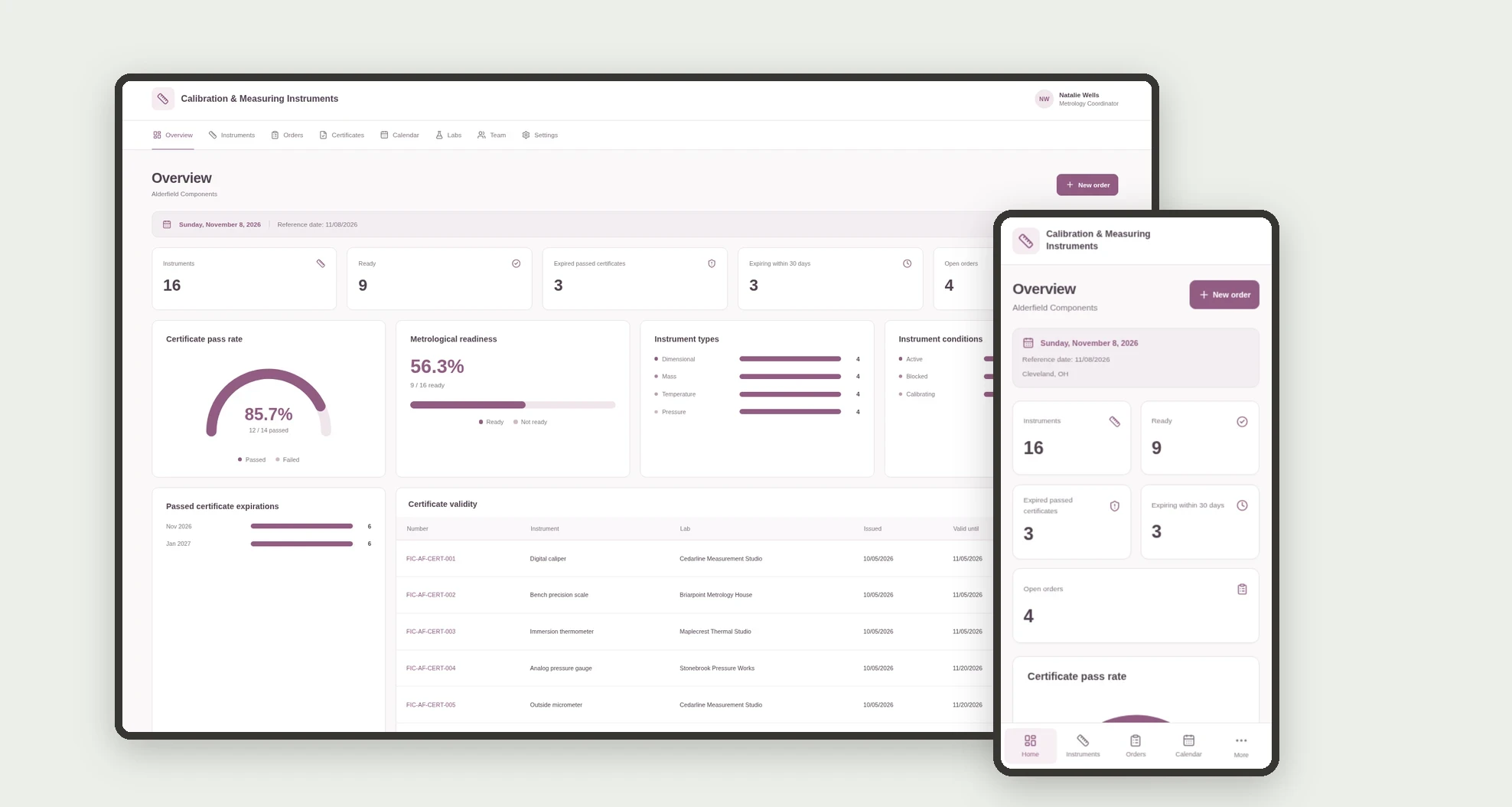
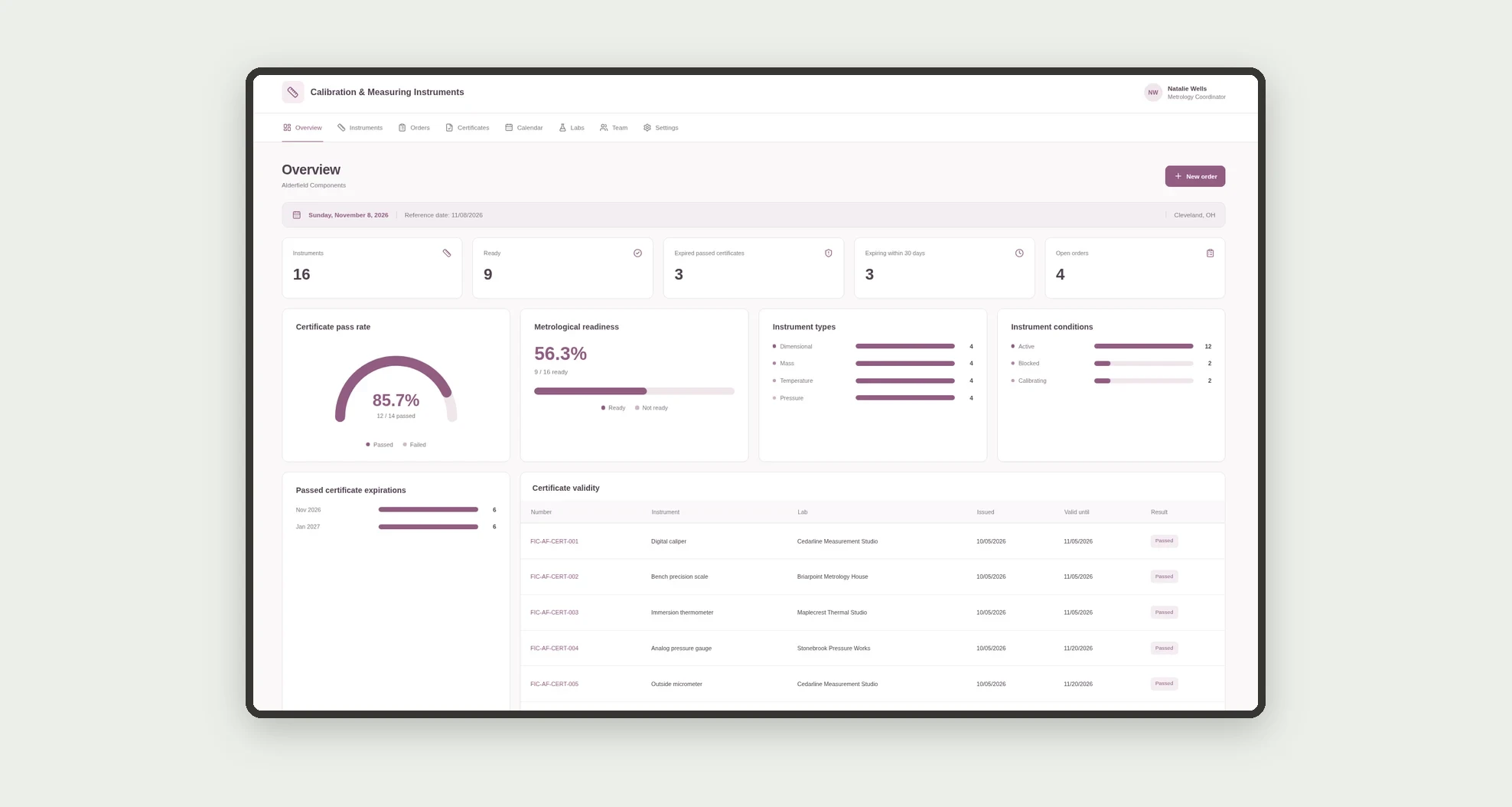
An app for tracking measuring instruments, calibration orders, and certificate records. Review validity, results, and metrological readiness through a dashboard, calendar, board, and linked profiles.
Who it's for
- Small manufacturers using measuring instruments.
- Metrology and operations coordinators.
- Teams sending instruments to laboratories.
- Staff reviewing certificates and expiration dates.
What you can do
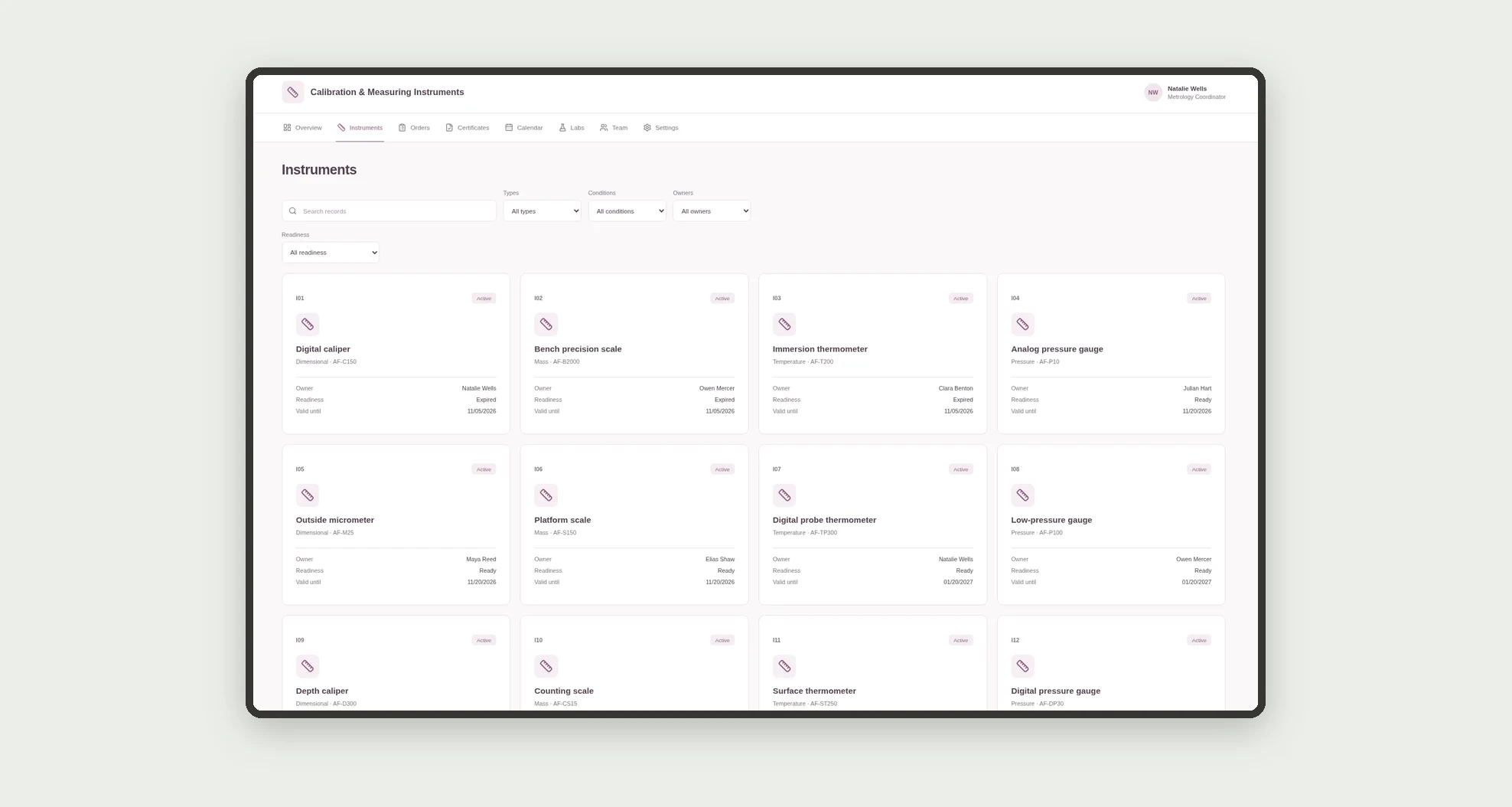
- Register instruments with range, unit, type, and owner.
- Browse instrument cards with condition and validity.
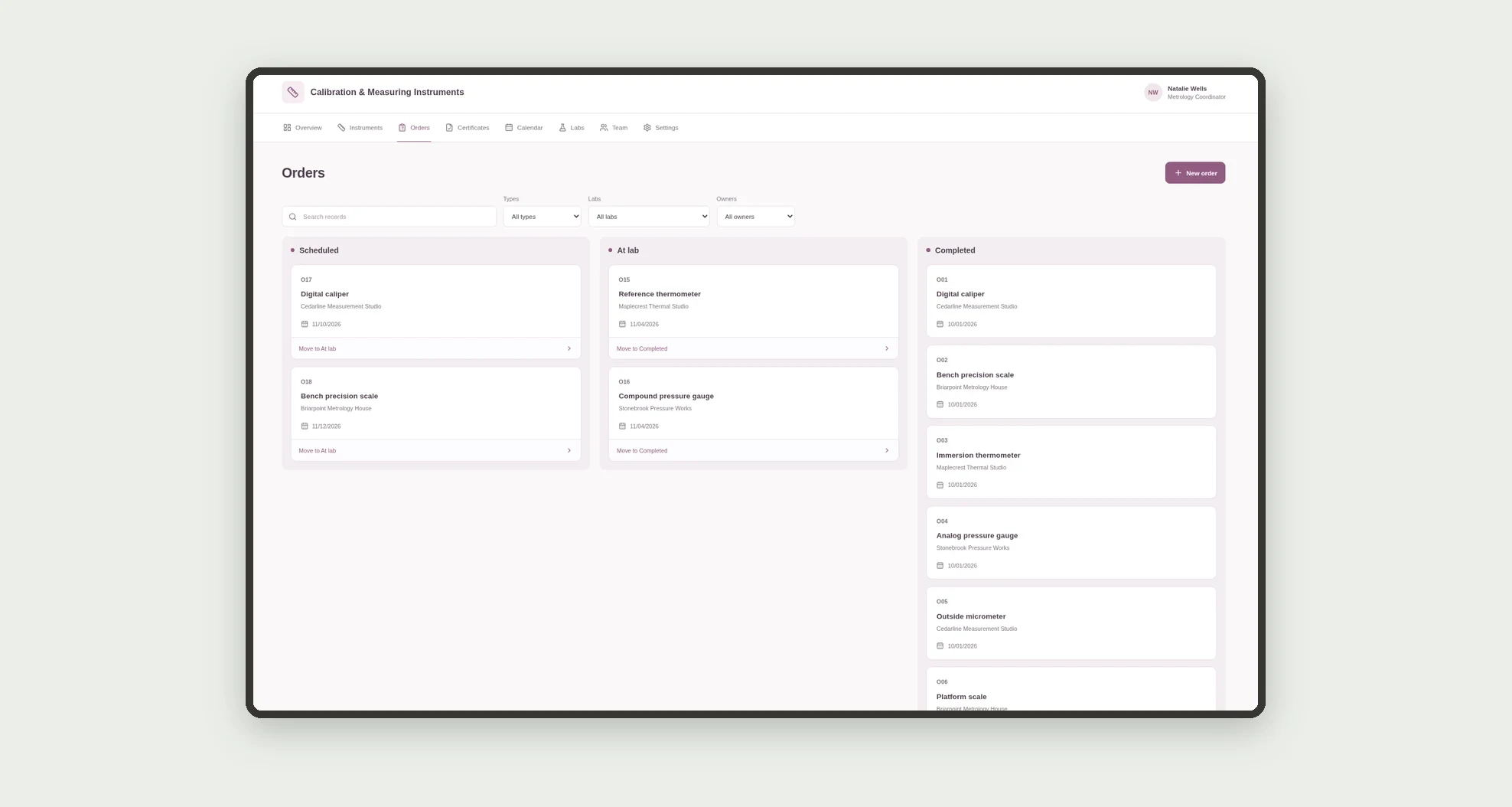
- Manage calibration orders on a kanban board.
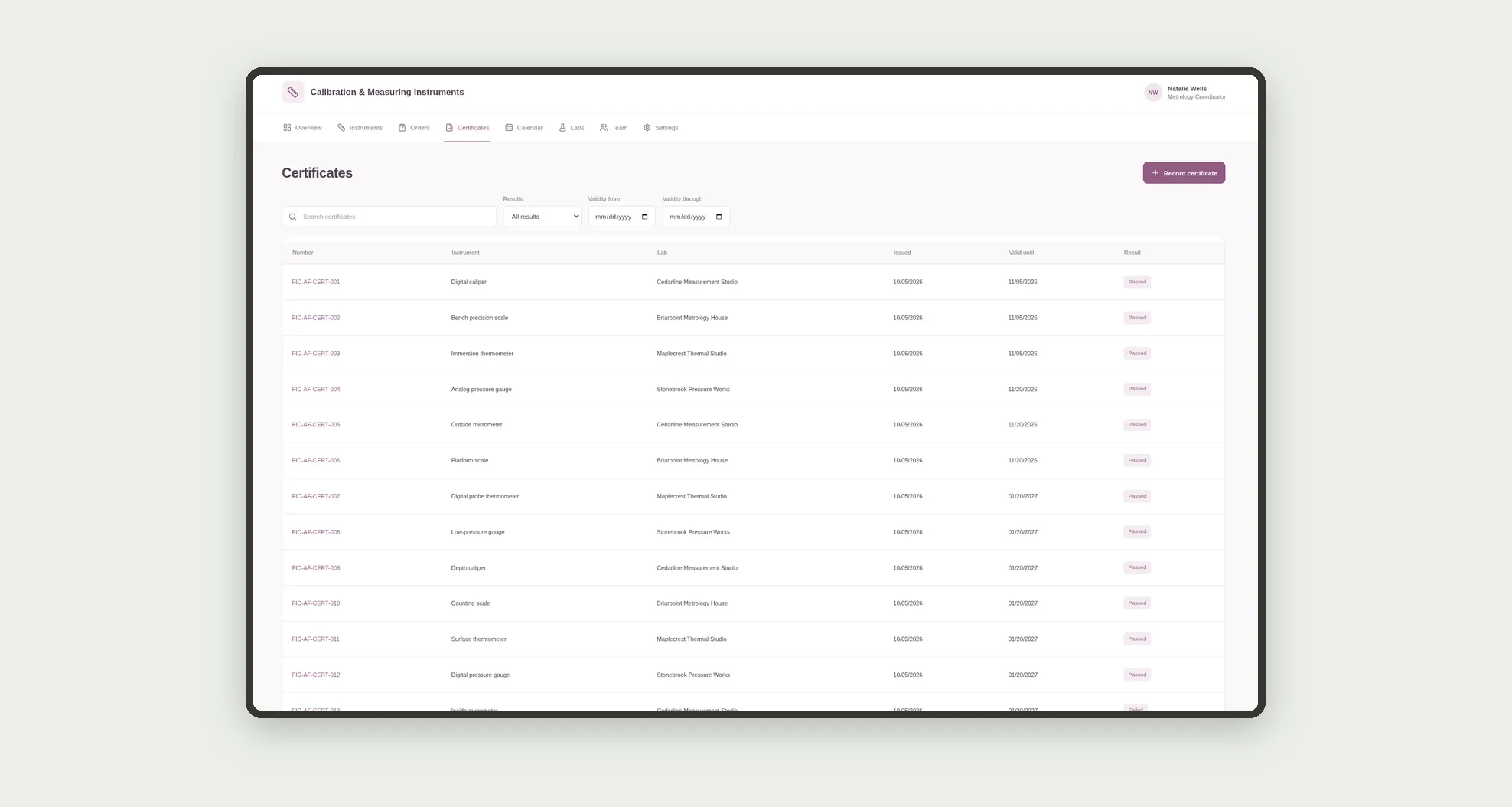
- Record certificates with results and validity dates.
- Sort and filter certificates in a data table.
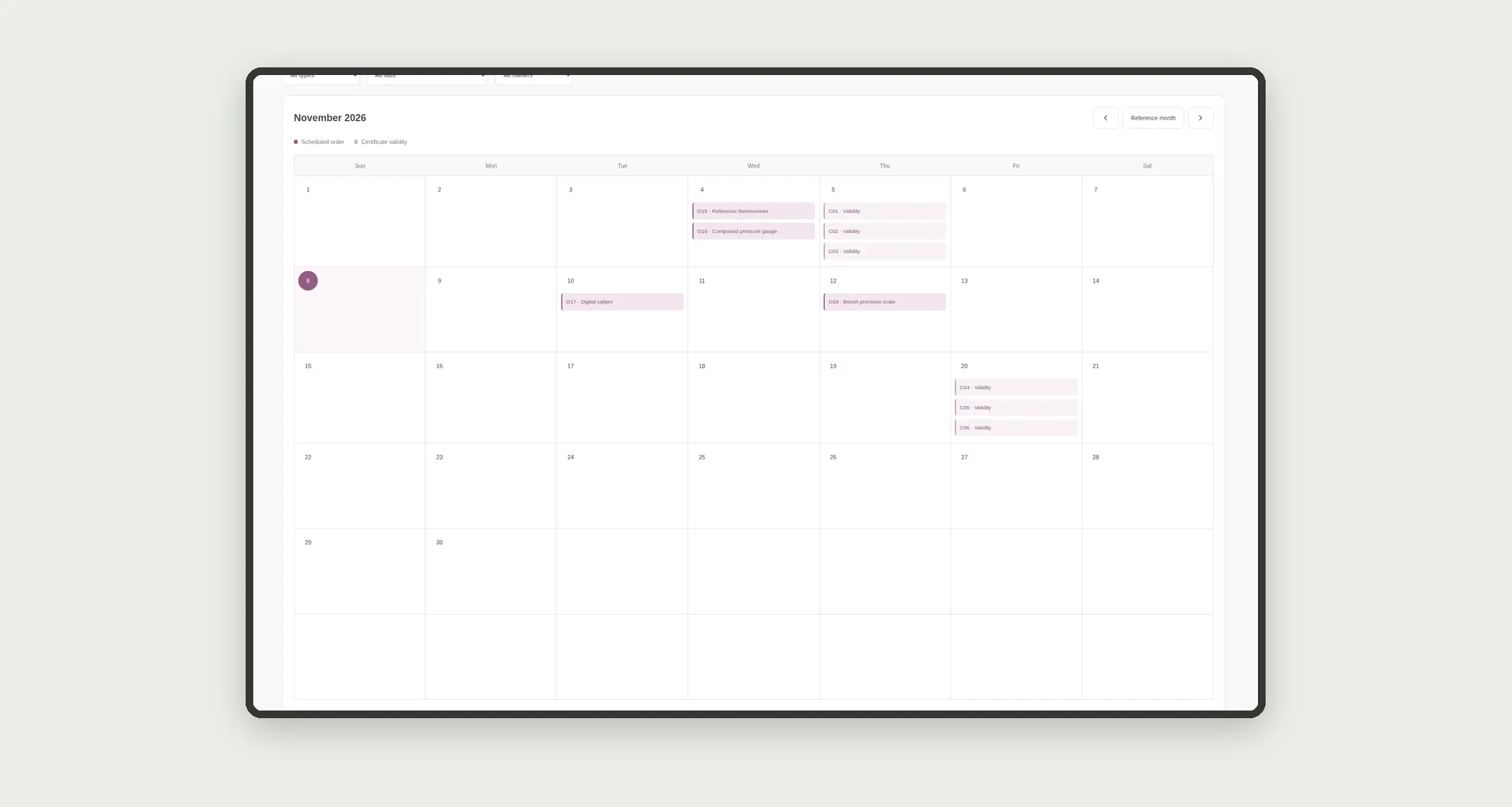
- View scheduled orders and expirations on a calendar.
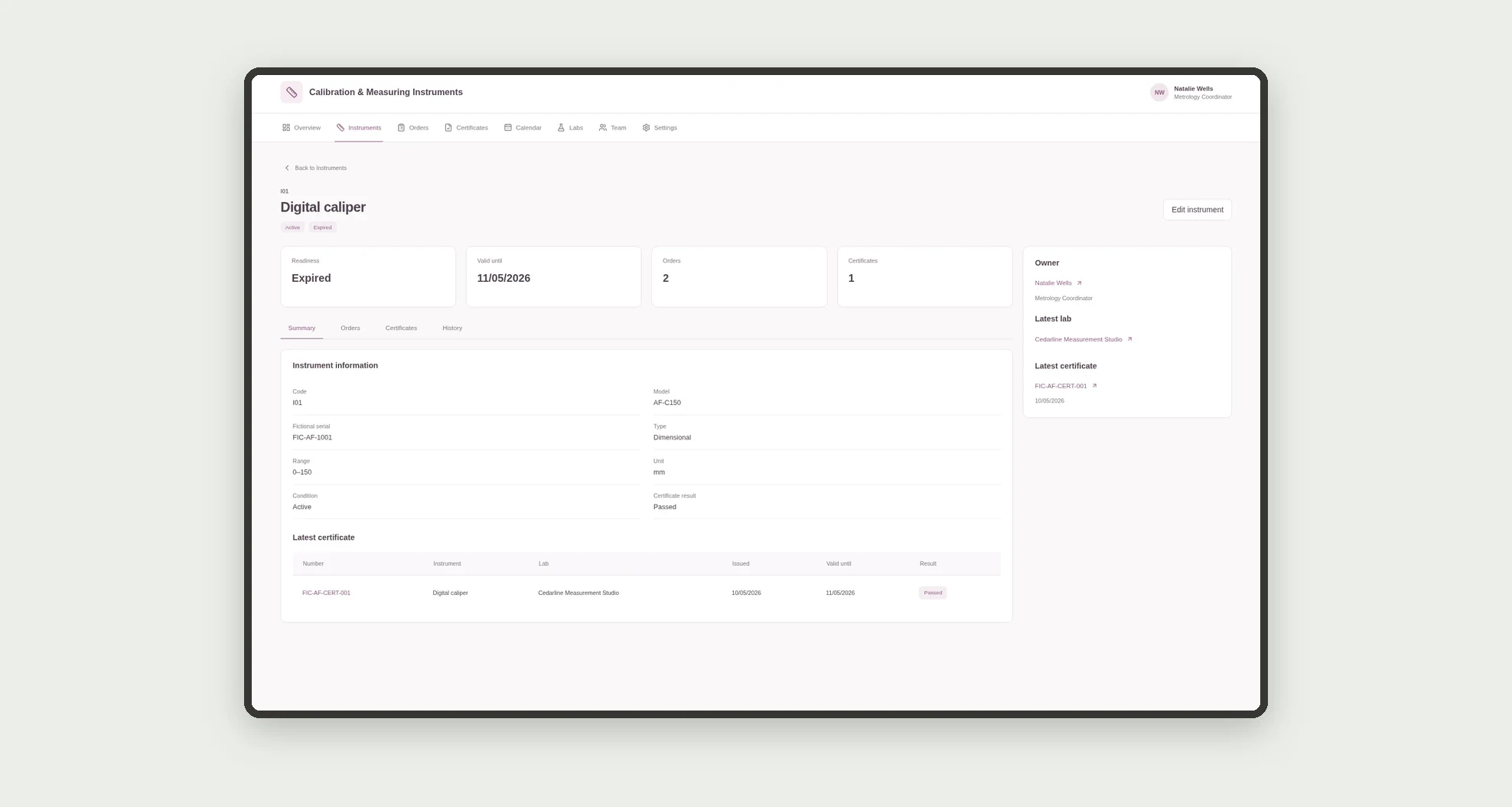
- Open profiles with orders, certificates, and dated history.
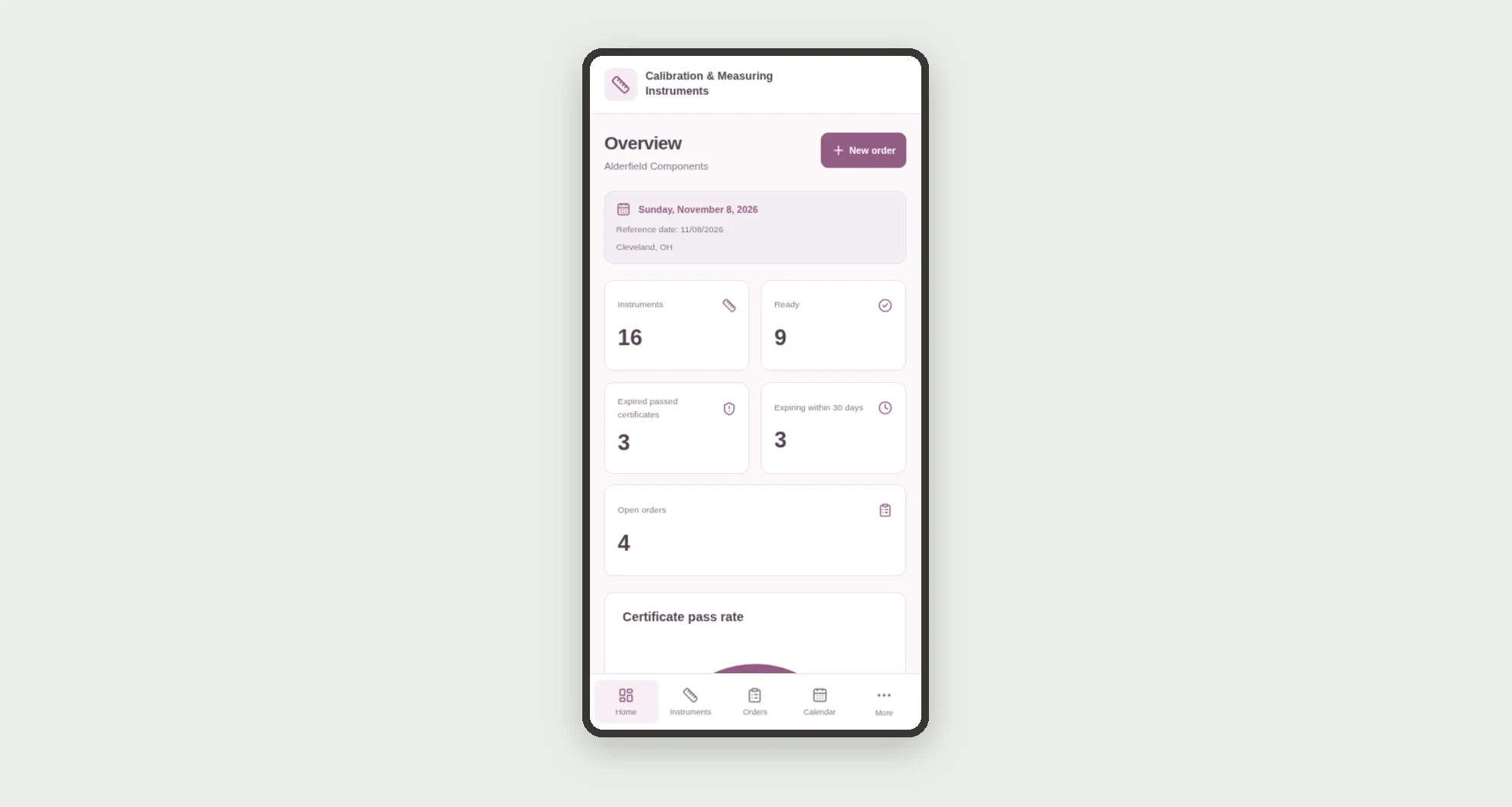
- Monitor ready instruments, expired certificates, and open orders.
App features
Calibration & Measuring Instruments
The Calibration & Measuring Instruments screen covers this part of the operation.
How it works
Set up team members, laboratories, and instruments. Record orders and track dispatch to the lab.
After completion, enter the certificate and result.
The dashboard considers instrument condition and its latest certificate to determine readiness and deadlines.
How to set up this template
- 1Click Use App
Create your Jestor account and install Calibration & Measuring Instruments. It works on desktop and mobile.
- 2Set up team members
Set up team members, laboratories, and instruments.
- 3Record orders and track dispatch to the lab.
Record orders and track dispatch to the lab.
- 4After completion
After completion, enter the certificate and result.
Integrations and customization
The design supports desktop and mobile use. Instrument types, ranges, units, labs, and owners can be adapted to operations. It does not perform calibration, issue real certificates, or include laboratory or equipment integrations.
- Adjust fields, categories, statuses and rules without code.
- Add screens, reports and automations as the operation needs them.
And that's just the start: you can edit any part of this template and go much further just by asking Jestor's AI. Describe what you need, like a new field, automation, report or integration, and the AI builds or adjusts it for you, no code required.
Frequently asked questions
Does the app calibrate instruments?
No. It organizes internal records and results entered by the team.
When is an instrument considered ready?
When it is active and its latest certificate is passed and valid on the reference date.
Can an active instrument be expired?
Yes. Its recorded condition does not replace certificate validity checks.
Does a new order invalidate the previous certificate?
No. Readiness uses the latest recorded certificate, not merely a future order.
Are the sample records real?
No. Businesses, people, labs, instruments, and demonstration certificates are fictional.