What it is
An app for coordinating business trips, itineraries, preparation, and follow-up tasks. Organize trips on a board, appointments on a calendar, and traveler and destination information in linked profiles.
Who it's for
- Small and mid-sized businesses with traveling teams.
- Operations coordinators and administrative support teams.
- Consultancies conducting client visits and implementations.
- Managers tracking travel schedules and tasks.
What you can do
- Register trips with traveler, destination, purpose, and dates.
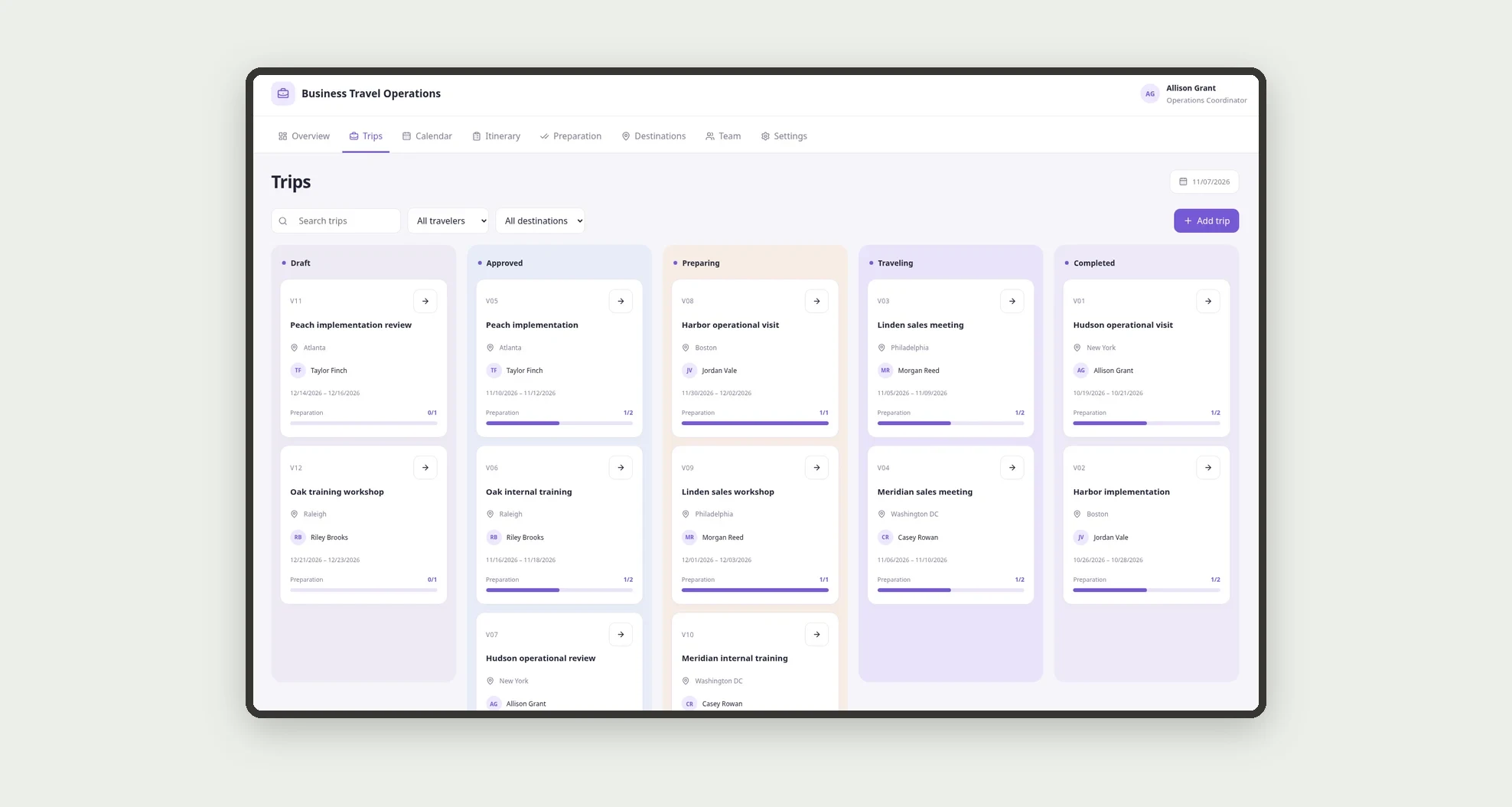
- Track trips on a stage-based kanban board.
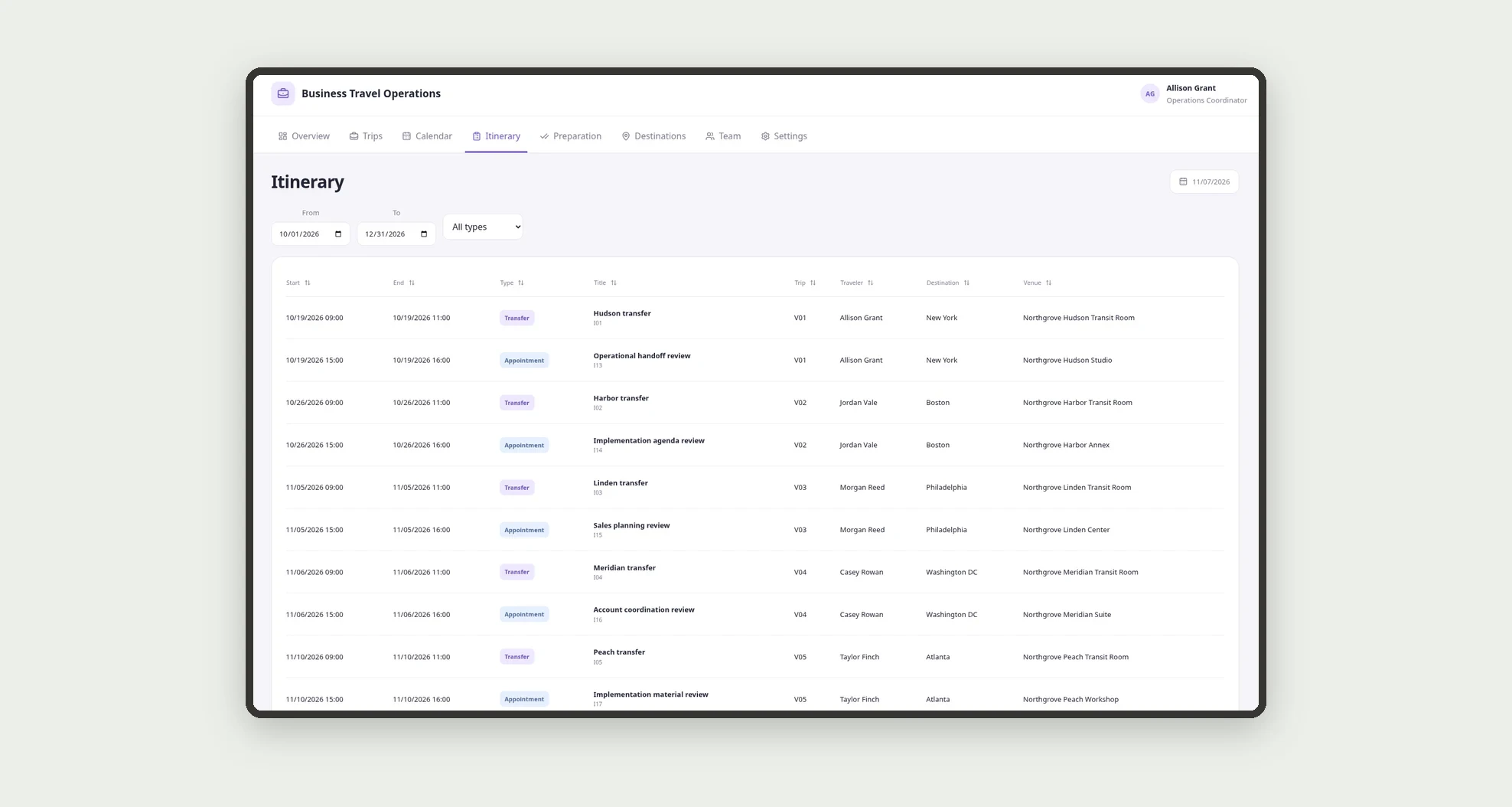
- Record transfers and appointments in a sortable itinerary.
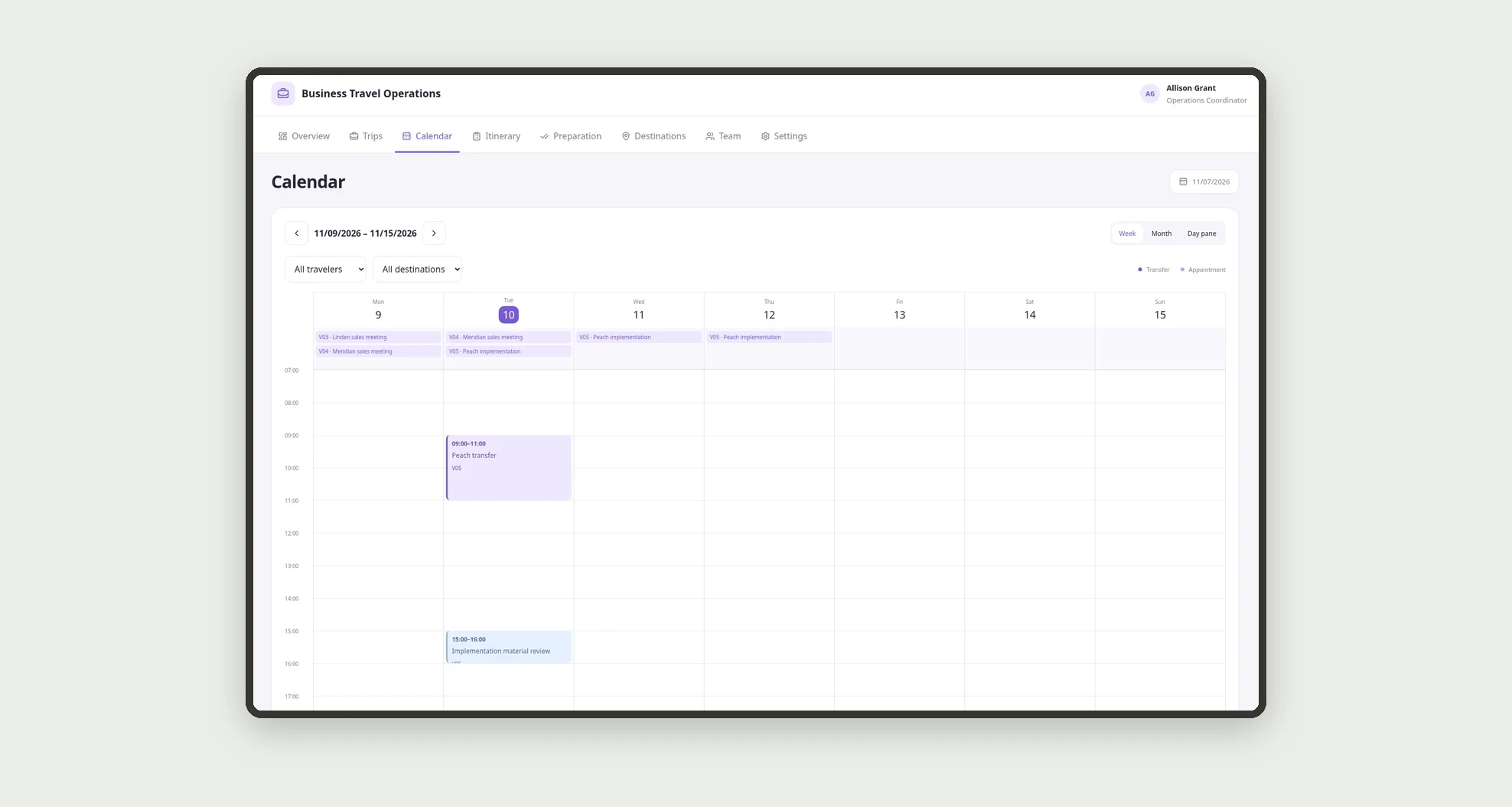
- Browse events on weekly and monthly calendars.
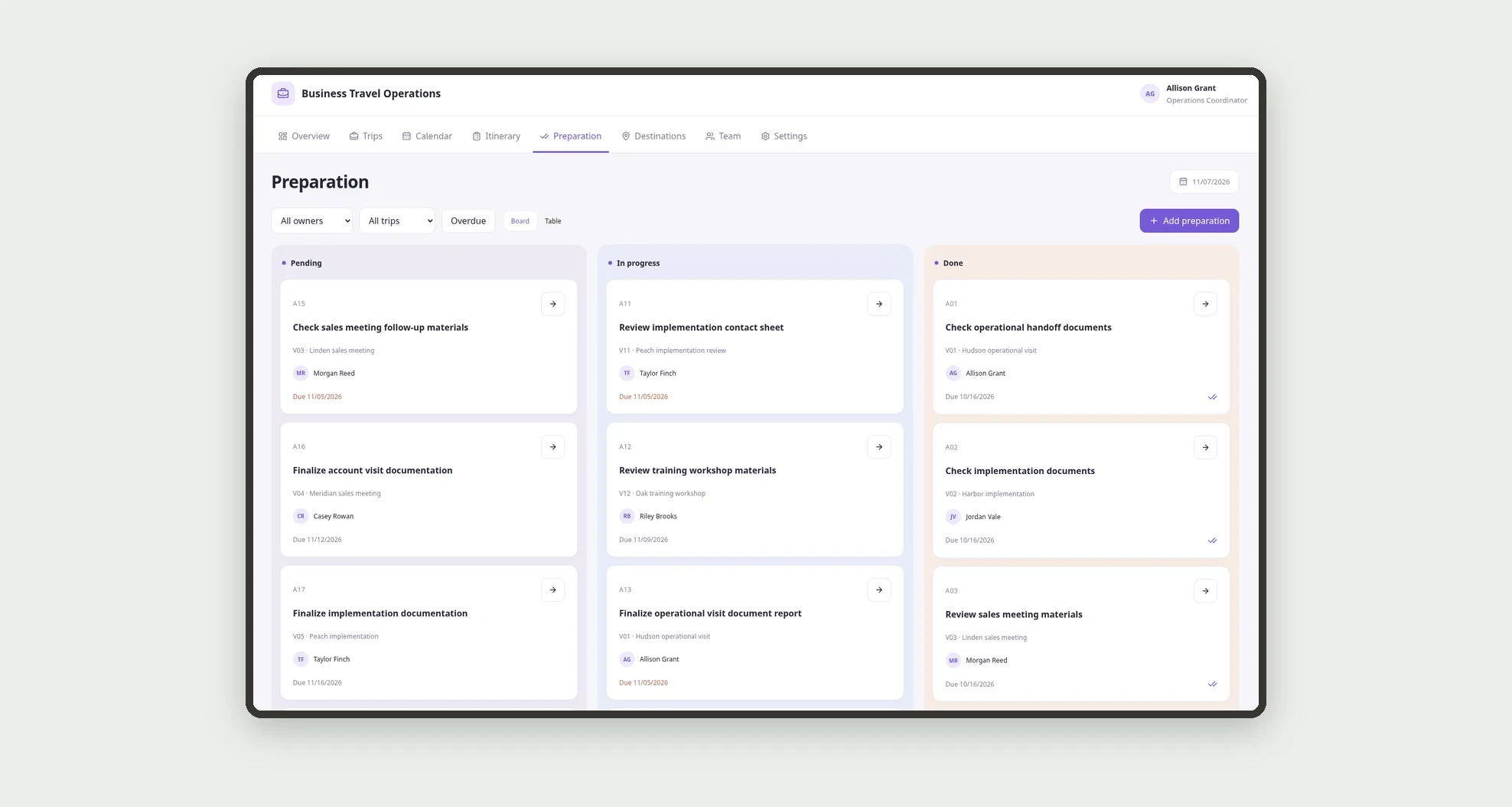
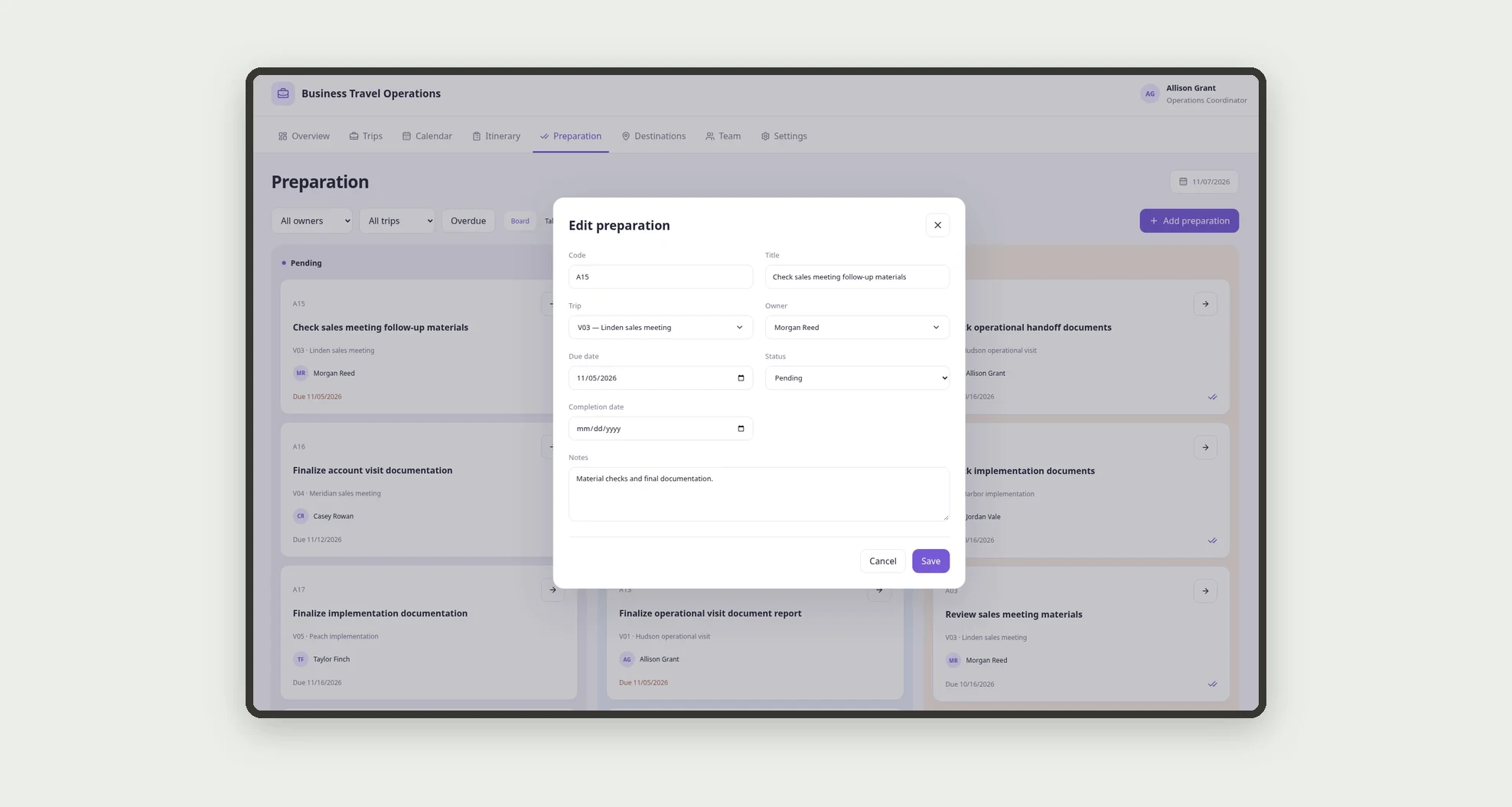
- Assign preparation and follow-up tasks to owners.
- Explore destination and traveler card grids.
- Open trip profiles with route, calendar, and related tasks.
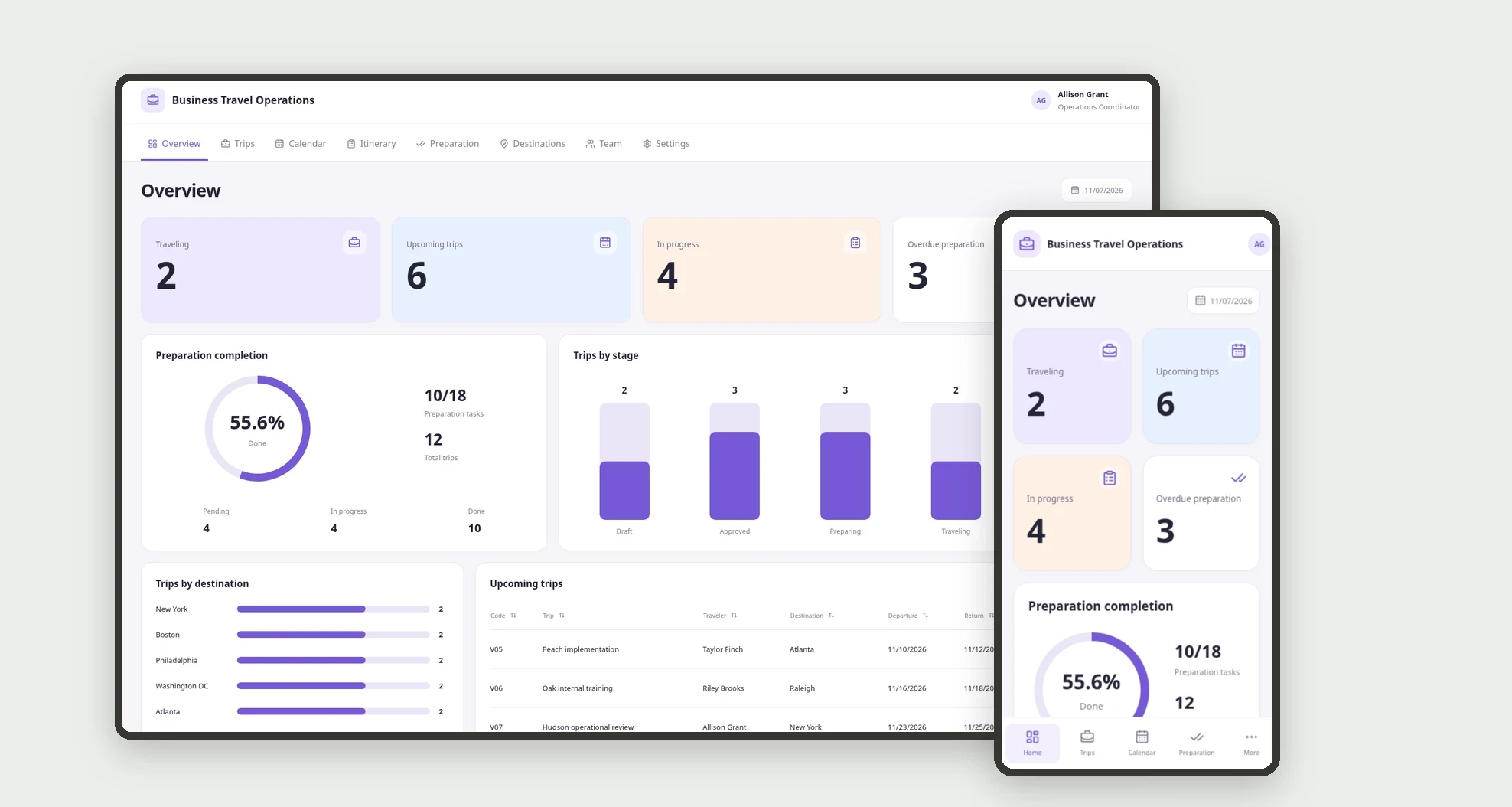
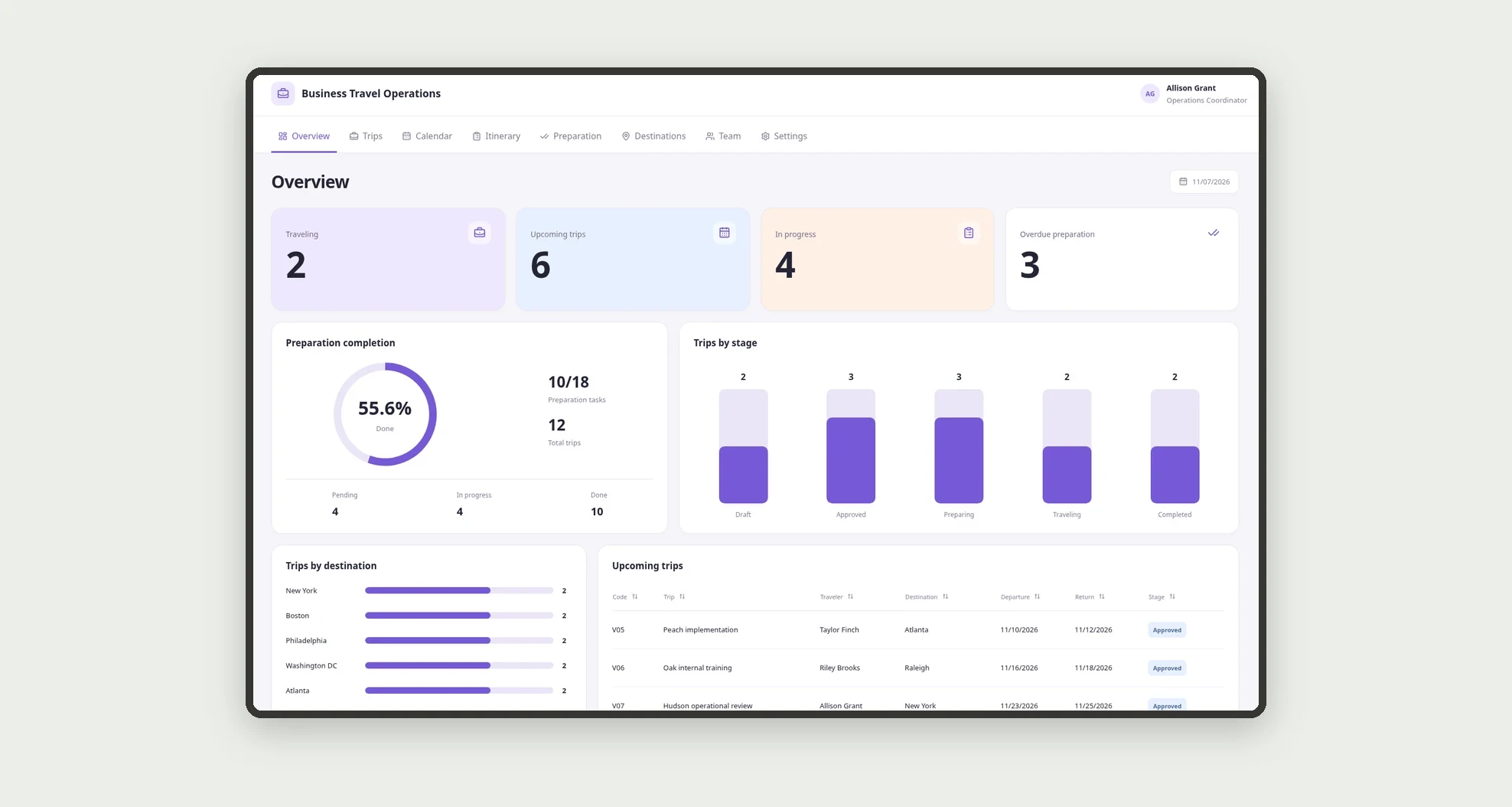
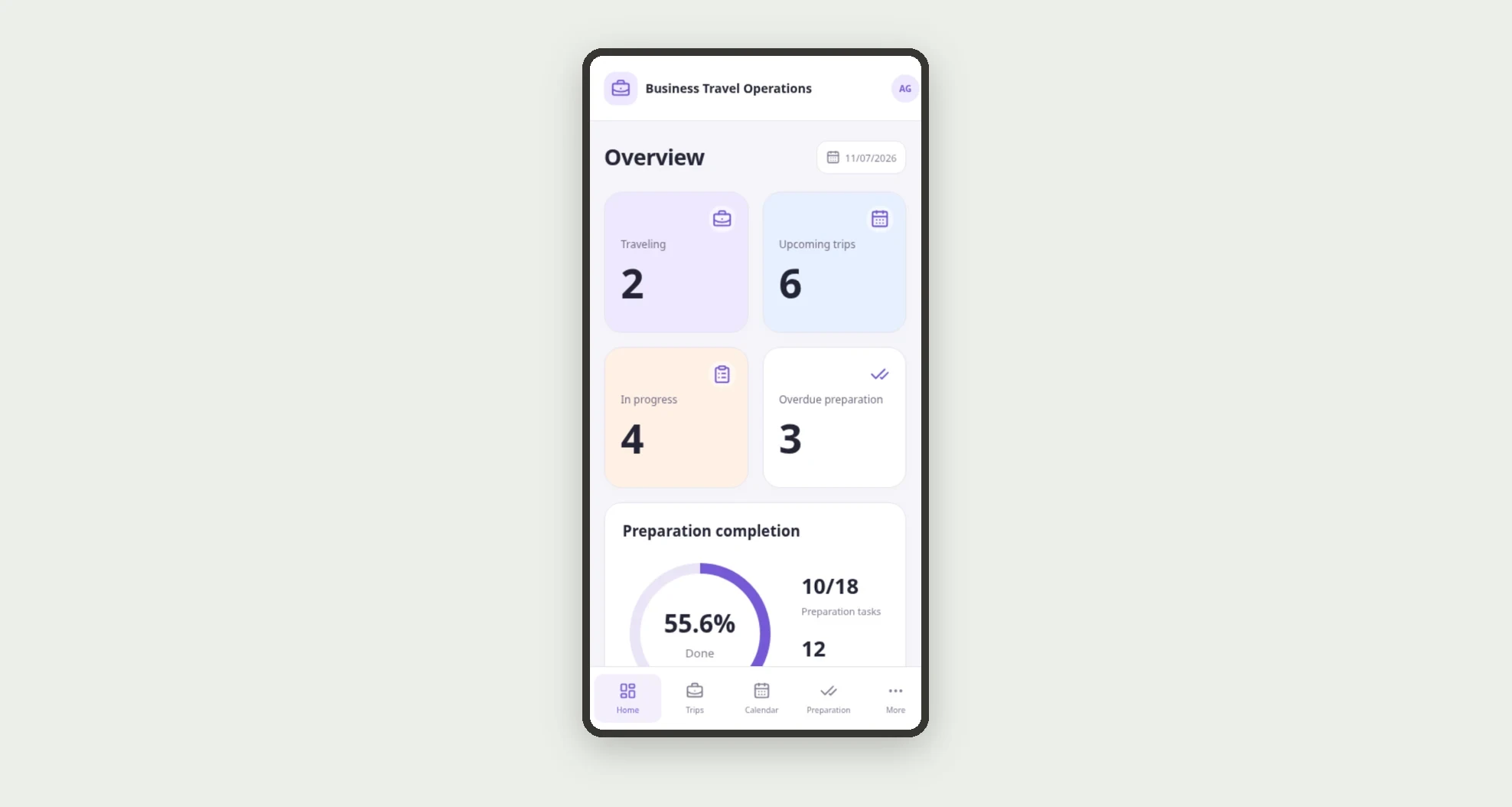
- Monitor current trips, upcoming travel, and overdue tasks.
App features
Business Travel Operations
The Business Travel Operations screen covers this part of the operation.
How it works
Set up team members and destinations.
Record the trip, organize transfers and appointments, and assign tasks.
Track stages on the board, consult the calendar, and record task completion before or after the trip according to its purpose.
How to set up this template
- 1Click Use App
Create your Jestor account and install Business Travel Operations. It works on desktop and mobile.
- 2Set up team members and destinations.
Set up team members and destinations.
- 3Record the trip
Record the trip, organize transfers and appointments, and assign tasks.
- 4Track stages on the board
Track stages on the board, consult the calendar, and record task completion before or after the trip according to its purpose.
Integrations and customization
The design supports desktop and mobile use. Destinations, departments, purposes, and tasks can be adapted to the business. No ticket or hotel purchasing or booking, payments, invitation sending, or external calendar integration is included.
- Adjust fields, categories, statuses and rules without code.
- Add screens, reports and automations as the operation needs them.
And that's just the start: you can edit any part of this template and go much further just by asking Jestor's AI. Describe what you need, like a new field, automation, report or integration, and the AI builds or adjusts it for you, no code required.
Frequently asked questions
Does the app buy tickets or reserve hotels?
No. It internally organizes operations and the itinerary entered by the team.
How are times displayed?
The design uses one explicit timezone for storage and formatting across all views.
Can a trip have multiple appointments?
Yes. Itinerary records link to a trip and appear in its route and calendar.
Can tasks continue after the return?
Yes. They can cover follow-up checks and documentation according to their recorded due dates.
Are the demonstration records real?
No. People, businesses, appointments, venues, and references are fictional.