What it is
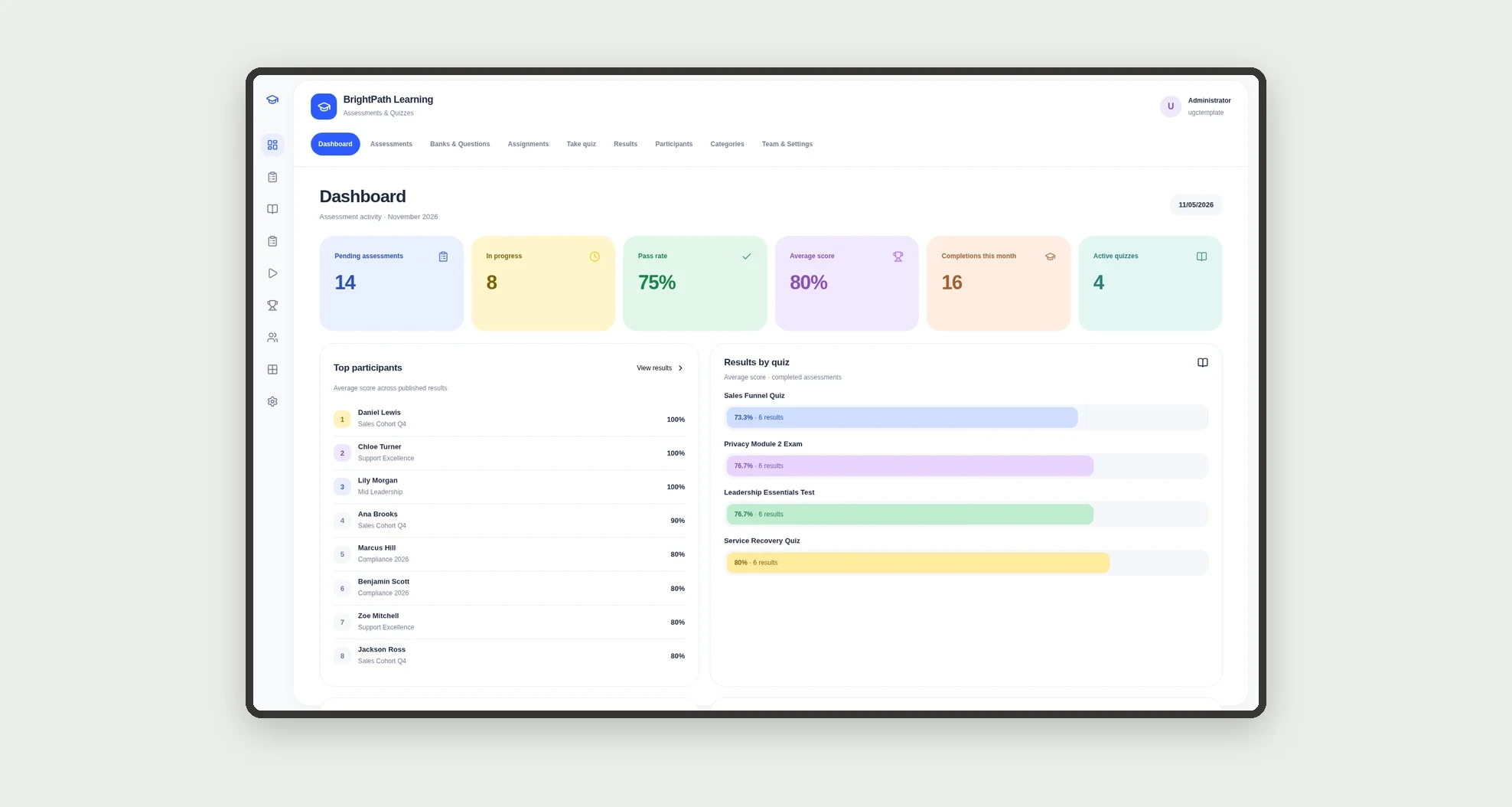
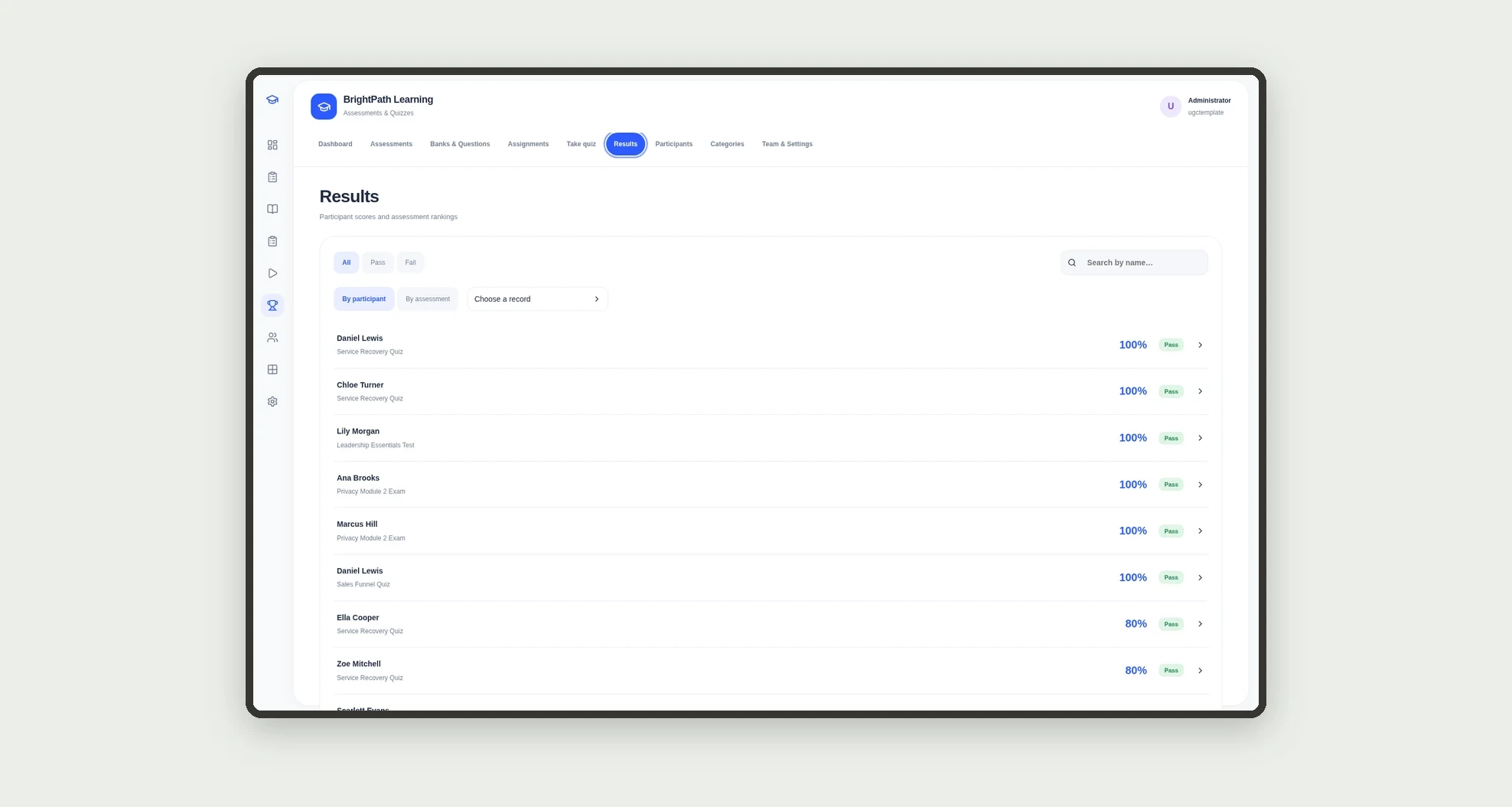
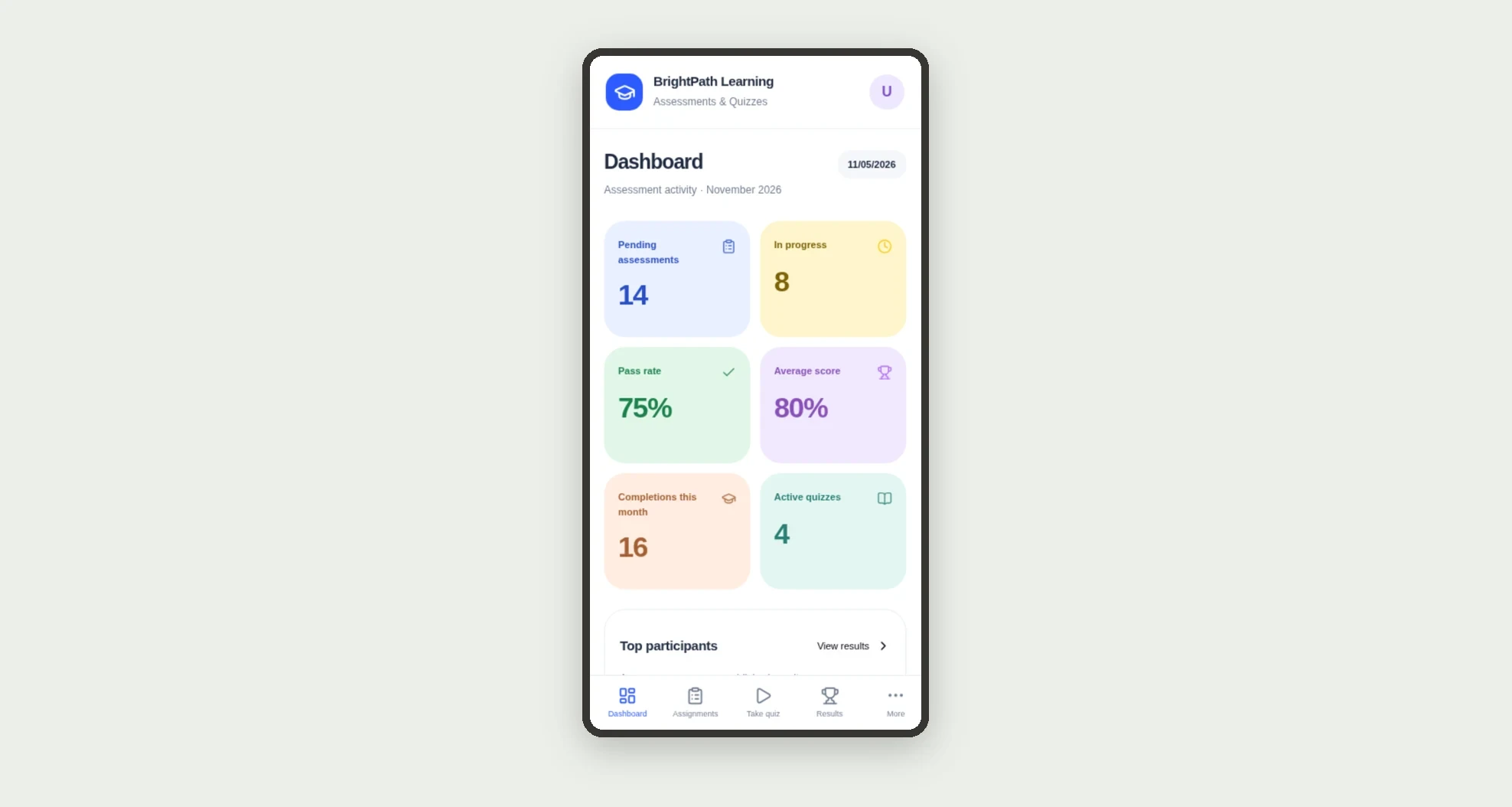
Assessments and quizzes for training: question banks, tests assigned to participants, automatic scoring, pass/fail, ranking and pending work. The dashboard shows pass rate, average score, completions this month and results by quiz.
Who it's for
- Corporate B2B training schools and consultancies
- Learning coordinators who build banks and exams
- Instructors who assign quizzes to cohorts and track scores
- L&D analysts who measure pass rate and ranking
- Participants who answer on a phone
- Managers who chase completions and overdue work
What you can do
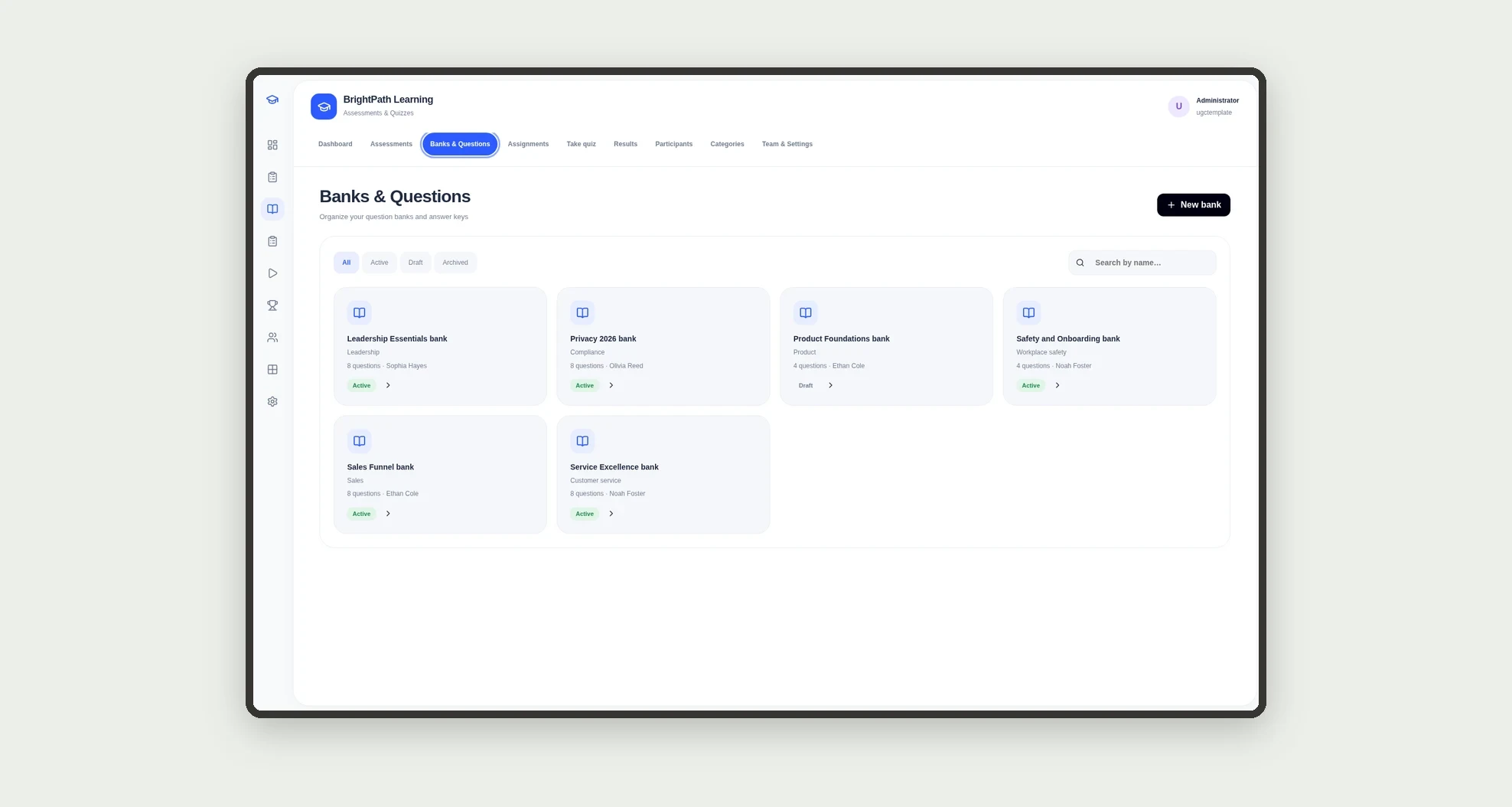
- Organize question banks by category and difficulty
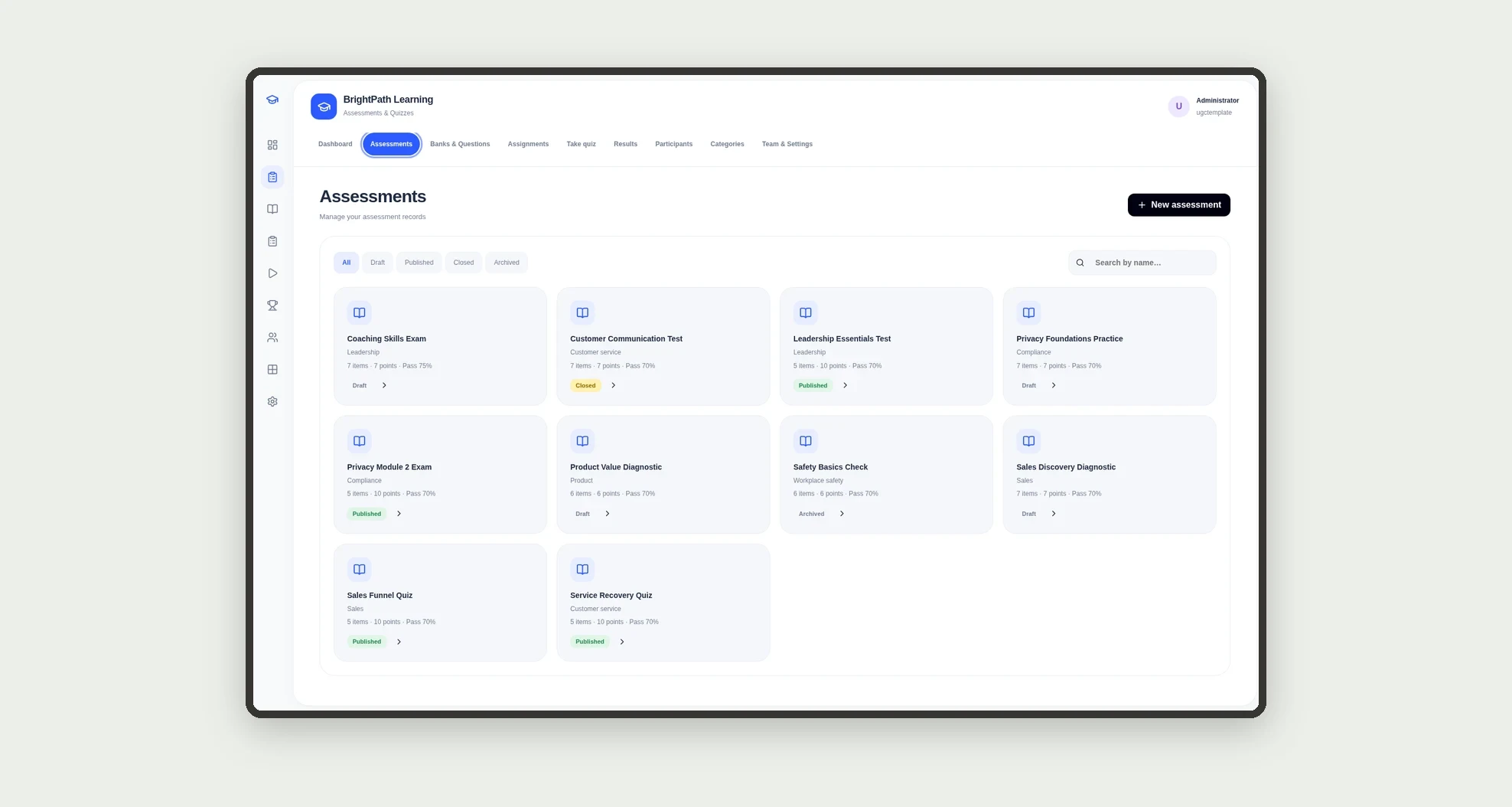
- Build quizzes and exams with scored items and a pass mark
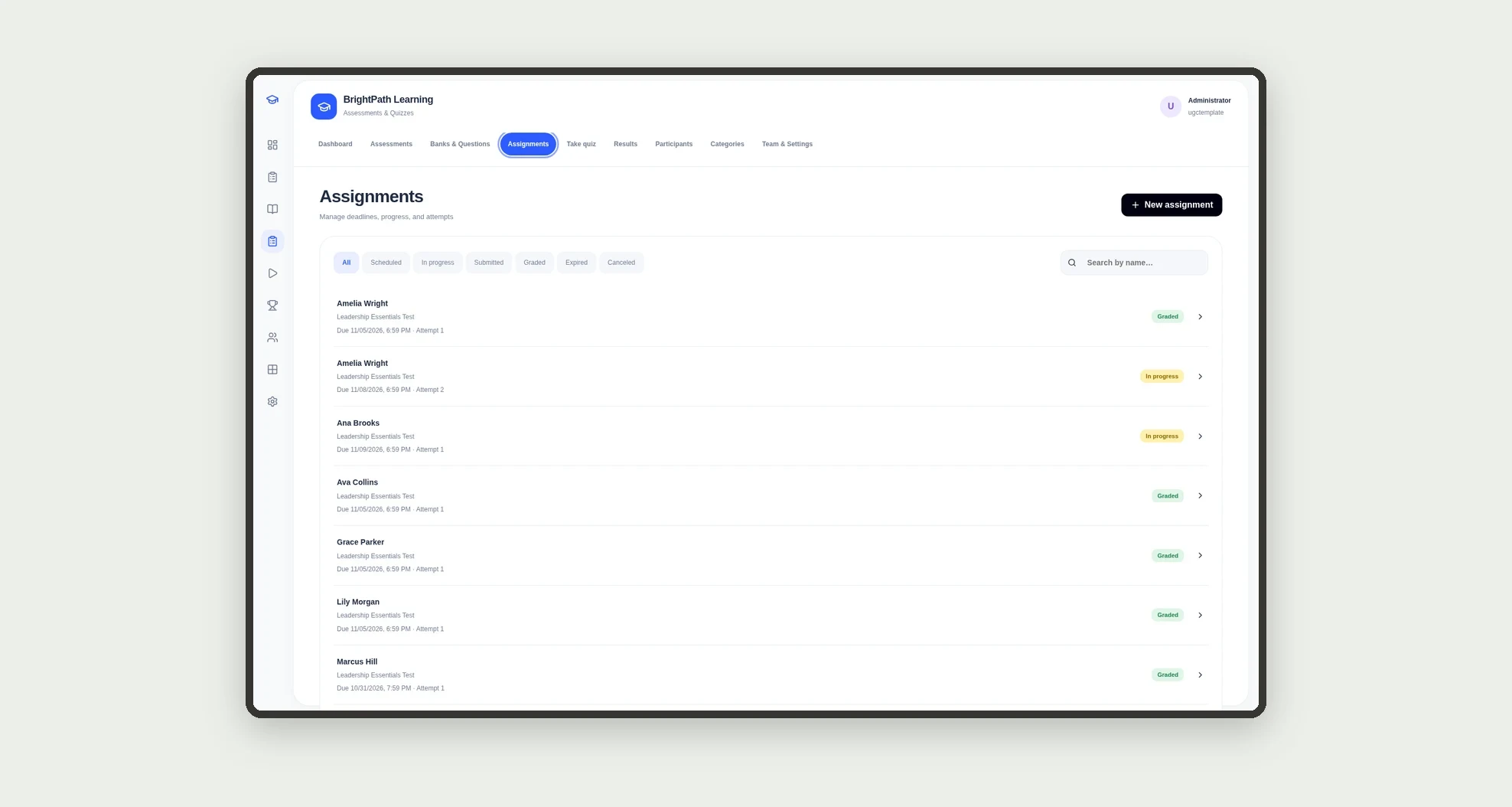
- Assign assessments to participants or classes with deadlines and attempts
- Auto-grade objective questions on submit
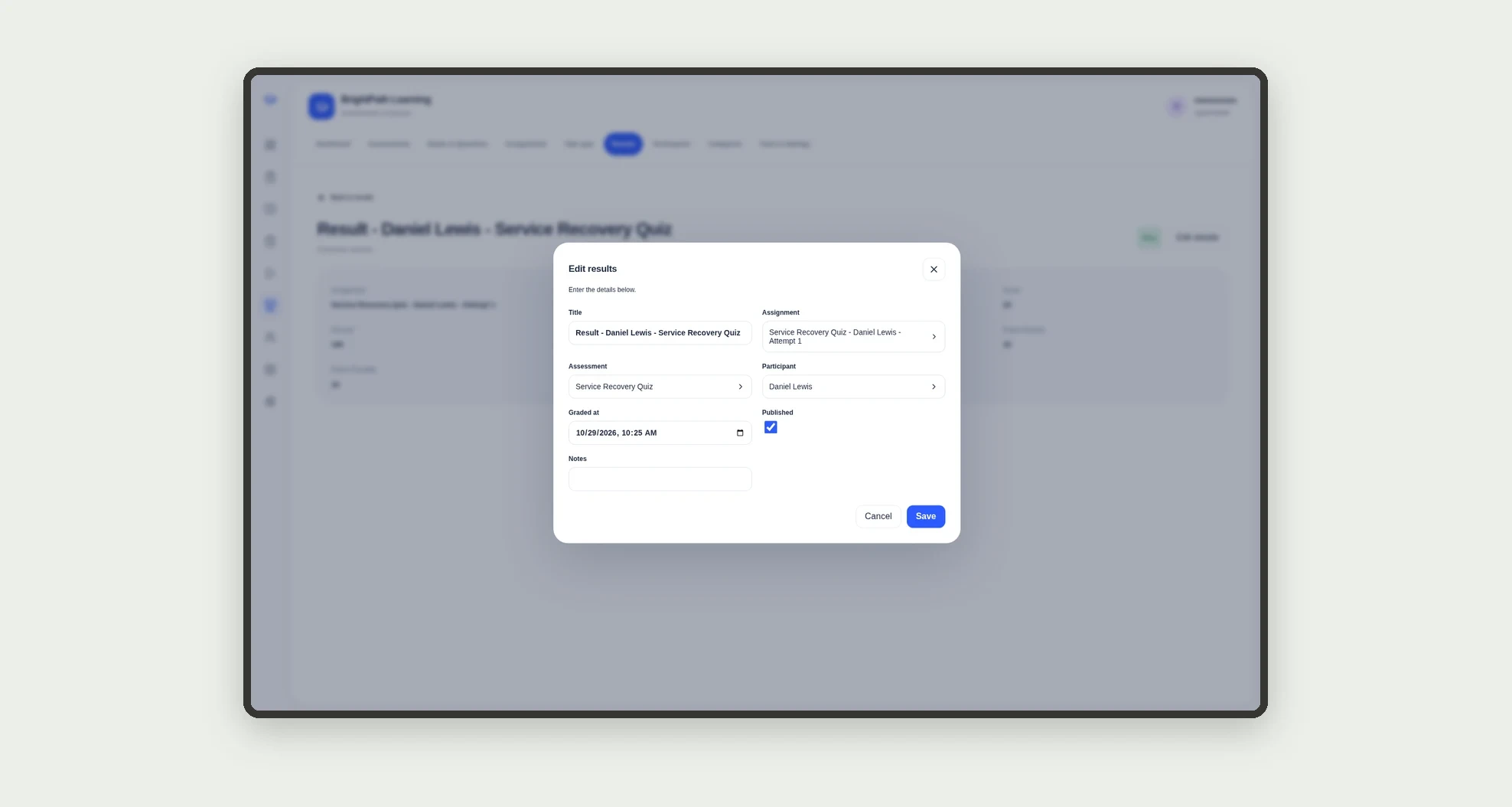
- Record score, percent and pass/fail per assignment
- See ranking per assessment and results by quiz
- Track pending work and assignments due soon
- Answer on mobile in Take quiz
App features
Assessments & Quizzes
The Assessments & Quizzes screen covers this part of the operation.
How it works
The coordinator creates the bank, adds questions and builds the assessment with items and points. After publish, assignments open with a deadline.
The participant answers; the app compares to the key, sums points and writes the result.
The dashboard updates pass rate, average score, ranking and pending work.
How to set up this template
- 1Click Use App
Create your Jestor account and install Assessments & Quizzes. It works on desktop and mobile.
- 2The coordinator creates the bank
The coordinator creates the bank, adds questions and builds the assessment with items and points.
- 3After publish
After publish, assignments open with a deadline.
- 4The participant answers; the app compares to the key
The participant answers; the app compares to the key, sums points and writes the result.
Integrations and customization
Works on desktop and mobile. Pass mark, attempts, time limit and categories adapt without code. No external LMS or proctoring integration is bundled; banks, assignments, grading and ranking run inside the app.
- Adjust fields, categories, statuses and rules without code.
- Add screens, reports and automations as the operation needs them.
And that's just the start: you can edit any part of this template and go much further just by asking Jestor's AI. Describe what you need, like a new field, automation, report or integration, and the AI builds or adjusts it for you, no code required.
Frequently asked questions
Can participants answer on a phone?
Yes. The bottom bar covers Dashboard, Assignments, Take quiz, Results and More, with Take quiz designed for the participant.
How does the pass mark work?
Each assessment has its own pass mark percent. On submit, the app computes the percent and writes Pass or Fail against that cutoff.
Are short essays auto-graded?
Objective items (multiple choice and true/false) grade immediately. Short essays stay pending until an instructor marks them.
Does it include sample data?
Yes. The template ships with settings, team, participants, categories, banks, questions, assessments, items, assignments, answers, results and history already loaded.